Get the most out of Clio Payments

Everything you need to level up your collections

Clio’s built-in payment processing solution helps you get paid faster, which boosts your collection rates and firm efficiency. Use this welcome kit to start to take advantage of everything Clio Payments has to offer.

Get paid your way—upfront, online, or in-person

Elevate your collections process

Make online payments the backbone of your business

Get paid your way

Get paid upfront

Whether you’re collecting an initial consultation fee, setting up a retainer, or anything in between, Clio Payments helps you get paid from the start.

Get compensated from the get-go: Set expectations with your clients when you send trust requests upon initial engagement and to top up retainers.

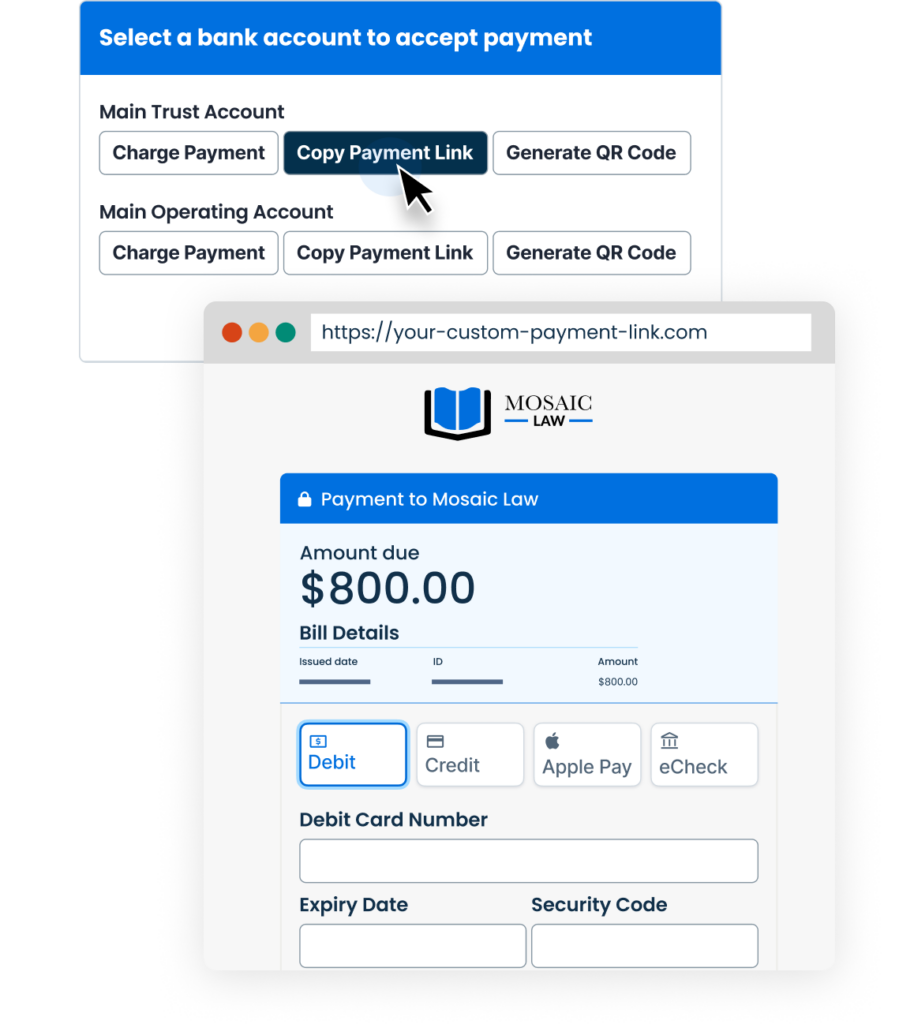
Get paid with a single link: Send clients a click-to-pay link by email, text, or wherever you communicate with clients. All your clients need is a single link to pay you online.

Collect consultation fees with ease: Let clients pay consultation fees when they book an initial appointment through Clio Grow

Dive into trust account management best practices

Get paid Online

Get paid online

The easier it is for clients to pay, the faster your firm will collect.  Clio Payments helps you do just that.

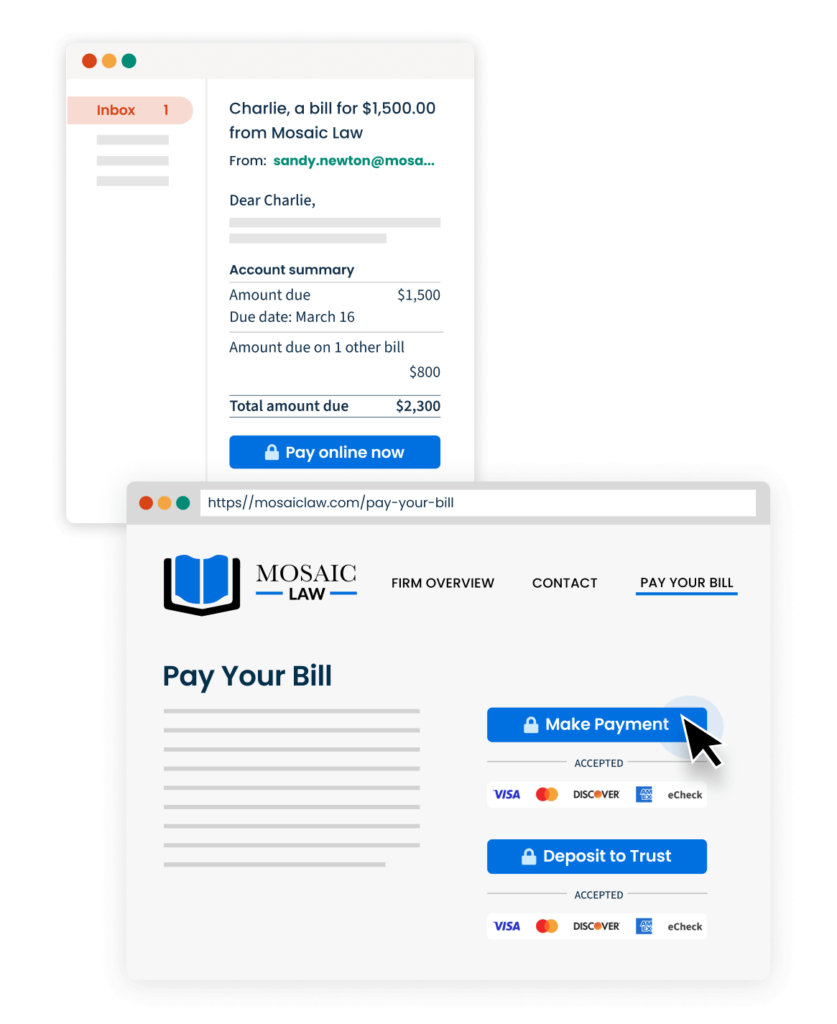
Send instantly payable bills: Make it easy for clients to pay their bills when you send your bills through Clio, via both email and text. Every bill is instantly payable with a pay online now link, for easy access.

Send a link to collect a client balance: Sometimes you may want to collect a quick payment on a balance without sending a bill. Use Clio Payments to send clients a link to pay their outstanding balance for easy collections. 

Set up a payment page on your website: Embed click-to-pay links on your website to create a secure payment page where clients can easily pay any amount into your trust or operating accounts.

Download payment buttons

Get paid in-person

Get paid in-person

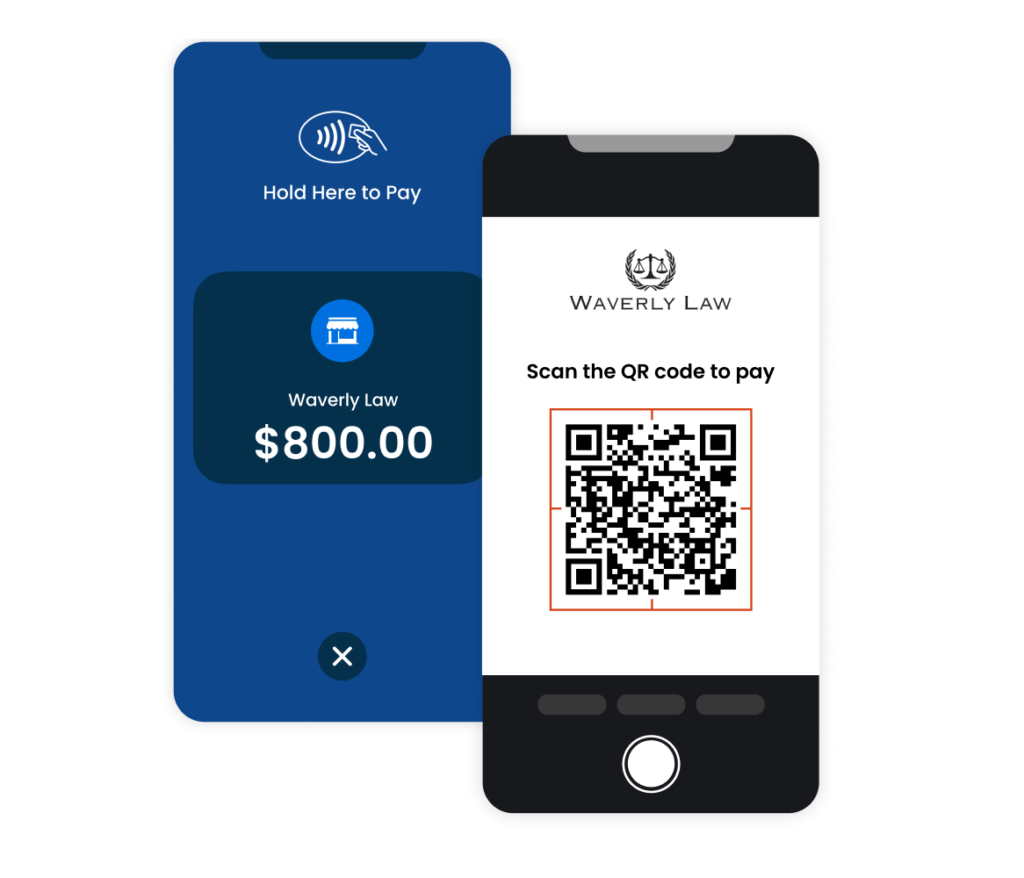
Accept payments in-person: With Clio’s mobile app, you can give clients the option to tap their card or their phone to make a payment—no extra hardware required.

Use QR codes for easy access: Include QR codes on printed bills or even on display at your office, so clients can easily make on-the-spot payments. 

Tip: You can always enter card information directly in Clio Manage to take payment over the phone or in-person.

Ready to get started? Download the Clio Mobile App.

iOS

Android

Elevvate your collections process Payments Welcome Kit

Elevate your collections process

Clio Payments helps you get paid on-time—without all the time typically spent chasing clients. Implement the following in your practice: 

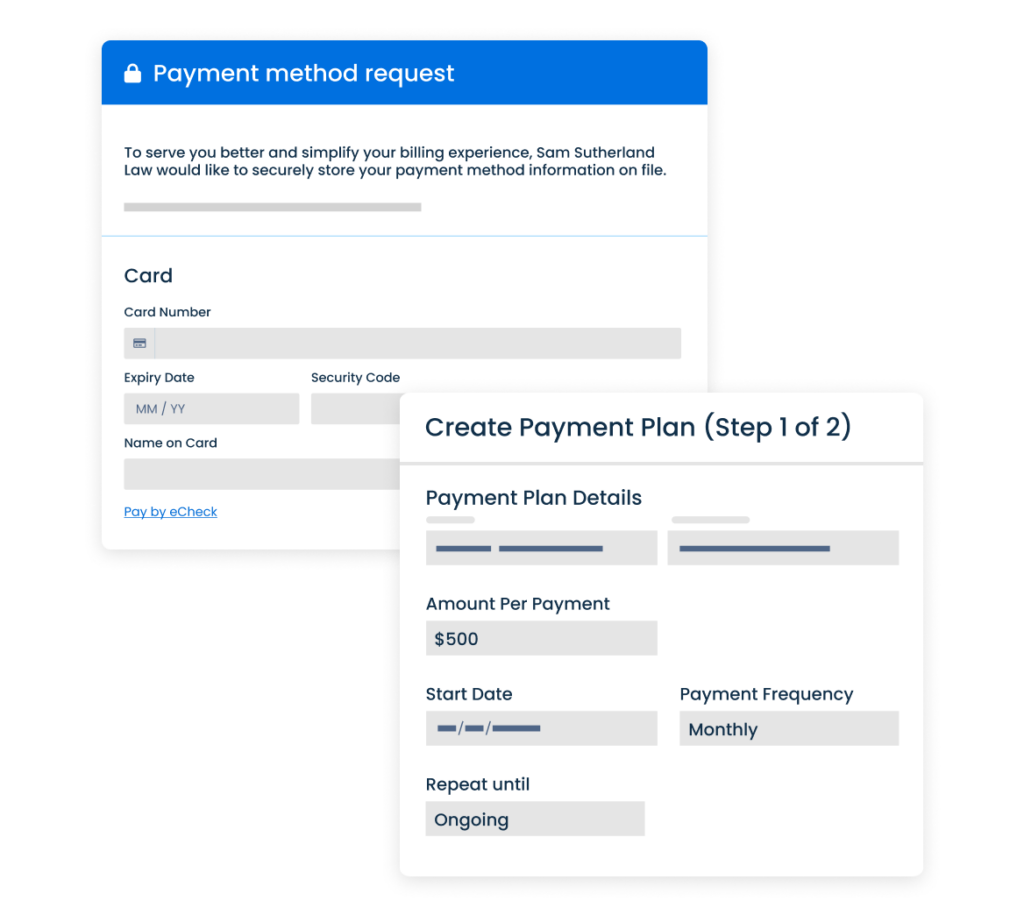
Keep client payment methods on file: Store client payment information in Clio from the start, which makes recurring payments a breeze. All payment details are stored with the strictest levels of PCI compliance.

Reduce outstanding balances with payment plans: Break down large payments into manageable installments, which makes it easier to collect on a pre-determined schedule.  Or, set up ongoing payment plans with no end date for longer-term or repeat work.

Skip the inbox with text to pay: Send bills, trust requests, and bill reminders by text message—in just one click. Plus, set up automated bill reminders by email or text so your bills get seen and paid quickly.

Head to Clio Payments

Get paid your way

Make online payments the backbone of your business

Now that you’ve mastered the essentials, here’s how to make sure you’ve automated as much of your billing and collections process to deliver the best possible experience to your clients.

Share bills through Clio: Only bills sent through Clio include Pay Online Now buttons. When you send via email, change your settings so those come from your own email address—not [email protected]

Automate with a personal touch: Ensure you’ve customized bill themes from over 150 possible configurations and personalizing bill message templates with auto-fields for different scenarios.

Jot down client’s billing preferences: Add a custom field on the matters page to note down a client’s billing preference. When you tailor billing to a client’s preference, they’re more likely to pay promptly, which speeds up your payment cycle. 

Customize how your bills are sent

Clio Payments Frequently Asked Questions

What payment methods does Clio Payments support?

For US customers:

Clients can pay by card, eCheck, direct ACH, and digital wallets such as Apple Pay and Google Pay. Clients can also pay in-person with tap to pay or scan a QR code on a bill or at your office. 

For Canadian customers:

Clients can pay by credit card, debit card, or digital wallets such as Apple Pay and Google Pay. Clients can also pay in-person with tap to pay or scan a QR code on a bill or at your office. 

Where can I learn more about how to use Clio Payments?

To learn more about how you can master Clio Payments, or if you want to ensure your team is trained with the latest tools, check out the resources below: 

What is Clio’s chargeback guarantee?

Credit card disputes happen—and when they do, Clio has you covered. Chargebacks are fees charged by banks when a client disputes a charge, but rest assured that funds will never be taken from your trust account. If a chargeback occurs, you will be alerted and our team will walk you through the dispute process step by step.

Not using Clio Payments yet?

Activate it in your account quickly and easily. Book a free, personalized demo with a dedicated Payments Account Manager to get set up

Phone: 1-888-858-2546 | Email: [email protected]

Customer Support

Book a time

Manage your client billing, payment collection, and accounting all in one place.

You already get paid. You've simplified your billing process and automated your collections. All that’s left is to keep your books up to date. That’s where Clio Accounting comes in.

Learn more about Clio Accounting