
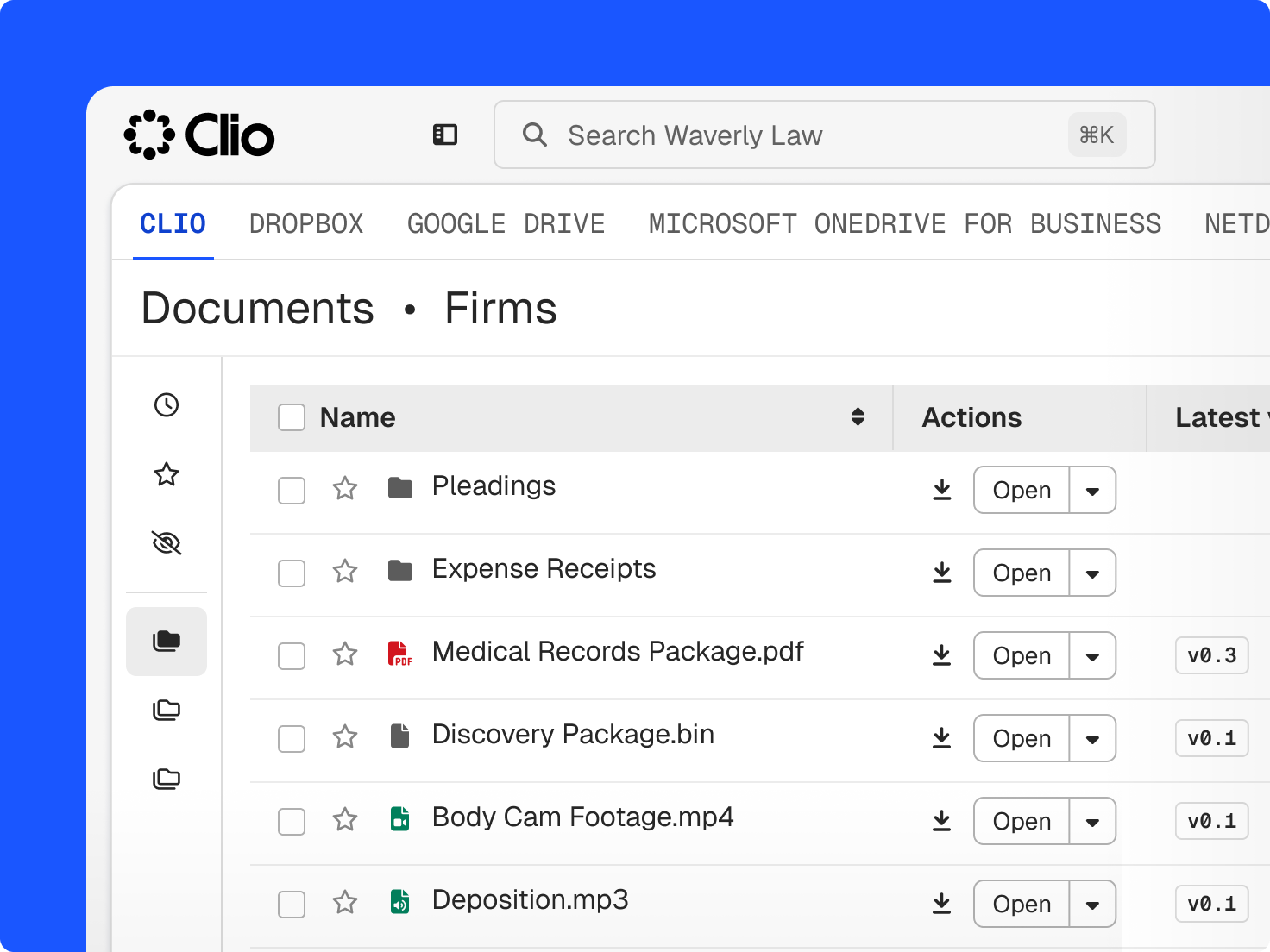
Store, search, and share
Law firm document management in one complete picture
Organise files automatically, control view access, and get unlimited storage. You deliver the work, Clio keeps the tabs on it.
Training & Events
Law firm document management
Work securely, efficiently, and from anywhere with Clio. Access, edit, and store your case files with unlimited storage, version history, and permissions you control, and let Clio's AI summarise files with citations, so the work doesn't take longer than it should.

Store, search, and share
Organise files automatically, control view access, and get unlimited storage. You deliver the work, Clio keeps the tabs on it.
Find any document in seconds by searching terms, text, or metadata, with results sorted by category, folder, author, and date.
Keep every edit visible, with a detailed record of who changed what.
Hang onto your documents as long as you’d like, with no pressure to pay by the gigabyte.
Store every video, image, text, and audio file on the matter, in one secure place.
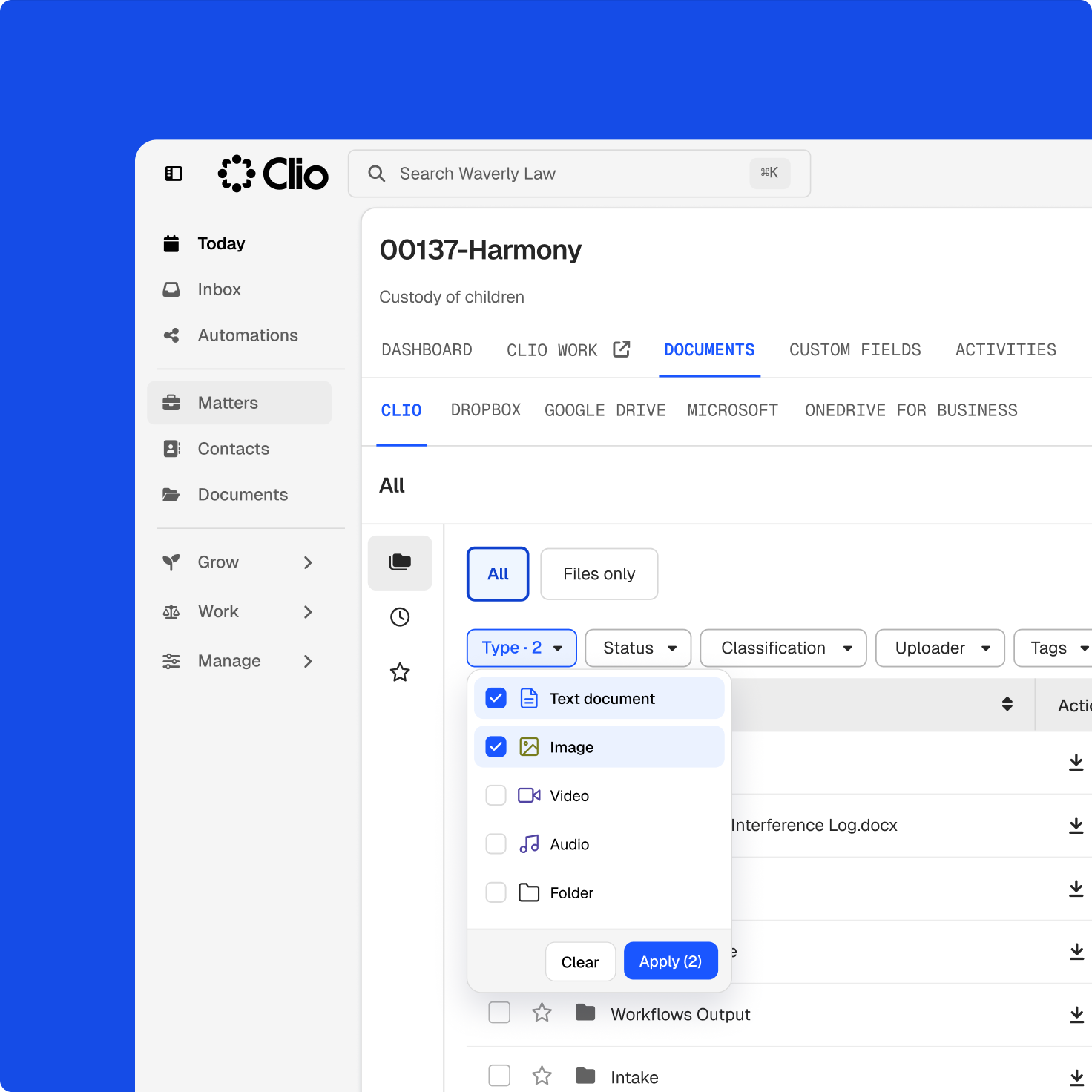
Built for today’s firms
Cases are more complicated than ever. Clio’s legal AI platform helps you keep every format, version, and access record under control.
Client interviews, recorded calls, and body-worn video all need a secure, findable home.
Concurrent drafting, paralegal handovers, and external parties introduce version conflicts that must be managed.
Conflicts, lateral hires, sensitive records, and viewer tracking require a defensible access record.
The power of simplicity
Clio’s document management software was thoughtfully-designed to solve the pain points firms experience. Every step of your legal process is just a few clicks away.
Documents tag, file, and name themselves at upload, and file locking keeps everyone working from one clean record.
Ask a question in plain language and Clio returns the answer with cited sources, drawn from every document and recording on the matter.
Use recent views, starred files, drag-and-drop uploads, and instant previews, so your team works the way it already expects to.
Every client meeting and call recording becomes searchable text the moment it lands in the matter, with no outside transcription service.
Restricted folders, version history, and content moderation give you the governance and controls for sensitive matters.
Choosing Clio has been the best decision I’ve made. Clio has transformed how we work. Our new secure client communication portal means we can share updates and documents that need signing immediately with clients. The best thing about Clio is being able to access our files securely from anywhere. All of it means we can be the best law firm for our clients.
Firm Owner, SKB Law.
Legal document management software allows lawyers and legal professionals to store, organise, and easily access documents. It is designed to help increase productivity at law firms by making documents easier to find, edit, access, and share. Legal document software also improves the security and confidentiality of important documents by preventing unauthorised access. It also allows firms to reduce paper, printing, and document storage costs.
Before selecting a legal document management solution for your law firm, ensure it has the following features.
Clio is more than just a legal document management system. In addition to document management, Clio provides all legal case management functionalities in one solution, including client intake, time tracking, billing and payments, and more. When you work within one tool, you can see all of your law firm’s documents next to the notes, events, time entries, and financial details for an individual case, and you can reduce lost billable hours, context switching, and human error. Book a demo.
Clio's cloud-based document management platform stores your files securely in the cloud. Instead of hosting files on your own servers, the cloud lets you access information from anywhere with an internet connection.
An unlimited amount. Clio offers a document management solution for the cloud as well as for your desktop computer. Documents you work on in the cloud will be mirrored to your computer desktop as well. Book a demo.
You can use Clio’s user permissions to restrict access to specific users at the Matter level. Only those who have permission to a Matter will be able to access the documents within that Matter.
The only system requirement for Clio's cloud-based legal document management solution is your internet browser, with an internet connection, so it works on both Mac and Windows. If you prefer working from your desktop, Clio Drive lets you create, open, and sync matter files on either system.
Yes. You can add documents into Clio from another system. Learn how in 5 steps. Clio also integrates with popular document systems such as OneDrive, Box, Dropbox, Google Drive, and NetDocuments, making the migration process that much easier. Book a demo.
AI legal document management software helps you get information out of documents instead of just storing them. Clio's AI summarizes a document, extracts the key details you ask for, answers questions about the documents you select, and builds lists such as a timeline of events, with in-text citations linking back to the source passage so you can verify every line. AI document management software is only as useful as its citations, which is why Clio shows you where each answer came from. Book a demo.
Clio is a highly rated choice for legal documents, with thousands of positive ratings on G2, Software Advice, Capterra, and Lawyerist. Clio is also trusted by 400,000+ legal professionals, and approved by 100+ bar associations and law societies worldwide. Its document management features are designed specifically for law firms, including the following:
Clio brings all of these together in one system for law firms.
The ones that show their work. Judge any tool on three things: whether it cites the passage behind every answer, can save the output back to the matter as a note or document, and can handle the file types and volumes your practice actually produces. Clio’s Document Analyzer handles up to 25 documents per analysis in DOCX, TXT, or PDF.