

E-signatures for lawyers, included with Clio Manage
Clients can sign from a link on any device, with no Clio account and no app to download.
Who We Serve
Software for sole practitioners, Large Law and in-house teams, across every area of law.
Clients can sign from a link on any device, with no Clio account and no app to download.
Share a signing link by text, email, or the client portal instead of an attachment.
Phones, tablets, and laptops all work for signing.
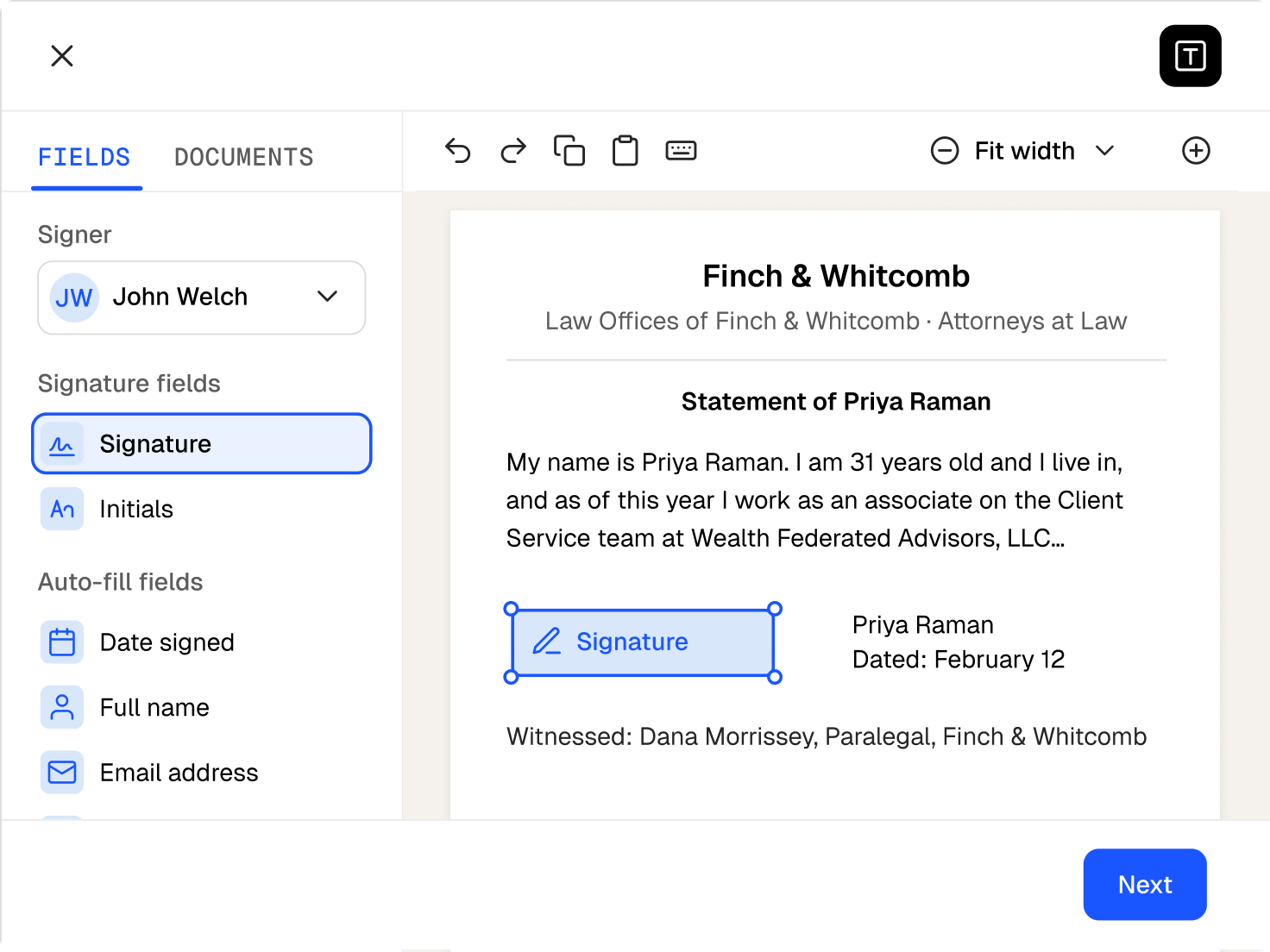
Every signature and initial block must be completed before a document can be returned.
You’re notified when a document is signed, and the signed copy lands on the matter.
Each signed document carries a tamper-evident audit trail on its final page.
The audit trail shows each signer’s name, email, exact date and time, and device IP address.
Firm users can add their own signature to a retainer or engagement letter on the same document.
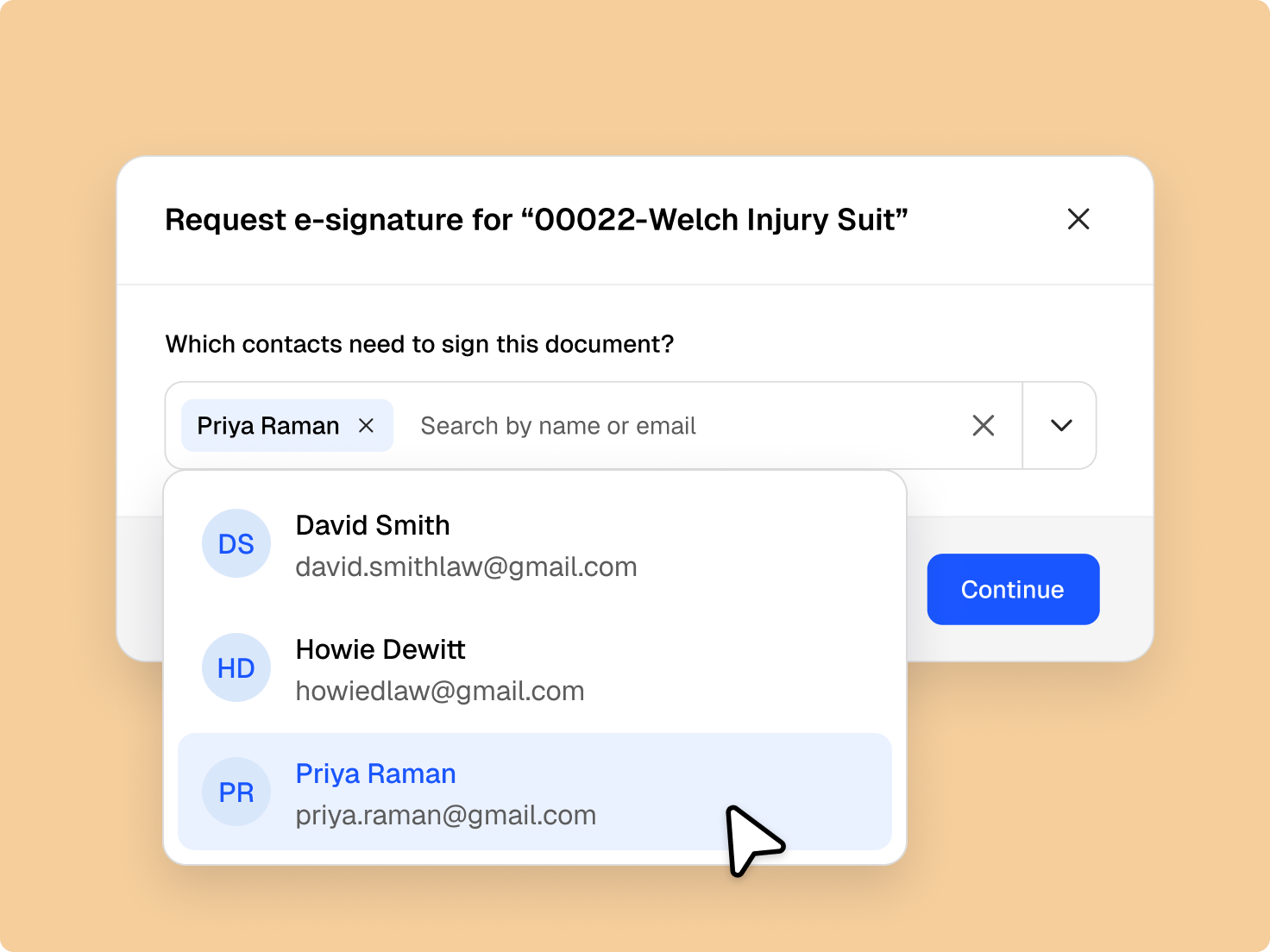
Collect signatures from clients and firm users at the same time or in a set order.
Create documents from your templates and matter data, ready for e-signature right away.
Where allowed, court documents go out for e-signature. Some filings still require a wet signature.
Workflow automation can send a document and signature request when a matter reaches the right stage.

Electronic signatures are recognised under the Electronic Communications Act 2000 and UK eIDAS, and a few document types still need ink.
Send fee agreements and engagement letters for e-signature as soon as they’re ready.
Courts and jurisdictions set their own rules, so check before sending a filing for e-signature.
Wills, codicils, and testamentary trusts often require a wet signature, depending on the jurisdiction.
Yes, for most documents. Electronic signatures are recognised under the Electronic Communications Act 2000 and UK eIDAS, and each signed document includes an audit trail. Some documents, like wills in many jurisdictions, still need a wet signature. Get a demo.
It lets a firm send documents for signature online and collect legally binding signatures from clients and colleagues. In Clio, signed copies file to the matter with their audit trail. Get a demo.
No. Clients sign from a link sent by text, email, or the client portal, without an account or an app. They open the link, complete each signature and initial block, and send the document back. Start a free trial.
Yes. Add multiple signers, clients or firm users, and have them sign at the same time or in order. Signatures compile into one document on the matter. Get a demo.
Yes. E-signatures are included at no extra charge in every Clio Manage and Clio Grow plan. Monthly signature allowances vary by plan, with unlimited signatures on Clio Grow and higher Clio Manage plans. Compare plans.
Yes. A tamper-evident audit trail on the final page shows each signer’s name, email, date and time, and device IP address. Get a demo.
Often, yes. Court documents can be sent for signature, but the rules depend on the court and jurisdiction, and some filings require a wet signature. Get a demo.
Clio generates the document from your templates and matter data, sends it for signature, and files the signed copy on the matter, so there’s nothing to download and re-upload. Get a demo.
Clients can sign on a phone, tablet, or laptop, and the signed copy files to the matter no matter which device they used. Start a free trial.