

A performance dashboard for the rates that drive firm growth
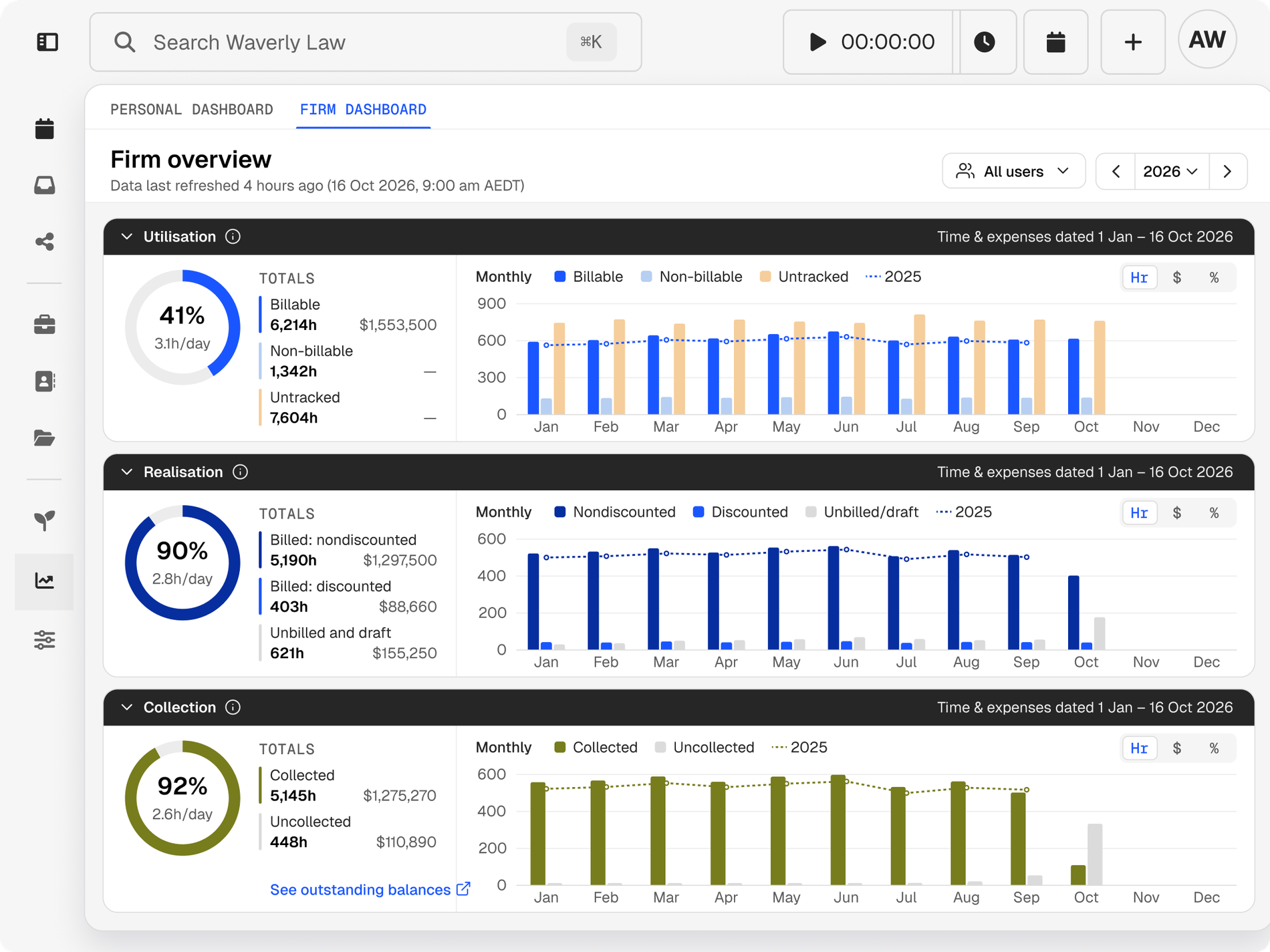
The Legal Trends Report identifies utilisation, realisation, and collection as key indicators of law firm growth. Clio’s dashboard tracks all three.
The Legal Trends Report identifies utilisation, realisation, and collection as key indicators of law firm growth. Clio’s dashboard tracks all three.
Find out how much of the working day goes on billable work, and where workflows or staffing could change.
Compare hours recorded with hours invoiced to find work the firm does but doesn’t charge for.
Check how much invoiced work has been paid, so the revenue figure reflects money received.
See what write-offs cost the firm and which hours never reach an invoice.
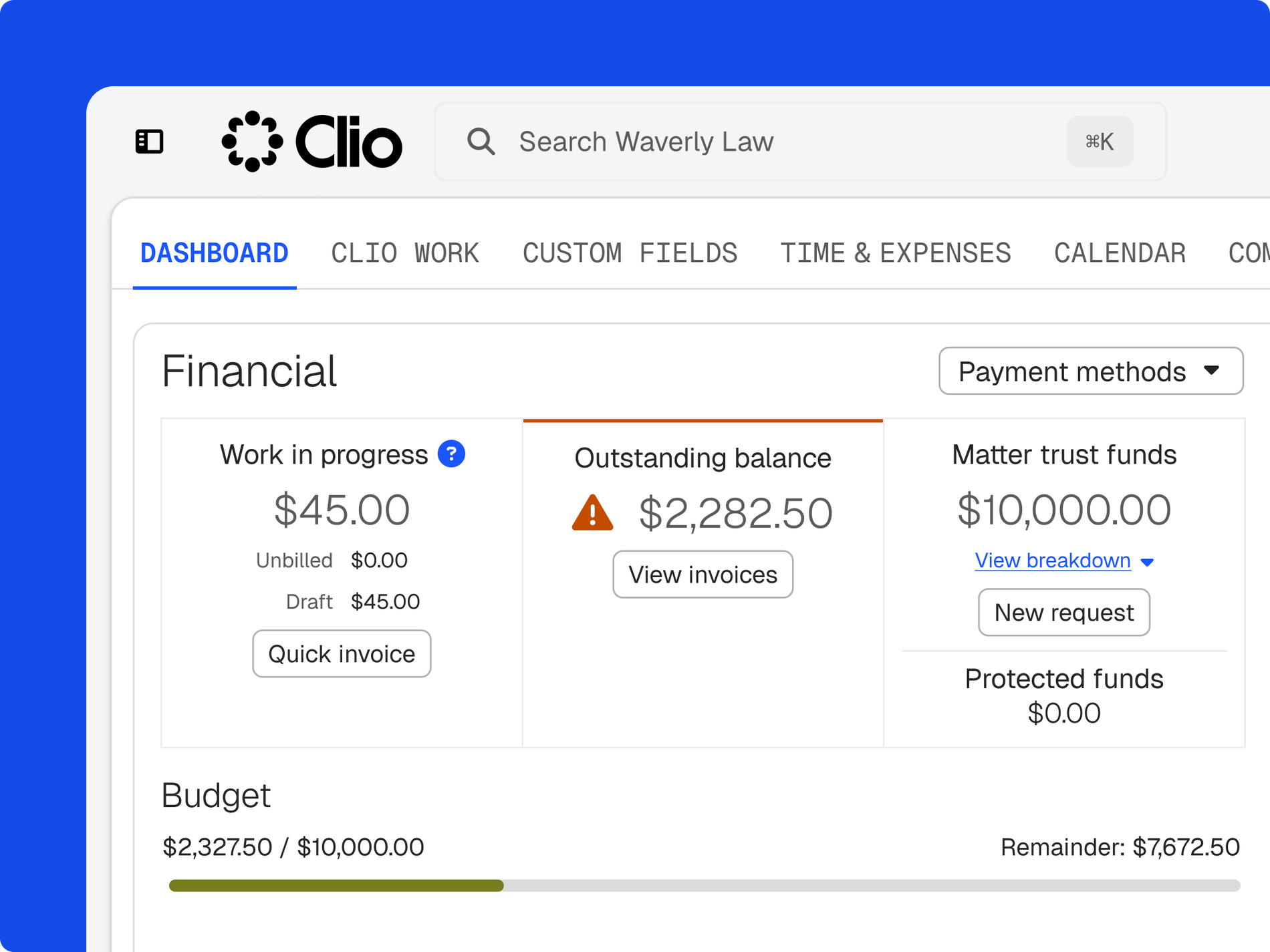
Get a clear read on how the firm is performing and what sits behind the figures.
See what’s collected from invoices, then decide whether to ask for more money on account or offer payment plans.
Choose a timeframe to spot trends that inform budgets, headcount, and resourcing.
Partners and fee earners see the same figures in a visual dashboard that’s easy to read.
See where billable time is low and adjust how work is allocated across the team.
Find unbilled and written-off time before it becomes a pattern.
Let collection data guide decisions on fixed fees, payment plans, or money on account.
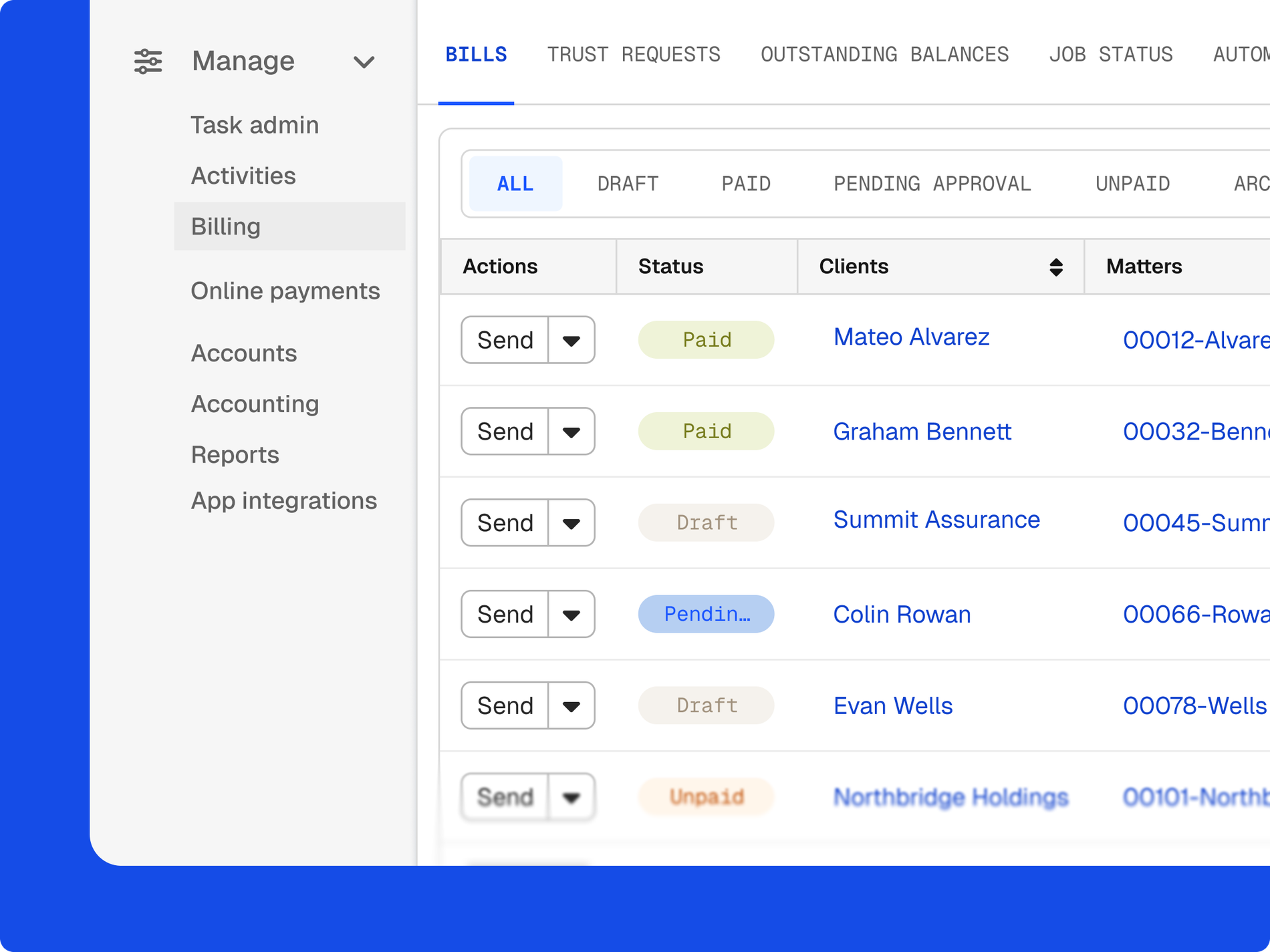
The dashboard reads from the time, bills, and payments your team already handles in Clio, so there’s no separate spreadsheet to keep up to date.
Entries made through legal time recording count towards utilisation straight away.
Invoices raised in legal billing feed realisation without re-keying.
Money taken through Clio Payments updates the collection rate.
A single view of how the firm is doing on the three measures tied to growth: utilisation, realisation, and collection. In Clio, it draws on the time, bills, and payments already recorded, so the figures stay current. Get a demo.
Billable hours worked divided by the hours available in a day. It shows how much of a fee earner’s day goes on revenue-generating work compared with other activities. Get a demo.
Billable hours invoiced divided by billable hours worked. It shows how much recorded work ends up billed after discounts, write-offs, and other adjustments. Get a demo.
Hours collected divided by hours invoiced. It shows how much billed work the firm has been paid for. Get a demo.
Yes. Choose a timeframe to see trends and changes over time, which helps when planning annual budgets, headcount, and resources. Get a demo.
By showing where billable time is lost: hours that are never recorded, recorded but not invoiced, or invoiced but not paid. Each gap points to a change you can make, from time recording habits to payment options. Start a free trial.
From the time entries, bills, and payments your team records in Clio, so you don’t need to export figures into a spreadsheet to see them. Get a demo.