
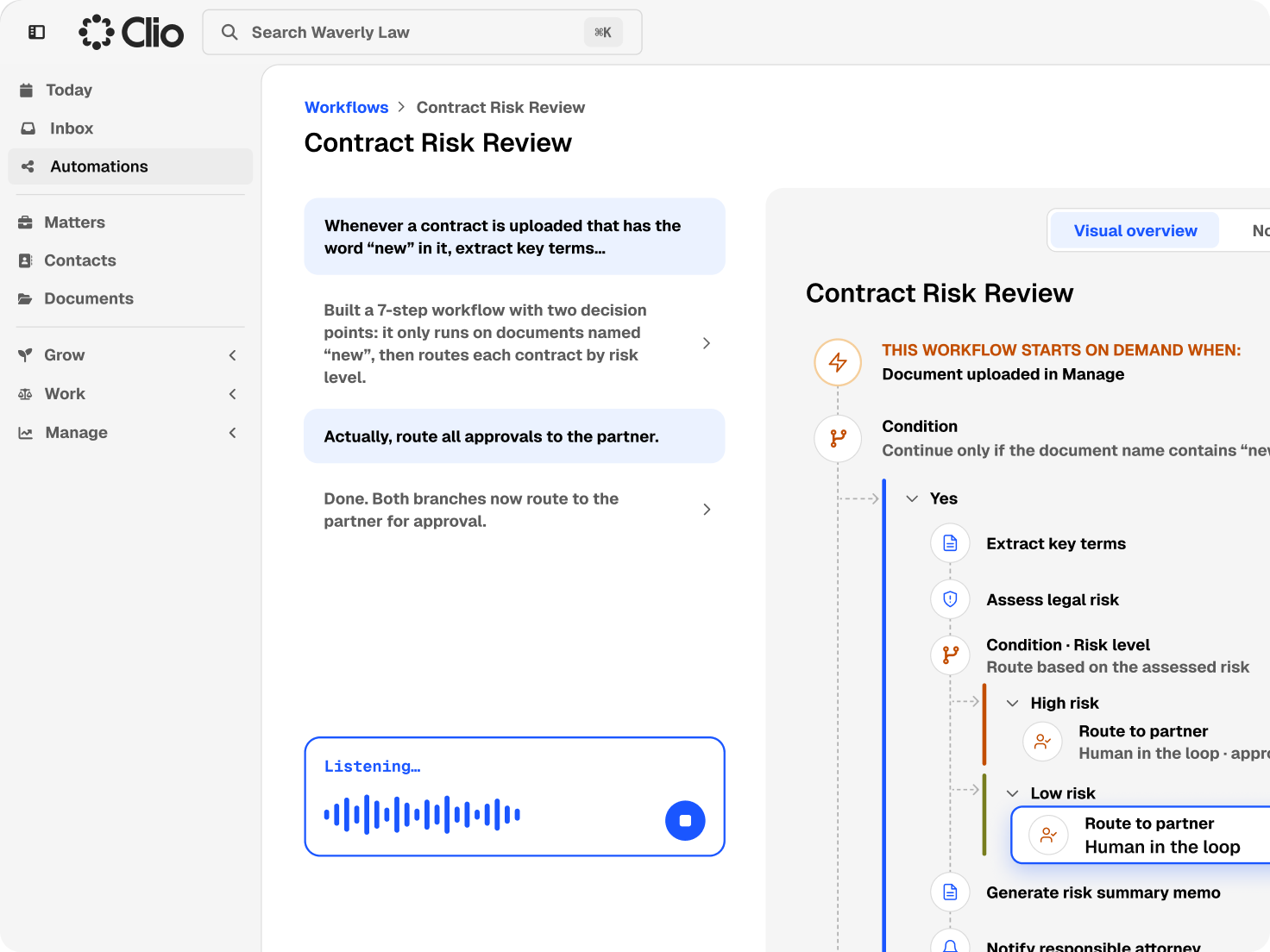
Start automatically when something happens in Clio
or schedule them for a specific time, so routine work gets done to your standards.
Build Workflows without coding
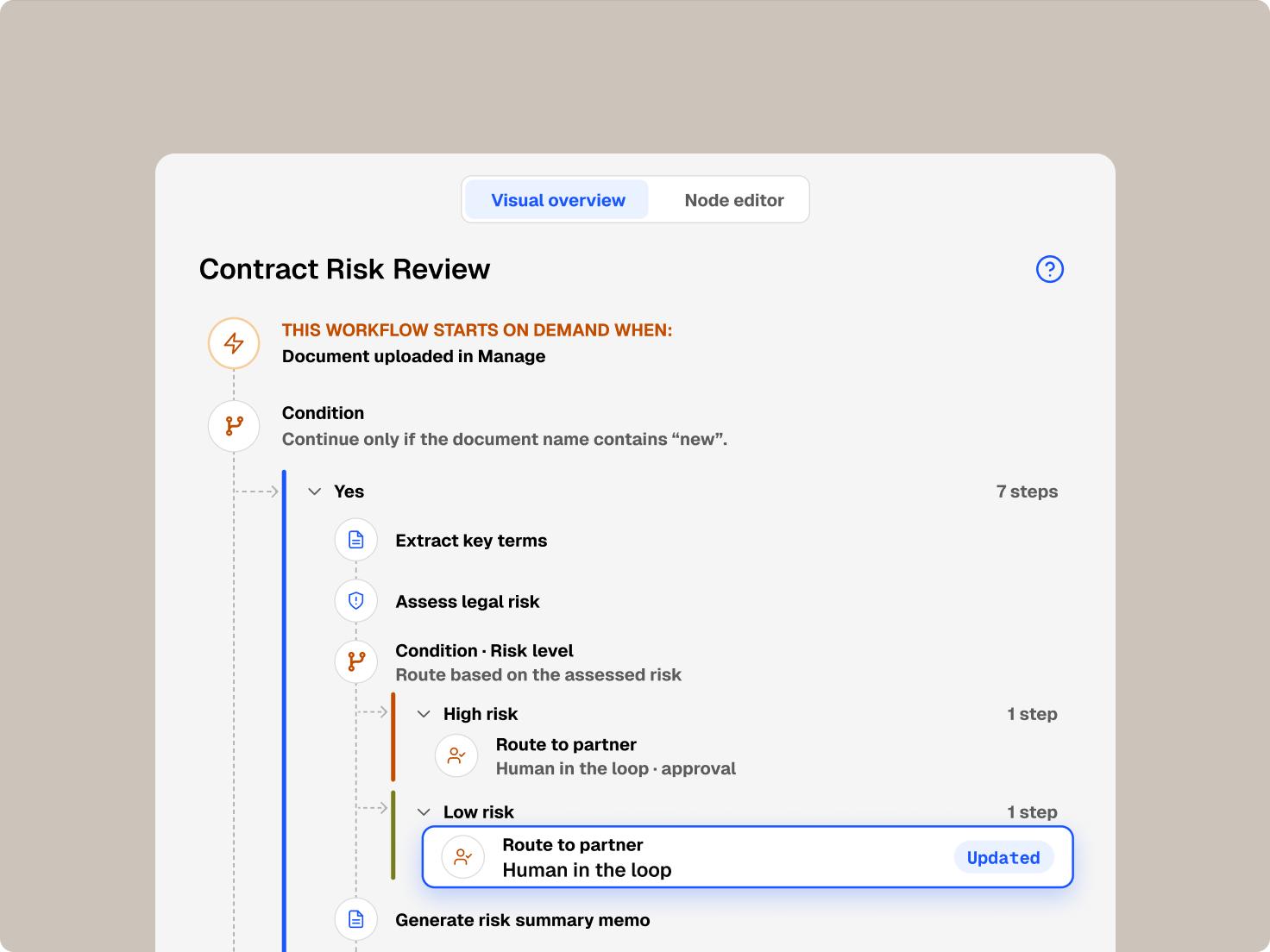
Describe what you want to automate in natural language, and Clio builds the workflow for you. Make precise changes in the editor when you need to.
Stay in control of the work AI completes
Every run includes an audit log, so you can see exactly what happened. If a workflow can't be completed, Clio flags the exact step for review rather than guessing.
Keep firm and client data protected
Workflows run on the same security standards you trust across Clio. Your data is never used to train AI models and stays covered by Clio's existing certifications.
Set up a workflow once, then let it run.
Describe the work
Tell Clio what you want to happen in plain language, and it builds the workflow for you.
Shape it around your firm
Add approvals where a human should weigh in, add skills so Clio works the way you do, then test it before it goes live.
Turn it on
Set the workflow live, and it keeps the routine work moving on its own.
Review the finished work
Completed work comes back ready to review and approve, instead of a blank page to start from.
Legal workflow automation FAQs
What is legal workflow automation?
Legal workflow automation means handing routine admin to software, so the work keeps moving without you pushing each step forward. In Clio, you do this with Workflows, and the finished work comes back to you for review.
What is a workflow?
A workflow is a repeatable job you hand to Clio. It has a starting point, a series of steps, and can include human review wherever you want it.
Can AI automate legal workflows?
Yes. Clio’s AI can complete steps that need an understanding of the work, not just a fixed rule, and brings that work back for your review.
What can law firms automate with AI?
Clio can set up new matters without data entry, schedule client meetings based on the rules you set, and draft documents from your templates for your review. It can also analyze new documents, so the analysis is ready for your review before you open them.
How do I build a workflow?
Start by describing what you want to happen in natural language. Clio builds the workflow for you. Then refine it through conversation, or make precise changes in the workflow editor.
How can a workflow start?
Clio starts a workflow automatically when something happens in Clio, on a schedule you choose, or manually whenever you want to run it.
Can I see what a workflow did?
Yes. Every run includes a record of what happened at each step, and the result.
What can Workflows connect to?
Workflows work across the Clio products included in your subscription, so a single workflow can move work between the tools your firm already uses.