

Never start a document from scratch
Clio Work knows your full matter context and the law so it can instantly generate documents based on any request.
The full drafting spectrum
Generative drafting creates a bespoke document in seconds, and document automation delivers that same speed for the work you repeat again and again.
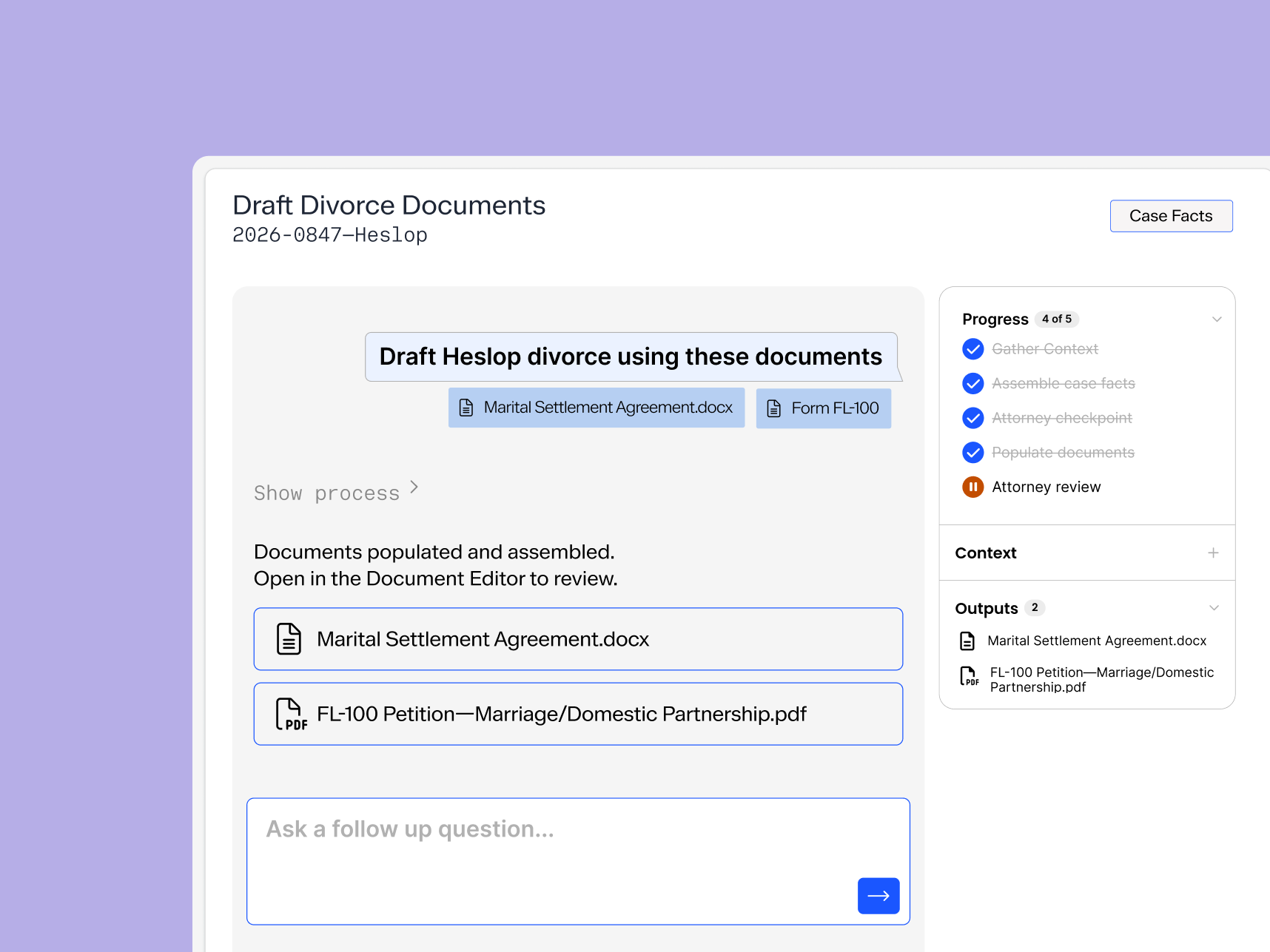
Populate whole sets of documents at once
Work on your whole case at once, and reduce errors with less manual data entry.
One workspace, fewer tools
Relevant case law and your full matter context, plus every draft and document live in Clio Work and save back to your matter. No more jumping between tabs.
Draft however you want, all in one place
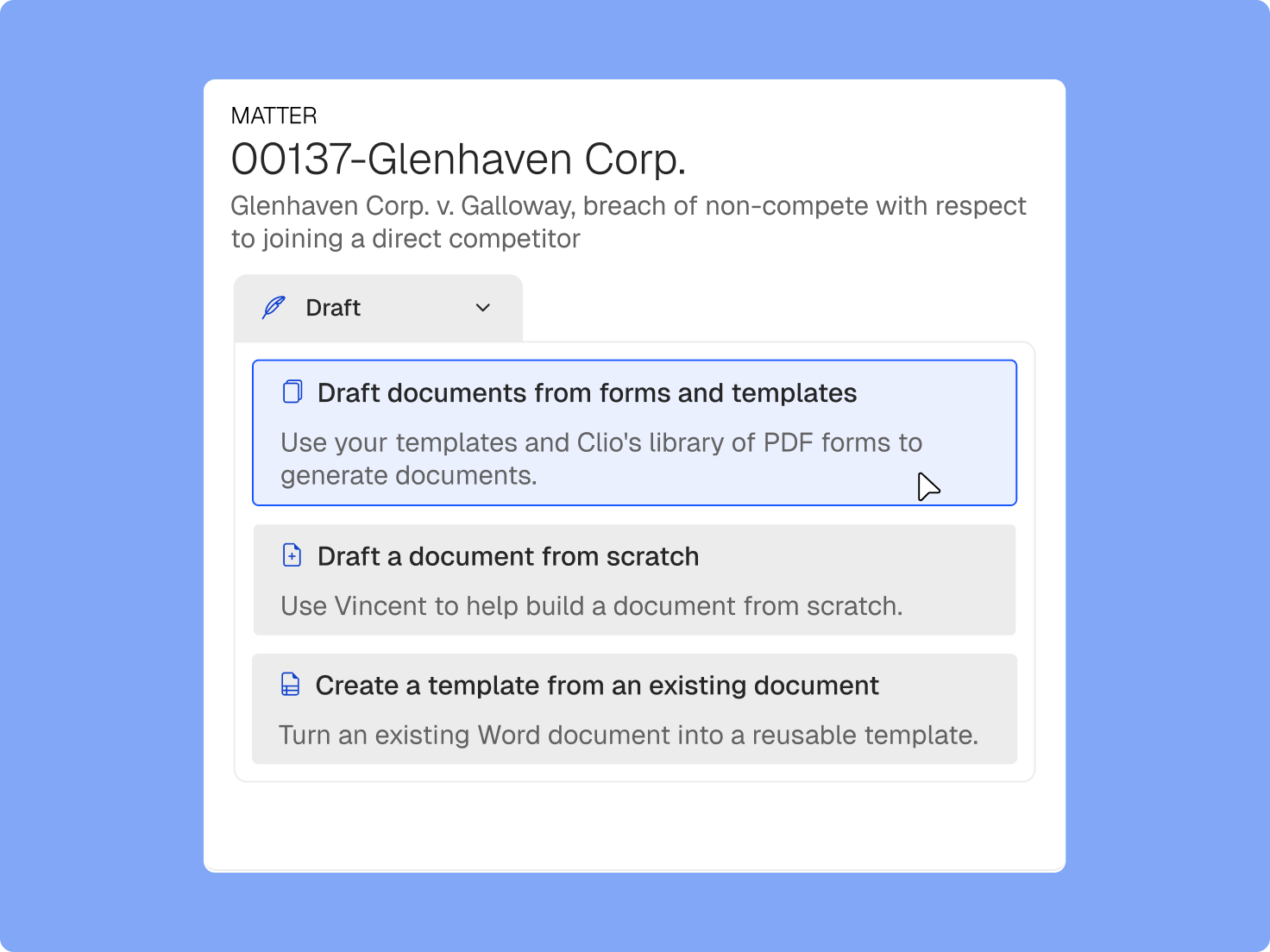
No copy-paste, no orphaned files, no re-explaining. Clio Work drafts and reformats documents inside the live matter and saves them back in minutes, with full .docx version history.
Bespoke, one-off documents
Clio Work quickly turns a plain-language prompt into a complete first draft of a legal document.
Documents you draft regularly
Document automation gives you whole sets of finished documents, instantly pulling in the right matter and client data.
Court forms
Access an online court form library with thousands of state, local, and USCIS court forms that seamlessly fill with matter details.
Legal drafting software that works where your team works
Legal expertise, right in Microsoft Word
Clio for Word brings the power of Clio Work into the most popular document tool in legal.
Document drafting, built into Clio Work
No need to switch between tools with Clio Work’s full-featured .docx document editor.
From request to draft in seconds
Clio Work can get you started from just a chat, or you can upload an example document as a model.
Close the loop from research to draft
Apply legal authority directly to the document you're working on, in context, without copying and pasting between tools.
Confident, well-sourced advice
Every research result is citation-backed and linked to its source, so you know exactly where your insights come from.
Faster, more accurate document review
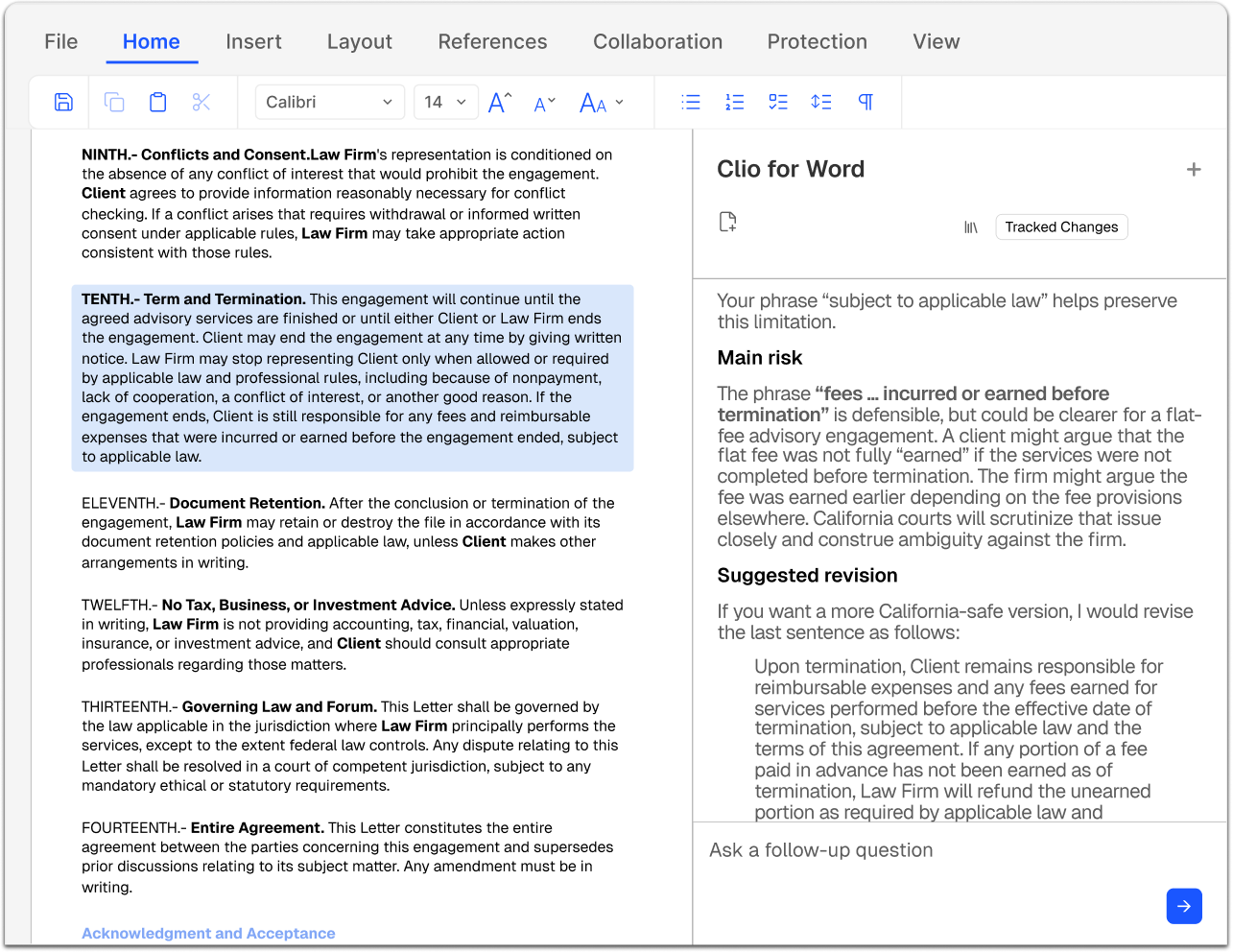
Open any document, clean or heavily redlined, and ask Clio Work to surface legal, structural, or persuasive risks before they become problems. Resolve open comments, identify inconsistencies, and move documents through review cycles faster.
Surfaces risks proactively
Flag legal, structural, and persuasive issues before you finalize.
Resolves comments
Ask Clio Work to address open comments and suggest targeted improvements.
Works on any document
When the stakes are high, you want an AI that can see exactly what you see.
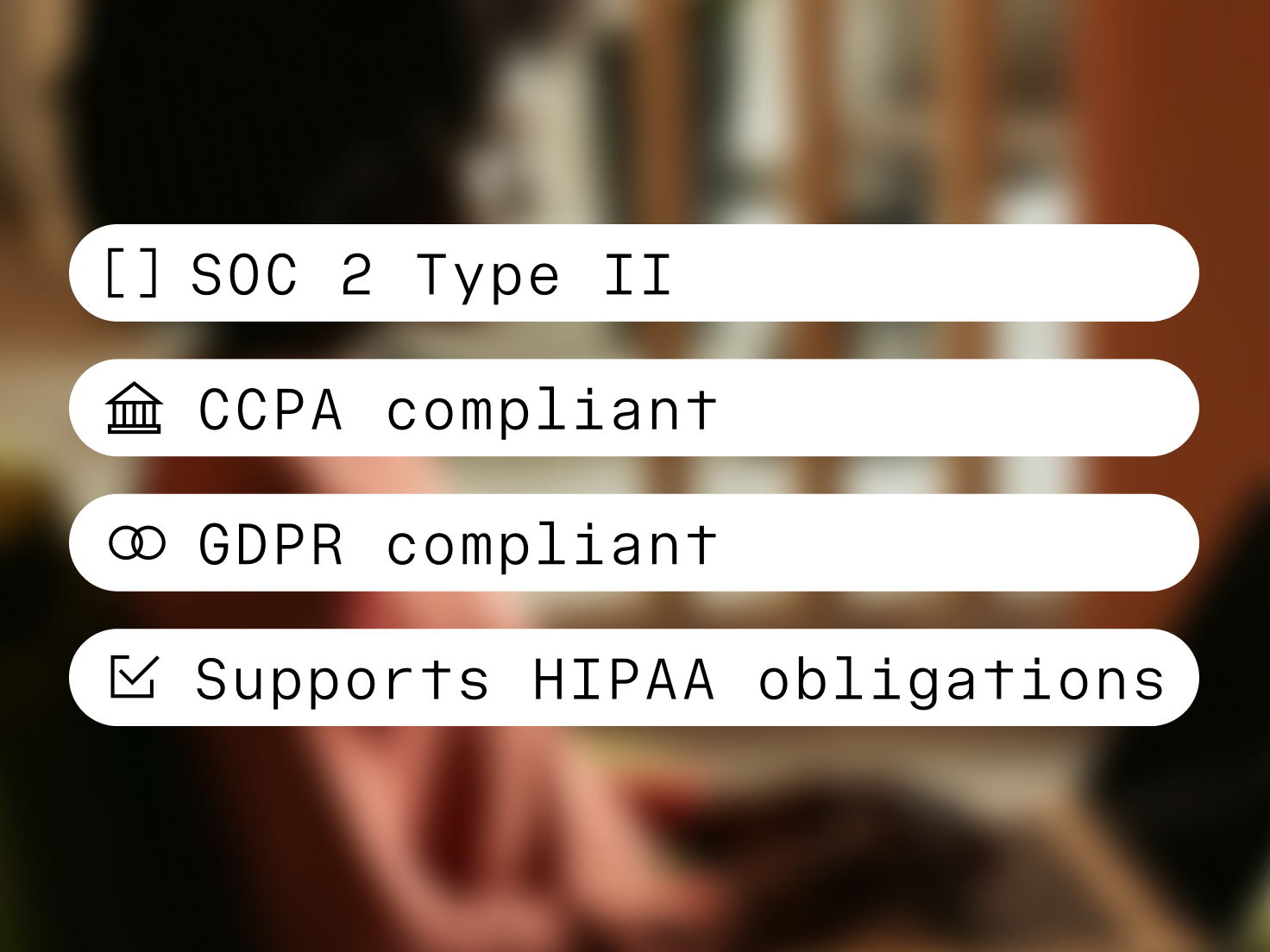
Secure, private, and compliant
Your client data stays protected at every step. Built on Clio’s enterprise-grade infrastructure and certified to SOC 2 Type II, ISO 27001, GDPR, and HIPAA standards, Clio ensures nothing leaves its secure environment, gets shared, or is used to train AI models. Confidentiality is never a question.