

Case and document management
Every case or matter, and every document tied to it, lives in one connected record, giving your team the context they need to keep work moving, no matter the type of legal work.

Every case or matter, and every document tied to it, lives in one connected record, giving your team the context they need to keep work moving, no matter the type of legal work.
Deadlines calculate automatically from court rules across hundreds of courts, then sync to Outlook or Gmail right alongside every email tied to the matter. No one has to track a date or save a message by hand.
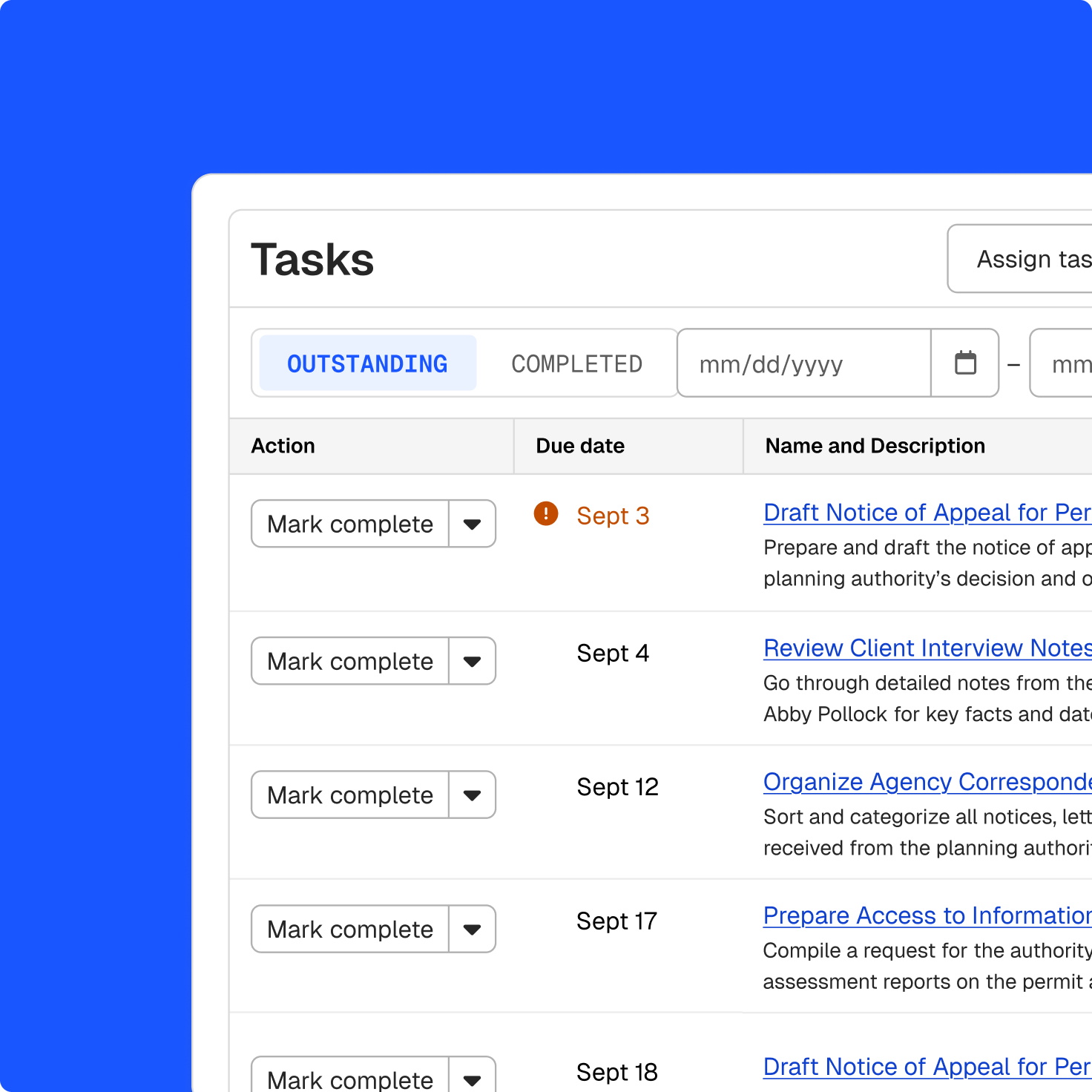
Assign and track every task on a matter, from motions to discovery deadlines, and see at a glance what’s overdue and who owns it, even during a busy caseload.
Connect a court case directly to the matter, then get alerts on new filings, orders, and schedule changes as they appear. You can also search over a billion federal and state court records without leaving the case.
Share drafts, memos, and matter documents with colleagues in a single workspace, with version history and comments attached to each file rather than scattered across email threads.
Generate agreements, legal opinions, and advice letters straight from the details already on the matter. Routine requests get a fast, consistent response instead of starting from a blank page each time.
Summarize case files and contracts, surface relevant precedent or key terms, and draft filings, motions, or agreements in minutes, all grounded in the matter’s own records.

Every case, document, and piece of discovery stays with the matter through reassignment. Case management keeps the file connected, while document management keeps it searchable. A new attorney never starts from zero.
Access case files, notes, and calendars from your phone or tablet, whether you're at the courthouse, a jail visit, or a client meeting, without waiting to get back to a desk.
Keep every client’s contact details, case history, and communication in one place. Any attorney picking up a file can see who the client is and what’s already been discussed.
Turn a large case file into a summary and chronology in minutes, see which open cases need attention first, and trace every point back to the source document.
Your office’s data is stored securely in Clio’s SOC 2 Type II and TX-RAMP certified environments, with every AI-generated summary, draft, and citation available for your team to review, verify, and trace back to the underlying source when needed. Clio’s Zero Data Retention agreements also ensure your data is never used to train third-party models.
Government legal software helps public sector legal teams manage cases, documents, and deadlines. The right system keeps the matter history, responsibilities, and next steps visible throughout the process. Get a demo.
At minimum, look for a clear record of who owns the matter and what happens next; documents, research, drafts, and approvals held together; deadlines traceable to the notice or statute behind them; an approval path that can be assigned and tracked; and reporting on effort and outcome across every matter. The exact mix depends on whether your office handles litigation, advisory work, or public defense. Get a demo.
Clio is available through state and local government cooperative purchasing contracts, which can shorten or remove the need for a separate RFP process. Your office’s own procurement rules still apply, and eligibility depends on your jurisdiction’s participation in the relevant cooperative agreement. Contact our team to discuss further.
Clio supports configurable matter workflows for civil litigation and advisory or transactional legal work, covering agency counsel, enforcement, claims, investigations, and municipal matters, as well as public defense caseloads. Get a demo.
Yes. Billing can be turned off entirely, removing rates, invoices, and every billing-related screen from Clio, not just from an individual matter. Time can still be tracked separately for reporting or utilization purposes when needed. Get a demo.
Yes. With Clio, a matter’s documents, notes, deadlines, ownership, and activity stay with it through reassignment, helping an authorized new owner understand the history and what comes next. Get a demo.
Yes. Deadlines calculate automatically from court rules across hundreds of federal and state courts. Clio can also calculate them from the statutes and agency decisions that created them. Administrative boards are covered too, and if an agency your office appears before isn’t included yet, it can be built. Clio can also monitor court cases directly, alerting your office to new filings, orders, and schedule changes as they happen. Your office sets the reporting and public-record dates that apply to its own calendar. Get a demo.
Yes. Clio’s legal AI can summarize the records on a matter, regardless of which department or outside party they came from, and build a chronology from the record. It can also prioritize what needs attention across your office’s open matters. Every summary stays linked to the source material, so your office can verify any point against the record before relying on it. Get a demo.
Clio is certified to the SOC 2 Type II and TX-RAMP standards, with the reports available to review. Data is encrypted in transit and at rest using FIPS 140-2 compliant standards. Matter permissions determine who can open a matter, and firm data is not used to train third-party models. Your office remains responsible for its own procurement and records obligations. Get a demo.
Yes. Research draws on a trusted foundation of primary law and secondary sources across all 50 states and beyond, alongside your matters, documents, and drafts in the same system. There’s no separate tool for a separate piece of the work. Your office can also upload its own charter or ordinances to query alongside primary law. Get a demo.