

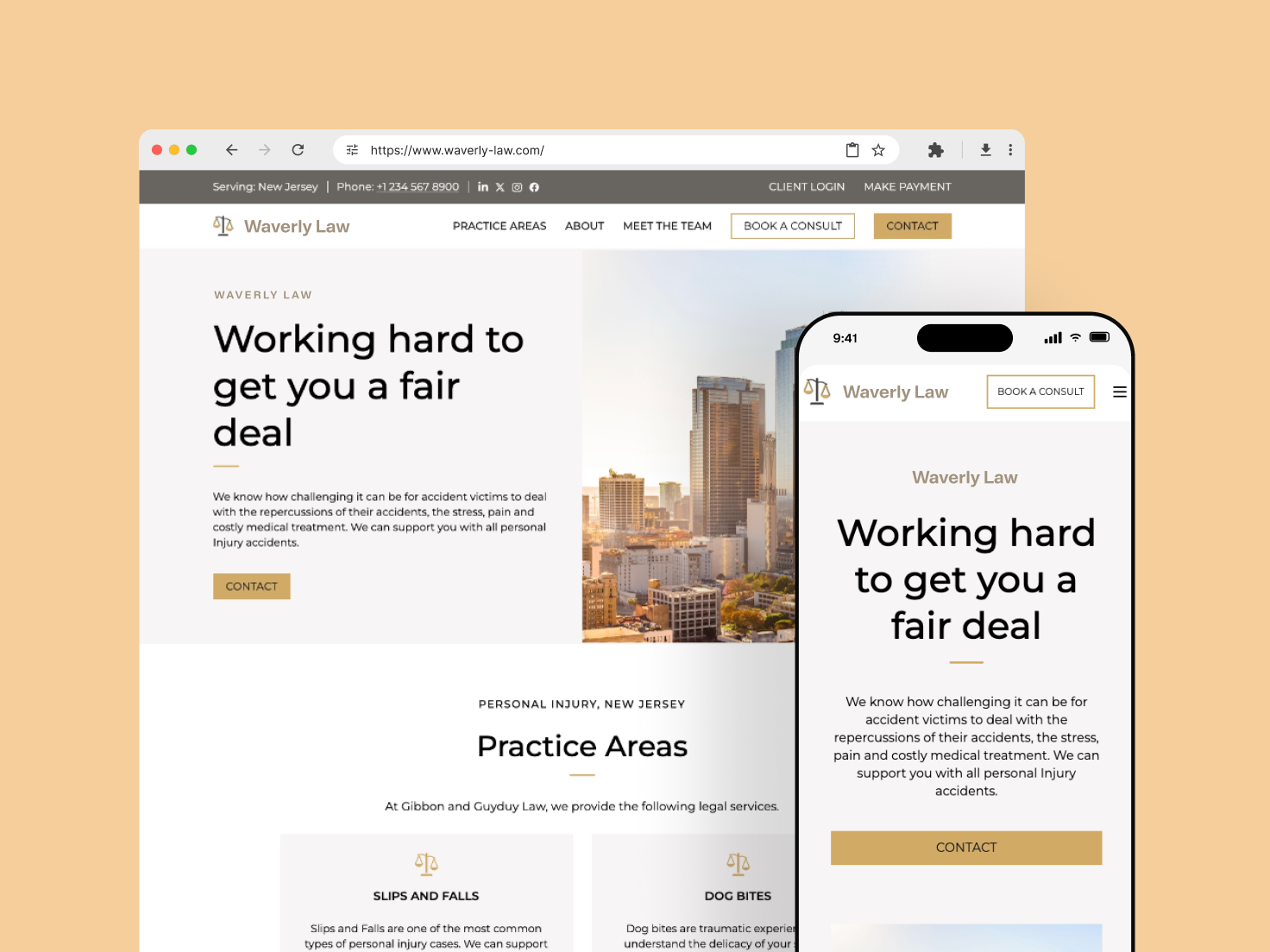
Law firm website templates you can launch without code
Start from a theme and make it yours, with no design or coding experience needed.
Who We Serve
Software for sole practitioners, Large Law and in-house teams, across every area of law.
Start from a theme and make it yours, with no design or coding experience needed.
Pick Modern, Traditional, or Light, and switch anytime without rebuilding the site.
Launch on a free cliogrow.com address, or connect a domain you already own.
Set it up once, and your site adjusts automatically for mobile and desktop visitors.
Hosting on Amazon Web Services is included, with no separate plan to buy.
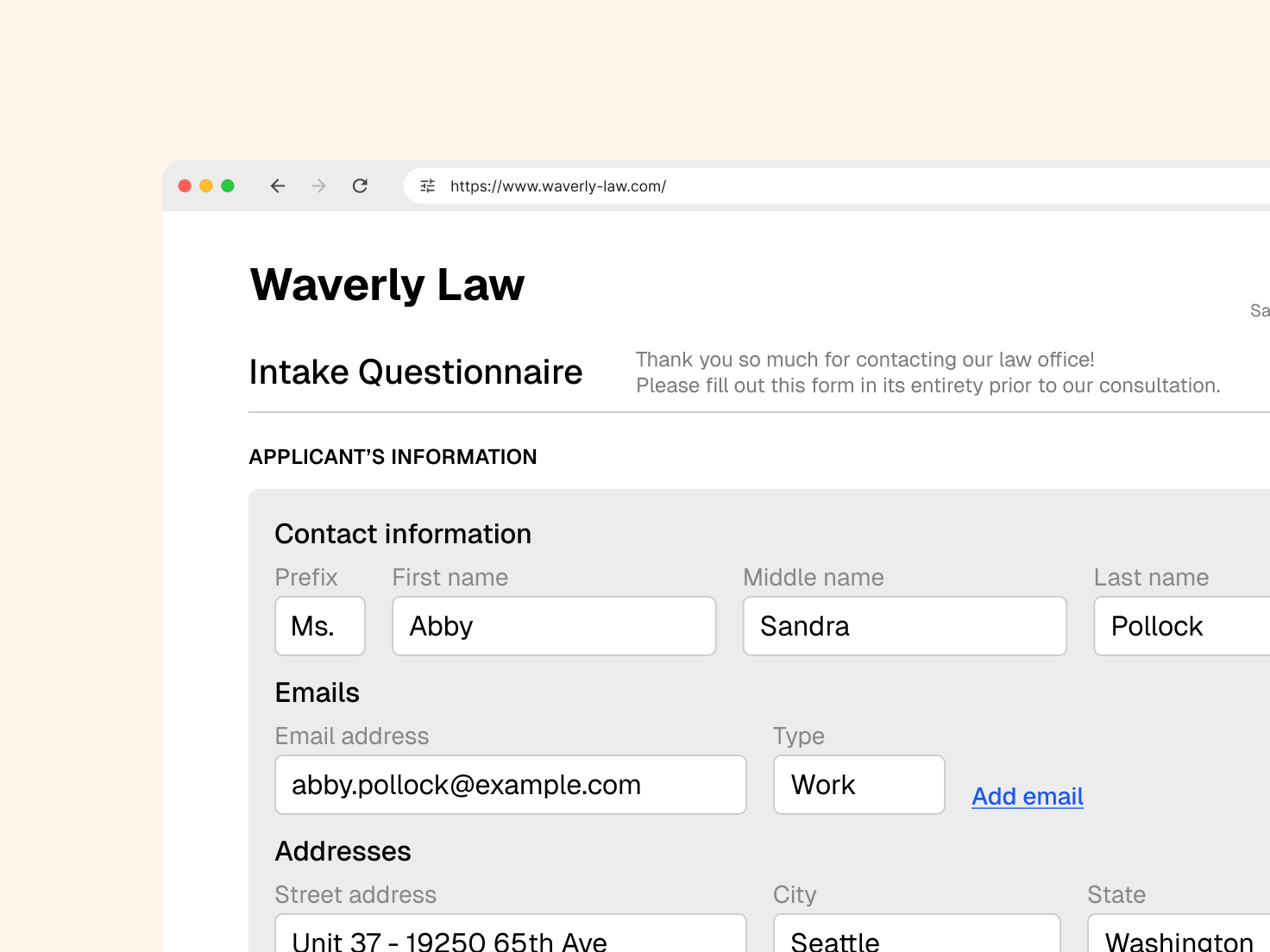
Visitors can do more than read about your firm. They can start working with you.
New enquiries from your site land in the intake inbox in Clio Grow through online intake forms.
Visitors book a time from your availability, and appointments sync to your calendar.
Accept consultation fees and payments on account through online payments.
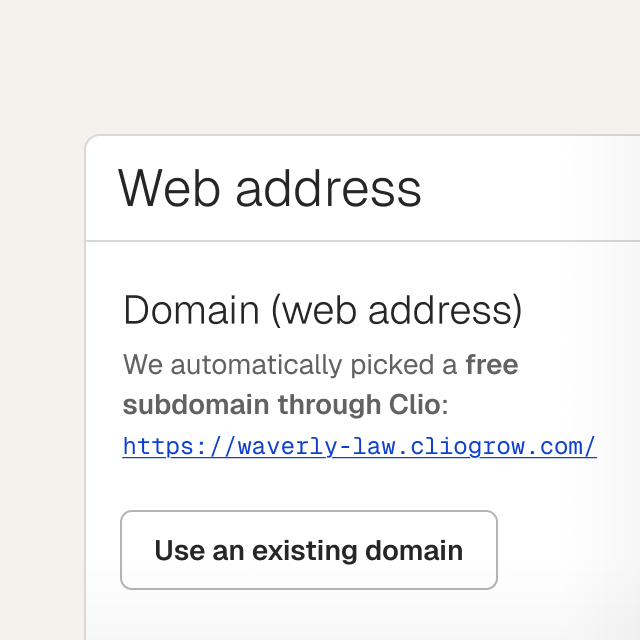
Use a free yourlawfirmname.cliogrow.com address or your own domain.
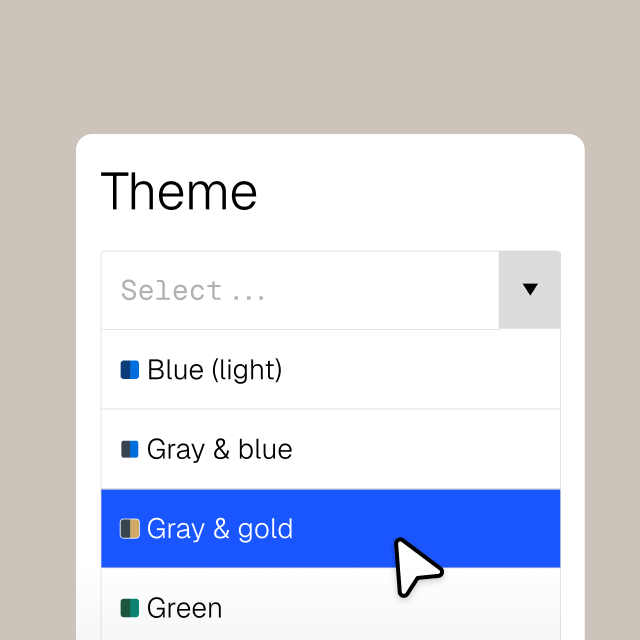
Choose a theme and color scheme, add text and images, and switch on scheduling and intake.
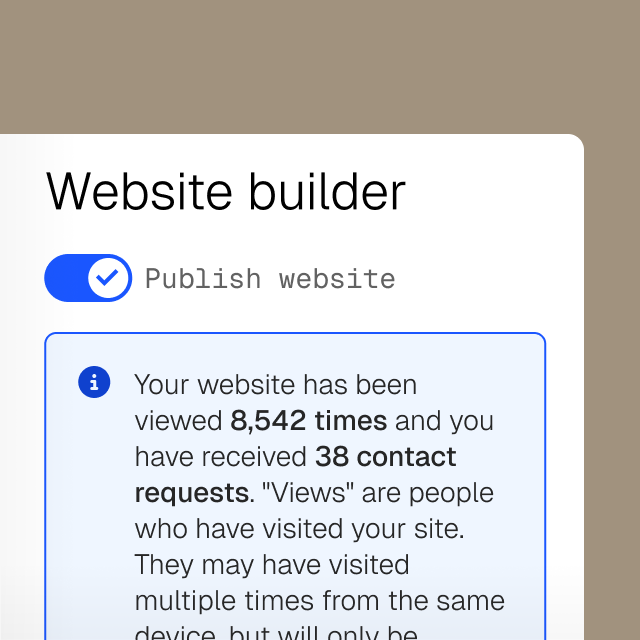
Make the site public, then update content or change themes whenever you need to.
Each template is set up so search engines can find a read your site.
Pages are built to open quickly for visitors.
Layouts adjust to smaller screens without a separate mobile site.
Structured code makes your pages easy for search engines to index.
A law firm website builder is a tool that lets a firm create and publish its website from templates, without hiring a developer. Clio’s website builder sends enquiries, bookings, and payments from your site straight into Clio, so you don’t have to copy details from one system to another. Get a demo.
Pick a free cliogrow.com address or your own domain, choose a theme and colour scheme, add your text and images, switch on scheduling and intake, and go live. Get a demo.
Yes. Themes handle the layout and design, and you add content through the editor. No coding is required. Update text and images whenever your services or team change. Get a demo.
A website builder usually gets you online faster. Clio’s builder also keeps intake, booking, and payments connected to Clio. A designer may suit firms that need a fully custom site, and some firms start with a builder and bring in a designer later. Get a demo.
Yes. Sites are optimised for both mobile and desktop visitors, so a prospective client can read about your firm, book a consultation, or make a payment from a phone. Get a demo.
Yes. Templates follow SEO best practices, including fast loading, mobile responsiveness, and clean code structure. Get a demo.
Yes. Switch between Modern, Traditional, and Light at any time without rebuilding your site. Get a demo.
Yes. Sites are hosted on Amazon Web Services as part of the website builder. There’s no separate hosting plan to buy, renew, or manage. Get a demo.
Costs vary with design and hosting choices. Clio’s website builder is available on select Clio plans, with hosting included and no setup or additional monthly fees. Compare plans.