

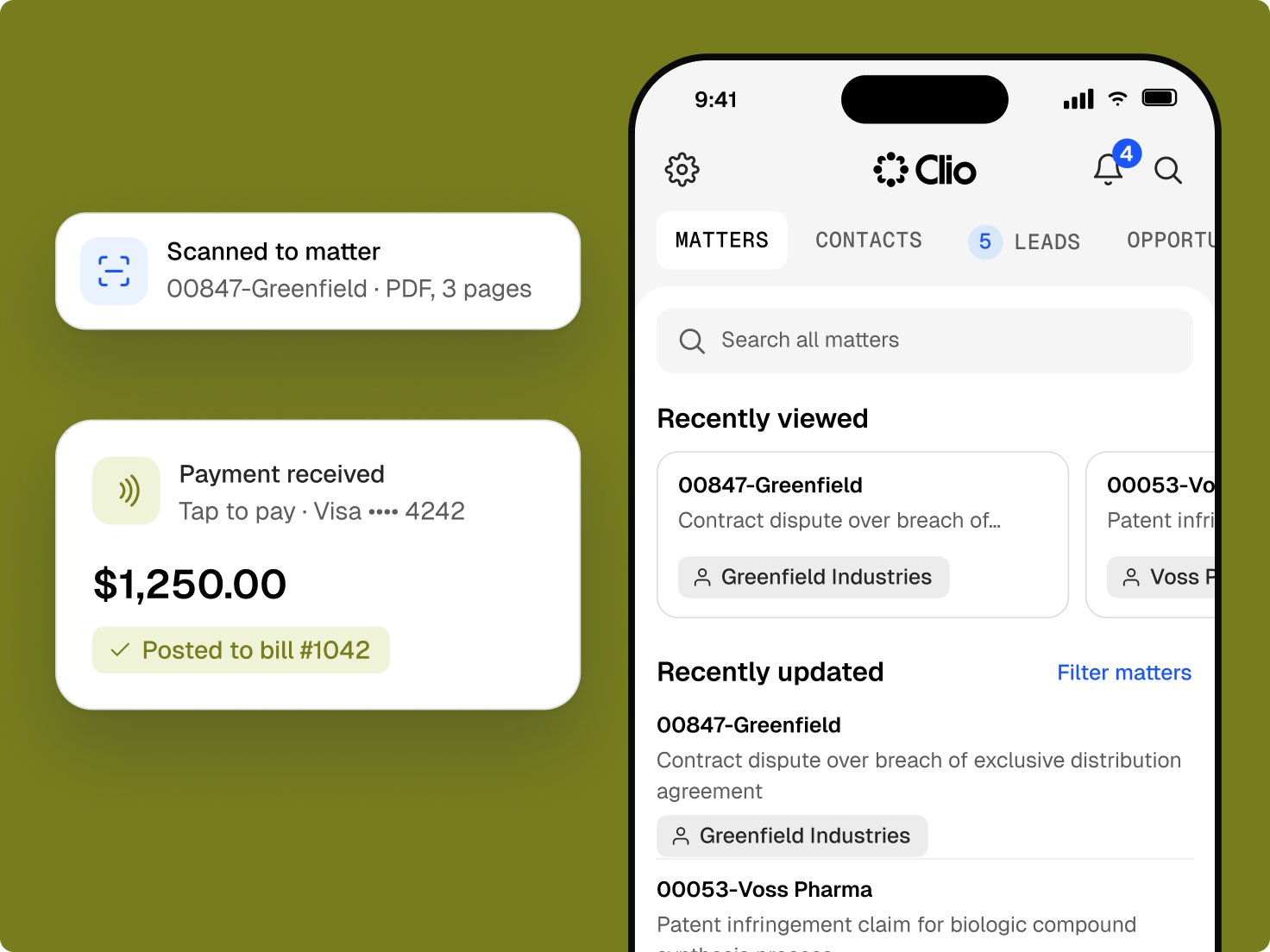
The legal mobile app for iOS and Android
Sign in with your existing Clio credentials and pick up where you left off.
Who We Serve
Software for sole practitioners, Large Law and in-house teams, across every area of law.
Sign in with your existing Clio credentials and pick up where you left off.
Review matters, full-screen documents, contacts, notes, tasks, and bills on your phone or tablet.
Start and stop timers by voice, dictate notes, add UTBMS codes, and duplicate entries in a few taps.
Turn paper into a PDF filed on the matter.
Respond to client portal messages securely from anywhere, using AI-generated responses.

Answer texts, emails, and client portal messages from wherever you are.
Send secure internal messages and get push notifications as matters change.
See events, gaps, and conflicts in day, month, or agenda view, along with tasks and statutes of limitations.
Clio’s AI handles the reading and first drafts, and you read every reply before a client sees it.
Get a summary of a long exhibit or contract before a meeting.
Pull dates, terms, and key facts out of a document between meetings.
Clio’s AI drafts replies to texts and portal messages for you to edit and send.
It lets lawyers and staff work on matters from a phone or tablet: reviewing documents, tracking time, messaging clients, and taking payments. Clio’s app connects to the same records as Clio on desktop. Get a demo.
Review matters, documents, contacts, notes, bills, and your calendar. Create tasks and see what’s upcoming or overdue. Record time, scan documents, dictate notes, and message clients and your team. Start a free trial.
Yes. The Clio for Law Firms and Lawyers app works on iPhone, iPad, Android phones, and Android tablets. Start a free trial.
Yes. Run a timer by voice and add relevant billing codes from Clio’s mobile app. Get a demo.
Data is encrypted in transit and at rest, two-factor authentication protects sign-in, and role-based permissions control what each user can see. Explore Clio’s security.
Yes. Clio’s AI summarises documents and drafts replies to texts and portal messages for you to review. Clio Work subscribers can use Clio Work on mobile too. Get a demo.
The app needs Wi-Fi or a mobile data connection. If you lose signal, uploads pause and resume when you reconnect. Start a free trial.