

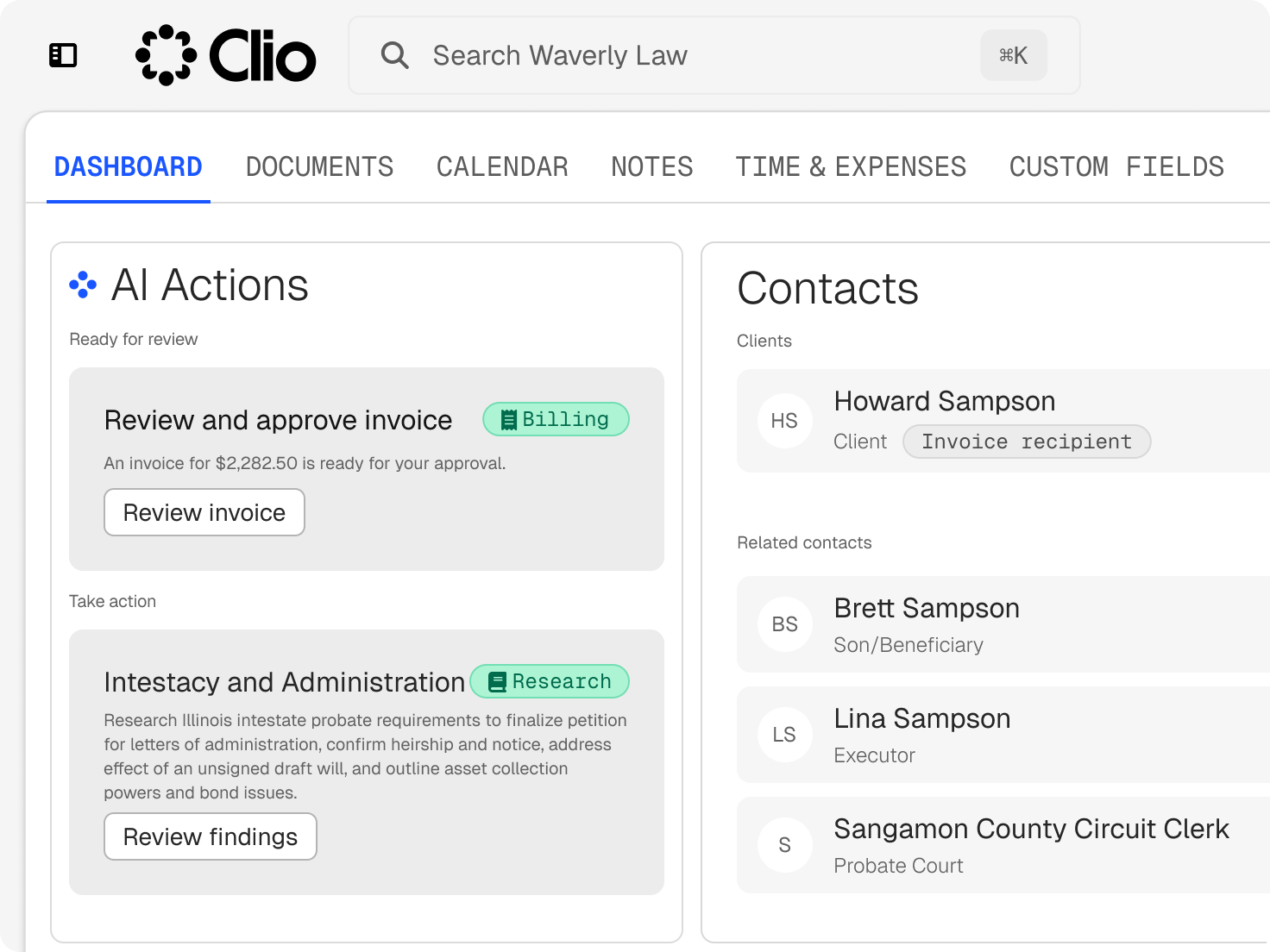
CRM for law firms that follows each lead through intake
See a potential client’s status, history, and next step without digging through your inbox.
Who We Serve
Software for sole practitioners, Large Law and in-house teams, across every area of law.
See a potential client’s status, history, and next step without digging through your inbox.
The Matter Pipeline shows where every potential client sits and updates as they move towards becoming a matter.
Group potential clients, current clients, and referral sources with tags and categories that match how your firm works.
Online intake forms gather contact and case details a single time, and the answers fill in the record.
Potential clients pick a time through appointment booking, and automated reminders help cut no-shows.
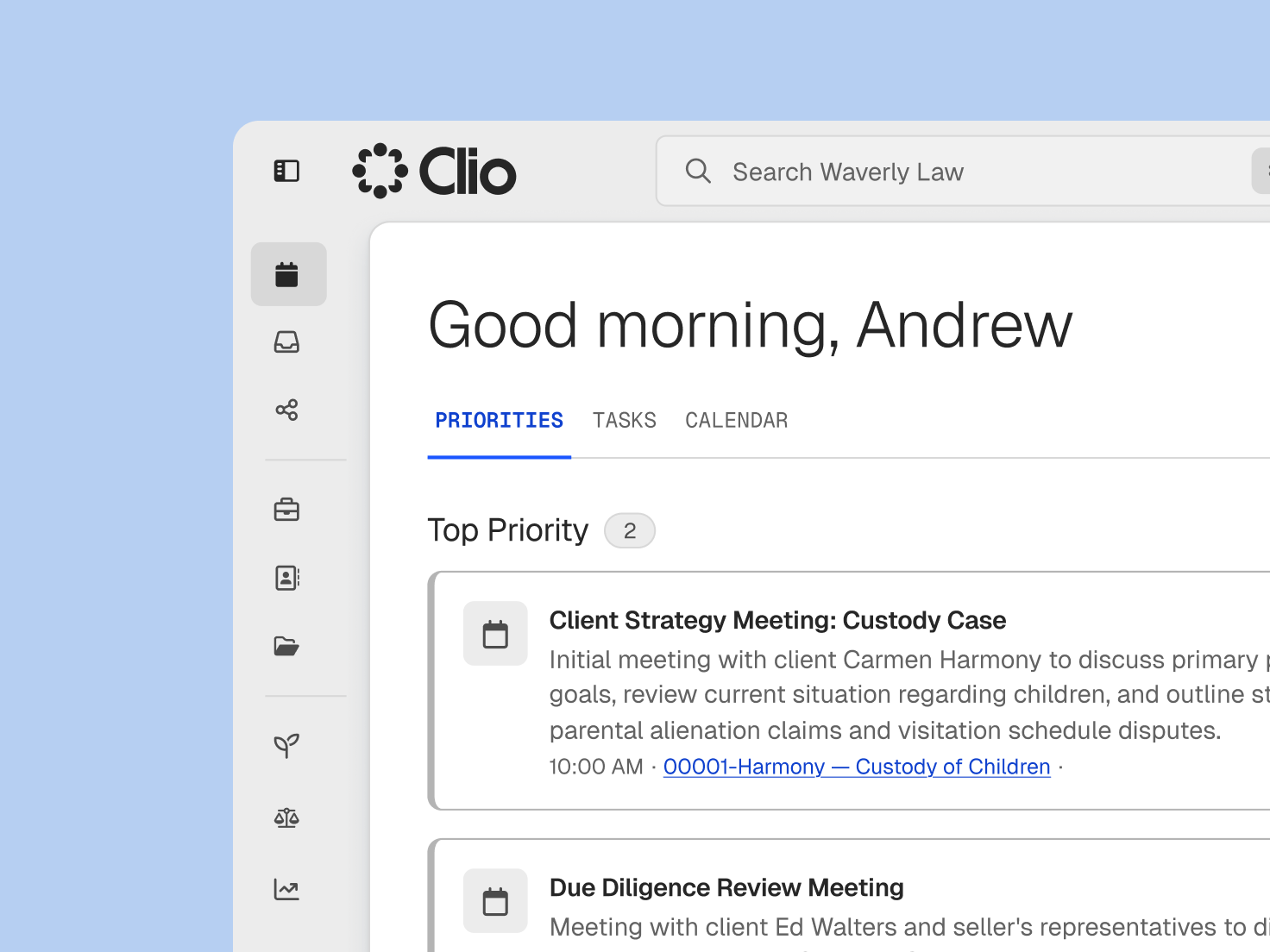
Potential clients who don’t book right away still hear from your firm, on a schedule you set.
Tasks and reminders are created at each intake stage, so the next step doesn’t depend on someone remembering it.
Email campaigns stay in touch with people who enquired but haven’t moved forward.
Ask satisfied clients to share their experience through reputation management once their matter wraps up.

Count how many new clients arrive and what they’re worth, broken down by the type of work.

Referral reports show who sent each new client and how many of those referrals were retained.

Intake reporting reveals which marketing sources bring in new clients and where leads stall.
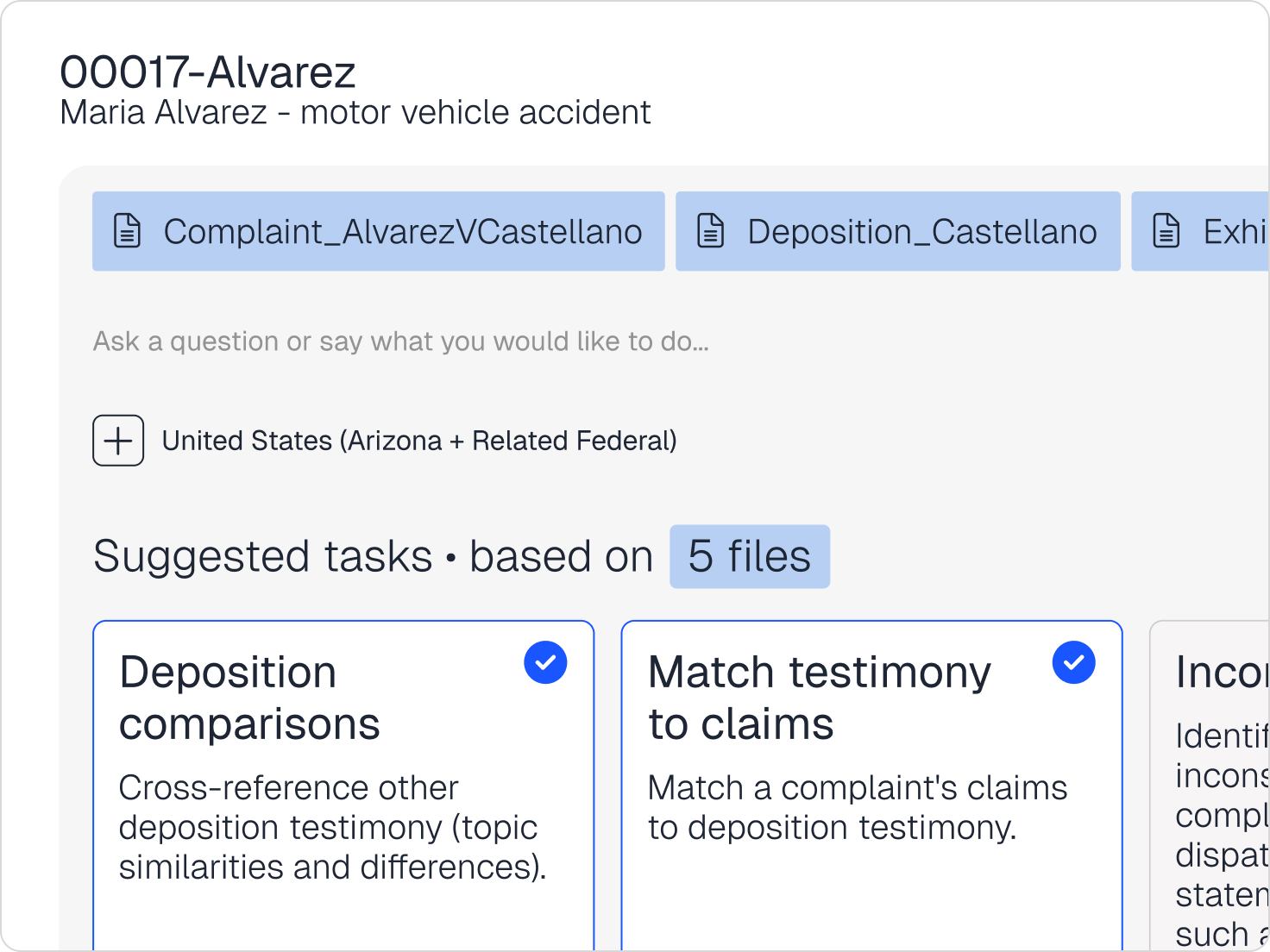
With Grow AI, Clio’s AI for intake, potential clients get a reply by email or web chat at any hour. Your team reviews the results and chooses which matters to accept.
Clio’s AI rates every enquiry on case type, location, and fit with clients who’ve instructed you before, and shows its reasoning.
A conflict screen runs across your Clio records at intake and summarises anything that needs a closer look.
Leads who stop responding, including those with an unsigned client care letter, get follow-ups in messaging your firm has approved, and anyone on your team can step in.
When a potential client instructs you, their contact details and intake answers move into case management with no re-entry, so the relationship continues on one record.
Legal CRM software tracks a firm’s relationships with potential and current clients, including every enquiry, consultation, follow-up, and referral source. In Clio Grow, the CRM is tied to intake forms, booking, and e-signatures, and the record moves into Clio Manage when a client instructs you.
Anyone who handles new business: intake staff, solicitors taking consultations, and partners tracking where clients come from. Everyone works from the same record, so a lead passed between people keeps its history.
A spreadsheet holds a list, and someone has to keep it current. CRM software for solicitors books consultations, sends reminders, prepares intake documents for signature, and shows each lead’s stage without anyone editing a cell.
Intake tasks, appointment reminders, documents for e-signature, and email campaigns to leads who haven’t instructed you yet. With Grow AI, first replies and follow-ups to quiet leads can run as well, and your team can take over at any point.
Yes. Grow AI replies to potential clients, rates each lead on your firm’s criteria and past clients, screens for conflicts, and follows up when leads go quiet. Prospect information stays in your Clio account, visible only to people with permission, and isn’t used to train public AI models.
They overlap. Intake gathers a potential client’s details and gets the client care letter signed, while CRM tracks the relationship before and after. Clio Grow does both, so what intake collects becomes the start of the client record. Explore Clio Grow.
Look for intake forms, conflict checks, online booking, follow-up, and a record that carries into case management. Clio Grow covers each of these and hands new clients to Clio Manage, so a small team isn’t stitching separate tools together.
Their contact details, intake answers, and signed documents move into a new matter in Clio Manage. Nothing gets retyped, and the history from their first enquiry stays attached.
Pricing is per user, per month. Client intake and CRM come with the Elite plan and are an add-on for Core and Signature. Grow AI is billed per matter hired with its help. Compare plans.