

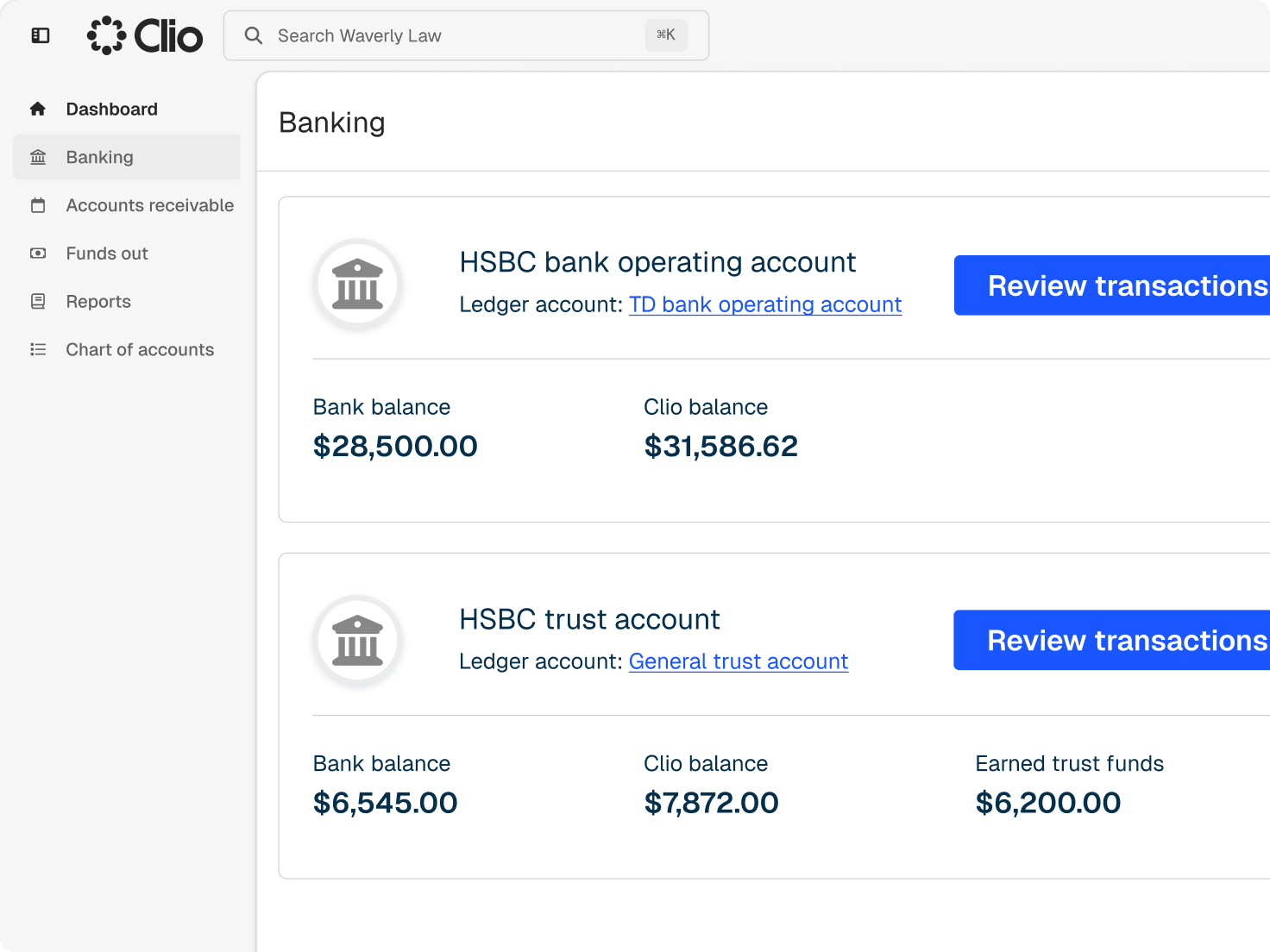
Trust account management from retainer request to reconciliation
Each deposit, transfer, and disbursement is logged against the client and matter it belongs to.
Each deposit, transfer, and disbursement is logged against the client and matter it belongs to.
Send trust requests that clients pay through a click-to-pay link, a QR code, or the client portal.
Bills display trust activity and remaining balances, so clients see what was applied.
Trust and operating funds stay in separate ledgers, with applications, transfers, and refunds recorded as they happen.
Pull trust transactions into Excel for your accountant or an audit.
Clio’s integrations mean we can integrate Clio with a whole bunch of other software we have. Even to generate invoices through Clio, we use Xero for our data management, profit and loss, and other reporting and payroll. Clio integrates with Xero so as soon as you generate a bill on Clio, it spits it out automatically on Xero.
Progressive Legal
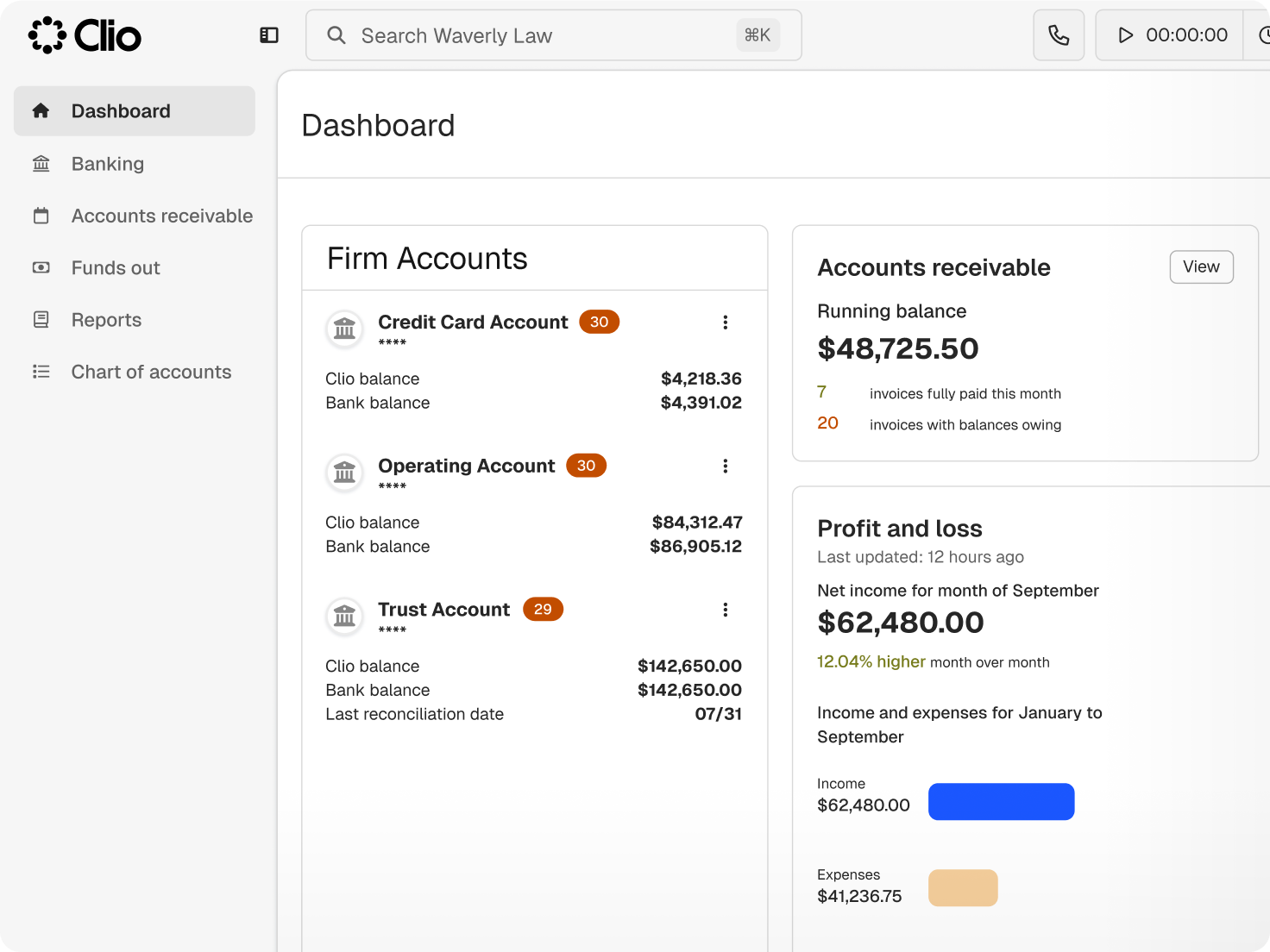
Reconciliation works from the transactions you’ve already entered, with nothing to rebuild.
Compare trust transactions with your bank statement from the Accounts tab.
Reconcile bank records, client ledgers, and trust liabilities together.
Use trust reports and statements, including reports designed for specific jurisdictions.
Evergreen trust alerts tell you when a client’s balance drops below the threshold you set.
Set up a credit card payment plan that deposits into trust weekly or monthly.
Apply a client’s available trust balance to a bill as you prepare it.
Link Xero or QuickBooks Online on select plans to keep your books in step with Clio.
Set up a separate Xero organisation for your trust account, apart from day-to-day transactions.
Contacts, approved bills, Clio Payments, and trust transactions move to QuickBooks Online.
Time and expenses, bills, credit notes, interest, payments, and contacts carry over to Xero.
Legal trust accounting software records money a firm holds for clients, such as retainers and settlement funds, separately from the firm’s own money, by client and matter. Clio logs each deposit, transfer, disbursement, and refund, and keeps trust and operating ledgers apart. Get a demo.
Set evergreen thresholds so Clio alerts you when a client’s balance drops, then send a trust request that clients can pay by link, QR code, or the client portal. For clients who prefer it, a credit card payment plan can deposit into trust weekly or monthly. Start a free trial.
Yes. Clio runs a three-way reconciliation, comparing your trust bank records, each client’s trust ledger, and your firm’s trust ledger. Get a demo.
Clio includes trust reports and statements, including several designed for specific jurisdictions. Check your state or territory’s trust accounting rules against the reports available. Get a demo.
Yes. Use available trust funds when you prepare a bill, and the bill shows what was applied and what remains. Clients can follow their balance from one bill to the next. Start a free trial.
Yes, on select plans. Trust transactions, approved bills, payments, and contacts sync with QuickBooks Online, and bills, payments, and contacts sync with Xero. Get a demo.
No. With Clio Payments, processing fees are charged to operating, so the trust ledger shows client money and the movements you made with it. Explore online payments.
Yes. Export trust transactions to Excel for your accountant, an audit, or your own records, alongside the trust reports and statements you can run in Clio. Get a demo.
Clio gives you the records, reports, and reconciliation tools trust rules call for. The Law Society of New South Wales has certified Clio’s trust accounting software as compliant with the Legal Profession Uniform General Rules 2015. Your firm stays responsible for meeting the trust accounting rules in its state or territory. Get a demo.