Clio release highlights

What’s new in Clio: the latest legal software product updates

Discover this year’s top legal software product updates, designed to make running your firm and practicing law simpler.

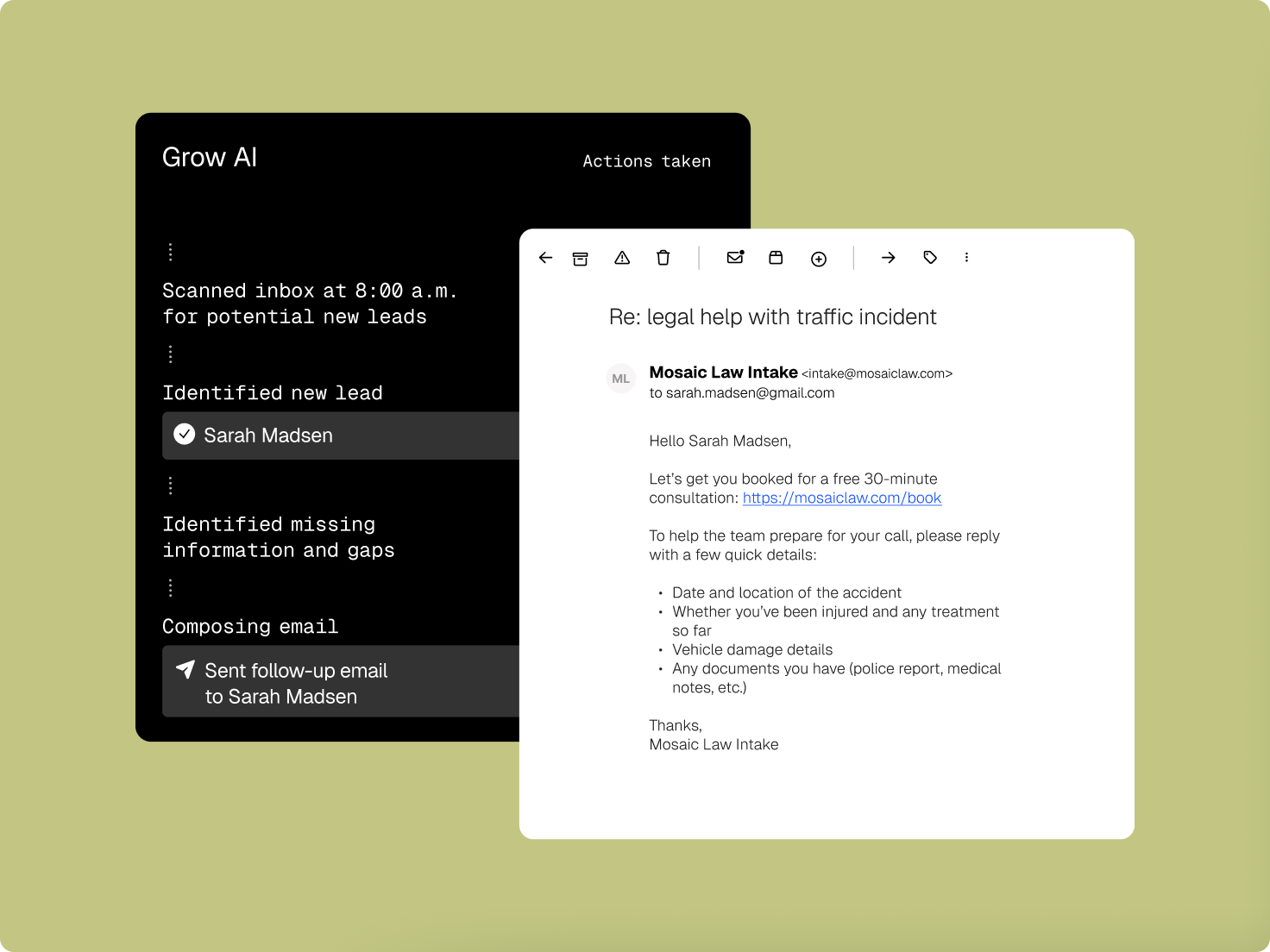
An AI dashboard automates lead identification and sends a follow-up email for legal help, shown alongside the email content.

Clio Grow

Attract, assess, and acquire clients around the clock

Grow AI responds to new leads, even after hours, screens them against the fit and conflict criteria you set, and books qualified prospects straight into appointments. When a case closes, it keeps in touch, so your firm stays top of mind when clients need you again.
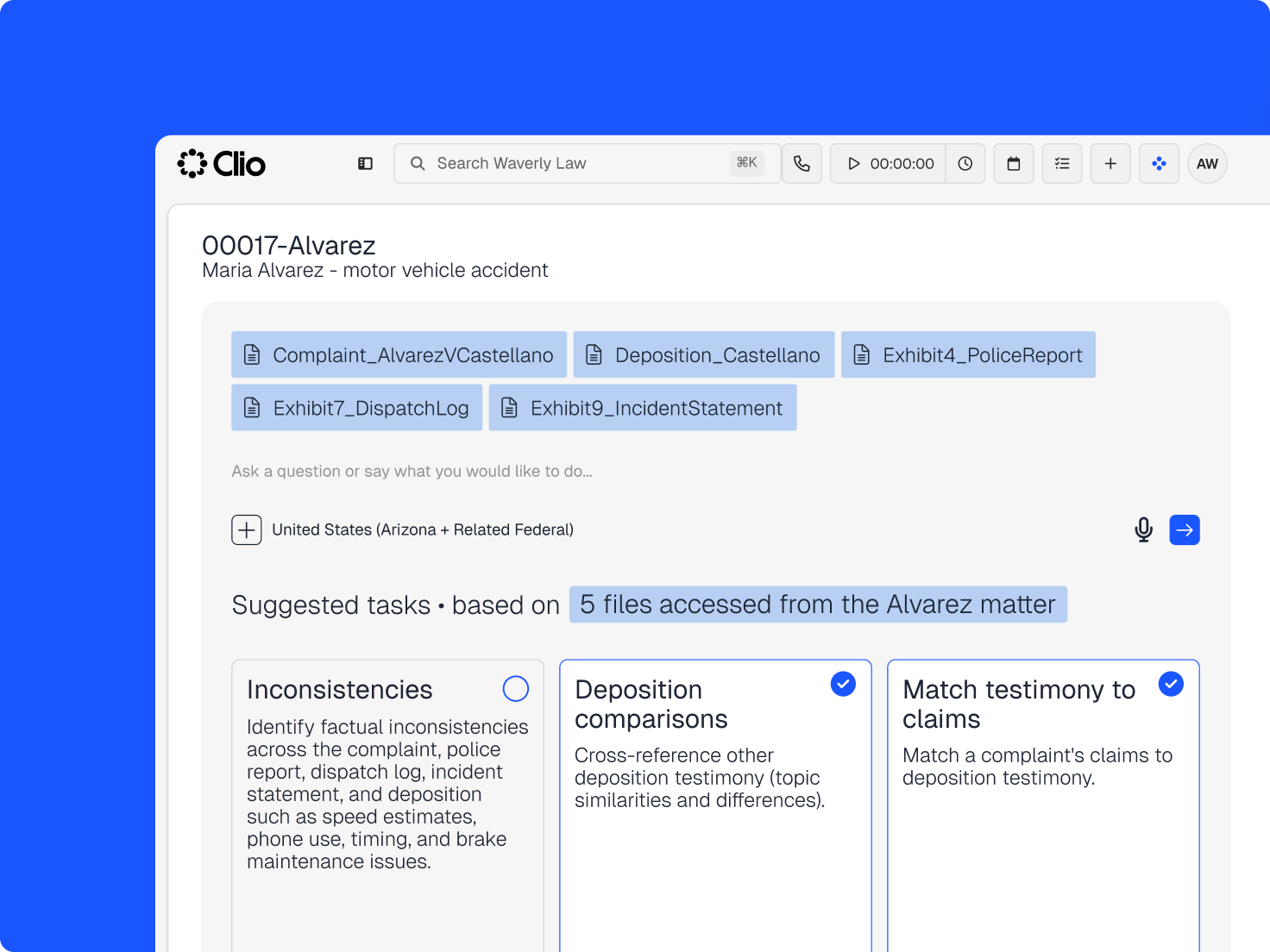
Clio legal tech interface displaying an "Alvarez" motor vehicle accident case with related documents and AI-suggested tasks for legal analysis.

Clio Work

Take action on your matter right from Clio Work

Take the action you need to keep your matter moving forward. Just ask Clio Work to get it done without ever having to jump back to Clio Manage.

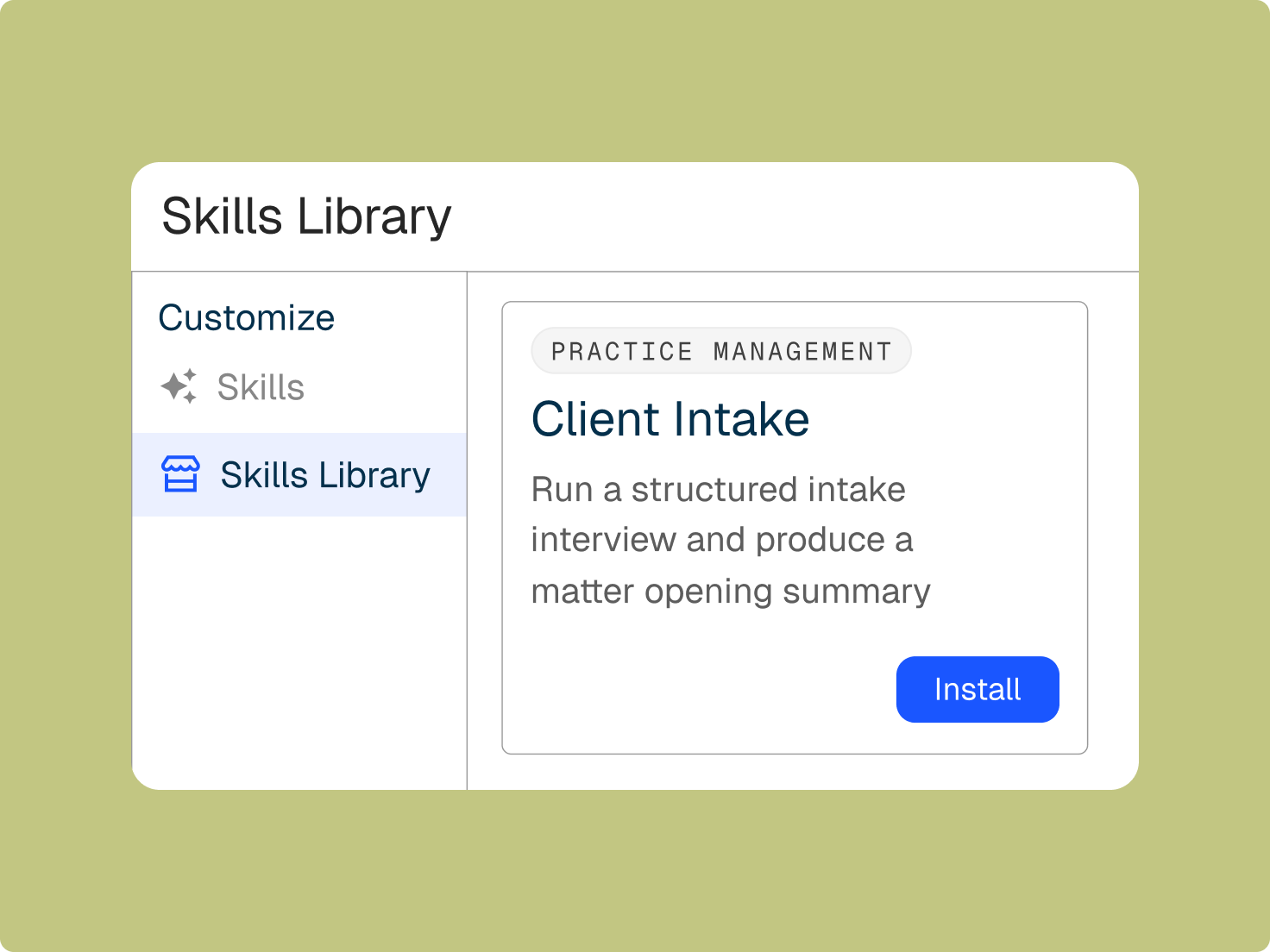
A "Skills Library" interface showing a "Client Intake" skill card with a description and an "Install" button.

Clio Work

Turn your firm’s approach into a reusable Skill

Tell Clio Work how you like a task done, and save it as a Skill. Best for repeatable, context-heavy work like demand letters, client updates, or discovery summaries.

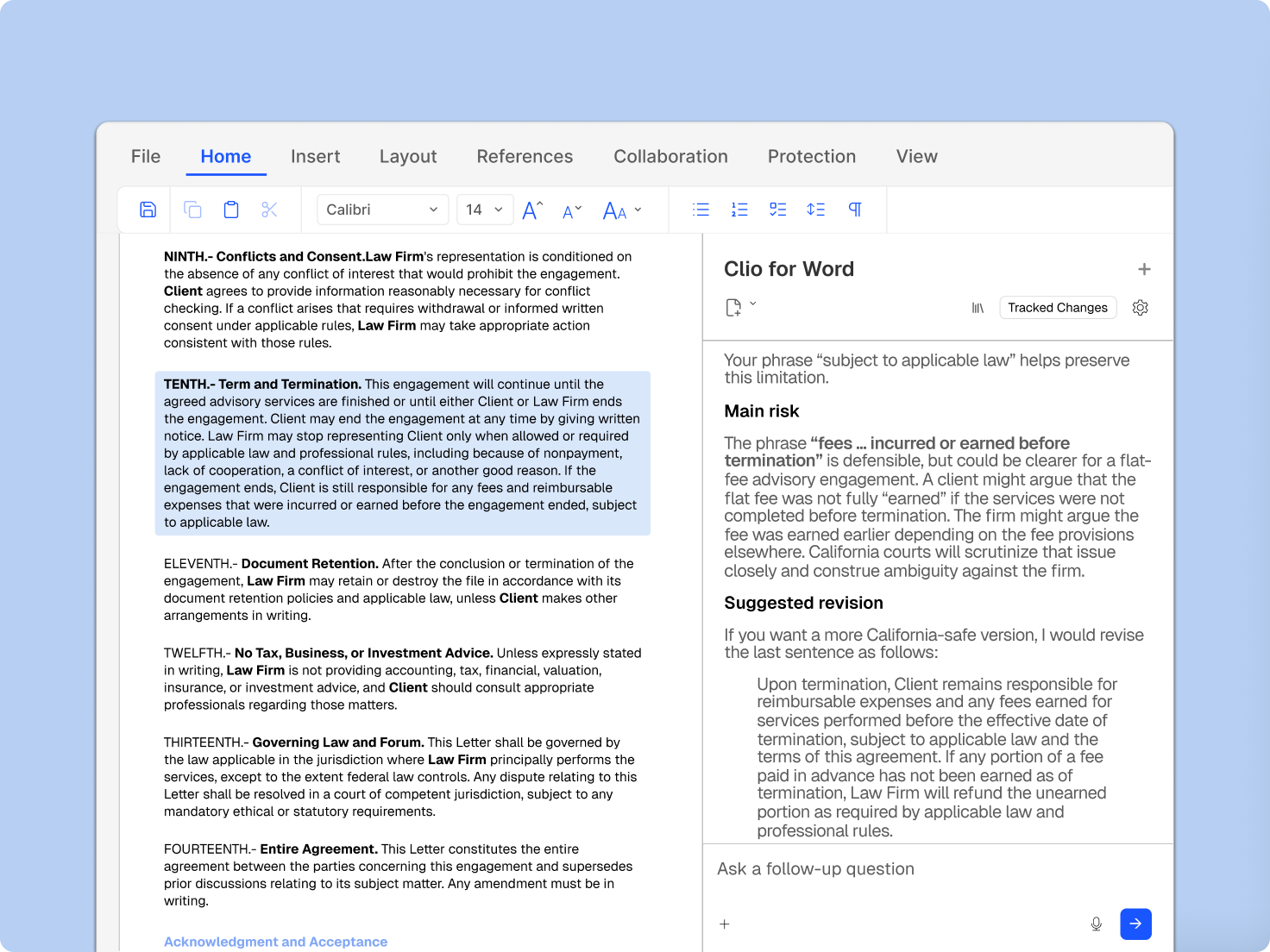
A screen showing a legal document in a word processor with a "Clio for Word" sidebar providing risk analysis and suggested revisions.

Clio for Word

Draft legal documents in Microsoft Word, powered by Clio

Clio for Word brings your matter data directly into Microsoft Word. Generate and update documents using the context from your cases, without switching between tools.

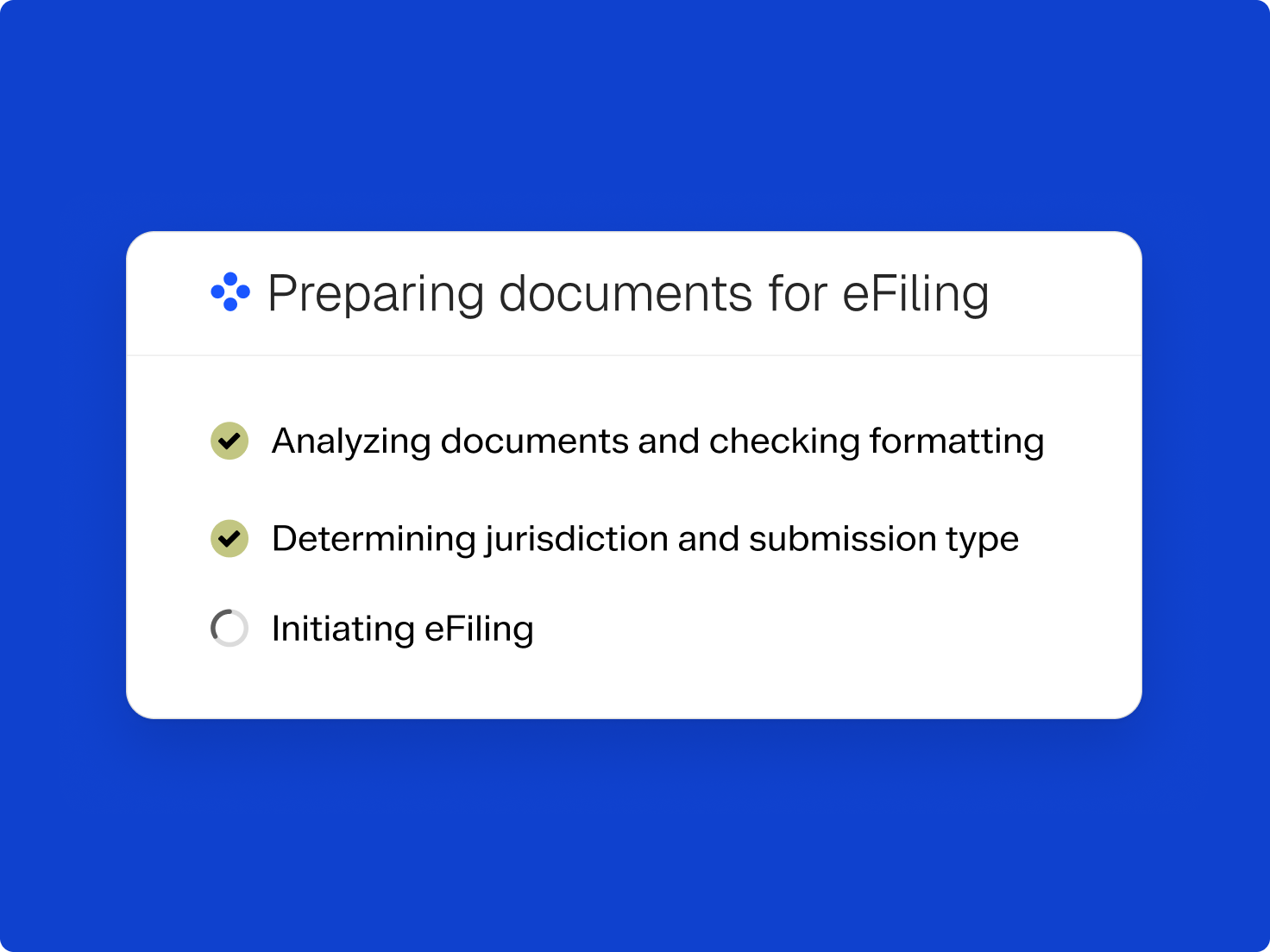
Progress card titled 'Preparing documents for eFiling': Analyzing documents and Determining jurisdiction are checked, Initiating eFiling is unchecked.

Clio File

Fill court forms faster with AI-powered autofill

Clio File now uses AI to pull case and party details from your matter documents into your filing. Review each section, then submit, with less manual entry and fewer chances for error.

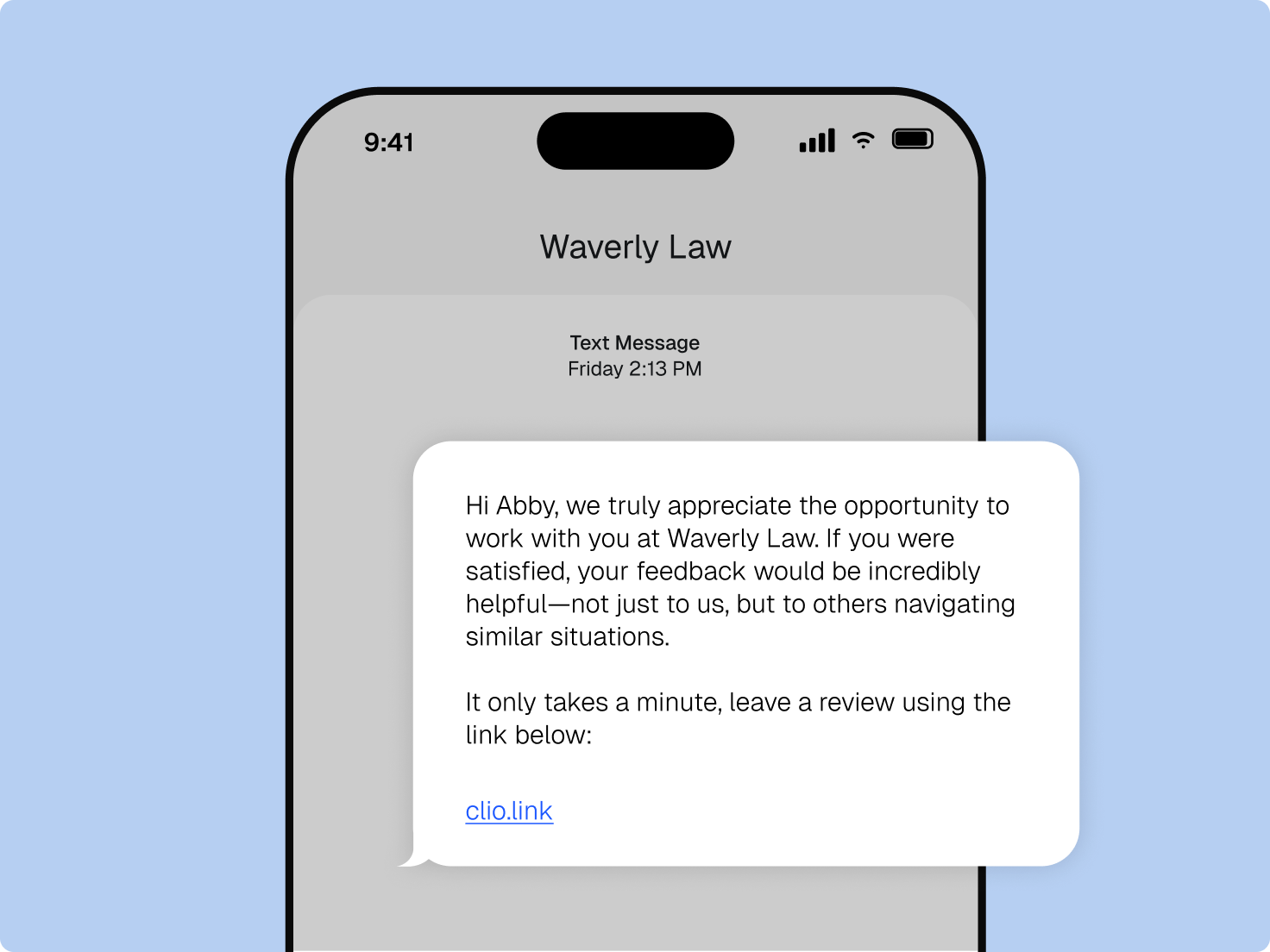
A smartphone displaying a text message from Waverly Law requesting a review for Modern Legal Planning via clio.link.

Clio Grow

Grow your reputation with every closed matter

Send review requests automatically when a matter closes. Boost your review volume and help your firm stand out when potential clients search for legal services on Google or through AI tools.

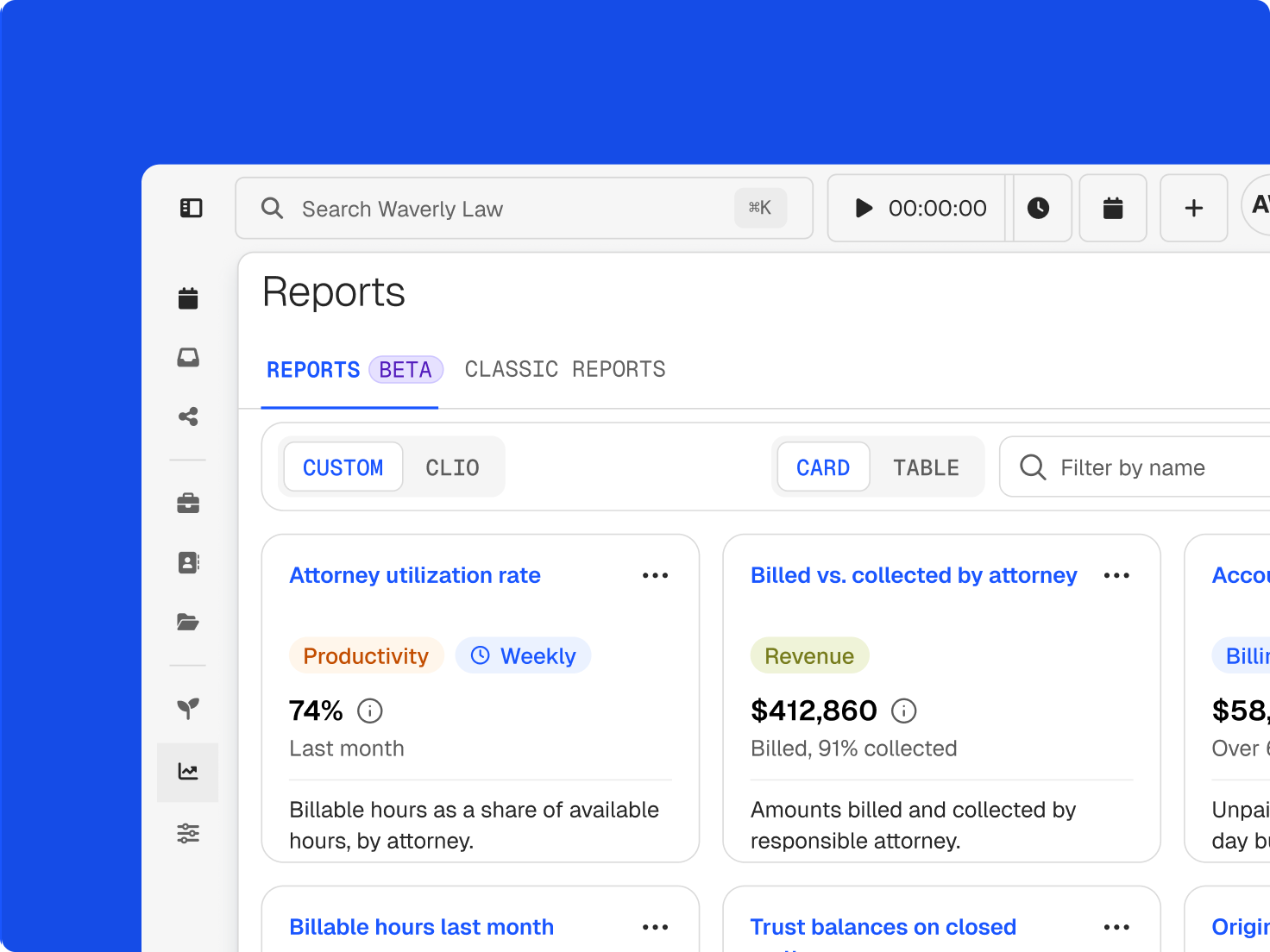
Software interface showing a "Reports" section with cards for metrics like attorney utilization (74%) and billed vs. collected revenue ($412,860, 91% collected).

Clio Manage

Custom reports built for your firm

Tailor reports to your needs with flexible filters and groupings, then save and share them in PDF, Excel, or CSV for faster insights.

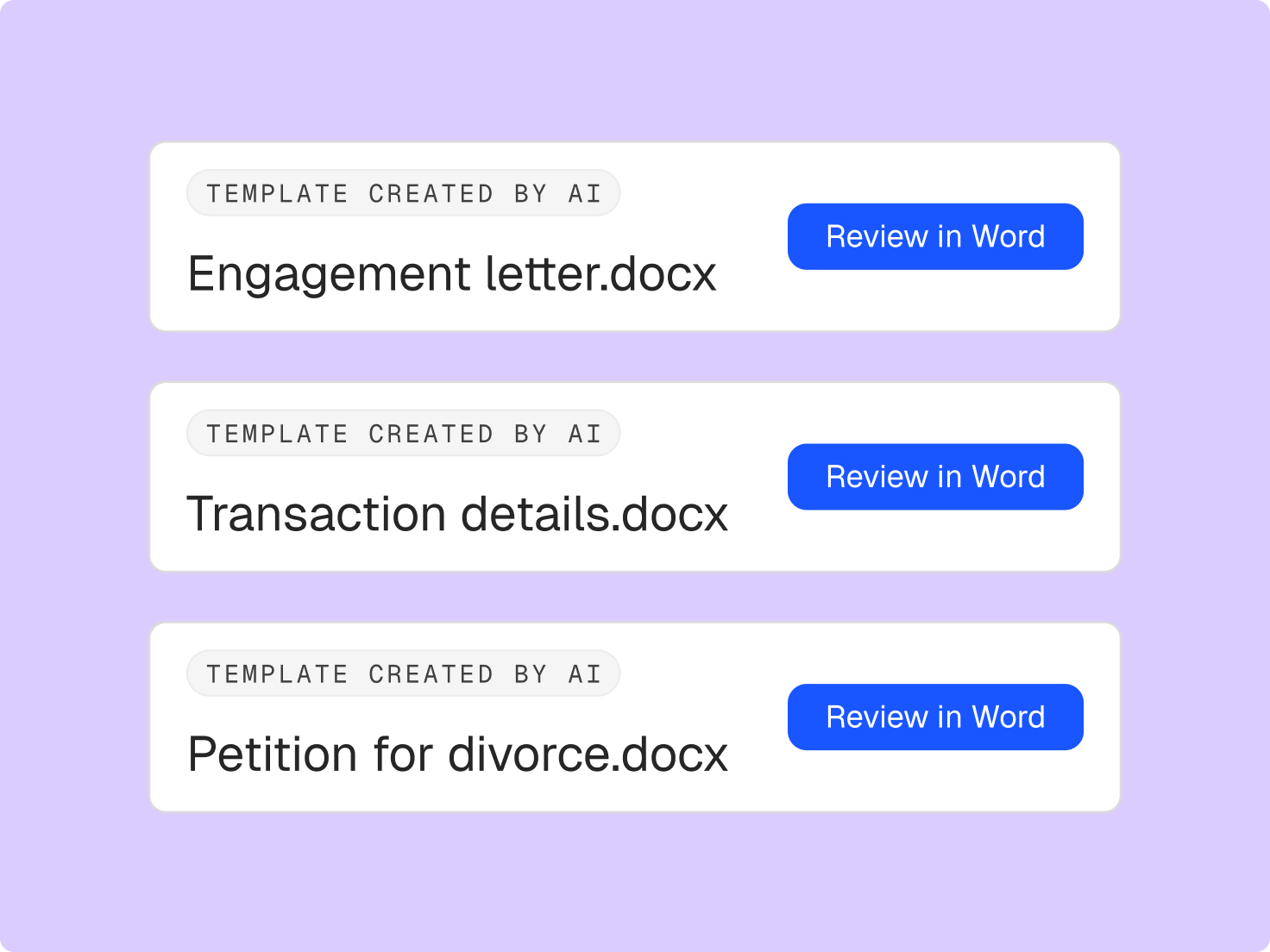
Three AI-generated document templates: Engagement letter, Transaction details, and Petition for divorce, each with a 'Review in Word' button.

Clio Draft

Build templates faster with AI-powered document drafting

Start drafting faster with AI that turns your documents into reusable templates for you, and standard templates preloaded on day one. Plus AI-powered questionnaires draft questions and keep them focused on what the matter needs.

Hands of two people, one typing on a laptop and another pointing at its screen.

Customer Community

Stay on top of Clio’s latest product updates

Get answers to your Clio questions, learn more about upcoming pilot programs, and connect with fellow Clio customers.

Frequently asked questions

What are legal software product updates?

Legal software product updates are the new features and improvements a legal technology provider adds to its platform over time. For law firms, the best updates take real work off your plate, from the first client inquiry to the final invoice, and fit the way your firm already runs.

How often does Clio release product updates?

Clio ships product updates throughout the year. Some are major new capabilities, and many are smaller improvements to the tools you use every day. This page highlights the most notable releases from the current year, so you can see what’s changed at a glance.

Where can I find Clio’s latest product updates?

Start here. This page brings the latest Clio product updates together in one place. The Clio Help Center explains how new features work, and the Clio Customer Community is where customers talk about what’s new and hear about upcoming pilot programs.

How do I learn to use new features in Clio?

The Clio Help Center has step-by-step articles for new and existing features. For guided learning, Clio Academy offers courses you can take at your own pace, and live training sessions walk you through features in real time.

Can I try new Clio features before they launch?

Sometimes. Clio runs pilot programs for select upcoming features, and you can learn about them in the Clio Customer Community. Join the community.

Why do legal software product updates matter for law firms?

Firms don’t practice the way they did five years ago, and your software should keep up. Regular updates mean your software gets better at the work you already do, whether that’s screening a new lead or preparing a filing, without you switching systems or rebuilding your process.

How can I see Clio’s newest features in action?

Book a demo for a walkthrough of the latest updates and how they fit your firm. Already a customer? Contact support to get started with what’s new.

See everything Clio can do for your firm