


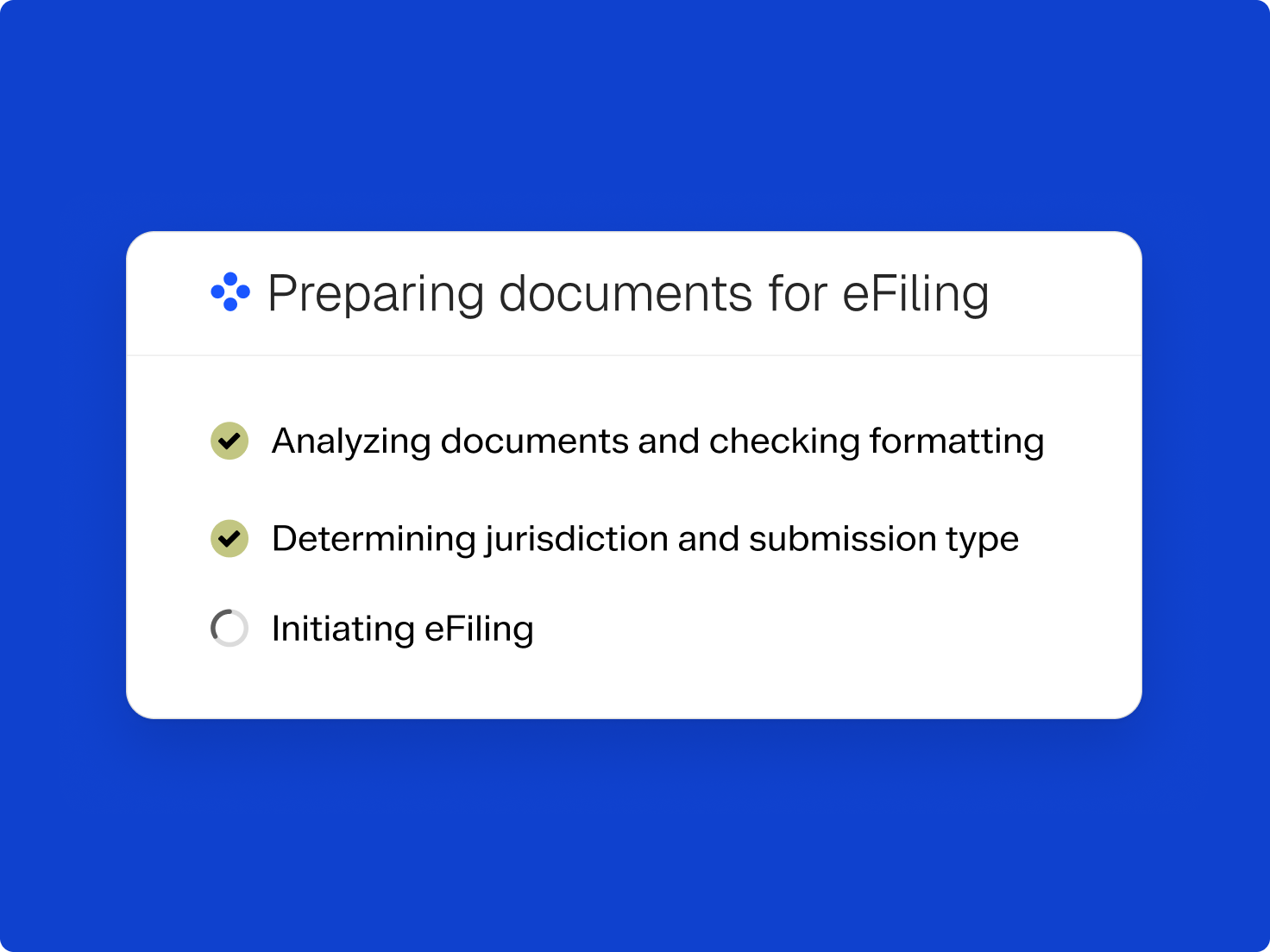
Court e-filing software that stays with the case
Filing, service, and status updates happen within one workspace.
Filing, service, and status updates happen within one workspace.
Pick the court and jurisdiction, then submit electronically with the court’s requirements checked.
Send e-service to opposing counsel and other parties from the same matter.
Email and in-app notices flag when a filing is submitted, accepted, or rejected.
Court-stamped copies return to the matter’s documents once a filing is processed.

Costs land on the matter when you submit, ready to pass through to the client.
Filing and service fees post as expenses on the matter when you file.
Add recorded fees to the client’s next bill without re-entering them.
See what each matter has spent on filing and service.

Build documents in Clio from the matter’s details, or drag and drop a document stored elsewhere.

Court rules calendaring calculates filing deadlines for each matter.

Once the filing is in, Clio’s docket tracking flags new motions and orders on the case.
Clio’s AI works upstream of the filing, so documents start from records you entered once. You review everything before it goes to the court.
Jurisdiction-specific forms populate from matter data, so nothing is retyped.
Autofill extracts case and party details from your documents for you to check.
You look over the filing package and send it to the court yourself.
Electronic court filing, or e-filing, means submitting legal documents to a court through an online system instead of on paper. Fax and email don’t count. With Clio File, you file and serve from the matter and get file-stamped copies back in Clio.
Clio File currently supports e-filing in California, Texas, Georgia, Nevada, Illinois, and Virginia.
Prepare the document in Clio or drag in one stored elsewhere, select the court, and submit. Notifications follow the filing as it’s submitted, accepted, or rejected, and the stamped copy returns to the matter.
Yes. Clio File supports e-service, so you can serve opposing counsel and other parties from the same matter you filed from.
Filing and service fees are recorded as expenses on the matter when you file, so you can bill them to the client without re-entering them.
Yes. Prepare documents from your matter data in Clio, then file and serve them with Clio File. The stamped copy and the fee both come back to the matter, so the work from first draft to final record stays together.
It helps before the filing. Forms populate from your matter data and case details can be pulled from your documents, so nothing gets retyped. You still review the package before you submit it.
Start with new matters in courts that support e-filing, so your team learns the process without changing every open case. The court-stamped copy returns to your case file, status updates replace calls to the clerk, and fees are recorded as you go.
Check that it covers the courts you file in, connects to your case management, tracks filing status, returns stamped copies, supports e-service, and records fees. Clio File does each of these inside Clio Manage.