

Court eFiling software that stays with the case
Filing, service, and status updates happen within one workspace.
Pick the court and jurisdiction, then submit electronically with the court’s requirements checked.
Send e-service to opposing counsel and other parties from the same matter.
Email and in-app notices flag when a filing is submitted, accepted, or rejected.
Court-stamped copies return to the matter’s documents once a filing is processed.

Costs land on the matter when you submit, ready to pass through to the client.
Filing and service fees post as expenses on the matter when you file.
Add recorded fees to the client’s next bill without re-entering them.
See what each matter has spent on filing and service.

Build documents in Clio from the matter’s details, or drag and drop a document stored elsewhere.

Court rules calendaring calculates filing deadlines for each matter.

Once the filing is in, Clio’s docket tracking flags new motions and orders on the case.
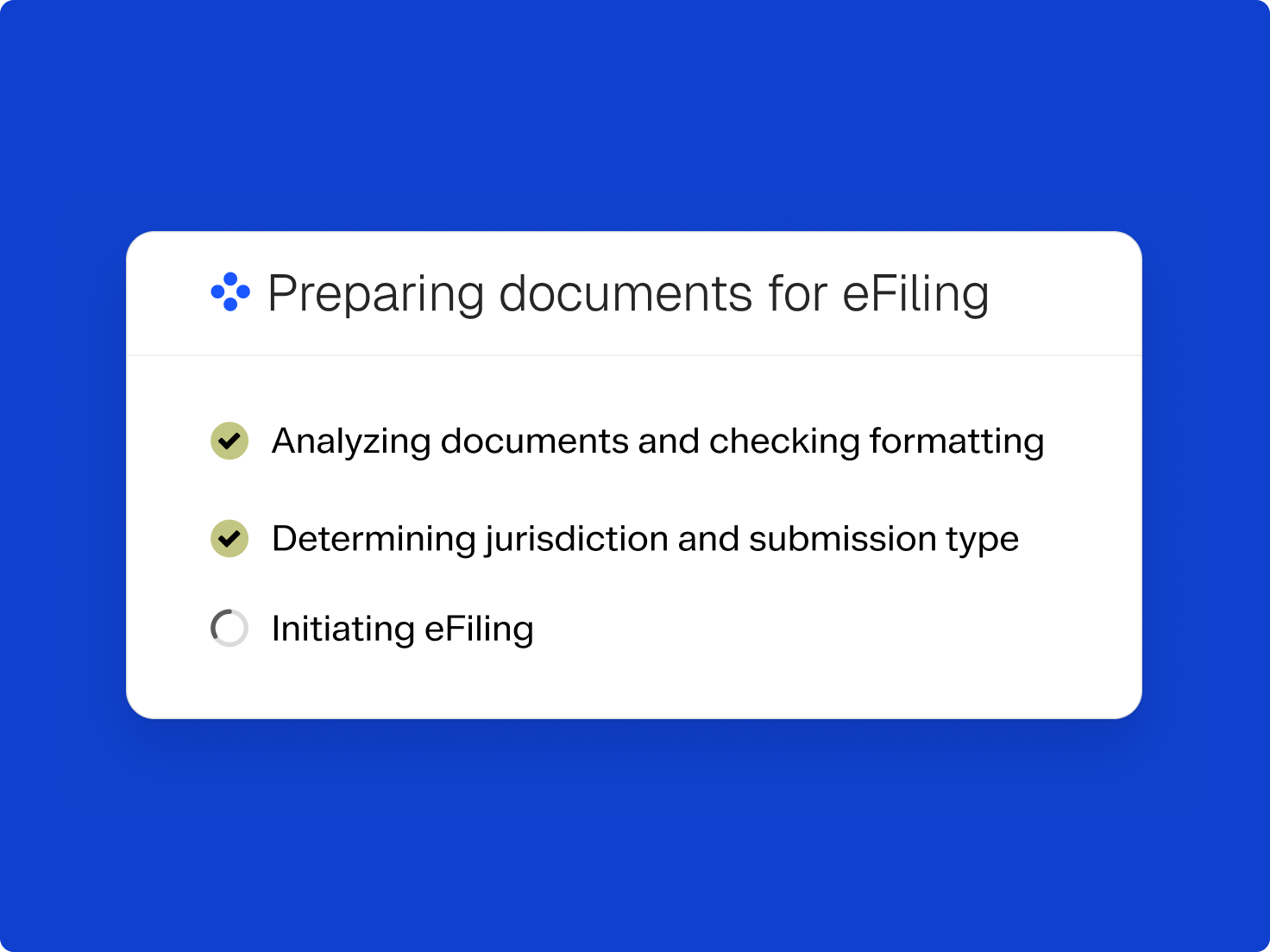
Clio File via the Clio browser extension fills in the court's portal from your matter and documents.
Parties, case details, and filing fields are filled in from your documents and the matter.
It stops to ask when something doesn't match the court's options.
Review in Clio, then confirm in the portal. Nothing is submitted without your approval.
Electronic court filing, or eFiling, means submitting legal documents to a court through an online system instead of on paper. Fax and email don’t count. With Clio File, you file and serve from the matter and get file-stamped copies back in Clio.
Two ways, depending on the court:
Some states cover only specific courts or case types. Check the court list for your state.
It depends on the court. For California, Texas, Georgia, Virginia, Nevada, and Illinois, you can file from Clio Manage or Clio Work. For the other 21 jurisdictions, you need Clio Work, with or without Clio Manage.
Nothing, if you file in California, Texas, Georgia, Virginia, Nevada, or Illinois. To file in the other 21 jurisdictions, add the Clio browser extension for Chrome or Edge. Clio Work prompts you the first time you file into a court’s web portal.
With a Clio Work license: No Clio File fee. Court-specific fees may still apply.
For Clio Manage only users: The Clio File fee applies in California, Texas, Georgia, Virginia, Nevada, and Illinois. Court-specific fees may still apply.
You can keep filing exactly as you do today. Clio File still files directly into these courts from eFilings in Clio, with the same steps. In California, if your firm has Clio Work, you'll also see an option to file with Clio Work, and when the person filing has a Clio Work license, there's no Clio File fee. Team members without one keep paying the Clio File fee, as today. Court fees still apply.
Prepare the document in Clio or drag in one stored elsewhere, select the court, and submit. Notifications follow the filing as it’s submitted, accepted, or rejected, and the stamped copy returns to the matter.
Yes. Clio File supports e-service, so you can serve opposing counsel and other parties from the same matter you filed from.
No. You review every filing and click submit yourself.
Filing and service fees are recorded as expenses on the matter when you file, so you can bill them to the client without re-entering them.
Yes. Prepare documents from your matter data in Clio, then file and serve them with Clio File. The stamped copy and the fee both come back to the matter, so the work from first draft to final record stays together.
It helps before the filing. Forms populate from your matter data and case details can be pulled from your documents, so nothing gets retyped. You still review the package before you submit it.
Start with new matters in courts that support eFiling, so your team learns the process without changing every open case. The court-stamped copy returns to your case file, status updates replace calls to the clerk, and fees are recorded as you go.
Check that it covers the courts you file in, connects to your case management, tracks filing status, returns stamped copies, supports e-service, and records fees. Clio File does each of these inside Clio.