
Route every inquiry to an owner
Capture the issue, urgency, and documents, then assign the next step before a good lead waits in a shared inbox.
Who We Serve
Software for sole practitioners, Large Law and in-house teams, across every area of law.
Capture the issue, urgency, and documents, then assign the next step before a good lead waits in a shared inbox.
Reuse approved client details across conflict checks, engagement letters, tasks, and drafts instead of retyping them.
Roles, tasks, calendars, and matter stages show who owns the work, what changed, and what needs review.
Keep time, expenses, bills, trust, and payments with the matter while the work is still current.
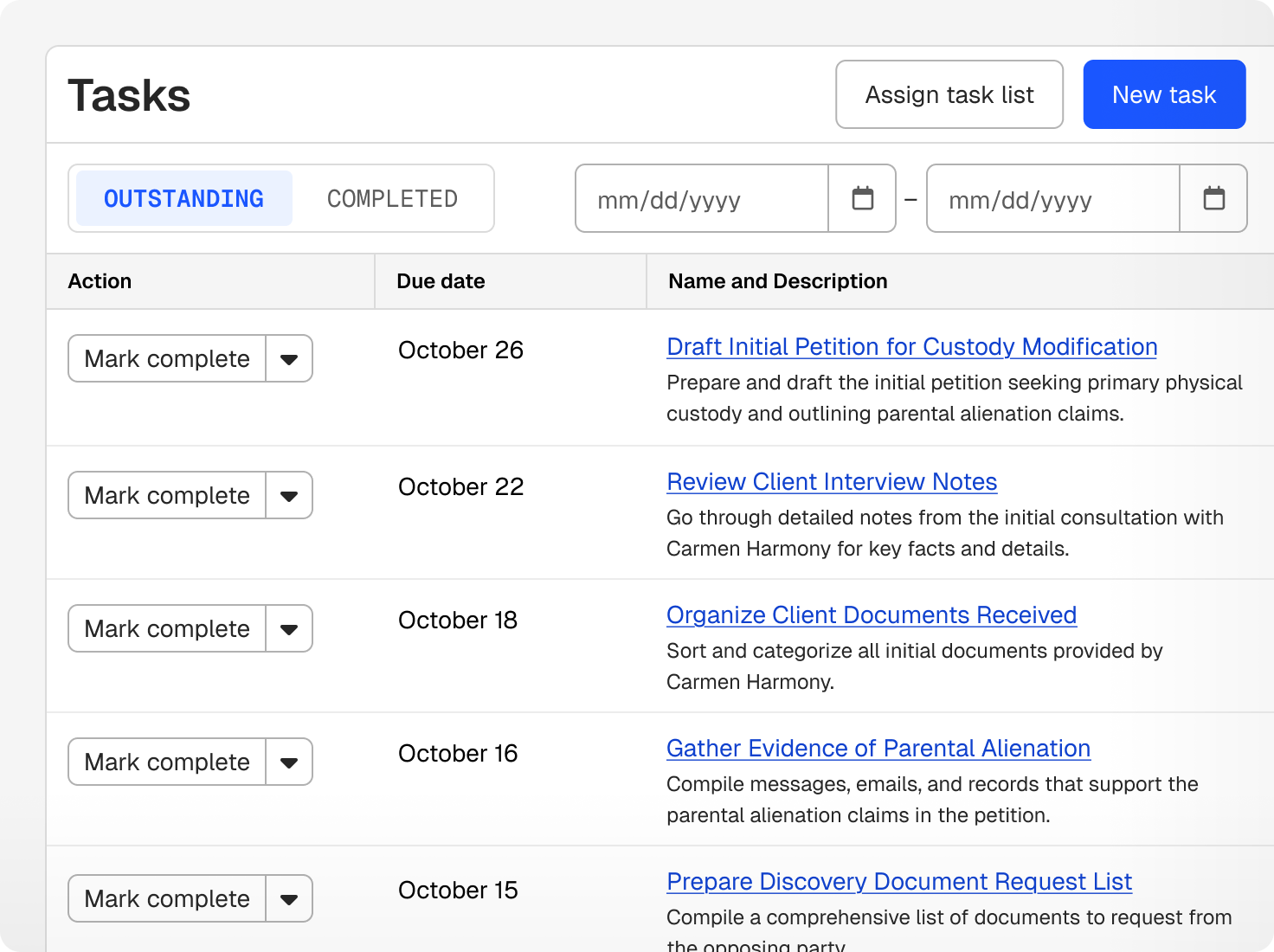
On a small team, several people can touch one client in a single day. Notes, documents, communications, and prior decisions stay on the shared matter record, and Clio's legal AI can summarise recent activity before a call, meeting, or reassignment.

Task lists, matter templates, custom fields, and workflows give every recurring process a consistent starting point. The legal work can still take the path each matter needs, and your team decides where review is required.
Bring matter facts and documents into legal research with authoritative sources, then carry the reasoning into a first draft. Colleagues can review the draft with the citations and source context still attached.
Whoever answers the client can see the latest document, completed tasks, and upcoming dates without asking the original owner for a recap. Secure messages, email, text, and portal activity stay with the matter.
Time, expenses, bills, and payments stay tied to the client and matter. Clio’s legal AI can prepare draft bills for review, and reports show where work is piling up and where cash is delayed.
legal professionals trust Clio
law societies and bar associations recognize Clio
average rating across 13,000+ reviews
Small law firm software helps a team manage prospective clients, matters, documents, tasks, deadlines, communication, time, billing, trust, and payments. Clio connects that work with cited legal research, drafting, and legal AI on one record. See Clio in action.
The client, matter, documents, communications, dates, tasks, and prior activity stay in one permissioned record. Each person sees the current status and their assigned work, and Clio’s legal AI can summarize recent activity when a matter changes hands.
Yes. Matter types, stages, task lists, custom fields, templates, and permissions can be set up for different kinds of work, while the firm keeps one set of client, financial, and reporting records.
Yes. Clio can turn approved Word documents into reusable templates and prepare first drafts from the matter's facts. Get a demo
Yes. Secure messages, email, text, portal activity, documents, and appointments stay with the matter, so anyone on the team can answer a client with the full history in view.
Yes. Clio supports time and expense tracking, flat fees, bills, approvals, online payments, payment plans, trust accounting, collections, and reporting. Clio’s legal AI can prepare draft bills from recorded time for review. Book a demo.
Clio completes independent SOC 2 Type II and SOC 1 Type II audits every year, encrypts data in transit and at rest, and supports your your privacy obligations under PIPEDA and provincial privacy laws for client data. Role-based permissions, two-factor authentication, and activity logs keep access under your control, and your data isn’t used to train AI models.
Report