#1 LEGAL AI FOR MODERN LAW FIRMS

Leading Legal AI built for Research, Drafting, & Case Strategy

4.7 out of 5 stars, based on 8,643 ratings.

Clio is the highest rated and most reviewed of any legal AI with 4.7/5 stars across 8,550+ reviews on G2, SoftwareAdvice, Capterra, and Lawyerist.

  • Powerful AI for document analysis & drafting

  • Built on a legal library of 1 billion+ verified documents

  • A built-in citator confirms every authority is current before it reaches you.

  • Enterprise-grade infrastructure: SOC 2 Type II, ISO 27001, HIPAA

Clio is approved by 100+ bar associations & law societies

Clio is the only legal software on the market approved by all 50 state bar associations in the United States.

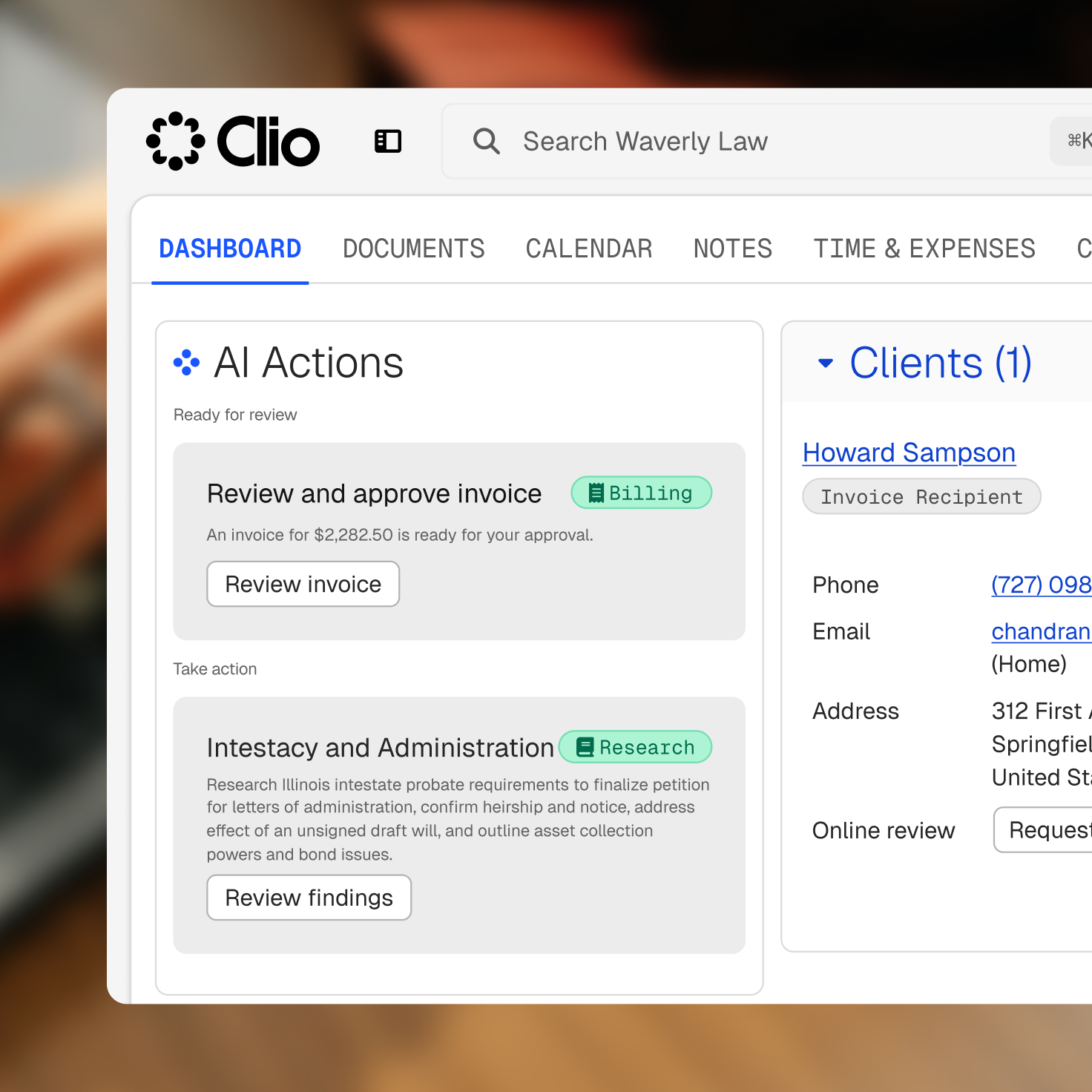
The Clio legal software dashboard displaying AI actions for billing and research, and client information for Howard Sampson.

Legal AI software features - All-in-one solution

Clio’s AI software for lawyers is the ideal solution for case organization, research, drafting, time tracking, document management, calendaring, and billing—no matter where you are.

  • Client Intake & CRM
  • Case & Matter Management
  • Research & Drafting
  • Document & File Management
  • Legal Calendaring & Docketing
  • Time & Expense Tracking
  • Billing & Invoicing
  • Payments

Understand your matter. Build your strategy. Move work forward

Whether you’re litigating a case or advising on a transaction, Clio Work adapts to your practice, so you can research, strategize, and draft the way you actually work.

Authoritative coverage

Primary law, secondary sources, and ongoing updates across jurisdictions.

Spot the Insights That Matter
See the key passages, case validity, and statute changes instantly.

Stay Current Without Extra Work
350K+ new documents daily keep your research up to date.

Research intelligence

Signals, key passages, and citation analysis for faster confidence.

Cite the Right Version Every Time.
Access the law exactly as it stood at any moment in time.

AI assist

Ask Clio Work and validate in Library for citation-backed answers.

Build Stronger Arguments with Precedent.
Follow how principles evolve to strengthen every argument.

Work Smarter, Not Harder
Practical, intuitive workflows tailored to small firms.

Comprehensive legal AI software that meets the needs of your firm—and your clients

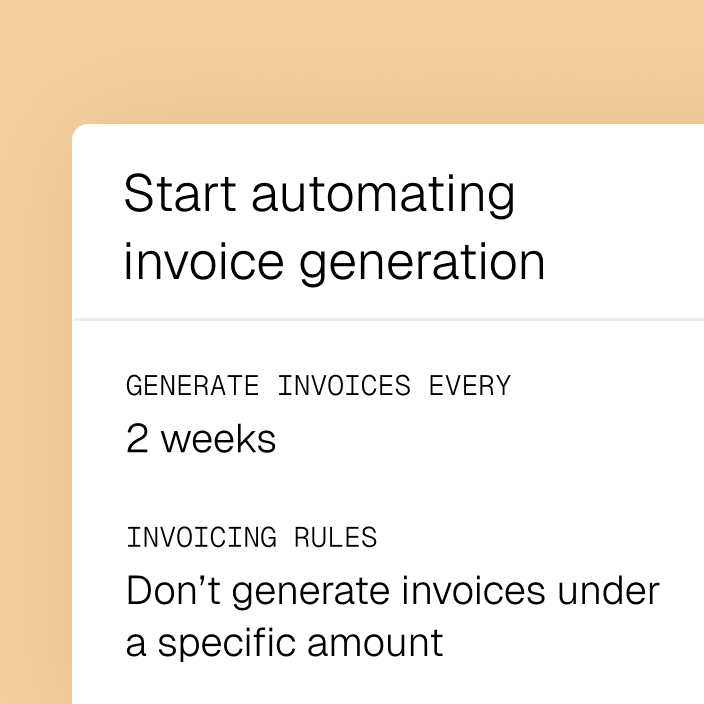
UI for automating invoice generation, displaying settings to generate invoices every 2 weeks and not generate them under a specific amount.

Make it easy to send bills & get paid

App interface showing an "Activate Campaign" button and details for a "Celebrate client birthdays" campaign.

Easily attract and win new clients

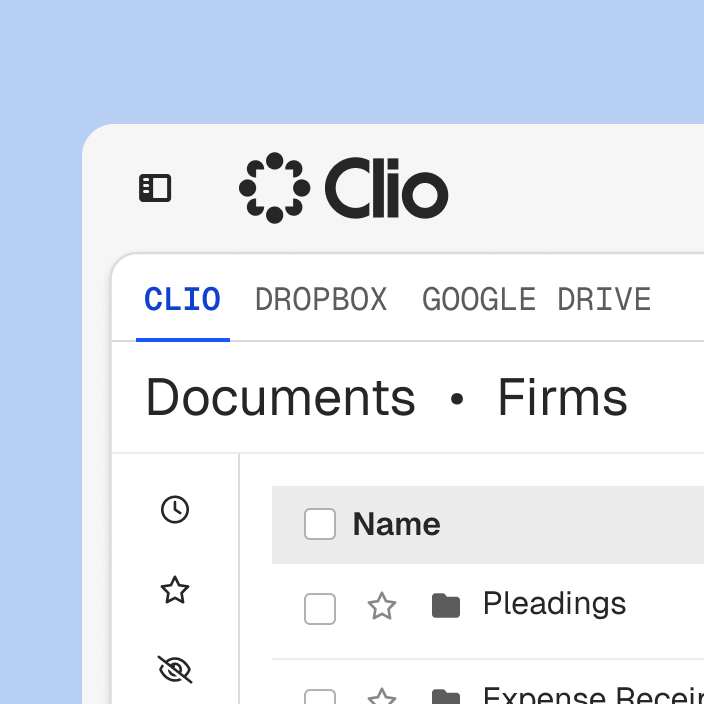
Clio document management interface with tabs for Clio, Dropbox, and Google Drive.

Every document, accessible from anywhere

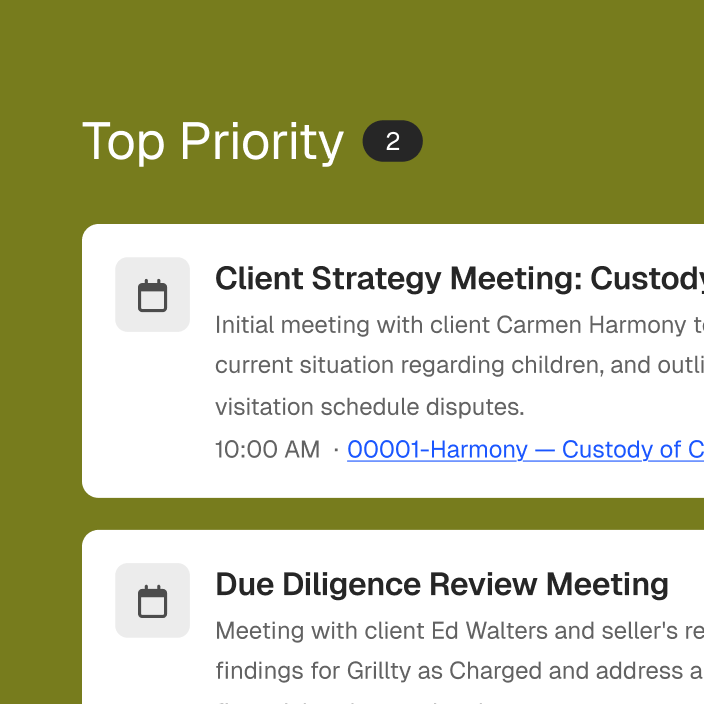
UI showing 'Top Priority (2)' with two meeting cards: 'Client Strategy Meeting: Custody' and 'Due Diligence Review Meeting'.

Reminders to hit
every deadline

Legal AI software that works for every member of your firm

Partners

Efficiently manage your firm

  • Set your team up for success with a solution that makes everyone’s day-to-day smoother.
  • Standardize workflows with AI-extracted deadlines
  • Accelerate billing with auto-generated invoices
  • Keep matters organized with AI-suggested file naming
  • Improve collaboration with automated client updates
  • Analyze financial performance with AI-powered reports

See Clio in Action

Associates

Maximize billable hours with smoother processes

  • Manage cases from one hub
  • See next steps with AI-powered recommendations
  • Keep clients informed with draft updates you can send instantly
  • Collaborate with your team using shared AI-driven task lists
  • Reduce stress by letting AI handle admin details

See Clio in Action

Legal Teams

Software that supports you, so you can support your firm

  • Organize and access documents with AI-suggested naming
  • Track time and expenses with precision
  • Never miss a deadline with AI-extracted court dates
  • Draft client communications automatically
  • Keep your day organized with AI task prioritization

See Clio in Action

Operations

Consider Clio admin support for legal admins

  • Streamline tasks by letting AI handle scheduling orders
  • Simplify accounting with anomaly detection in invoices
  • Accelerate cash flow with auto-routed approvals
  • Keep communication consistent with AI-drafted updates
  • Improve coordination by surfacing firm-wide priorities

See Clio in Action

IT

Industry-leading security protocols mean you can rest easy know your firm is safe.

  • Easily manage user roles and permissions
  • Double down with Two-Factor Authentication
  • Reduce data loss risks with automated backups
  • Unprecedented security including 24/7 monitoring and regular security audits
  • GDPR, PCI, HIPAA, and SOC2 compliant

See Clio in Action

Accounting

Streamline your legal billing while improving cashflow

  • Get paid faster with auto-generate accurate invoices with AI
  • Detect anomalies before approval
  • Simplify trust accounting
  • Access real-time AI-powered reports for financial clarity
  • Take advantage of intuitive accounting software made just for law firms

See Clio in Action

Clio—designed and built to meet the exact needs and nuances of your law firm

  • Administrative Law
  • Bankruptcy Law
  • Business and Compliance
  • Civil Litigation Law
  • Criminal Law
  • Elder Law
  • Employment Law
  • Estate Planning Law
  • Family Law
  • General Practice
  • Government Law
  • In-House Counsel
  • Immigration Law
  • Intellectual Property Law
  • Personal Inury Law
  • Real Estate Law

Legal AI software customizable for all firm sizes

Solo Practitioners

You’re not just practicing law—you’re running your solo firm. Prioritize your clients and cases, and let Clio handle the rest.

  • Track every minute of work–without working more
  • Work anywhere: Secure access on desktop or mobile
  • Close cases faster: Automate docs and store them securely
  • Stay connected: Integrate your favorite tools
  • Get paid faster: Flexible, easy payment options.

See Clio in Action

Small Law Firms

Small law firm software designed to drive big impact. Focus on what you do best, and let Clio do the rest.

  • One centralized system to store all documents, matters, and client communication
  • Use AI to log billable work–without the hassle
  • Create a library of reusable document templates
  • Shrink the time needed for billing and get paid faster
  • Delegate tasks like creating calendar events and notes

See Clio in Action

Mid-Sized and Large Firms

Software your entire firm can agree on. Discover why mid-sized and large firms consider Clio the gold standard.

  • Take control of firm operations, boost growth, and improve client satisfaction
  • Optimize billable work, outpace competition, seamlessly integrate Clio into your tech stack
  • Gain insight into firm performance, revenue, expenses, employee productivity, and sales
  • Dedicated onboarding team to assist your firm’s transition to Clio
  • Financially-backed 99.9% uptime guarantee
  • Unparalleled security standards

See Clio in Action

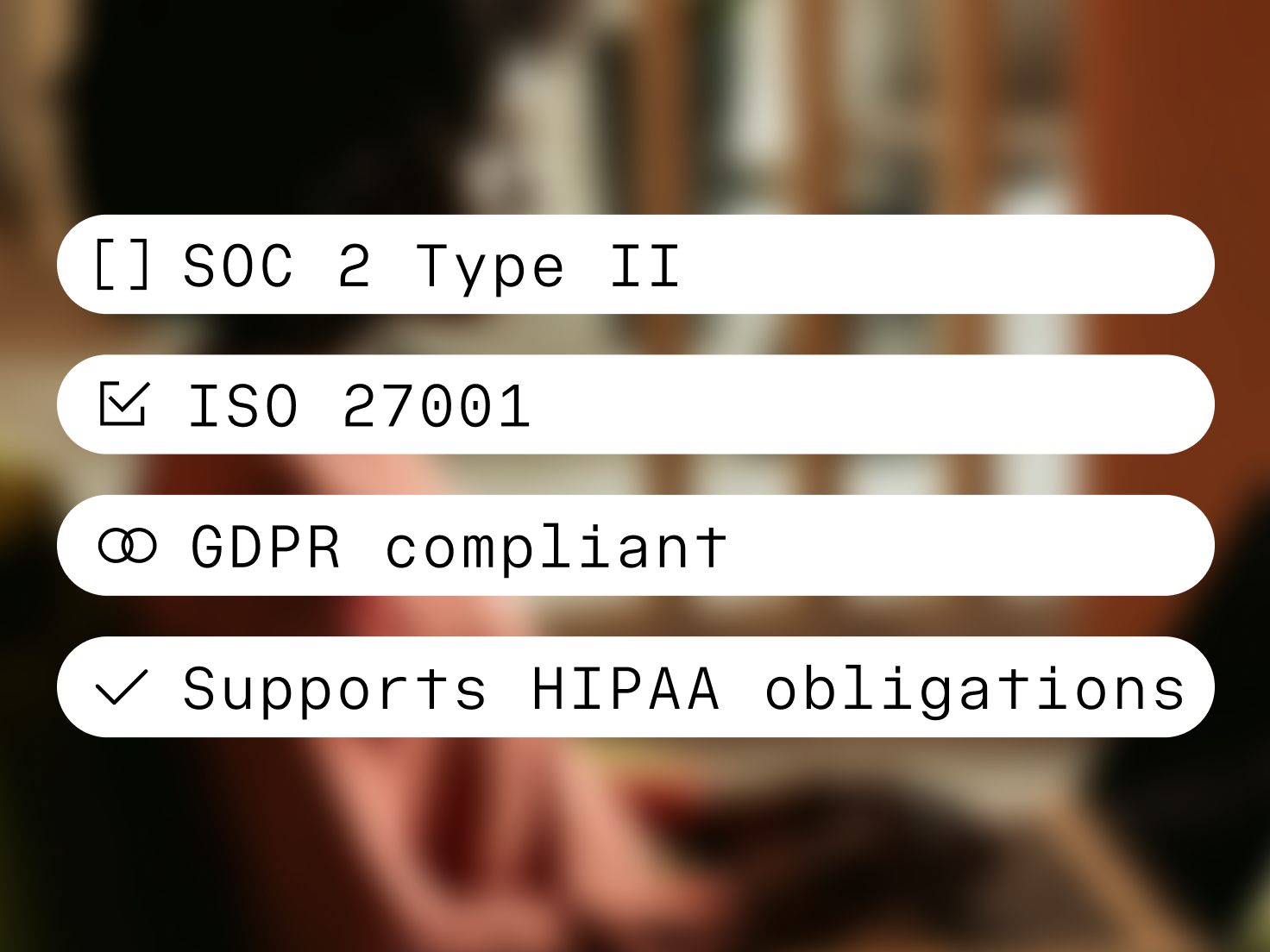
Compliance standards listed: SOC 2 Type II (unchecked), CCPA compliant, GDPR compliant, and HIPAA compliant (checked).

Every byte of data—yours and your clients’—securely stored in the cloud.

  • Dedicated 24x7x365 security team
  • Continuous vulnerability monitoring
  • GDPR, SOC2, PCI compliance, and more
Smiling bald man with a grey beard and blue glasses looking at a screen.

Get more with your legal technology

Receive award-winning support, industry-leading security, access to Clio Integrations, and more—at no extra cost.

Unlimited data storage you control

Maintain full data ownership, and control it all with multi-level user permissions.

Award-winning 24/5 support

Exceptional customer support from the most experienced team in the industry, 24/5.

Secure, reliable cloud software

Priority, encrypted data backups, with 2FA and a 99.99% uptime SLA guarantee.

Online payments made simple

Accept client payments anytime, anywhere with competitive processing rates and no hidden fees.

Intuitive, easy-to-use case management for law firms

Getting up and running is easy, so you can immediately start spending less time on case tracking tasks.

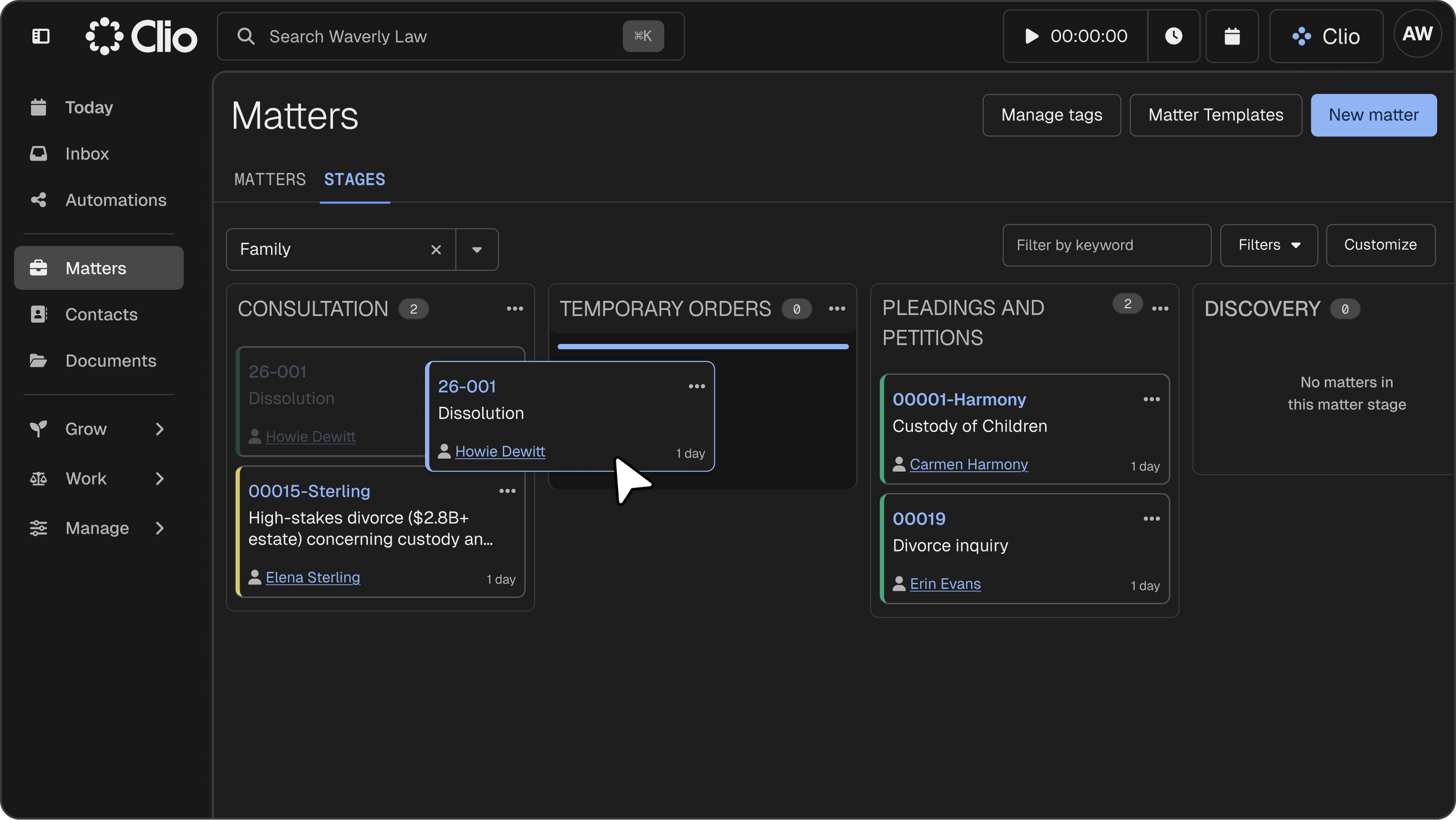
Clio legal software in dark mode, showing a "Matters" Kanban board, as a user drags a "26-001 Dissolution" case from "CONSULTATION" to "TEMPORARY ORDERS."
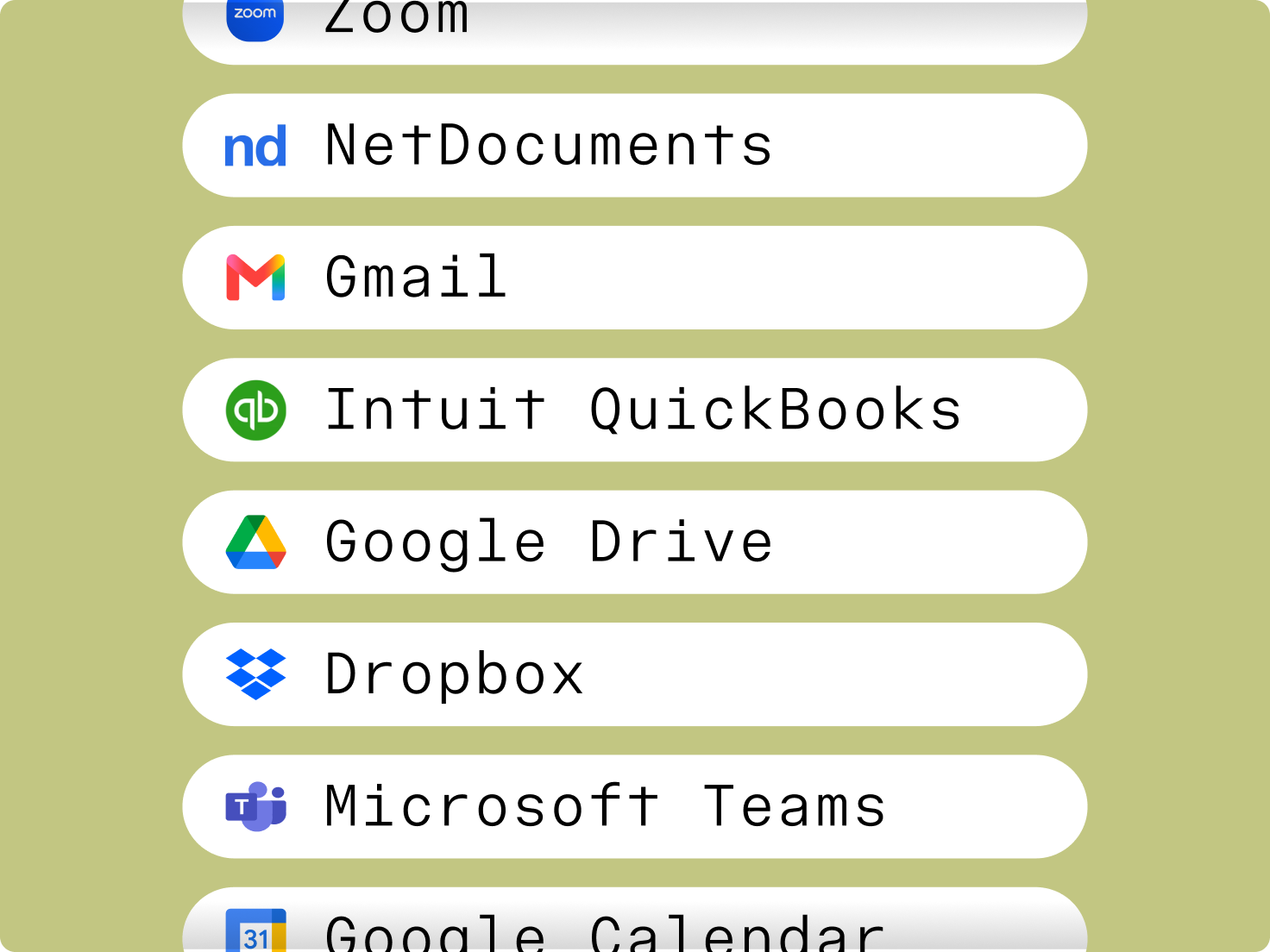
A list of application names and logos including Zoom, NetDocuments, Gmail, QuickBooks, Google Drive, Dropbox, and Microsoft Teams.

All your favourite tools, working together

With over 200 apps available in the Clio App Directory, the tools your firm loves and needs are only a click away.

Frequently Asked Questions About Clio's Legal Software

What is the best legal software with AI?

Clio is trusted by over 400,000 legal professionals and is approved by more than 100+ bar associations and law societies worldwide, making it the best legal software for law firms that want AI-powered efficiency and trusted compliance. Clio’s AI features are purpose-built for legal work, so you get real results without risking accuracy or confidentiality In addition, Clio has an average rating of 4.7/5 stars across 13,000+ reviews on G2 Crowd, SoftwareAdvice.com, Capterra, and Lawyerist.

See Clio in Action.

What happens when a potential client actually becomes a client?

We offer an end-to-end solution to managing and growing your firm. Once a client is secured, you can seamlessly transition their case information into our legal case management software.

See Clio in Action.

Why should my law firm use AI-powered case management software?

With AI-powered automation and document creation, case management software keeps you organized on matters and cases, helps you capture more billable time, and ensures nothing falls through the cracks. AI recommendations surface priorities, summarize case files instantly, and automate repetitive work—so you can manage more clients in less time and focus on high-value legal work.

Case management solutions help lawyers spend more time focusing on practicing law and serving clients, and less time doing administrative and non-billable tasks.

See Clio in Action.

What kind of customer support is included?

The best support. We offer unlimited support 24 hours a day, 5 days a week, so we can answer any questions you might have without impairing your working day.

See Clio in Action.

How do I transfer my current cases into my new software?

Our data migration team can assist in bringing over information from another legal case management solution to our software so that you don’t have to do it manually.

See Clio in Action.

What features does legal case management software with AI have?

In addition to core features like document management, calendaring, billing, and client communication, today’s best case management software includes AI-driven tools that summarize documents, draft correspondence, and provide real-time insights. When evaluating solutions, look for AI that is built specifically for legal workflows, keeps data secure, and integrates seamlessly into your firm’s existing tools.

See Clio in Action.

Case management: The ability to manage clients and cases and keep all case information organized, with AI surfacing deadlines, summarizing matters, and highlighting next steps so you can prepare faster and never miss a critical detail.

Client/contact management: Case management also takes place on a per-client or per-contact basis, and AI can automatically draft timely client updates based on matter activity, helping you keep communication consistent and professional.

Task management: The ability to create and assign tasks to different staff and lawyers. With AI in Clio Manage, deadlines are extracted directly from court documents and converted into tasks, while billing tasks can be drafted, routed, and approved automatically—shortening cycles and improving cash flow.

Calendar: Your case management tool needs a full calendar with capabilities with AI, scheduling orders and court dates are automatically parsed into accurate events, with the source document displayed side-by-side so you can verify accuracy and ensure nothing slips through the cracks.

Timekeeping: The ability to enter time as you work or after the fact. Case management software with timers helps you capture more billable time while you work. This means you will be able to streamline your billing process and keep on top of all the cases your practice handles.

Email: Your legal case software should integrate with your chosen email provider. With AI, it can go further by drafting professional client emails and SMS updates automatically, pulling context from recent matter activity so you never miss the right moment to follow up.

Document management: Can you use it to organize and store documents, and collaborate on them? Does it integrate with GSuite or your Microsoft Office package? These are questions that need answering so you can fully integrate your chosen software solution into your workflow.

Document automation: Many case management softwares allow you to use templates to automatically create new documents, saving lawyers valuable time.

Accounting: Your legal case software may not have a full accounting solution, but with AI, invoices are automatically generated with accurate descriptions and expenses, routed for approval, and flagged for anomalies. All the while reducing errors, accelerating collections, and freeing up staff from chasing down billing issues.

Trust accounting: The ability to track transactions related to operating accounts and trust accounts separately. The software should also allow you to send notifications through to trustees when their account has reached the minimum amount and needs topping up.

Invoicing and billing: Your practice management software should help you seamlessly generate bills and send them to clients. This saves you considerable time and money and allowing you to focus on the more important tasks like answering client questions and reassuring clients.

Online credit card payments: More and more clients want to pay their lawyers via credit card or online. Your practice management software should offer the option to process payments via credit card, making it more convenient for your clients.

Client portal: For sharing sensitive files and communications, an encrypted client portal with your case management software is the best option for ensuring client information is kept confidential. This portal should also allow you to schedule client appointments and phone calls so that you can make sure they are well looked after, therefore, contributing to building up a solid business relationship with your clients.

Integrations: Your practice management software is the central hub for your law firm, but it needs to connect with the tools you already use and tools you might want to use in the future. You need to make sure it connects to your email client, your accounting software, and any other tools you need. Integrating all those tools will allow for a smoother workflow and increased productivity.

Reports: How is your firm doing financially? How are you tracking against your goals? With AI in Clio Manage, you can generate custom reports that highlight productivity, profitability, and risks—giving you proactive insights instead of static snapshots.


Does Clio's legal billing software integrate with Quickbooks?

Yes! Clio’s legal billing software integrates with Quickbooks. Read this Help Center article to find out how to sync Quickbooks to your Clio account. It is easy to do and quick to connect.

See Clio in Action.

Can I set permissions and restrict access to specific documents?

Yes, you can use Clio’s user permissions to restrict access to specific users at the Matter level. Only those who have permission to a Matter will be able to access the documents within that Matter.

See Clio in Action.

See what else Clio's legal case management software can do for your firm

Trusted by over 400,000 legal professionals, and approved by 100+ bar associations and law societies worldwide, our legal technology is the clear choice amongst lawyers.