


Client communication software for law firms, in one place
Clients reach you in different ways, and Clio keeps each exchange as part of the case record.
Clients reach you in different ways, and Clio keeps each exchange as part of the case record.
Connect Outlook or Gmail and save each email, with its attachments, to its matter.
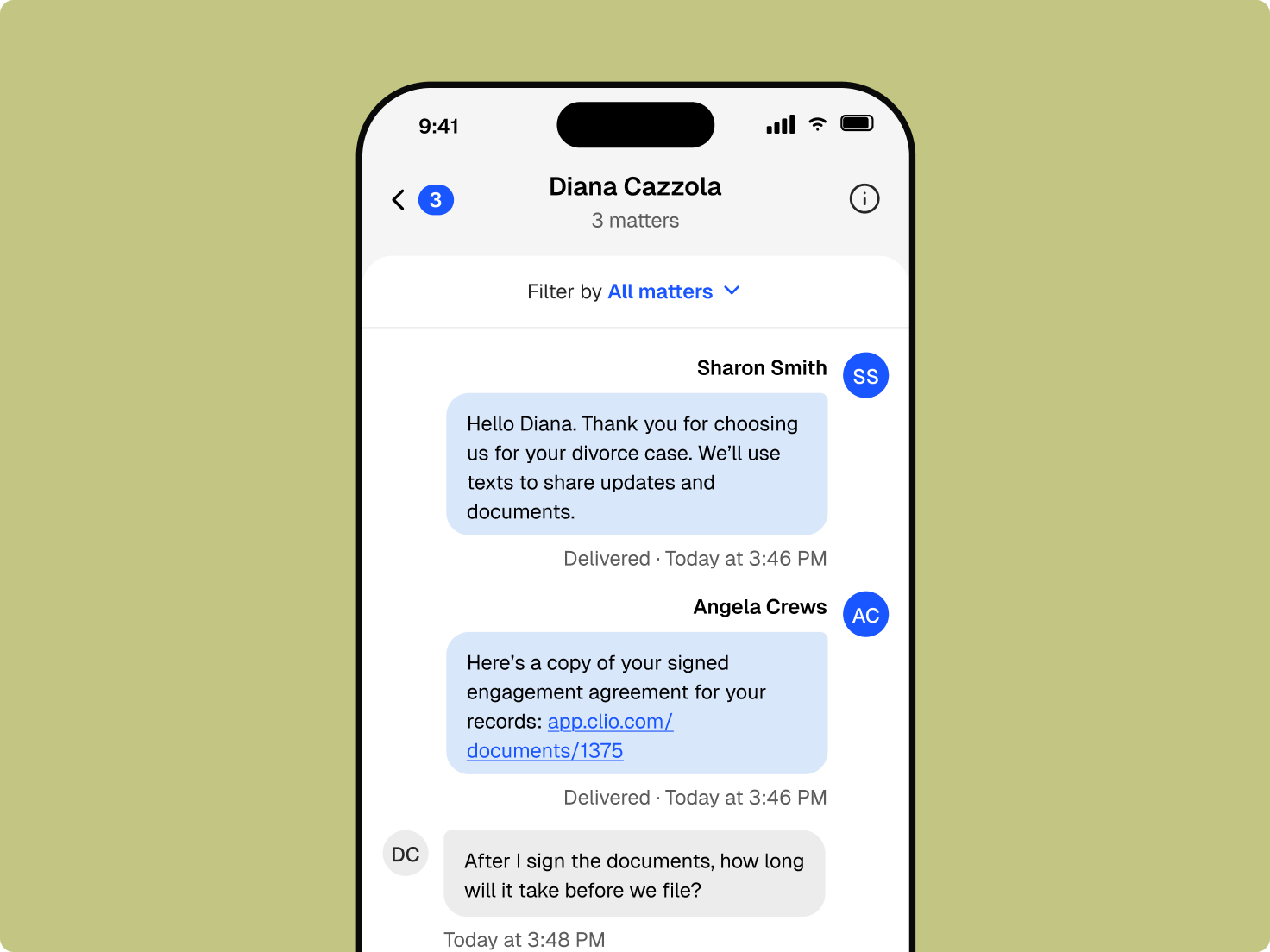
Answer questions, share updates, and remind clients of meetings by text.
Share documents, bills, events, and tasks with clients in the client portal.
Workflow automation sends appointment and payment reminders at the right step.

Connect the calling tools you already use, and keep phone conversations part of the client record.
Integrate Dialpad and other calling tools so your conversations tie back to the right matter.
Log case-related calls and the time spent on them, right alongside your other communication channels, for accurate billing.
Give your team shared visibility into call activity, so nothing falls through the cracks.
Texts, emails, and portal messages sit together.
Recordings and messages are visible to people with permission.
Calls connect to the matter alongside texts, emails, and portal messages, so anyone with access can see the full picture.
Clio’s AI prepares text and email responses from matter context, and nothing goes out until you’ve read it.
Get a suggested response to a client text or email, then edit it.
Dates mentioned in a conversation can be prepared as calendar events for you to confirm.
AI does the assembling, and you keep the advice and the final word.
It brings client email, texting, calls, and portal messages into one system and files them to the matter. Clio keeps the record visible to your team and connects it to billing and deadlines. Get a demo.
Email through Outlook or Gmail, texting from a firm number, the client portal, calls through integrations like Dialpad, and video meetings through Zoom or Microsoft Teams. Get a demo.
Yes. Text from your firm’s number, and the conversation saves to the matter. Start a free trial.
Clio’s AI can prepare text and email responses for you to review, edit, and send. Nothing goes to a client without your approval. Get a demo.
Through the client portal, where clients can message your team, see shared documents, and pay bills. Explore the client portal.
Yes. Clio connects to Outlook, Gmail, Zoom, and Microsoft Teams, so conversations in those tools can be tied to the matter. Explore integrations.