

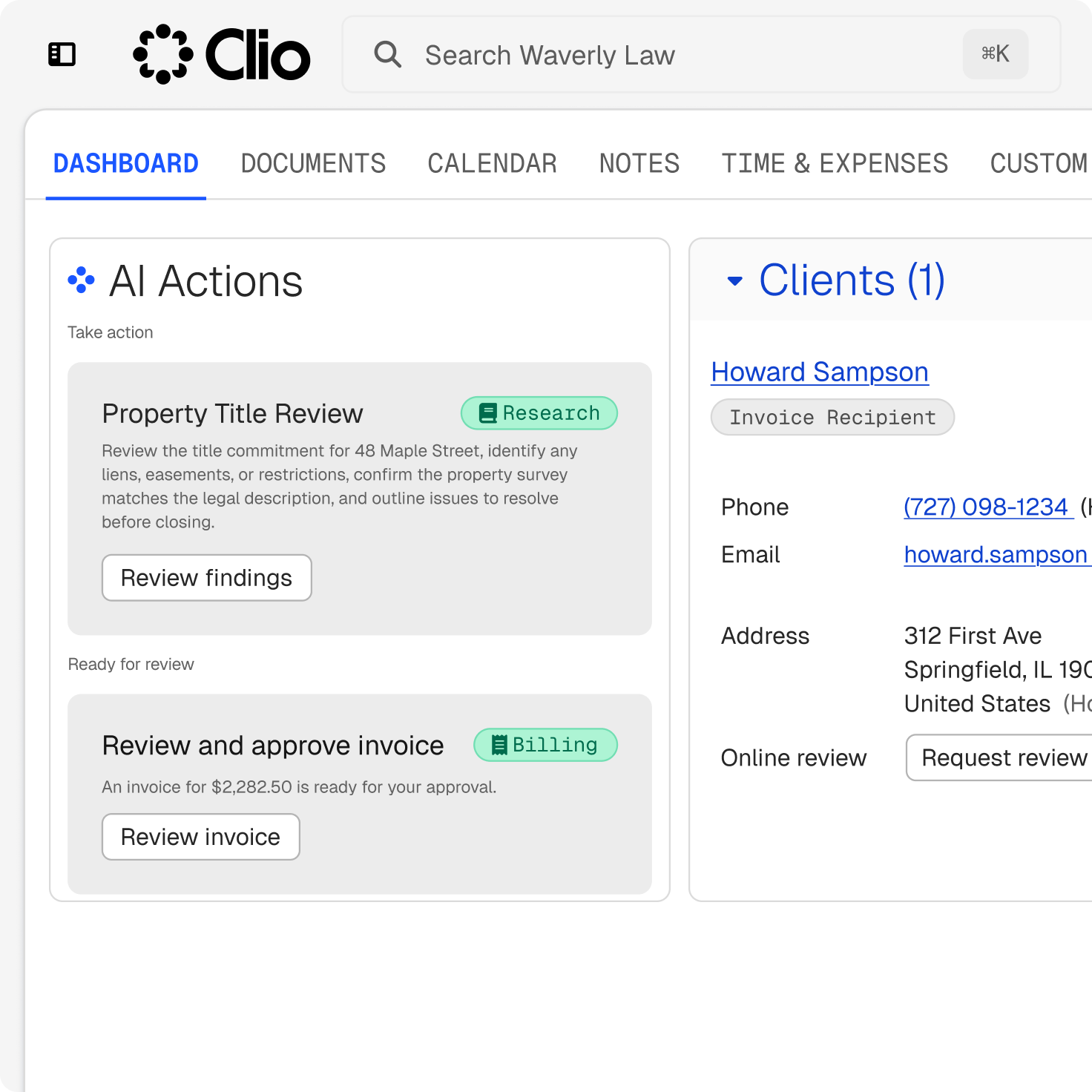
Capture the property and terms
Record the parties and agents, the property and legal description, the price, the deposit, the condition dates, and the target close.
Record the parties and agents, the property and legal description, the price, the deposit, the condition dates, and the target close.
Draft inspection, financing, title, disclosure, and closing dates from the contract or notice that sets them, for your firm to check.
Analyze purchase agreements, leases, and title or diligence documents for terms, risks, and obligations, with cited sources for review.
Keep versions, client decisions, signatures, closing funds in trust, invoices, and registration steps with the transaction.
A transaction advances only when each condition is met, from inspection and financing to title and disclosure. Clio captures the property and terms through intake and ties every date to the matter, so you can track which conditions are still to be met before the deal closes.

Preconfigured real estate fields record the property, price, and target close at intake. Clio’s legal AI reads the purchase agreement, proposes the inspection, financing, title, and closing dates as draft calendar events, and shows the source sentence for each one.
Inspection, financing, title, and disclosure each have a date, an owner, and a document behind them. Clio keeps each condition’s date, owner, and next task on the matter, and matter stages and reminders show what still has to clear.
Clio’s legal AI analyzes purchase agreements, leases, and title or diligence documents for key terms, risks, obligations, and jurisdictional questions, and returns provincial land titles and registry legislation, conveyancing statutes, and provincial planning legislation with cited authority for your review.
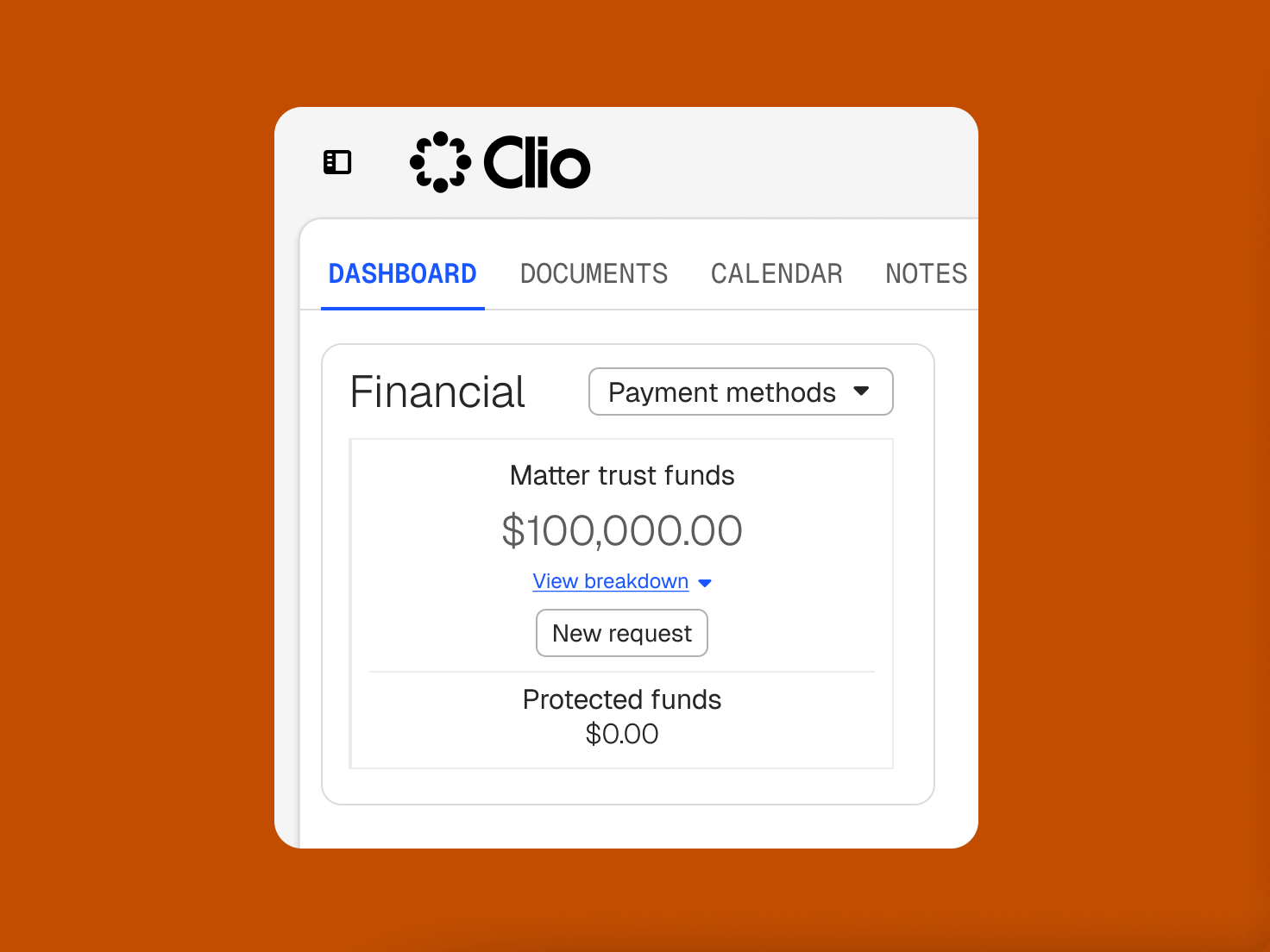
Your firm holds closing funds in trust and records each disbursement on closing, whether it goes to the other side’s lawyer, a lender, or the land registry. Funds are protected on the matter, reconciled three ways, and undertakings, registration confirmations, and reporting steps stay on the file with an owner and date.
legal professionals trust Clio
law societies and bar associations recognize Clio
average rating across 13,000+ reviews
Clio makes it so easy to have all the information in one place. I can easily file emails, documents, keep track of hours and expenses, and all contact information for each file.
Carman A. Stafford Professional Corporation
Real estate law software keeps the parties, property, agreements, title work, conditions, deadlines, and closing funds on one matter. In Clio, that matter is the foundation of a legal AI platform, so intake records the terms, the agreement drives the dates, and the file carries from the signed contract through registration and post-close.
The transaction file, documents, cited research, deadlines, trust funds, and billing work from one place rather than separate tools. That shared context lets Clio read the agreement, draft the dates, and keep each condition’s date and owner on the matter, so the deal moves toward an on-time close without the file scattering across systems.
Yes. Carry matter data into your firm’s own Word templates for agreements, closing documents, and reporting letters, with conditional logic adjusting clauses. You review the language before anything is signed.
Yes. Clio’s legal AI analyzes purchase agreements, leases, and title or diligence documents for key terms, risks, obligations, and jurisdictional questions, with cited sources available for review. It surfaces the terms and dates for the lawyer to decide, and it doesn’t draw legal or title conclusions on its own.
Yes. Clio reads the agreement and proposes the inspection, financing, title, and closing dates as draft events for your firm to confirm, each showing the clause it came from. Matter stages and reminders show what still has to clear before the transaction can advance.
Yes. Hold any deposits your firm receives and closing funds in trust, or keep real estate funds in a separate trust account. Funds are protected on the matter, can’t be applied to a bill or disbursed without a release, and reconcile three ways against the bank statement, the trust ledger, and every client balance. Your firm stays responsible for its law society’s trust accounting rules.
Yes. Whichever side you act for, you record the contract details, conditions, and deadlines on the matter, review the agreement, and track title issues and undertakings. When your firm holds the funds, it receives them into trust, disburses them on closing, and prepares the closing documents.
No, and it isn’t meant to. Title searches and registration happen in the provincial registry system, such as Teraview in Ontario, the LTSA in British Columbia, or SPIN in Alberta. Title insurance comes from your insurer, and the statement of adjustments is prepared in your conveyancing software and recorded on the matter. Clio keeps the legal file, the deadlines, the funds, and the documents connected around them.