How Clio’s AI works
AI for law firms everywhere in Clio
Each AI feature in Clio shares four traits, whether it’s answering a potential client or preparing a bill.
How Clio’s AI works
Each AI feature in Clio shares four traits, whether it’s answering a potential client or preparing a bill.
Intake, matter, document, and financial information already moves securely through Clio, so AI has the context it needs with no integrations or connectors to maintain.
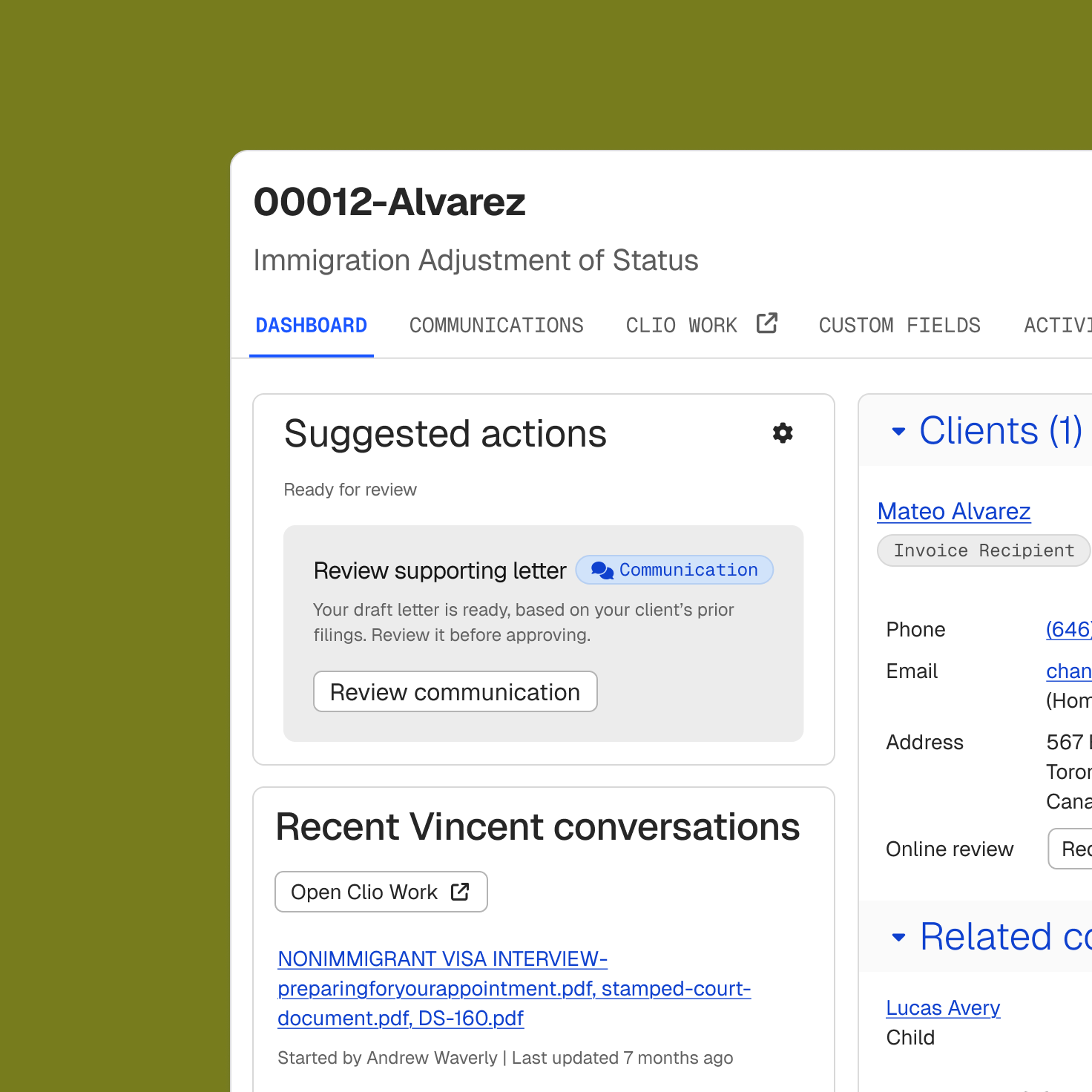
Clio’s AI suggests next steps, follows up with potential clients, drafts bills and client updates, and runs workflows when something changes on a matter.
Shape AI around your firm’s standards and preferences, and add approval points to workflows wherever a person should weigh in.
Client work follows the same security controls as the rest of Clio and is never used to train public AI models.
We saw a return on investment from day one. It changed how we generate revenue and how many people we can help.
Managing Partner, King Law
Security and privacy
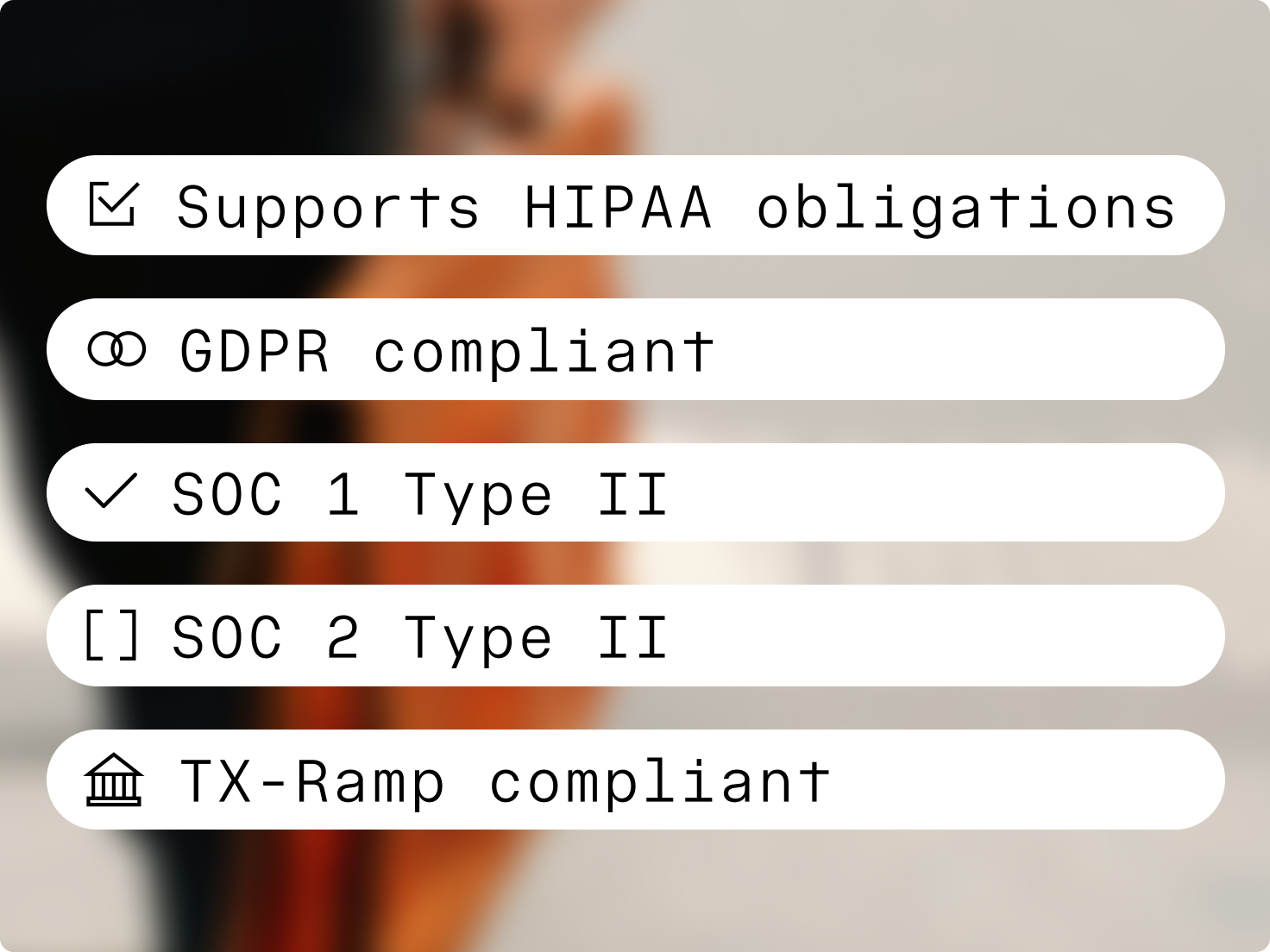
Clio’s AI follows the same security standards and permissions as the rest of Clio. See current certifications and subprocessors in the Trust Centre.
Data is encrypted in transit and at rest, and AI features process files under zero data retention agreements.
Clio Grow and Clio Manage are SOC 2 Type II certified, and Clio Work is certified to SOC 2 Type II and ISO 27001. Clio handles personal information in line with PIPEDA.
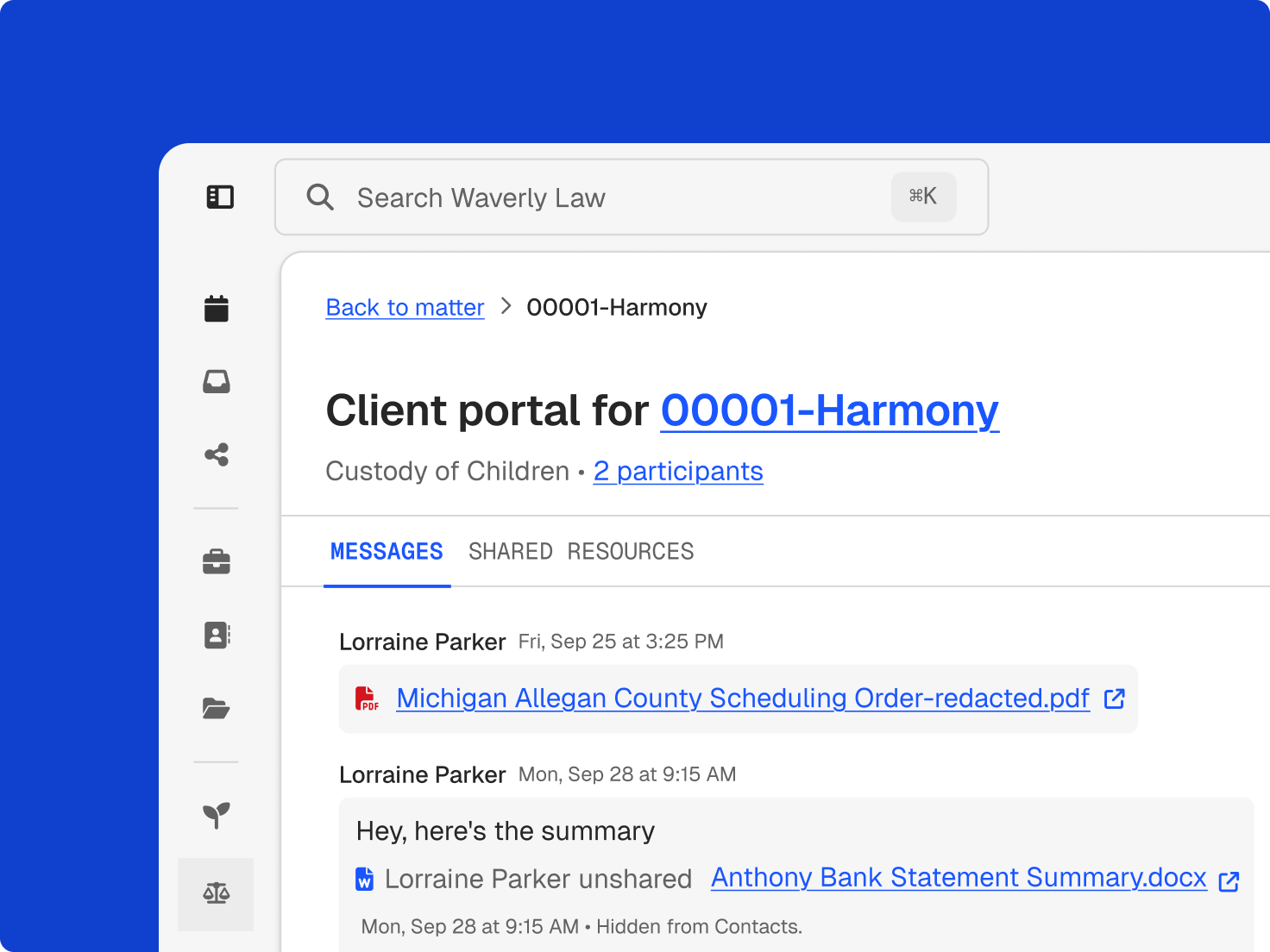
AI reaches only what each user’s permissions allow. Admins can review 90 days of AI activity in an event log and turn AI features off for the firm.
legal professionals trust Clio
bar associations and law societies worldwide approve Clio
years building software for legal professionals
When someone emails or starts a chat on your website, Clio answers common questions, collects contact and case details, and books a consultation against your real calendar availability, at any hour.
They’re scored against your firm’s criteria and checked for conflicts, and your team sees the reasoning before anyone decides who to take on.
Request e-signatures on the engagement agreement, and intake answers fill in the new matter once the client retains you.
Analyze your matter alongside the law to surface what matters, explore different arguments, and pressure-test your thinking against authority you can check.
Legal authority is connected to the facts and circumstances of your matter, and each answer links to the exact passage it cites.
Create bespoke documents, repeatable work, court forms, or full document sets with generative AI drafting, in Clio or directly in Microsoft Word.
Upload a court notice or scheduling order and the dates come back as draft calendar events and tasks, with the source text beside each one. Your team checks them before they go on the calendar.
When a task is completed or a document arrives, Clio writes a client update from recent matter activity. You review it and send it by email or text.
Recorded time and expenses become draft bills, with descriptions refined and each change highlighted, then route to the approvers you set. Approved bills go out with a payment link.
Questions about your firm
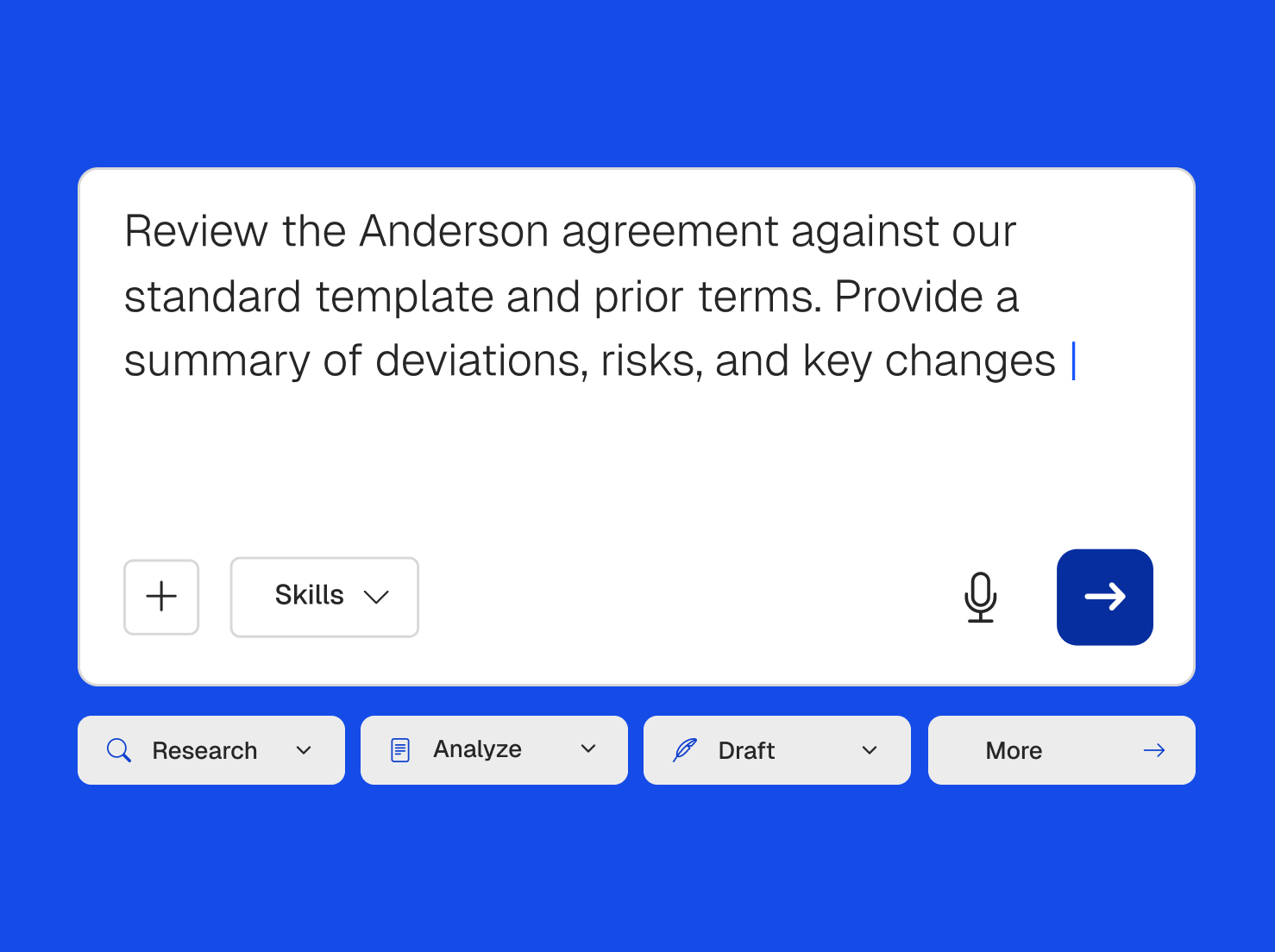
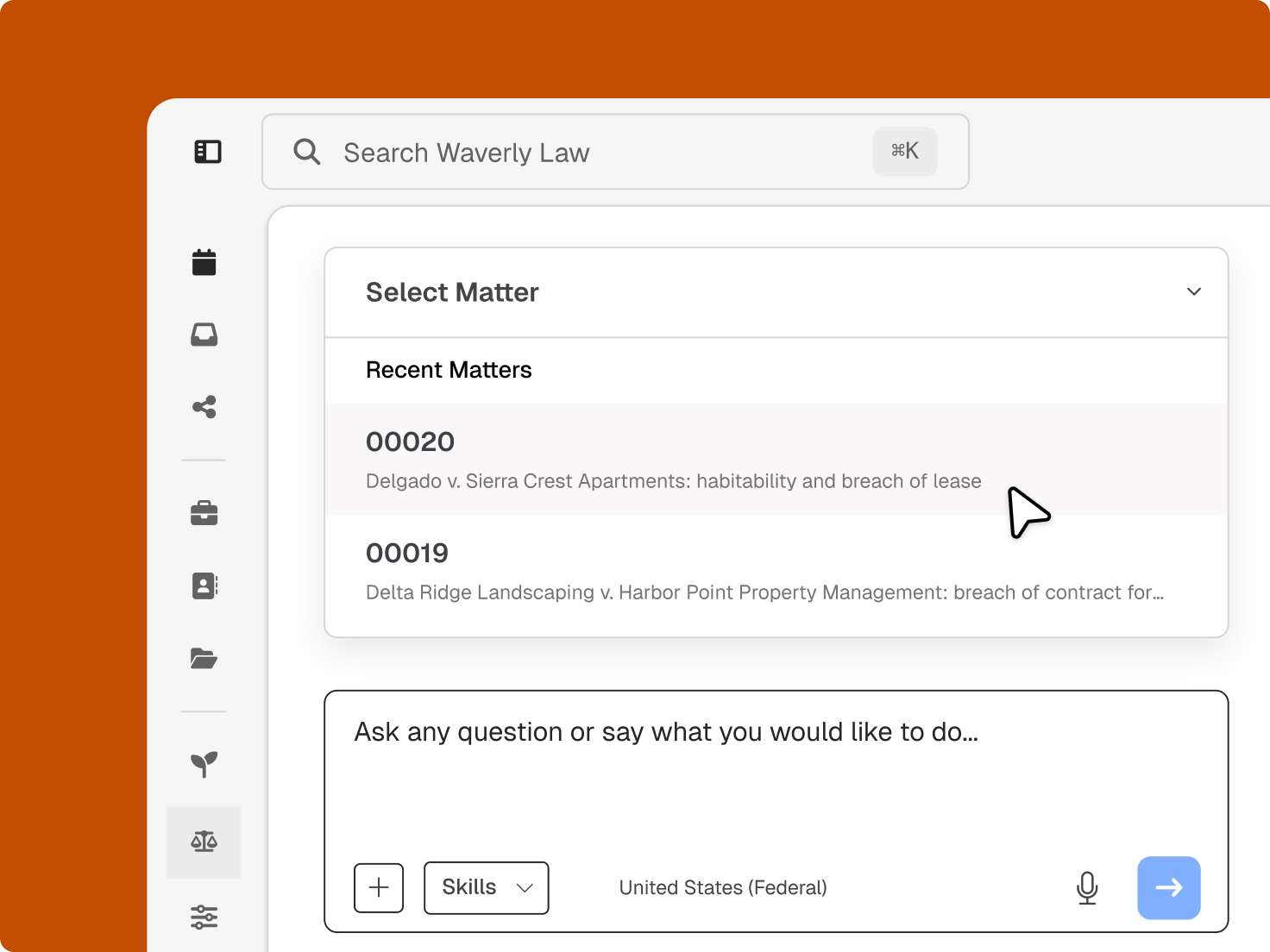
Ask Clio the way you’d ask a colleague: which matters have a hearing this week, when a client last got an update, or which bills are overdue. Ask from a matter, your calendar, or anywhere else in Clio, and the answer comes from what your firm already keeps there.

Workflows
Describe a process in plain language, and Clio builds a workflow that starts on a schedule, on demand, or when something changes. Set one up to open new matters without data entry, book client meetings without opening your calendar, or have new documents analyzed and ready for review.
The questions firms ask most about Clio’s AI, from what it can do to ethics and pricing.
Legal AI software uses artificial intelligence for law firm work such as client intake, legal analysis, document drafting, and billing. Clio’s AI works inside the platform that already holds your clients, matters, and finances, and you review consequential work before it goes out.
Clio’s AI starts with the context of your matters, so there’s nothing to upload or reconnect. It acts on work instead of waiting for a prompt, follows the standards and approval points your firm sets, and never uses client data to train public AI models.
Yes. Type a question in plain language, such as which matters need attention this week, and get an answer drawn from the matters, clients, calendar, and bills your firm already keeps in Clio.
Finding the law is only part of the job. Clio connects legal authority to your matter so you can analyze how the law applies, then draft bespoke documents, repeatable work, court forms, or complete document sets with the matter and the law already in view.
Yes. Describe a process in plain language and Clio builds a workflow. Add approval points, test it before it goes live, and see a record of every run. If a step can’t be completed, Clio flags it for review instead of guessing.
Client data is encrypted in transit and at rest, processed under zero data retention agreements, and never used to train public AI models. AI respects the user permissions your firm already set, and admins can review an AI event log or switch AI features off. Read Clio’s AI principles.
Guidance from Canadian law societies focuses on competence, confidentiality, client communication, supervision, and reasonable fees. Learn how a tool works before you use it, protect client information, check output before acting on it, and keep the professional judgment yours. Read about AI compliance for Canadian lawyers.
No. Clio’s AI prepares work, flags what needs attention, and completes the routine steps your firm sets up. You give the advice, decide the strategy, and approve consequential work such as bills and client updates.
AI features such as AI billing and client updates come with Core and higher plans. Others, including AI legal drafting and workflows, require select plans or add-ons. Compare plans.