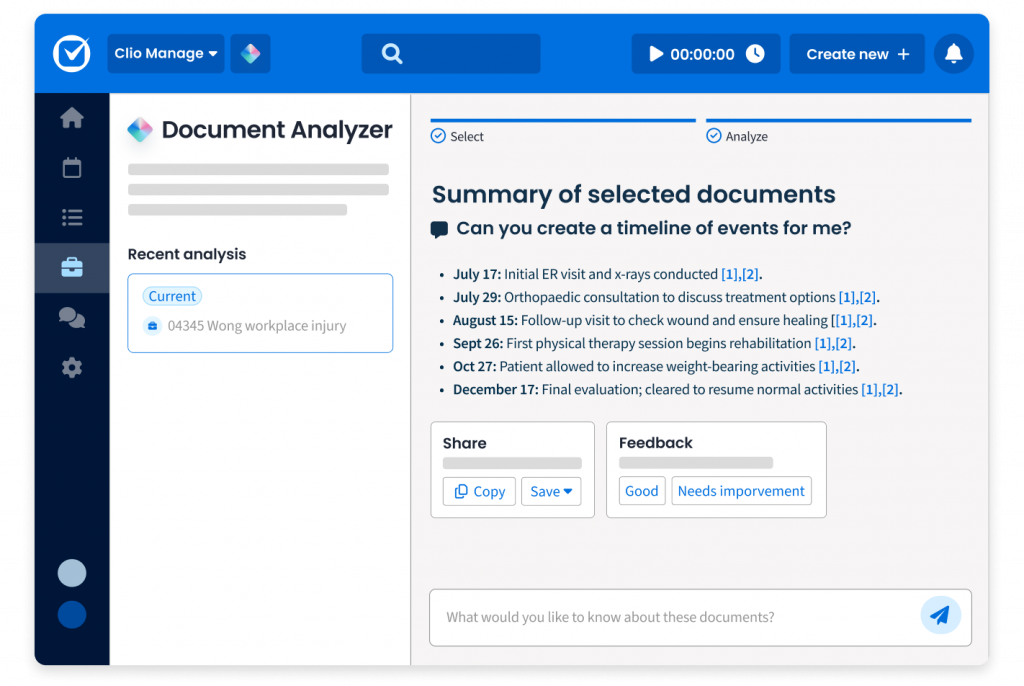
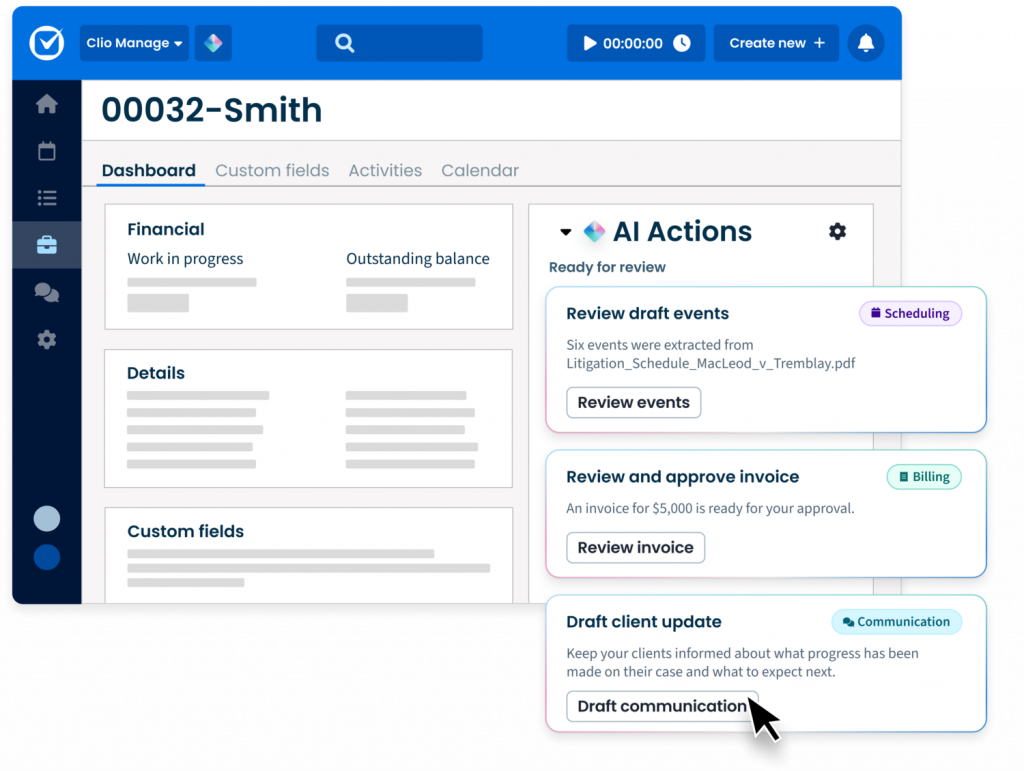
In addition to core features like document management, calendaring, billing, and client communication, today’s best case management software includes AI-driven tools that summarize documents, draft correspondence, and provide real-time insights. When evaluating solutions, look for AI that is built specifically for legal workflows, keeps data secure, and integrates seamlessly into your firm’s existing tools.
See Clio in Action.
Case management: The ability to manage clients and cases and keep all case information organized, with AI surfacing deadlines, summarizing matters, and highlighting next steps so you can prepare faster and never miss a critical detail.
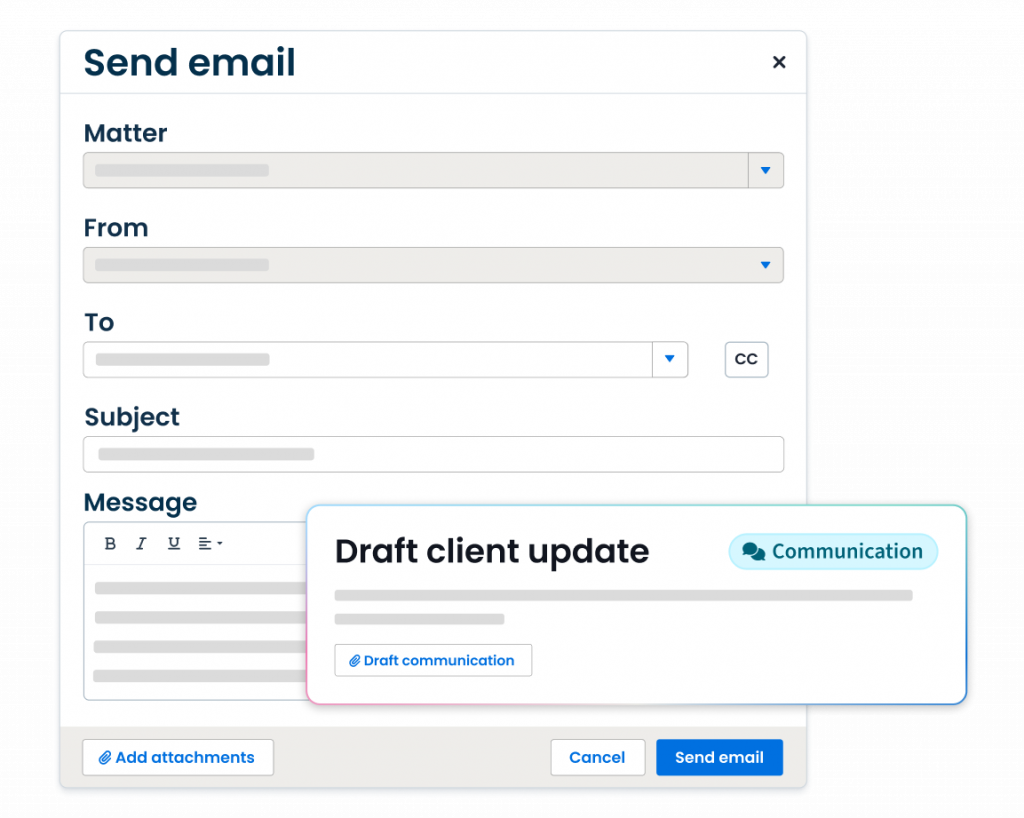
Client/contact management: Case management also takes place on a per-client or per-contact basis, and AI can automatically draft timely client updates based on matter activity, helping you keep communication consistent and professional.
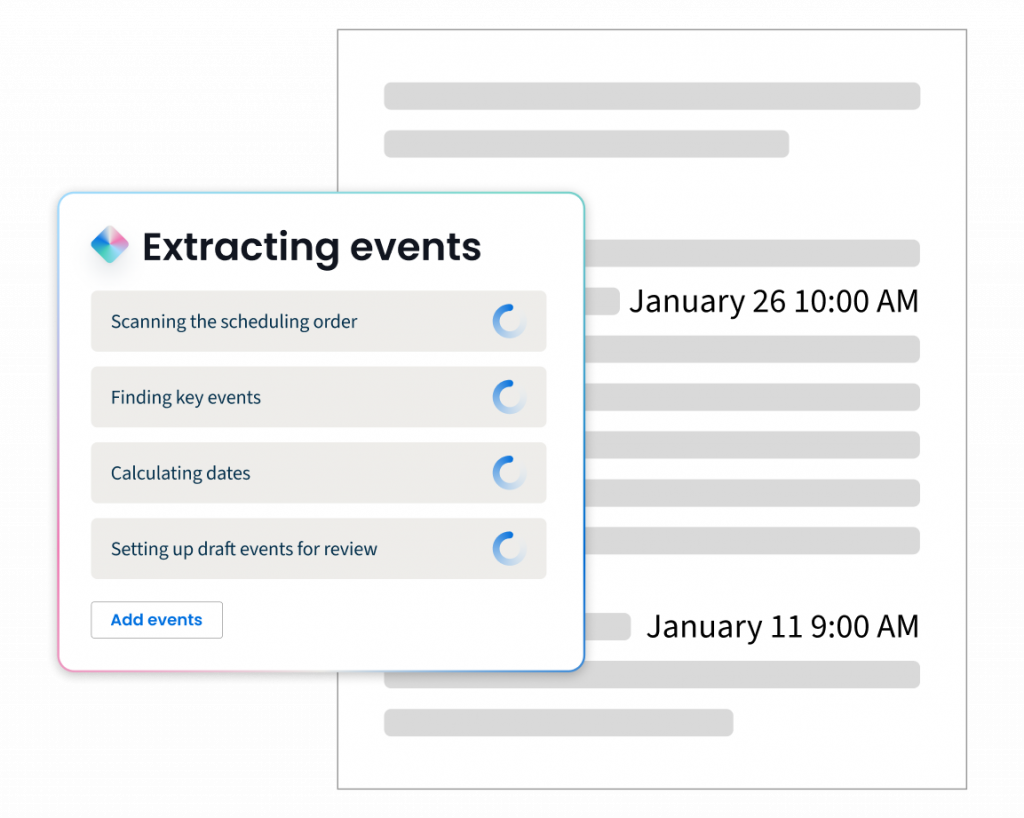
Task management: The ability to create and assign tasks to different staff and lawyers. With AI in Clio Manage, deadlines are extracted directly from court documents and converted into tasks, while billing tasks can be drafted, routed, and approved automatically—shortening cycles and improving cash flow.
Calendar: Your case management tool needs a full calendar with capabilities with AI, scheduling orders and court dates are automatically parsed into accurate events, with the source document displayed side-by-side so you can verify accuracy and ensure nothing slips through the cracks.
Timekeeping: The ability to enter time as you work or after the fact. Case management software with timers helps you capture more billable time while you work. This means you will be able to streamline your billing process and keep on top of all the cases your practice handles.
Email: Your legal case software should integrate with your chosen email provider. With AI, it can go further by drafting professional client emails and SMS updates automatically, pulling context from recent matter activity so you never miss the right moment to follow up.
Document management: Can you use it to organize and store documents, and collaborate on them? Does it integrate with GSuite or your Microsoft Office package? These are questions that need answering so you can fully integrate your chosen software solution into your workflow.
Document automation: Many case management softwares allow you to use templates to automatically create new documents, saving lawyers valuable time.
Accounting: Your legal case software may not have a full accounting solution, but with AI, invoices are automatically generated with accurate descriptions and expenses, routed for approval, and flagged for anomalies. All the while reducing errors, accelerating collections, and freeing up staff from chasing down billing issues.
Trust accounting: The ability to track transactions related to operating accounts and trust accounts separately. The software should also allow you to send notifications through to trustees when their account has reached the minimum amount and needs topping up.
Invoicing and billing: Your practice management software should help you seamlessly generate bills and send them to clients. This saves you considerable time and money and allowing you to focus on the more important tasks like answering client questions and reassuring clients.
Online credit card payments: More and more clients want to pay their lawyers via credit card or online. Your practice management software should offer the option to process payments via credit card, making it more convenient for your clients.
Client portal: For sharing sensitive files and communications, an encrypted client portal with your case management software is the best option for ensuring client information is kept confidential. This portal should also allow you to schedule client appointments and phone calls so that you can make sure they are well looked after, therefore, contributing to building up a solid business relationship with your clients.
Integrations: Your practice management software is the central hub for your law firm, but it needs to connect with the tools you already use and tools you might want to use in the future. You need to make sure it connects to your email client, your accounting software, and any other tools you need. Integrating all those tools will allow for a smoother workflow and increased productivity.
Reports: How is your firm doing financially? How are you tracking against your goals? With AI in Clio Manage, you can generate custom reports that highlight productivity, profitability, and risks—giving you proactive insights instead of static snapshots.