


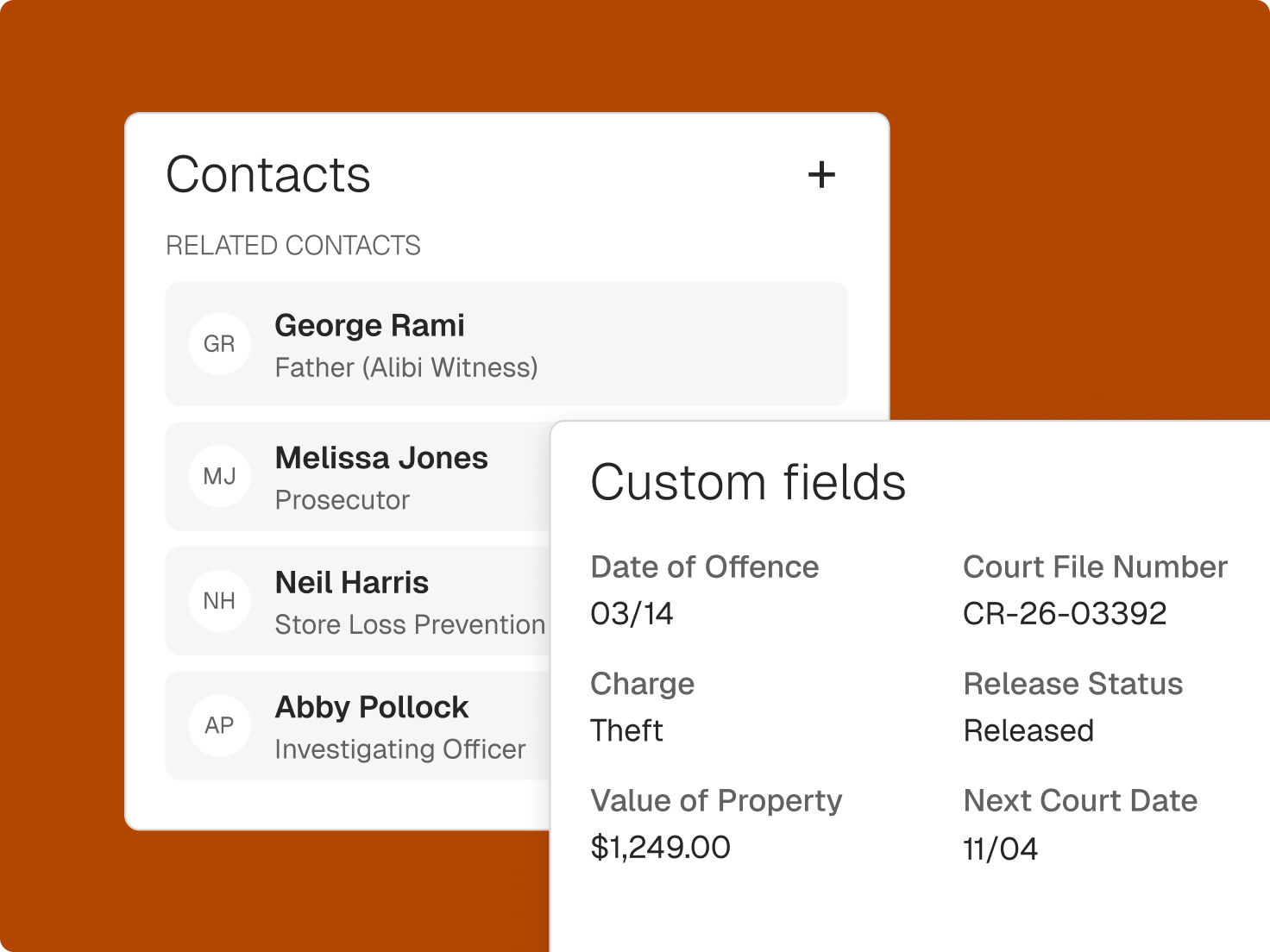
Law firm contact management in one list
Clients, companies, co-counsel, witnesses, and vendors share one directory, so nobody keeps a side spreadsheet.
Open the full relationship
A contact profile shows connected matters, documents, transactions, and bills in one view.
Tag and sort the way you work
Add custom tags and fields by case type, relationship, or communication preference.
Log each conversation
Record emails from Outlook and Gmail to the communication log, and add notes from calls and meetings.
Check conflicts before you commit
Global search runs conflict checks across contacts, notes, calendar events, and communications.
I tell them ‘you’re going to get an email, and it’s going to give you access to essentially everything that I have for your file. It’s all right there, and you can go to it whenever you want. You don’t have to wait for me to call you back or wait for me to respond to your email.’ That’s really empowering for my clients, that they feel that they can participate and take charge in managing their own cases.
Hite Law Group
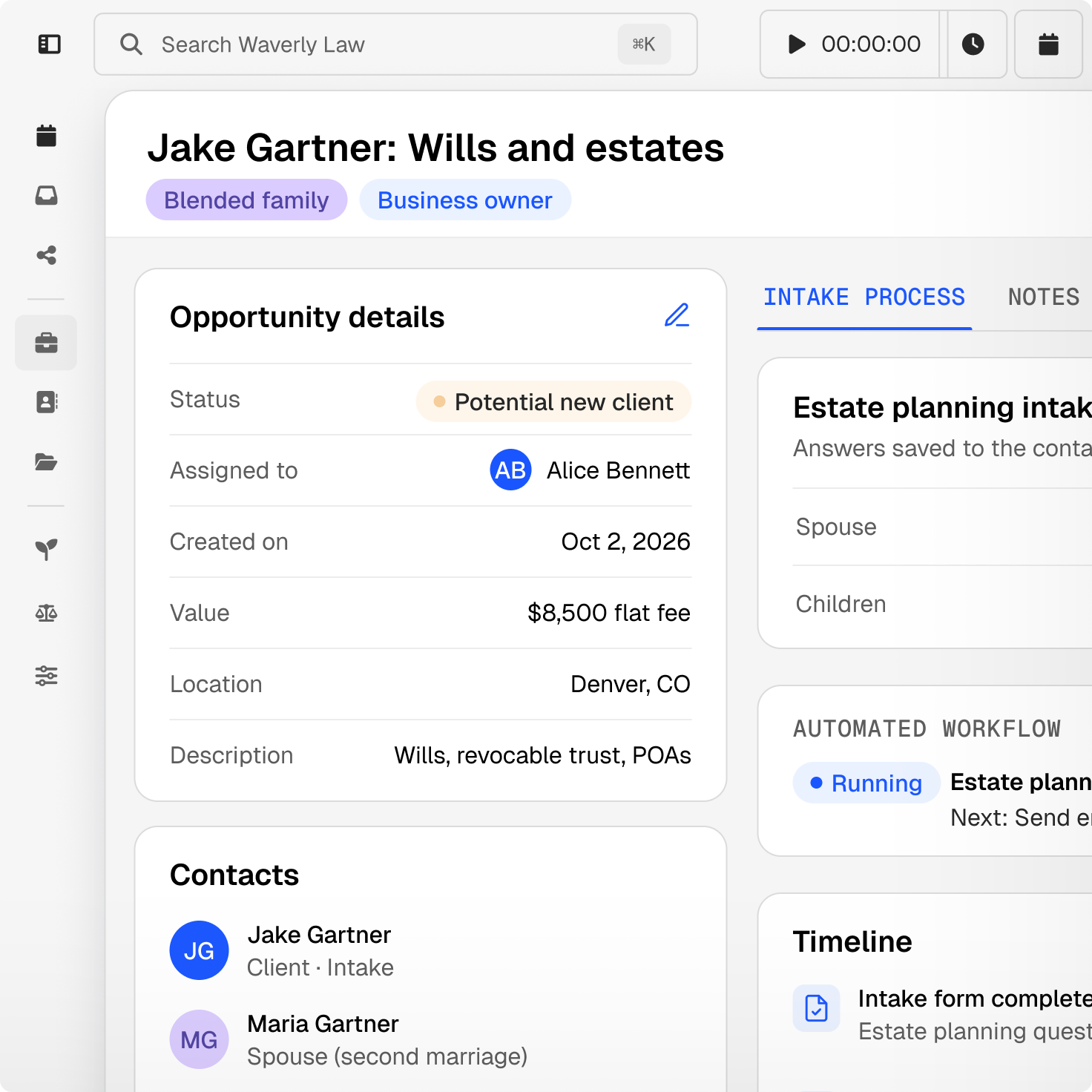
Contact records that carry into billing
Billing details live on the contact, so each new matter starts with the right rates and terms.
Set rates by contact
Store a contact’s hourly rate, LEDES client ID, and billing profile with grace periods, interest, or discounts.
Link companies and people
Add employees to a company record and name primary and secondary contacts on any matter.
Bring leads in with their tags
Contacts captured through online intake forms keep their details and tags when they become clients.

Take your contacts wherever you work
Sync with Google or Outlook
Keep contacts in step with your Google or Outlook account.
Look up contacts on the go
Open contact details in the Clio mobile app before a call or meeting.
Export when you need to
Save contact lists, including custom fields, as a Microsoft Excel file.
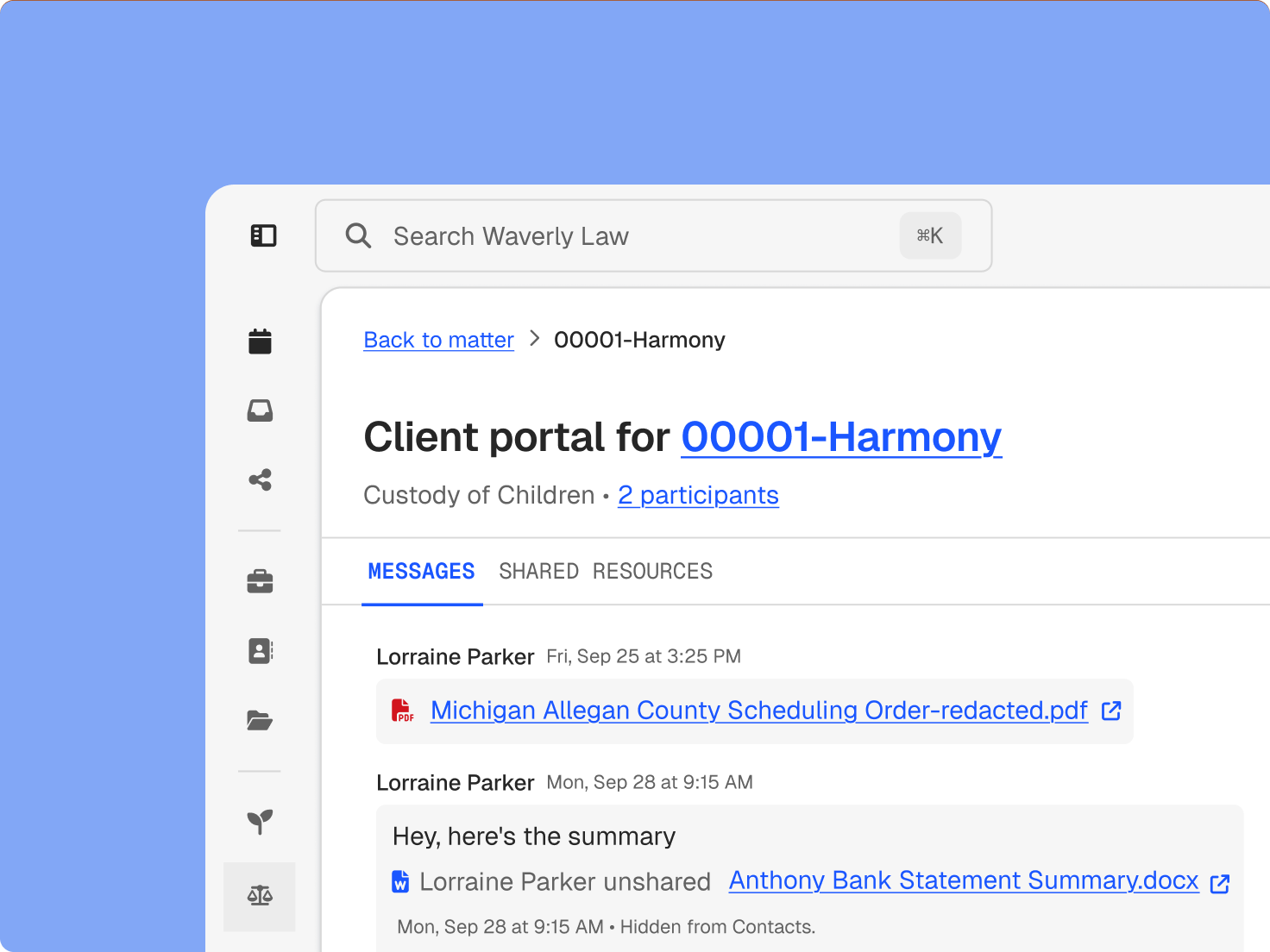
Stay ready for the next client conversation
Clio keeps what you need for the next call close at hand.
Keep track of the important details
Add a client profile photo to quickly associate a name with a face.
Share through the client portal
Send documents, tasks, and bills to clients securely through the client portal.
Connect your other tools
Integrate email platforms, calendars, and video conferencing so contact details stay current.
Client management resources
Legal client management software FAQs
What is legal client management software?
It keeps a firm’s clients and contacts in one place, linked to their matters, documents, communications, and bills. Clio adds conflict checks, custom fields, and billing details at the contact level. Get a demo.
Is there a limit to how many contacts I can store?
No. Clio doesn’t limit the number of contacts you can store, so clients, opposing parties, experts, and vendors can all live in the same list with their own tags and fields. Start a free trial.
Can I export contact lists?
Yes. Export contacts, including custom fields, to Microsoft Excel, which is useful for mailings, reporting, or handing a list to your accountant. Start a free trial.
Can Clio track companies as well as people?
Yes. Create company records, add contacts as employees, and name primary and secondary contacts on any matter. Get a demo.
What billing information can I store on a contact?
Store a contact’s LEDES client ID, hourly rate, and billing profile, including grace periods, interest, and discounts. Get a demo.
How does Clio run conflict checks?
Global search looks across contacts, case notes, calendar events, and communications, so you can check for conflicts before you take on a matter. Get a demo.
How do client management and case management work together?
Each contact links to its matters, and each matter shows its contacts, so you can move from the person to the work and back without searching twice. Get a demo.
Does Clio sync contacts with Outlook or Google?
Yes. Contacts sync with Google or Outlook, so updates made in one place show up in the other, and they’re available in the Clio mobile app when you’re away from your desk. Get a demo.