


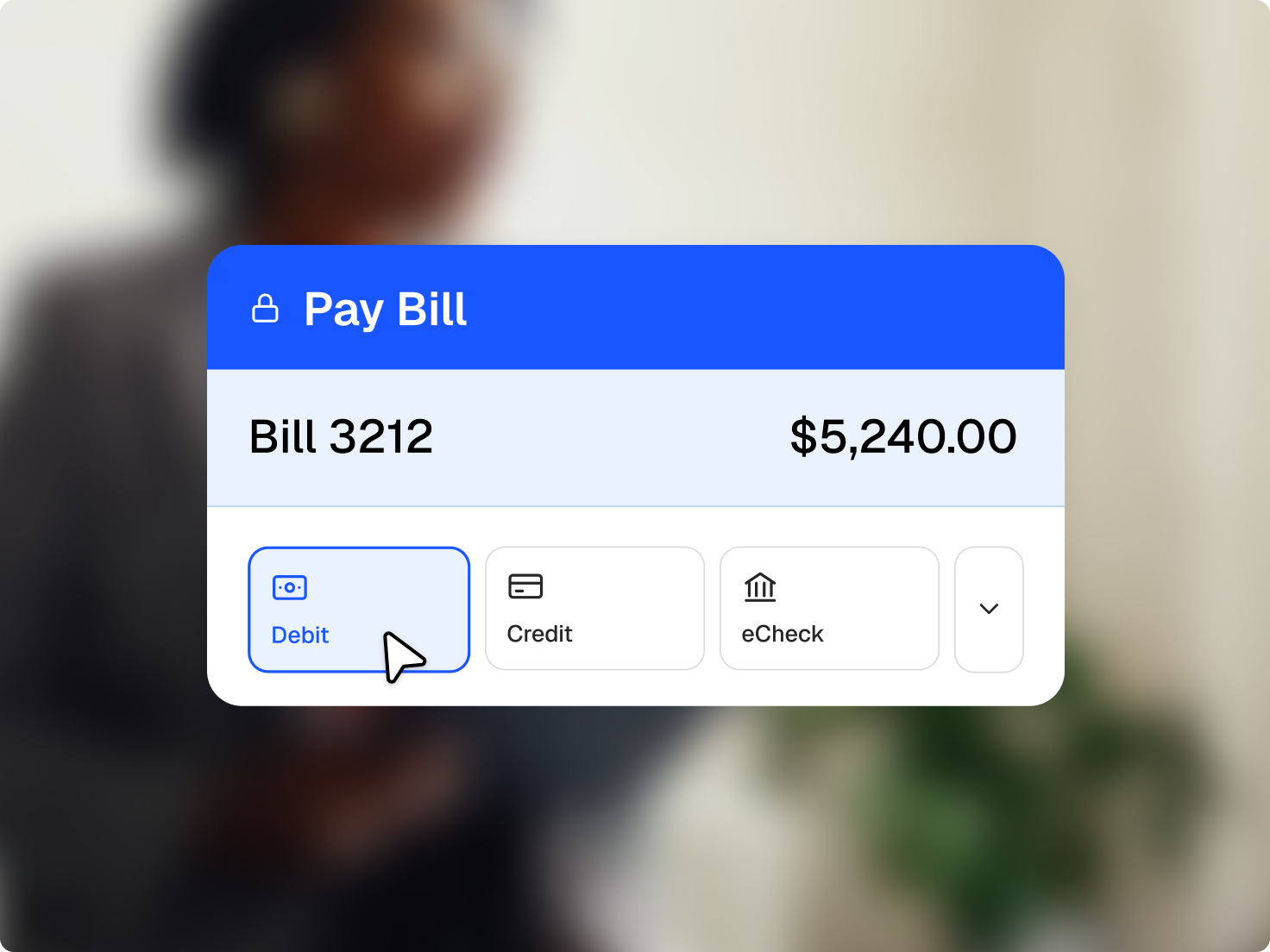
Online payments for law firms, on the client’s terms
Give clients the payment options they already use, and get paid without chasing cheques.
Give clients the payment options they already use, and get paid without chasing cheques.
Take credit and debit cards, Apple Pay, and Google Pay.
Use a QR code to take a payment face to face, with no terminal to buy.
Bills go out by email, text, or the client portal with a payment link or QR code attached.
Fixed rates apply whichever card a client uses, with no variable network fees.
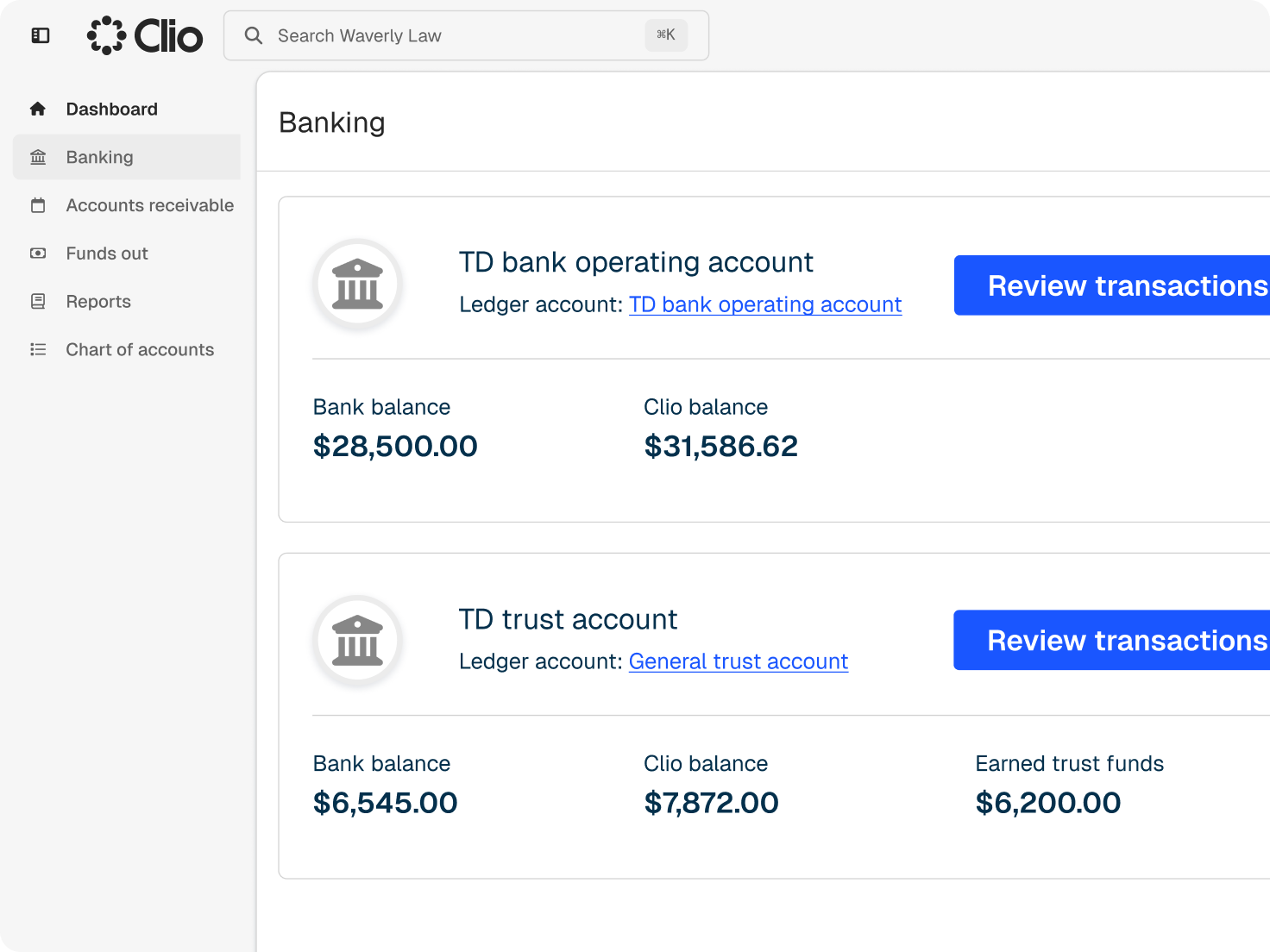
Clio records each payment to trust or operating, keeping earned and unearned funds separate.
Direct each payment to trust or operating, and see it applied to the right bill.
Processing fees and chargebacks come from operating, not from the trust account.
Return card and wallet payments to the original payment method, from operating or trust.
Autocharge a saved card when a bill is approved, when it’s due, or on a set schedule.
Set up payment plans and recurring payments for clients who pay over time.
Clients hear from you by text and email, and real-time notifications tell you when a payment arrives.
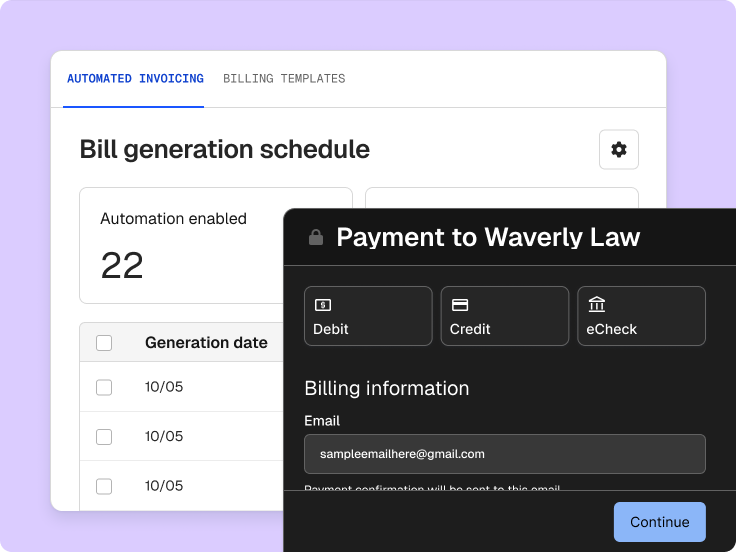
On select plans, Clio’s AI prepares the bill from matter activity, and nothing reaches a client until you’ve checked it.
Check the entries, descriptions, and trust applied before you approve the bill.
Approved bills carry a payment link or QR code, so clients can pay as they read.
Payments sync to accounting in Clio Manage, so your ledger reflects each payment as it lands.
It lets a firm accept client payments online and in person, then records each payment against the right bill and account. For law firms, it also has to respect trust rules by keeping earned and unearned funds separate. Clio Payments does this inside Clio Manage. Get a demo.
Clients can pay by credit or debit card, Apple Pay, or Google Pay. In person, take payment with a QR code. Each payment applies to the bill it covers and records to the right account. Get a demo.
Yes. Every bill can carry a secure payment link, sent by email, text, or the client portal, and clients can scan a QR code on a bill or at your office to pay on the spot. Start a free trial.
No. Processing fees and chargebacks are charged to your operating account, which keeps trust balances whole. Clio also keeps earned and unearned funds separate as payments arrive, so a retainer deposit and an invoice payment land in the accounts they belong to. Get a demo.
Yes. Save a client’s card, set up payment plans or recurring payments, and choose whether autocharge runs when a bill is approved, when it’s due, or a set time after it’s issued. Get a demo.
Yes, for card and digital wallet payments. Refunds go back to the original payment method and can come from operating or trust, depending on where the original payment was recorded. Get a demo.
Yes. Clio Payments is PCI DSS certified, so card data is processed, transmitted, and stored to the payment industry’s security standard. That certification covers payments taken online, through payment links and QR codes, and in person. Get a demo.
Clio Payments is available in Canada, the US, the UK, Ireland, Australia, and Puerto Rico. Some payment methods, such as eCheck, are US only. Get a demo.
Online payments are included in every Clio Manage subscription, with fixed processing rates no matter which card a client uses and no variable card network fees. Compare plans.