



Legal collaboration tools for teams that work apart
Keep tasks, documents, and conversations tied to the matter.
Keep tasks, documents, and conversations tied to the matter.
Assign tasks to teammates and see where each one stands, so roadblocks show up early.
Add Zoom links and passwords directly to calendar events.
Review documents, update case status, and message clients from the mobile app.
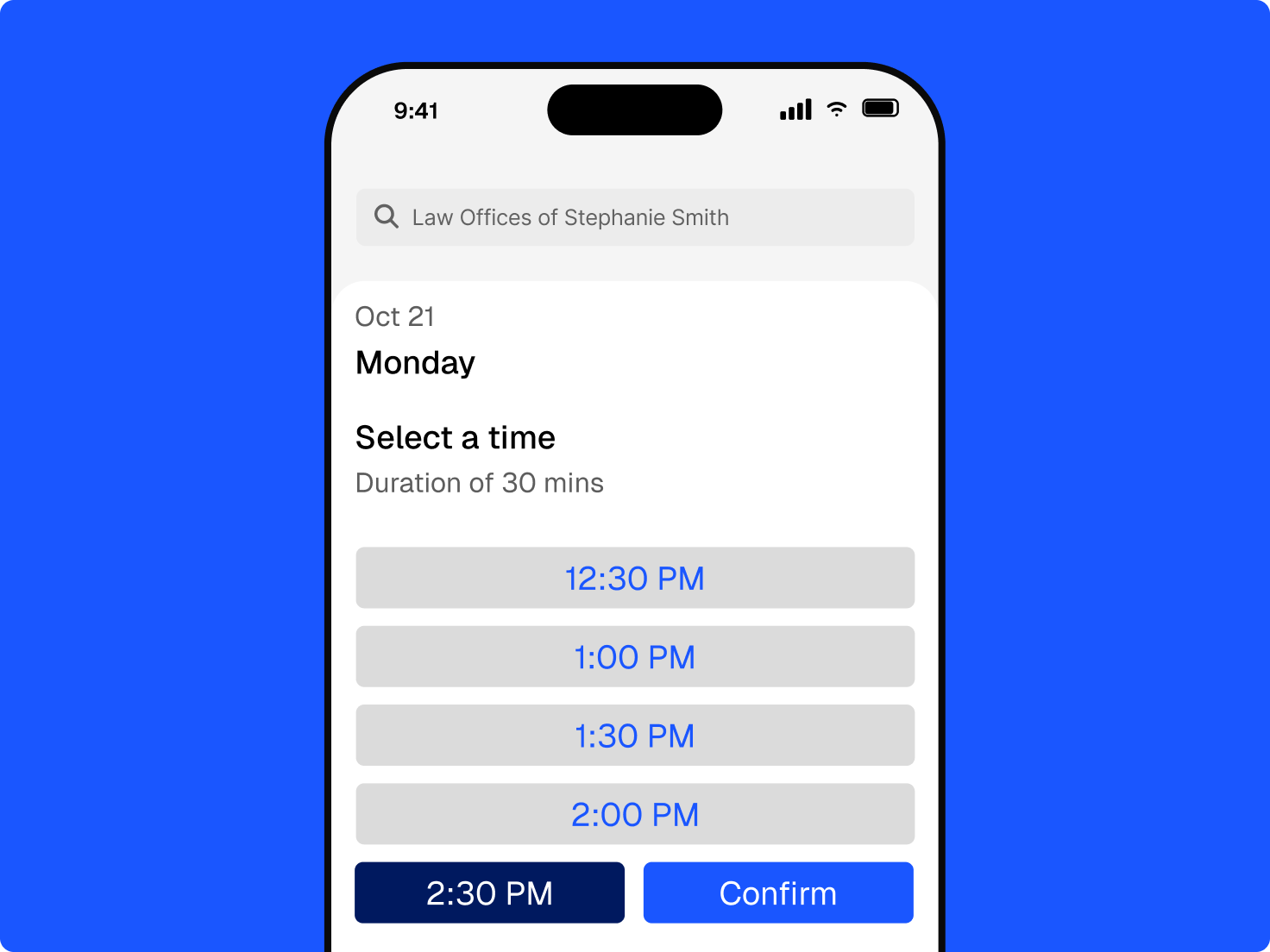
Reach clients in a way that’s easy for them, and easy for you.
New clients choose a time through online booking, with payment options, confirmations, and reminders.
Clio for Clients lets clients check case status, upload documents, and message you without a new email thread.
Send documents for e-signature and invoices with a secure payment link.

Check a box while creating or editing a matter to set up a team in Microsoft Teams.

See matter details, case status, notes, communications, and events beside the conversation.

Easily and securely discuss updates, action items, and open questions on active matters.
With select plans, matter and contact summaries from Clio’s AI let anyone picking up a file read a summary before the full history.
Get the current picture before a call or a handoff.
Save AI results to the matter as a note or document that the next person can read.
Permissions decide which matters and documents each teammate, client, and co-counsel can open.
Law firm collaboration software, sometimes called a legal collaboration platform, is an online application that makes working across a team of people easier, including clients and co-counsel. In Clio, permissions decide who can see each part of it. Get a demo.
Move in-person steps online: e-signatures for agreements, online payments for invoices, video meetings for consultations, and tasks for handoffs. Clio keeps each of these on the matter, and teammates work from current information. Get a demo.
Clio connects with Zoom, Microsoft Teams, Ruby, and many more of its 100+ integrations. The tools your firm already uses tie back to the matter. Explore the App Directory.
Check a box when you create or edit a matter to set up a team in Microsoft Teams, then open the Matter Dashboard inside Teams to see matter details, case status, notes, communications, and events next to the conversation. Explore Clio for Microsoft Teams.
Yes. Outside counsel can work from a co-counsel portal, where you share documents, messages, tasks, and calendar events, and they track time at their own rate and log work on the matter. Get a demo.
Through Clio for Clients, clients check case status, upload documents, and message your team securely. They can also book consultations online, sign documents electronically, and pay invoices through a secure link. Explore the client portal.
Clio’s AI writes matter and contact summaries on demand with select plans. A teammate or co-counsel picking up a file can catch up without a meeting. Results can be saved to the matter as a note or document. Get a demo.
Yes. Store and share documents from the matter so everyone works from the latest version, send them for e-signature, and review and redline drafts in Microsoft Word with Clio for Word. Get a demo.
Keep the work in a system you control instead of email attachments. Clients use a secure portal, co-counsel get assigned work through their own portal, and permissions decide who can open each matter. Explore Clio’s security.