


Law firm reporting software for the numbers you track
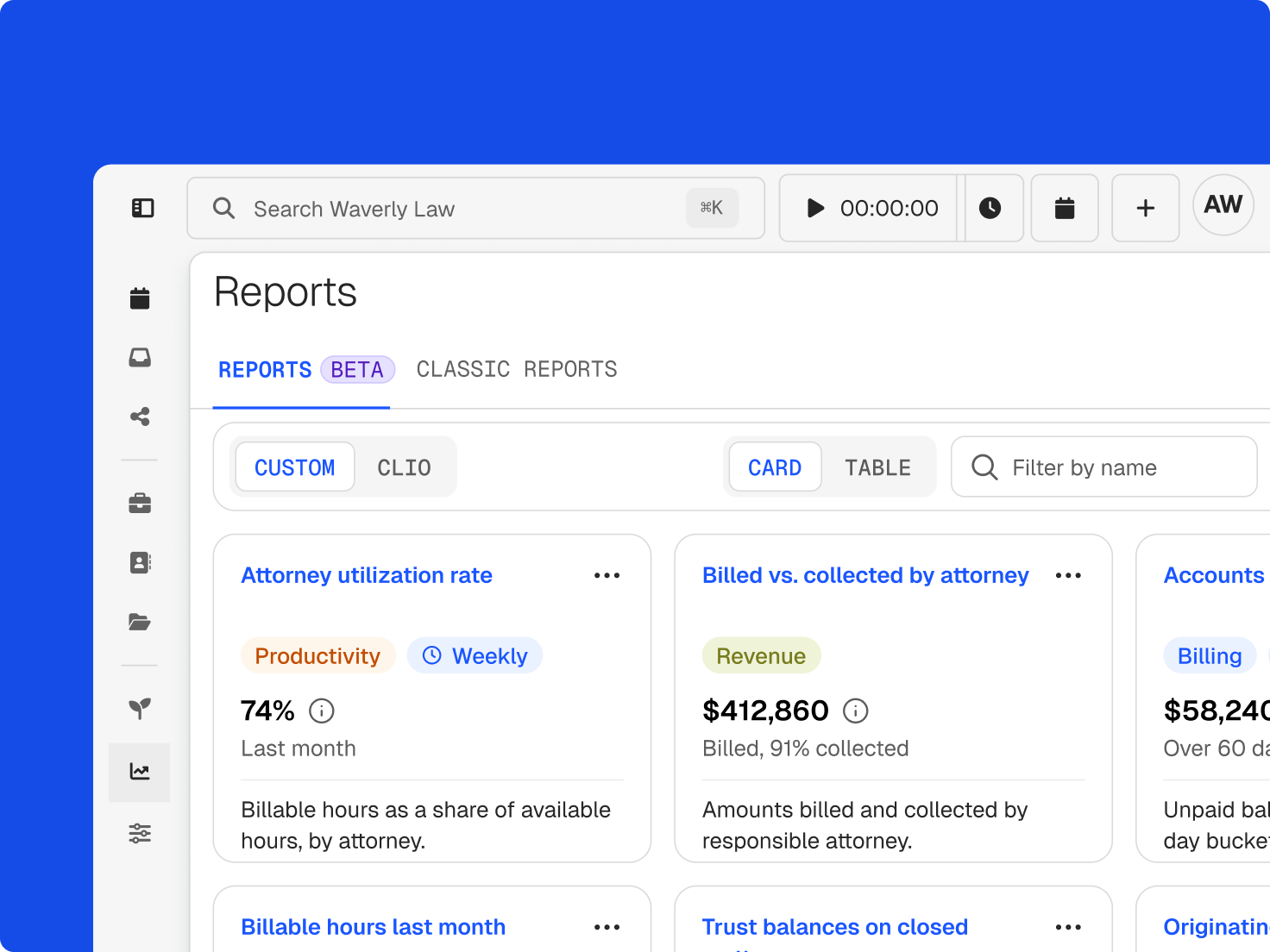
Reports pull from the time, bills, and payments your team already records in Clio, so you can retire the spreadsheets.
Reports pull from the time, bills, and payments your team already records in Clio, so you can retire the spreadsheets.
Choose datasets on time, billing, collections, and compensation, then filter and group them around your firm’s KPIs.
Save a report setup and send it to the right people on a set cadence.
Each figure includes a definition and source reference, so partners and staff interpret it consistently.
Type a question and Clio generates the report, without waiting on a data analyst.
Compare what’s worked, billed, and collected, and watch how those figures move over time.
See what’s been paid on your invoices, then decide whether to ask for larger retainers or offer payment plans.
Pick a timeframe and spot the trends behind budgets, hiring, and where to invest.
Utilization, realization, and collection, which the Legal Trends Report ties to firm growth, sit on one dashboard.
legal professionals trust Clio
bar associations and law societies approve Clio
from 13,000+ reviews
In Clio Grow, intake reporting follows each lead from first contact to hired matter.
Compare lead sources, referrers, and marketing efforts by the matters and revenue they produce.
Break results down by practice area, matter type, and staff member to see where to focus.
Estimate matter values at intake and update them as clients hire you, so targets reflect what’s coming.
Clio’s legal AI turns firm data into recommendations, each tied to the matter it’s about.
Recommendations flag bills ready to generate, unlogged billable time, and upcoming events.
Firm and personal metrics appear together in the AI Launchpad.
Open the file behind a number and decide what happens next.
They’re the figures that show how a firm is doing, such as revenue, collections, utilization, and where new clients come from, tied back to the matters and people behind them. Clio draws them from the work your team already records in Clio Manage and Clio Grow. Get a demo.
Software that turns time, billing, payment, and intake data into reports and dashboards. In Clio, you can start from preset views or build custom reports, then save and schedule them. Get a demo.
The dashboard gives a quick snapshot of key metrics. Custom reports go deeper, with datasets, filters, grouping, and scheduling for the questions a preset doesn’t answer. Get a demo.
Clio Grow tracks lead sources, referral sources, matter types, and staff, along with estimated matter values and why prospects did or didn’t hire you. That shows which marketing and referrals produce revenue. Explore Clio Grow.
It surfaces firm and personal performance metrics and recommends actions for specific matters, like bills ready to generate or unlogged time, so a number leads you to the file that needs you. Get a demo.
Billable hours worked divided by the hours available in a day. It shows how much of a lawyer’s day goes to revenue-generating work. Read the Legal Trends Report.
Billable hours invoiced divided by billable hours worked. It shows how much recorded work reaches a bill after discounts and write-offs. Get a demo.
Hours collected divided by hours invoiced. It shows how much billed work turns into payment. Get a demo.
Custom reports are available on select Clio Manage plans. Compare plans.