
Key benefits for your firm
Get Organized
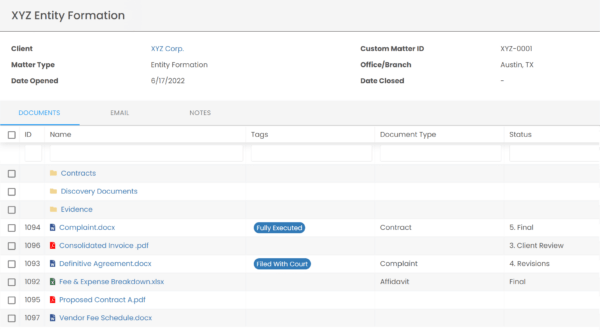
Everything for a Matter in One Place Organize documents, email and notes by client or matter. Store and manage all data for a case or project in one place.
Go Beyond Basic Files & Folders
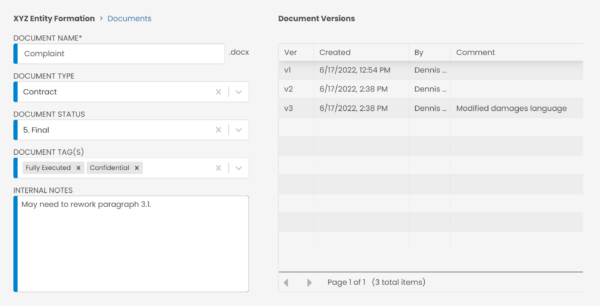
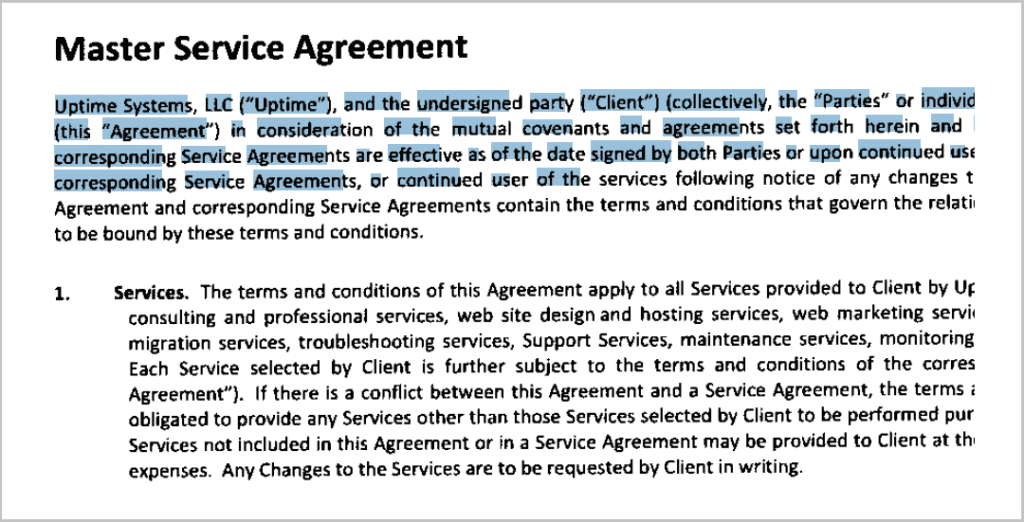
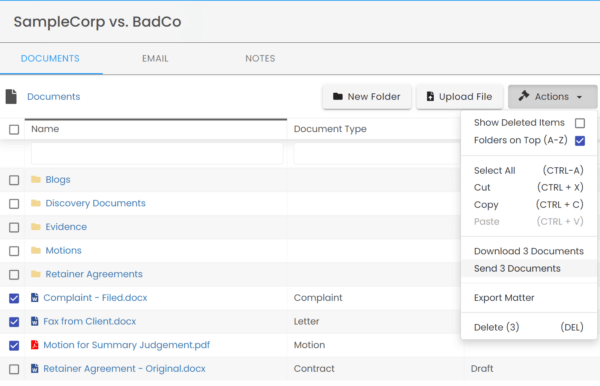
Powerful DMS Capabilities - Version Management - Document Tagging & Profiling - Document Check-Out / Check-In - Unique Document IDs - Microsoft Office Integration - Automatic, Integrated OCR
Find Documents & Emails Instantly
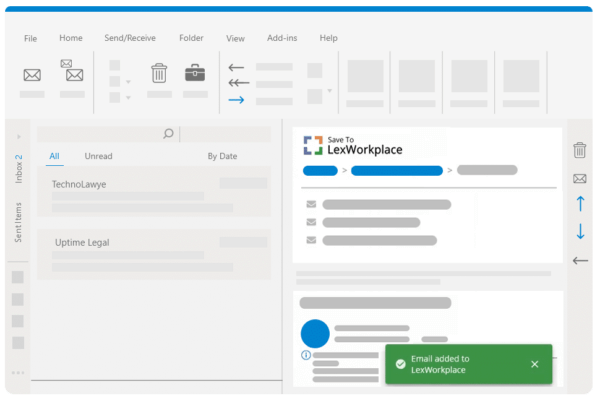
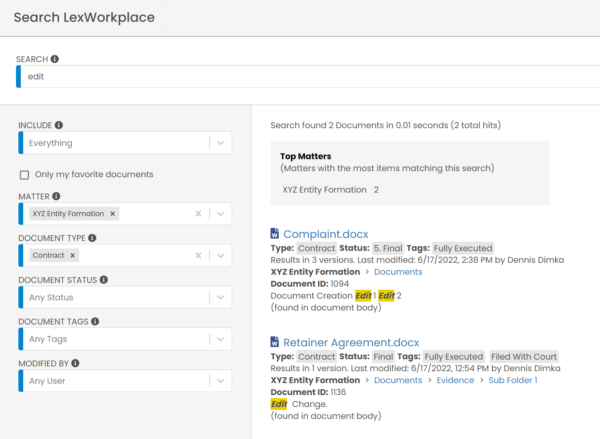
Like Google for Your Law Firm Search across millions of documents, pages and email in seconds. Search by matter, document type, date and more.
How LexWorkplace works with Clio
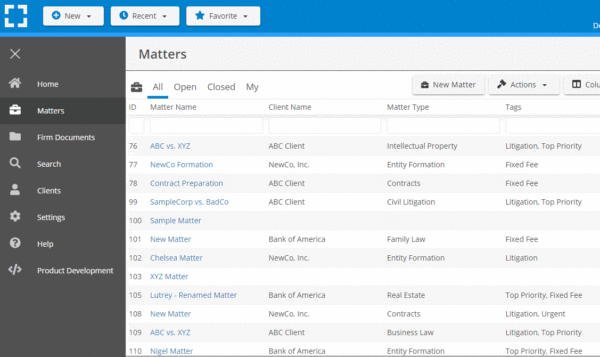
- Pull Matters from Clio
- Link Matter to Clio
You can pull matters into LexWorkplace directly from Clio, avoiding duplicate entry and ensuring matter data consistency.

You can also establish the same link between an existing LexWorkplace matter to a matter in Clio Manage. If you wish to link a matter that you’ve already created to a matter in Clio, you can navigate to that matter, click the Actions button, then click Link to Matter in Clio Manage.

Media gallery
Getting set up
To get set up, click here.
Security and privacy
We are committed to protecting your privacy.
View LexWorkplace’s privacy policy and terms of service.
View Clio’s privacy policy and terms of service.