Key benefits for your firm
Evidence Based AI
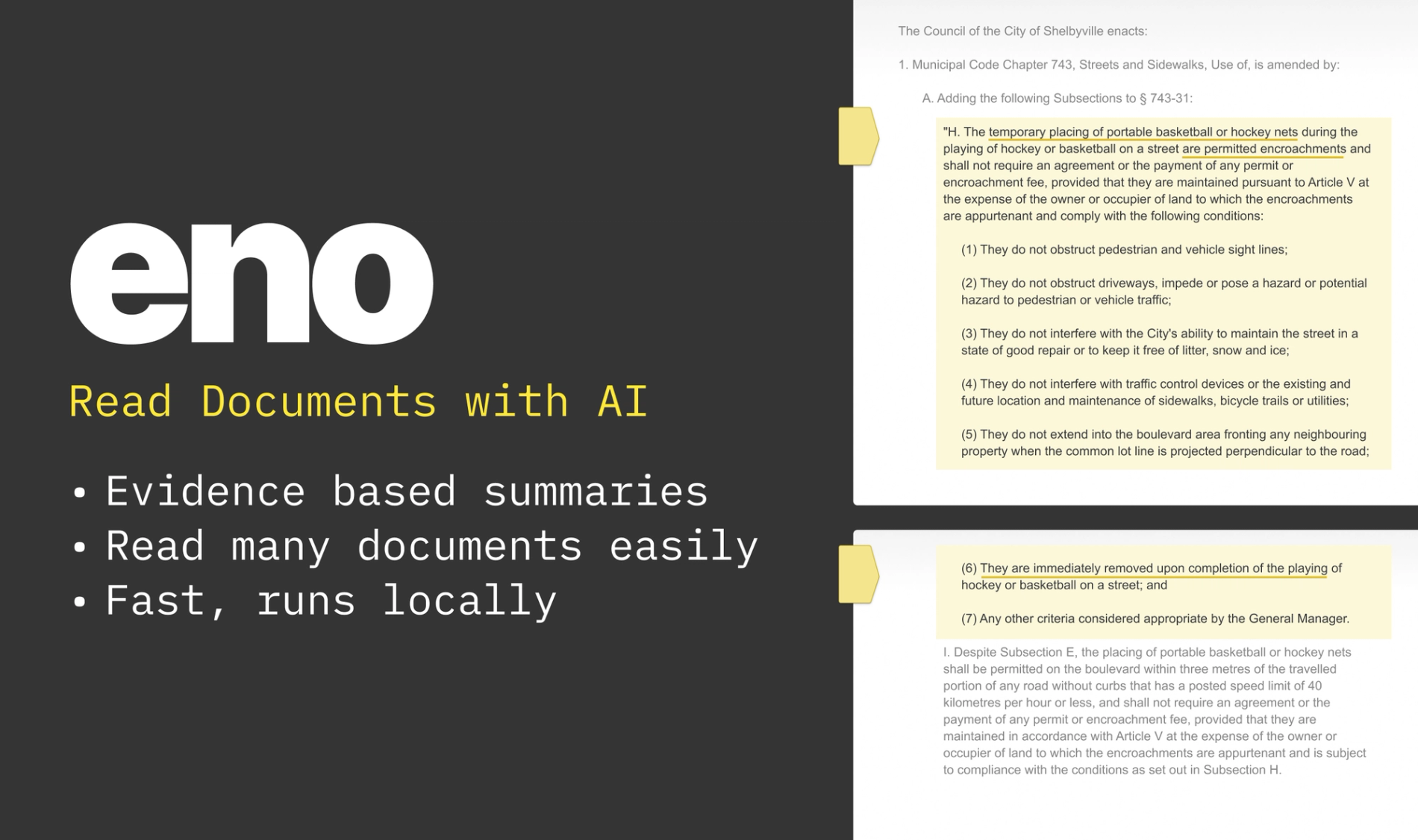
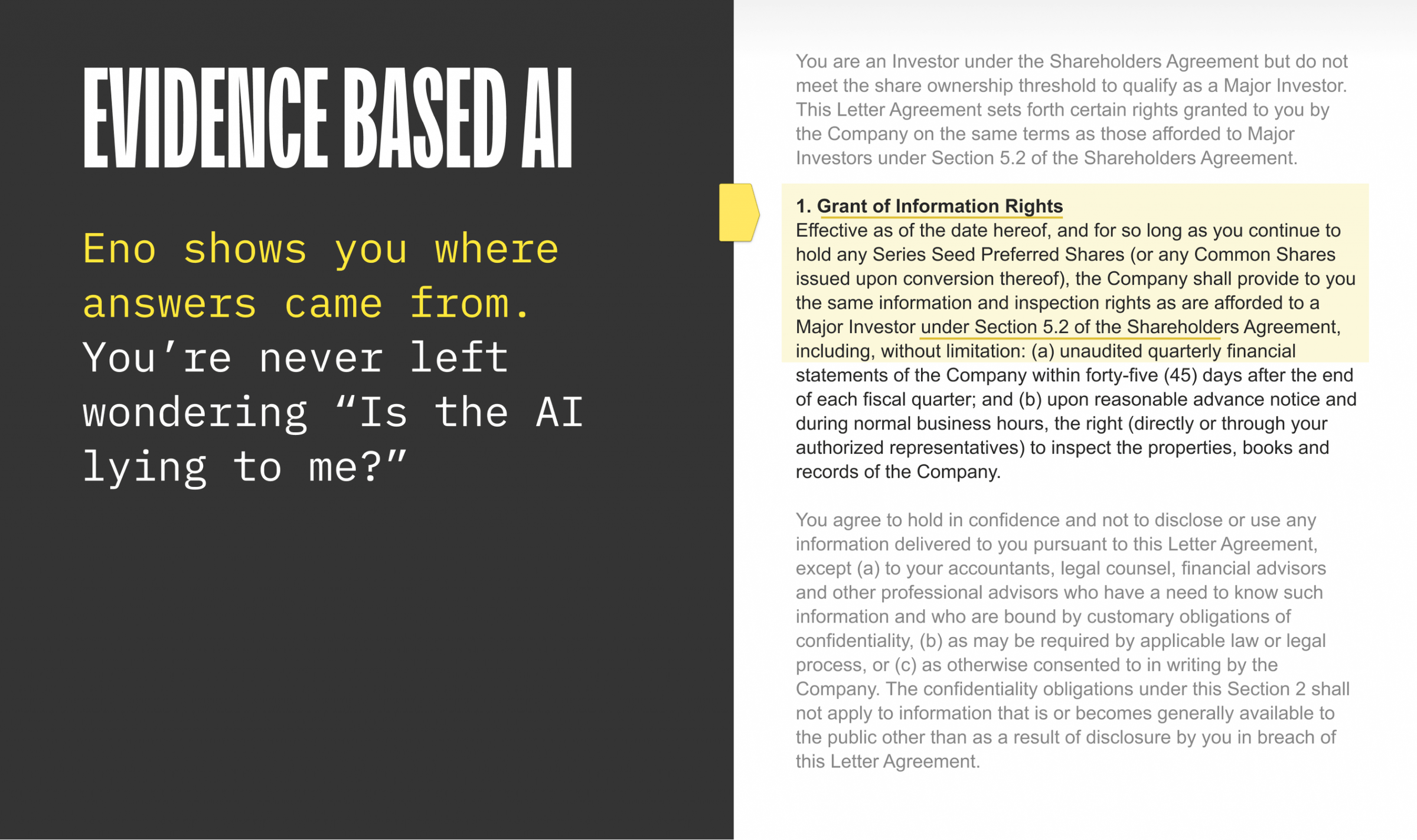
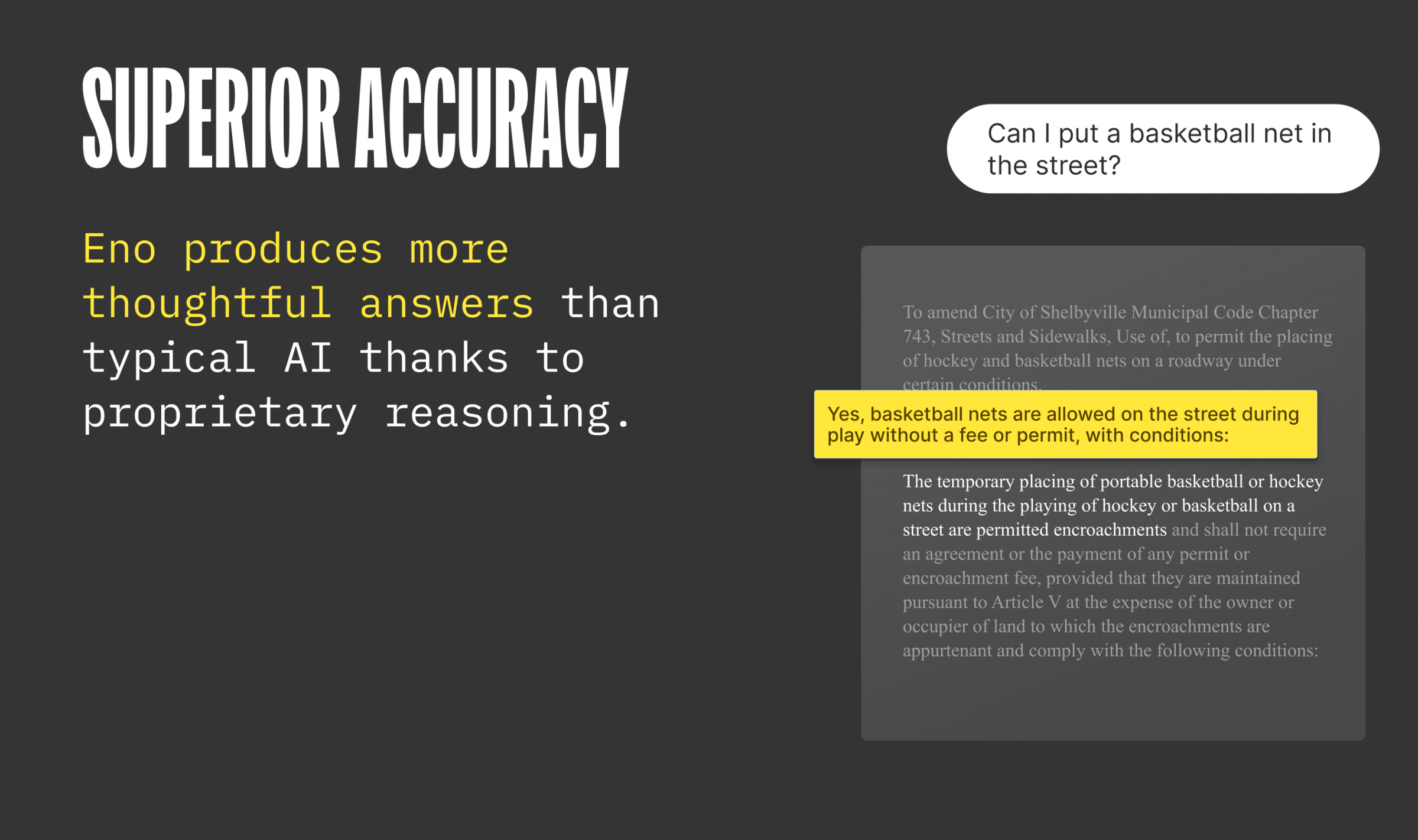
Eno PDF grounds every response in the exact passage from your document, so you can verify each claim instead of trusting AI paraphrases. Read the source text directly and complete your own analysis with confidence.
Fast and Simple
Right click a PDF, choose “Open with Eno” and you are ready to search. Eno can open entire folders of documents on your computer in seconds. It searches like a human would, drawing connections across disparate documents and sections and showing its work as it goes.
Keep Your Documents Safe
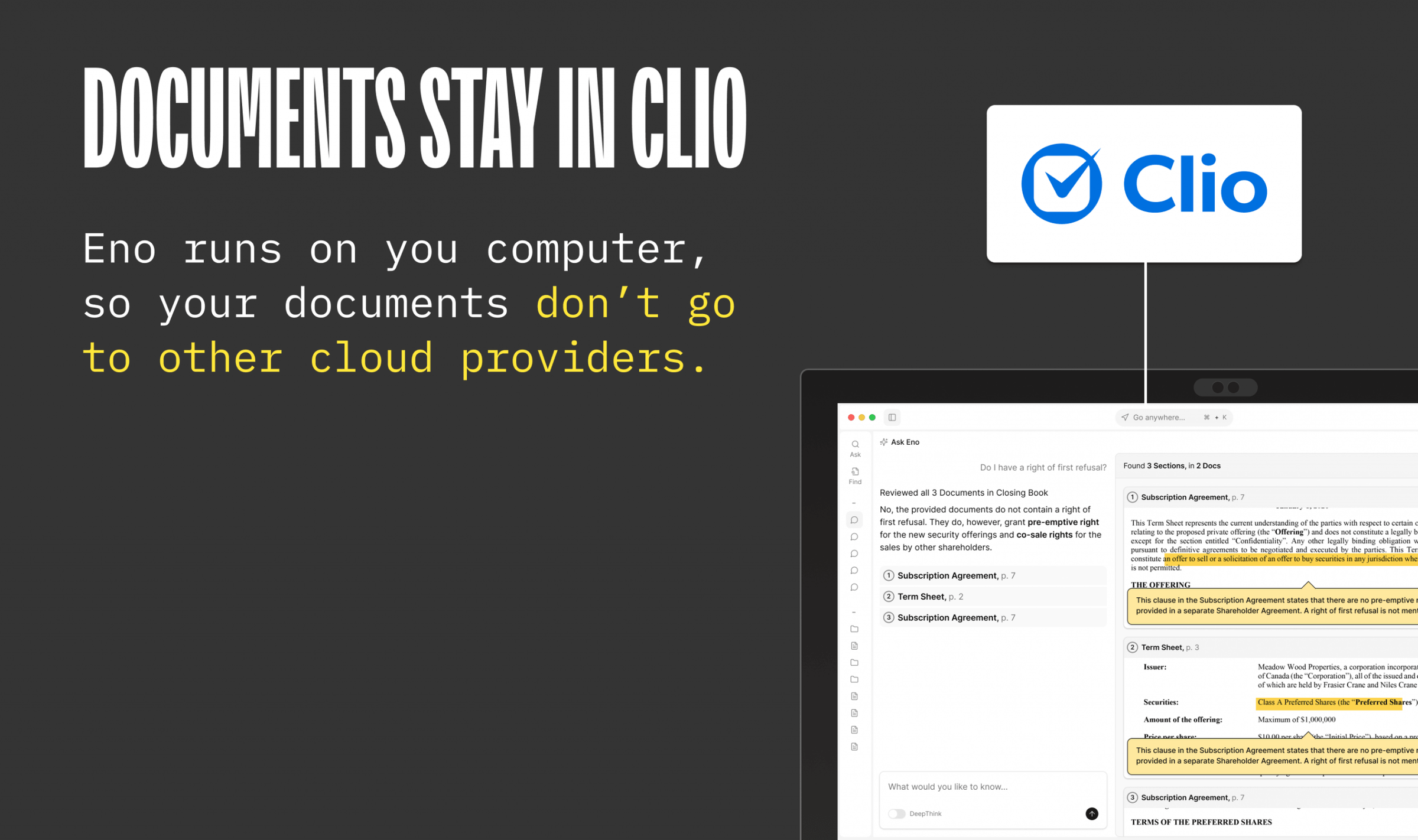
Eno runs locally on your computer so you do not need to upload files to another cloud service. It uses state of the art LLMs with zero data retention policies. Eno adheres to the highest security standards with a SOC 2 Type 2 certification.
How Eno PDF works with Clio
Seamlessly Open Documents from Clio Manage
Eno integrates with Clio Manage so you can seamlessly pull documents from Clio into Eno and start asking questions.
Pull documents directly from a Clio Manage matter into Eno.
Eno will search Clio to find the documents it needs to answer your questions.
“Open with Eno” button when viewing documents in Clio.
Keeps your review local and private. Your Clio documents do not end up stored in another cloud.
Media gallery
Getting set up
If you need detailed instructions on connecting Eno PDF to Clio, you may visit this site.
Security and privacy policy
We are committed to protecting your privacy.
View Eno PDF’s privacy policy, terms of service and security policy.
Additional support
Contact Eno PDF’s support at https://discord.gg/67XFjhNe2c