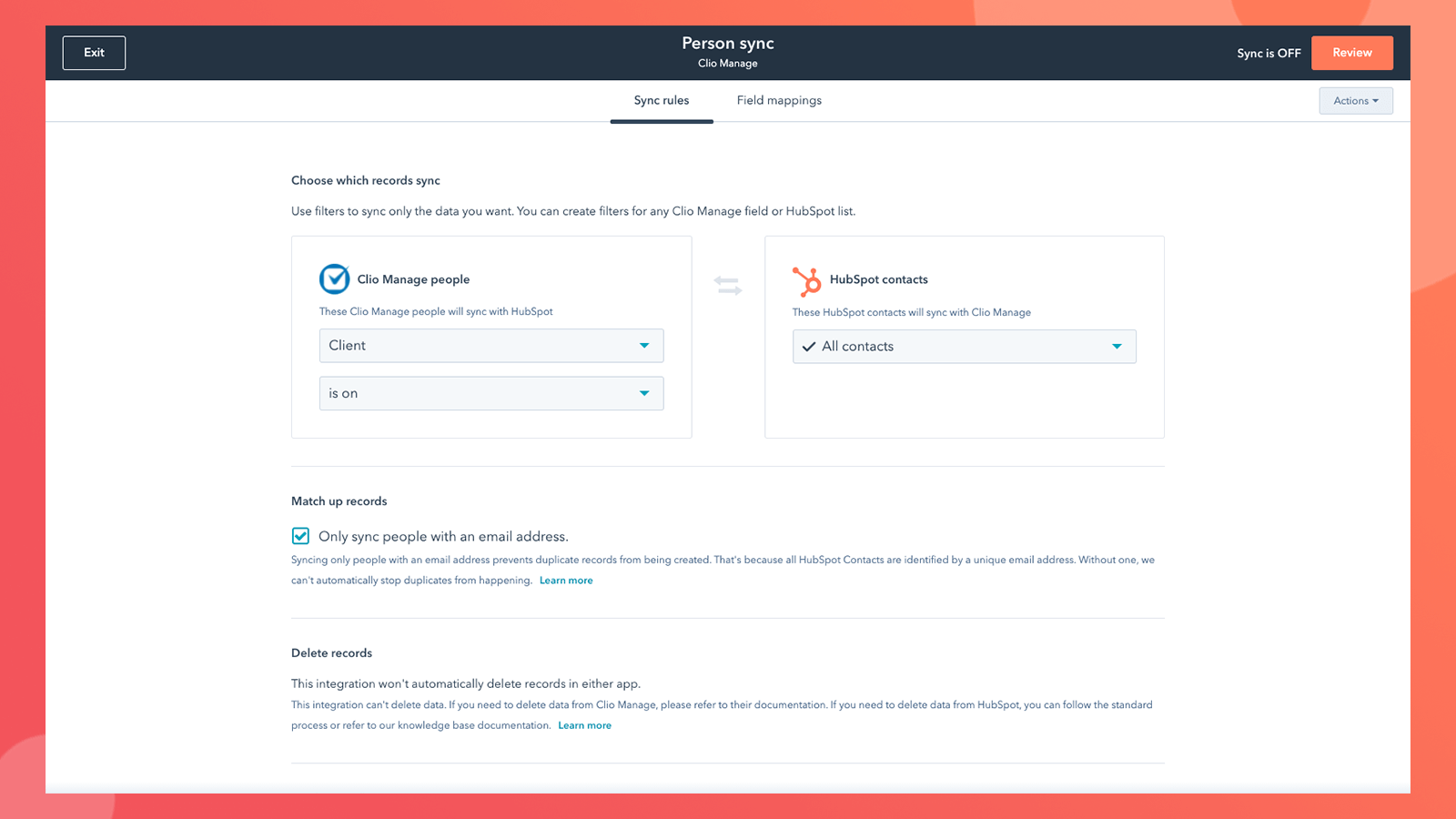
Key benefits for your firm
Two-way sync
Data is shared between Clio and HubSpot in real time.
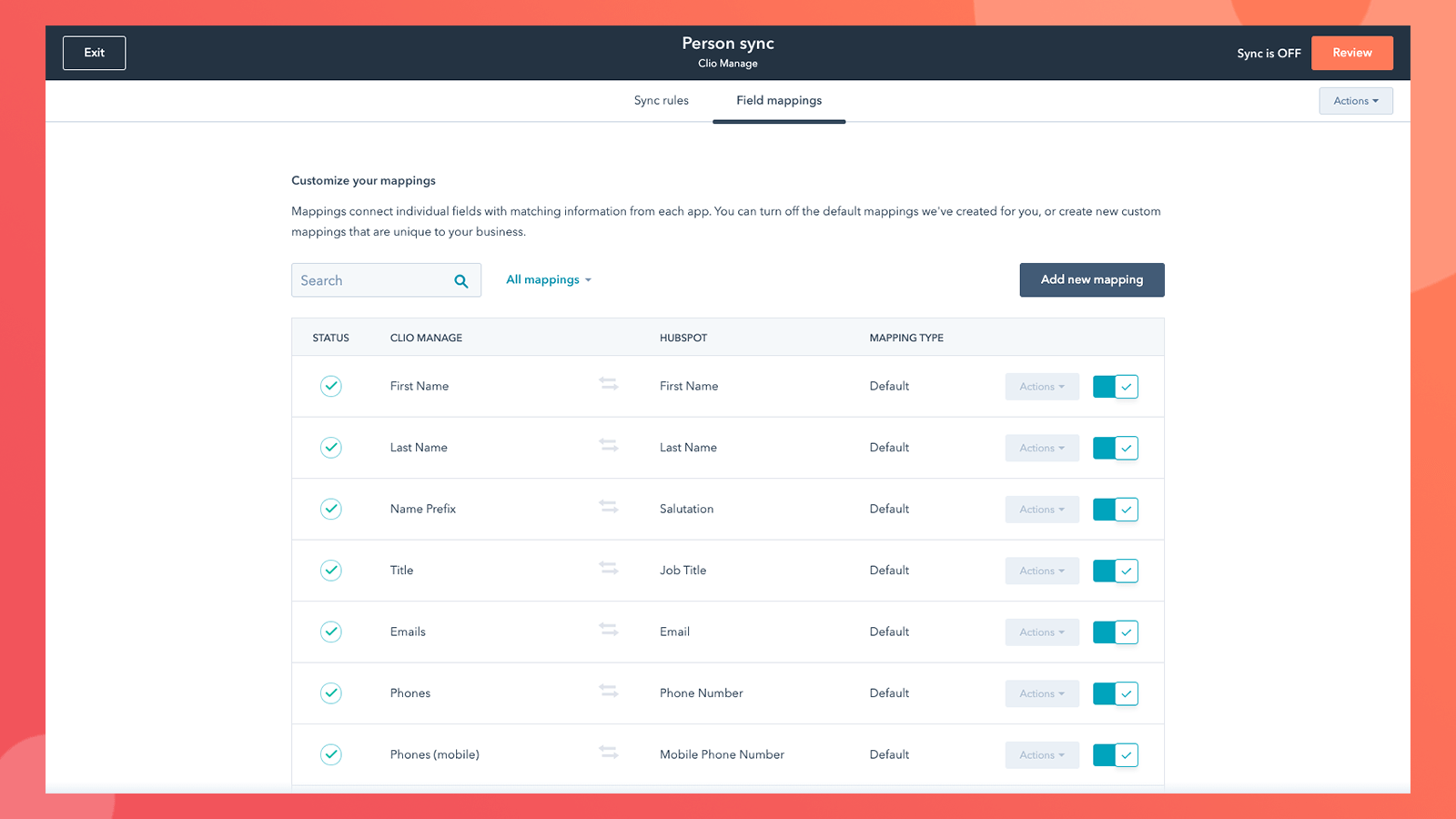
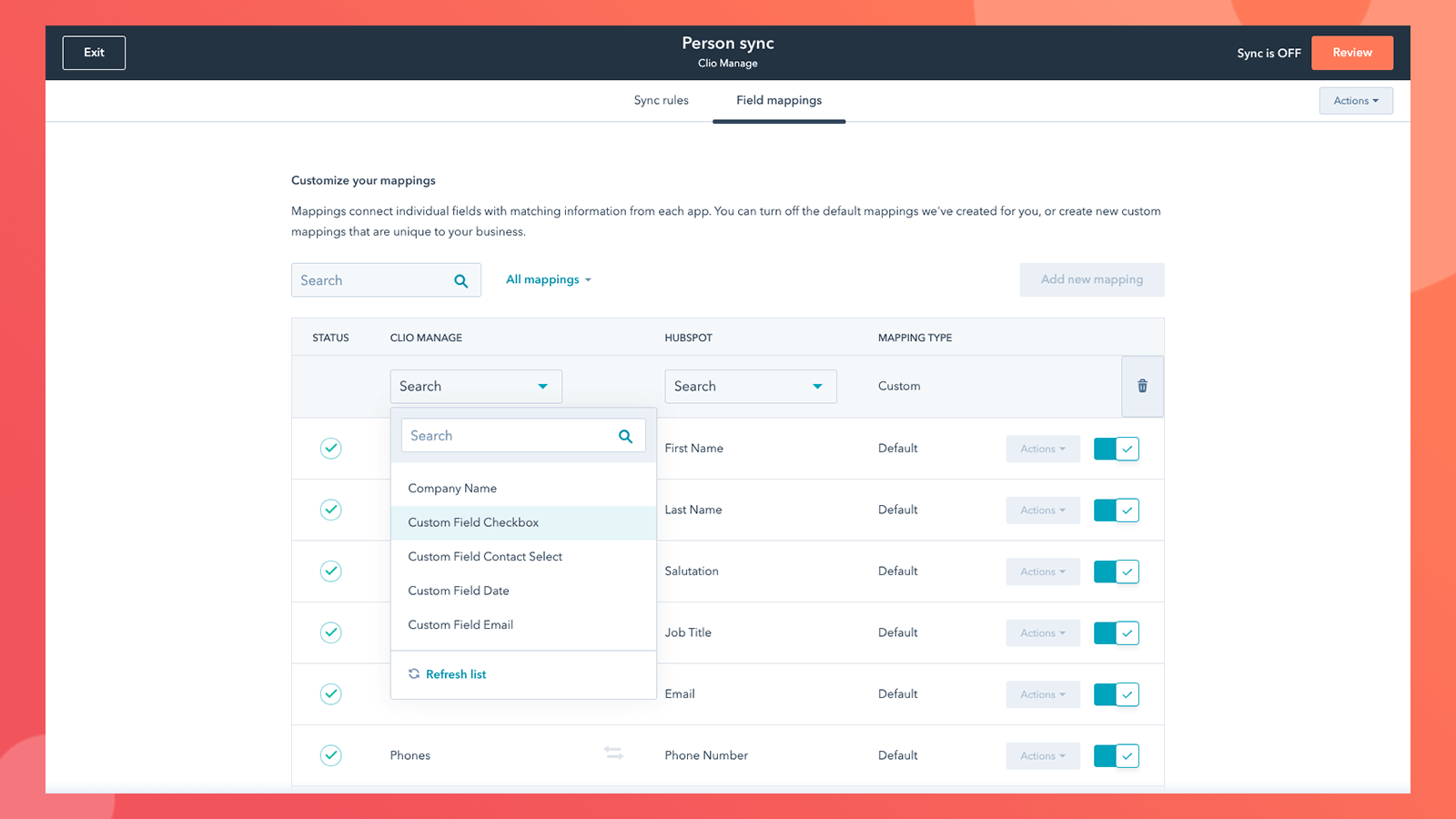
Default field mappings
Set-up is quick with out-of-the-box field mappings already created for you.
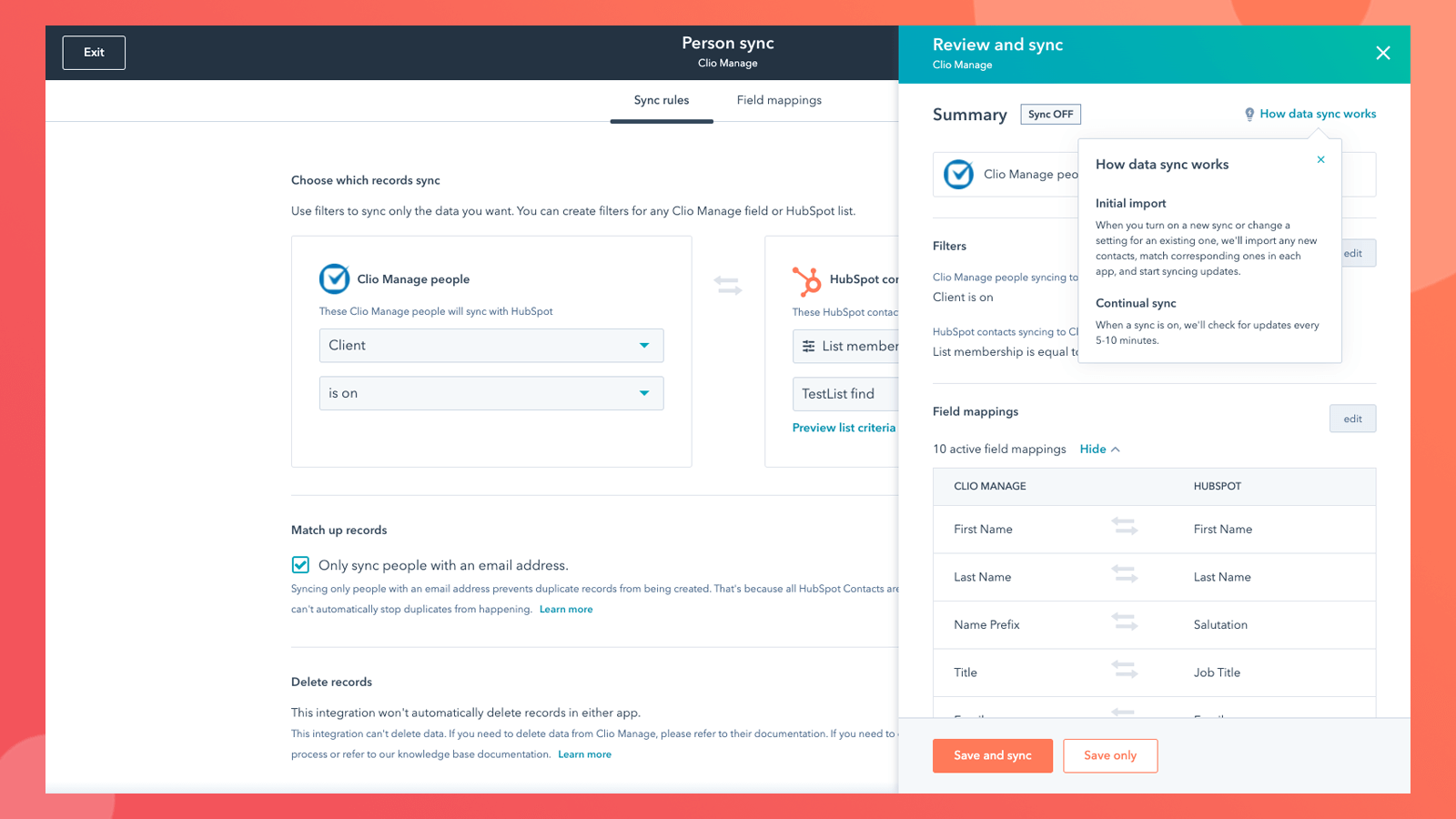
Historical syncing
Your existing data will sync right away, and updates will sync as they happen.
How HubSpot works with Clio
HubSpot makes manual data entry a thing of the past by syncing contacts between HubSpot and Clio Manage. When records are created or updated in either app, that information will be automatically shared with the other one.
Follow the instructions below to install the integration.
- You must be a HubSpot Super Admin or have HubSpot App Marketplace permissions in your HubSpot account.
- Get started by navigating to the HubSpot Marketplace listing.
- In the top right, click Connect app.
- You will be prompted to enter your Clio Manage credentials if you haven’t logged in.
- Follow the instructions on the screen to setup your sync between Clio and HubSpot.
- Select what data you would like to sync, review the sync settings and start syncing.For more details on how to connect both applications, please have a look at the data sync help article.