Key benefits for your firm
Never lose track of a lead or client conversation
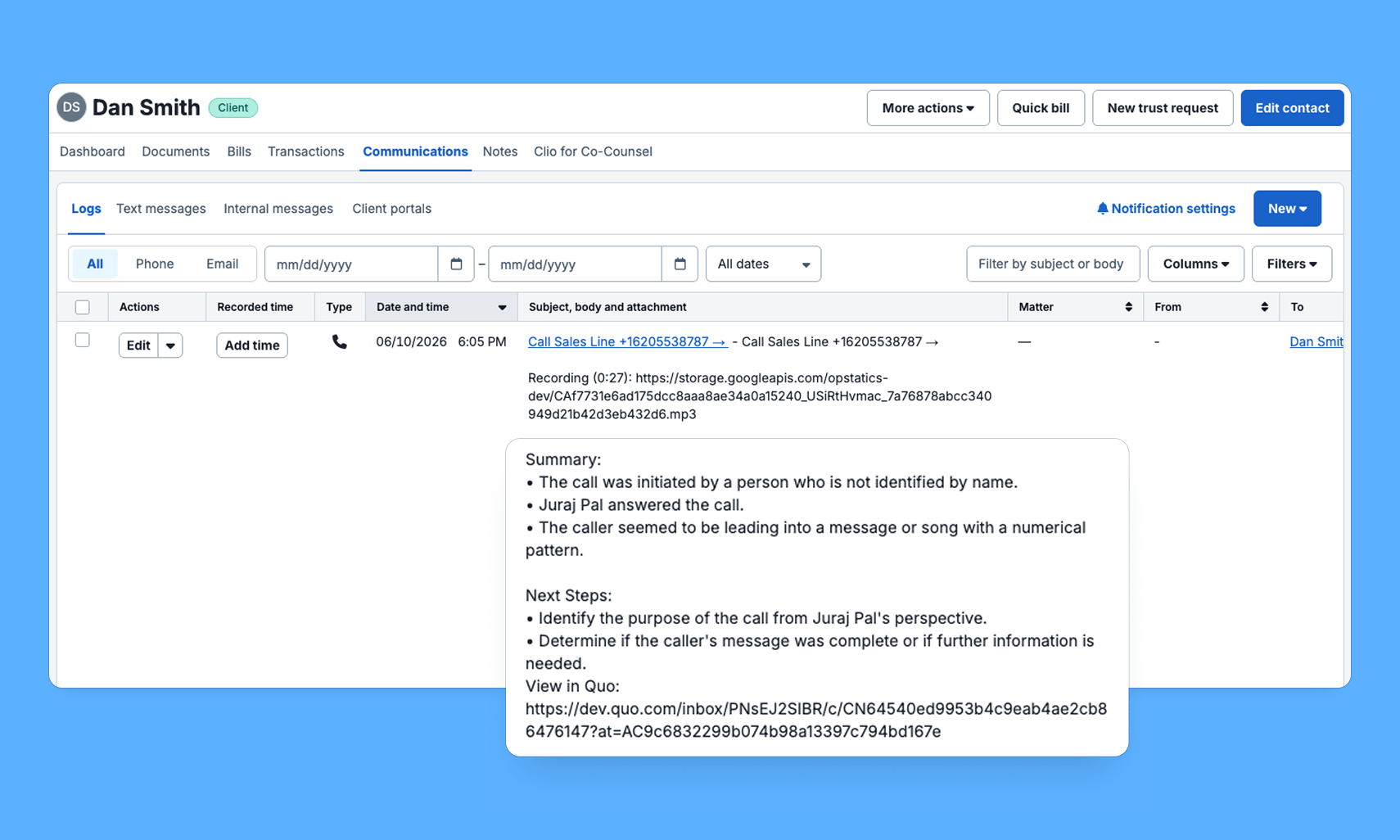
Every call and text is automatically logged to the right contact in Clio Manage along with call summaries and next steps. No manual entry, nothing slipping through the cracks.
Keep your team in sync
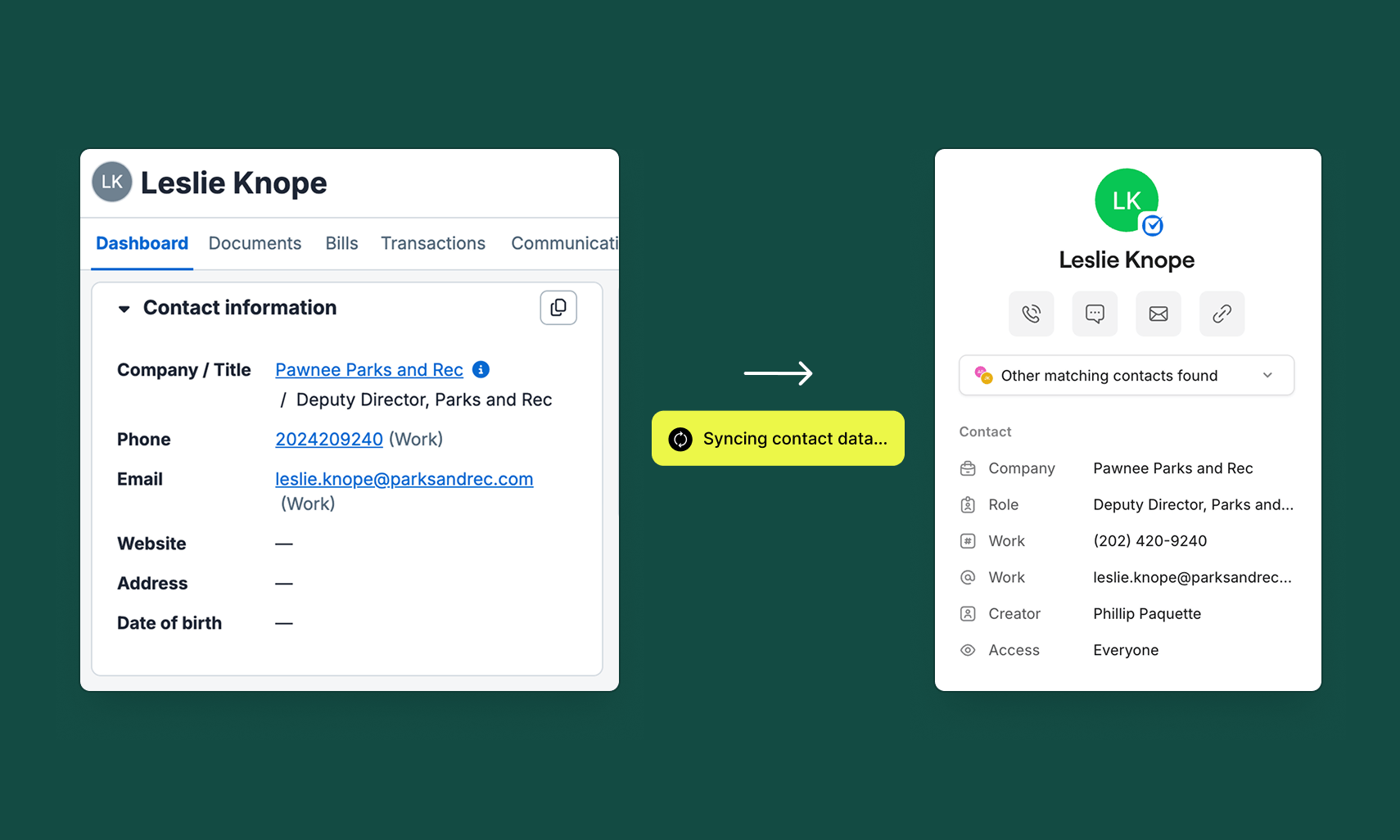
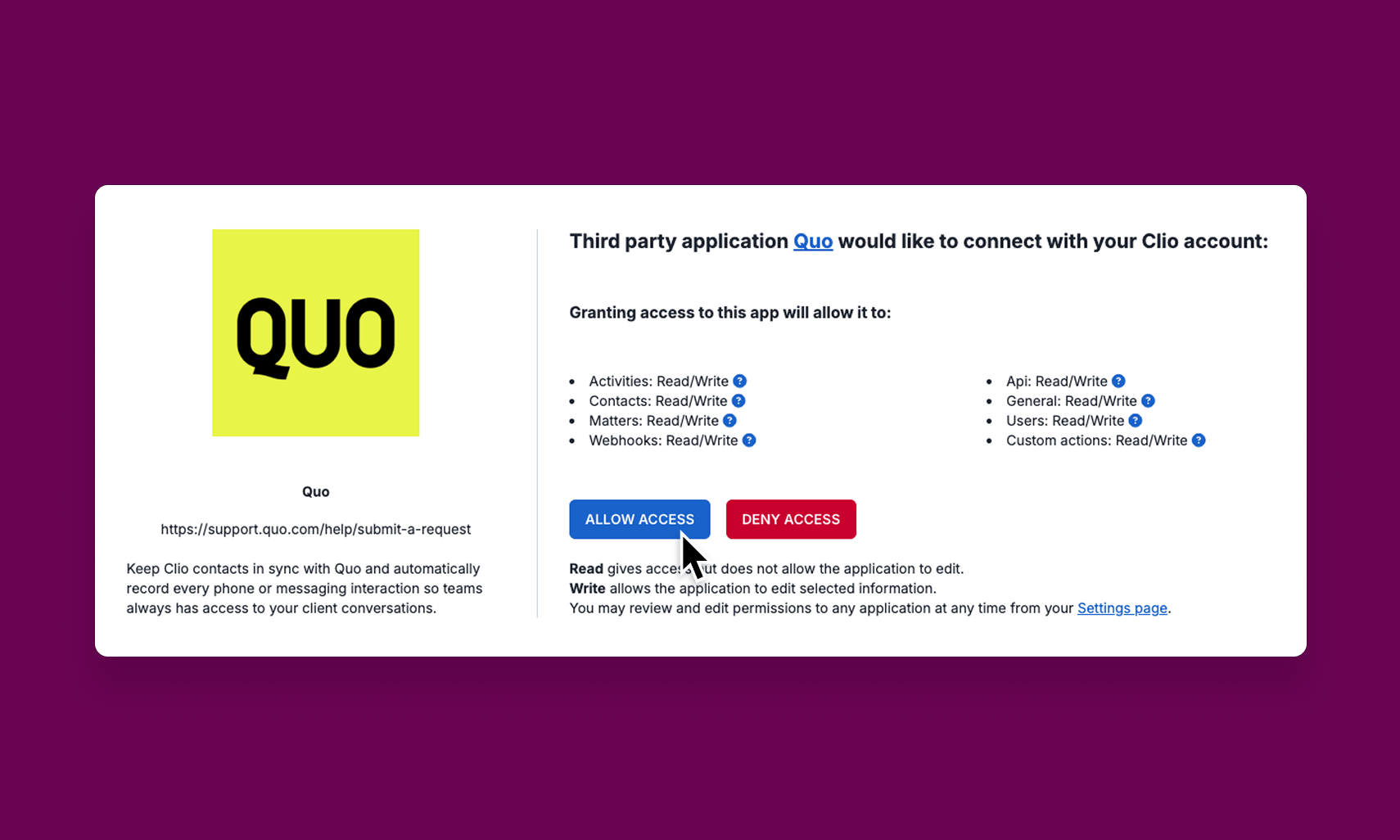
Contacts sync automatically from Clio into Quo, so your team always has the right name and number on screen. Shared inboxes mean any attorney or staff member can pick up where a colleague left off.
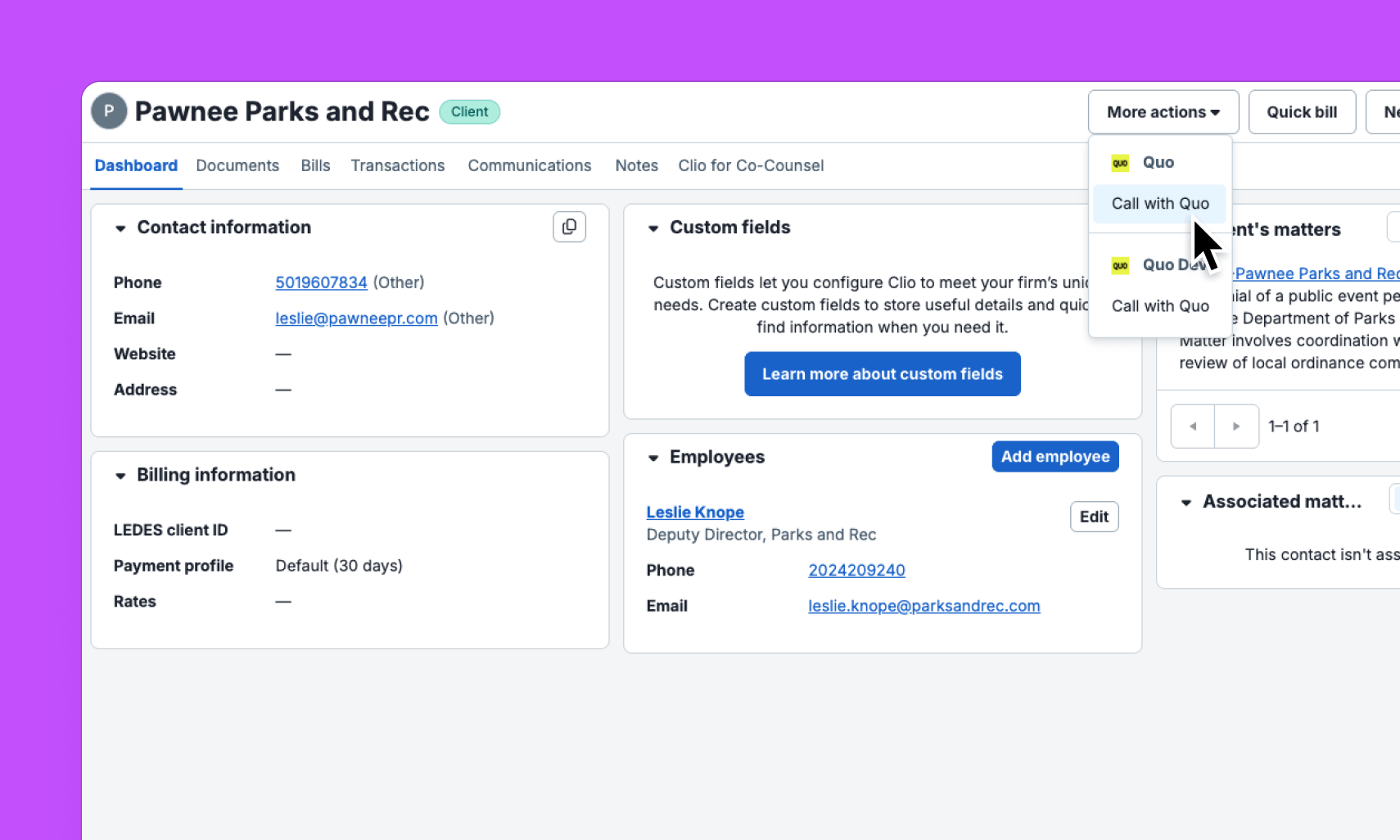
Start calls with 1 click
Replace piecemeal solutions with the native Quo integration. No third-party middleware, no extra vendor to manage. Quo connects directly to Clio Manage with richer AI content — summaries, next steps, and transcripts logged automatically — so your firm gets a tighter experience with fewer moving parts.
How Quo works with Clio
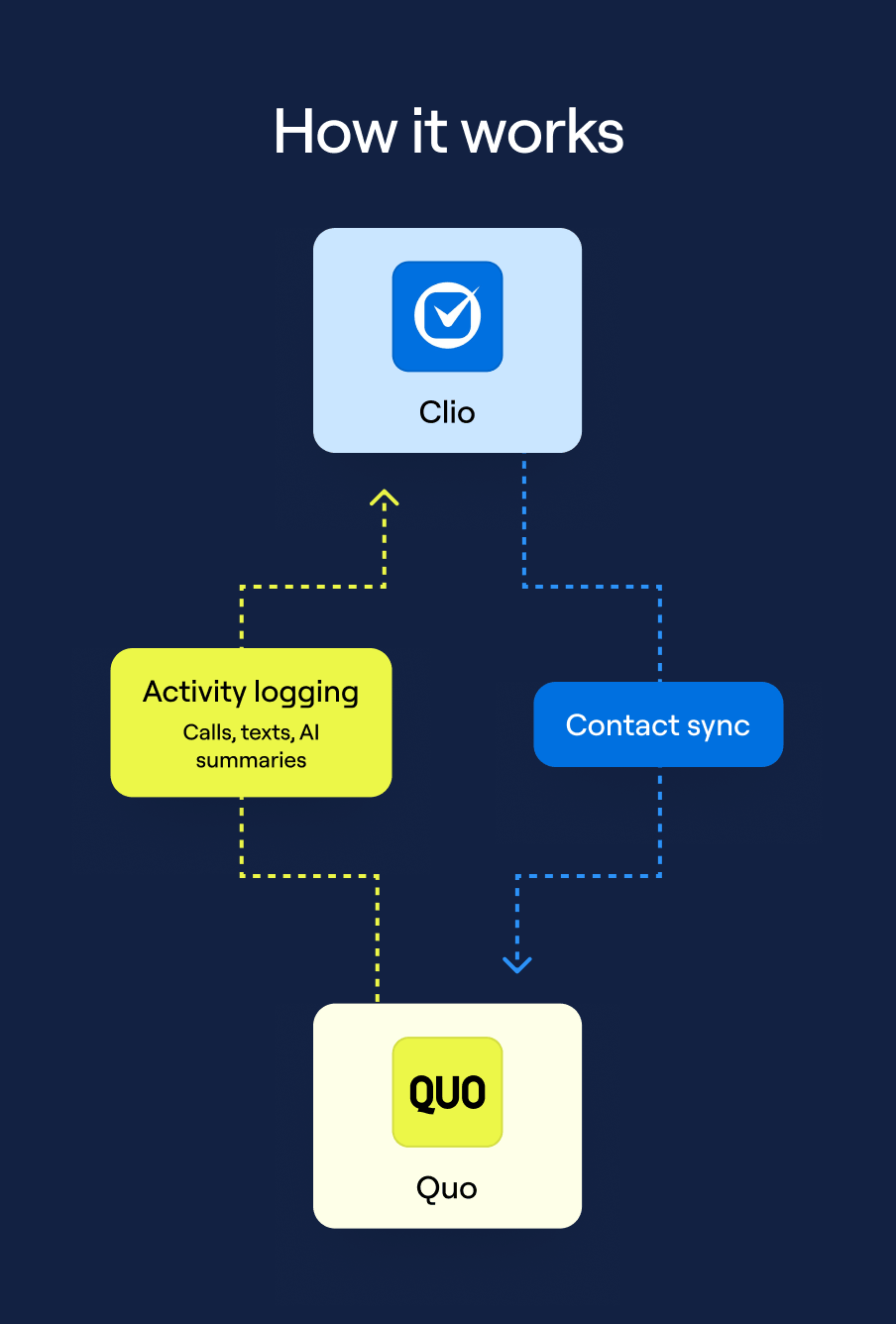
Quo integrates directly with Clio Manage so every call and text is logged automatically
Quo connects directly to Clio Manage to keep your phone activity and practice management system in sync without manual work.
Contact sync: Contacts from Clio sync into Quo automatically. New contacts, updates, and deletions in Clio are reflected in Quo in real
time. Clio is the source of truth and synced contacts are read-only in Quo.
Call logging: Every call is logged as a Communication in Clio with direction, duration, who handled it, an AI summary, next steps, and a link back to the full conversation in Quo. Sona-handled and after-hours calls are logged too.
Message logging: Inbound and outbound texts are logged as Notes on the matching Clio contact, with message content and a deep link
to the conversation in Quo.
Call with Quo: A “Call with Quo” button on each Clio contact page opens the Quo app with the number ready to dial.
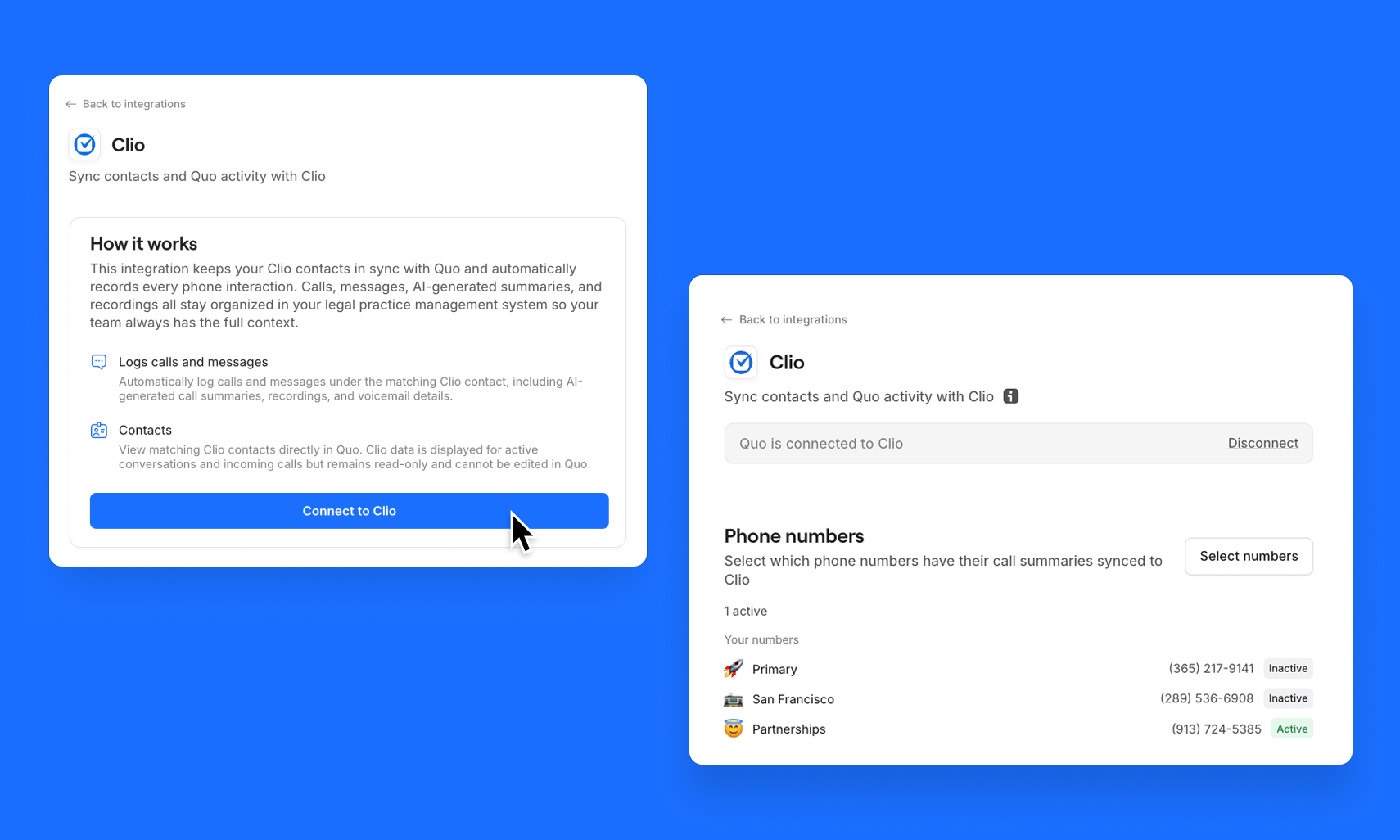
Admin controls: Toggle call logging and message logging independently. Choose which phone numbers sync activity. Filter which Clio contacts sync into Quo.