

The Release Report: October 2026

Content Specialist, Enterprise, Clio
This month, Vincent supports your work at every stage. Projects gives teams working on the same matter or topic one shared workspace, Improve Prompt rewrites your rough request into a clearer, more specific task, and Writing Styles sets the voice of the draft that comes back. Here’s what’s new.
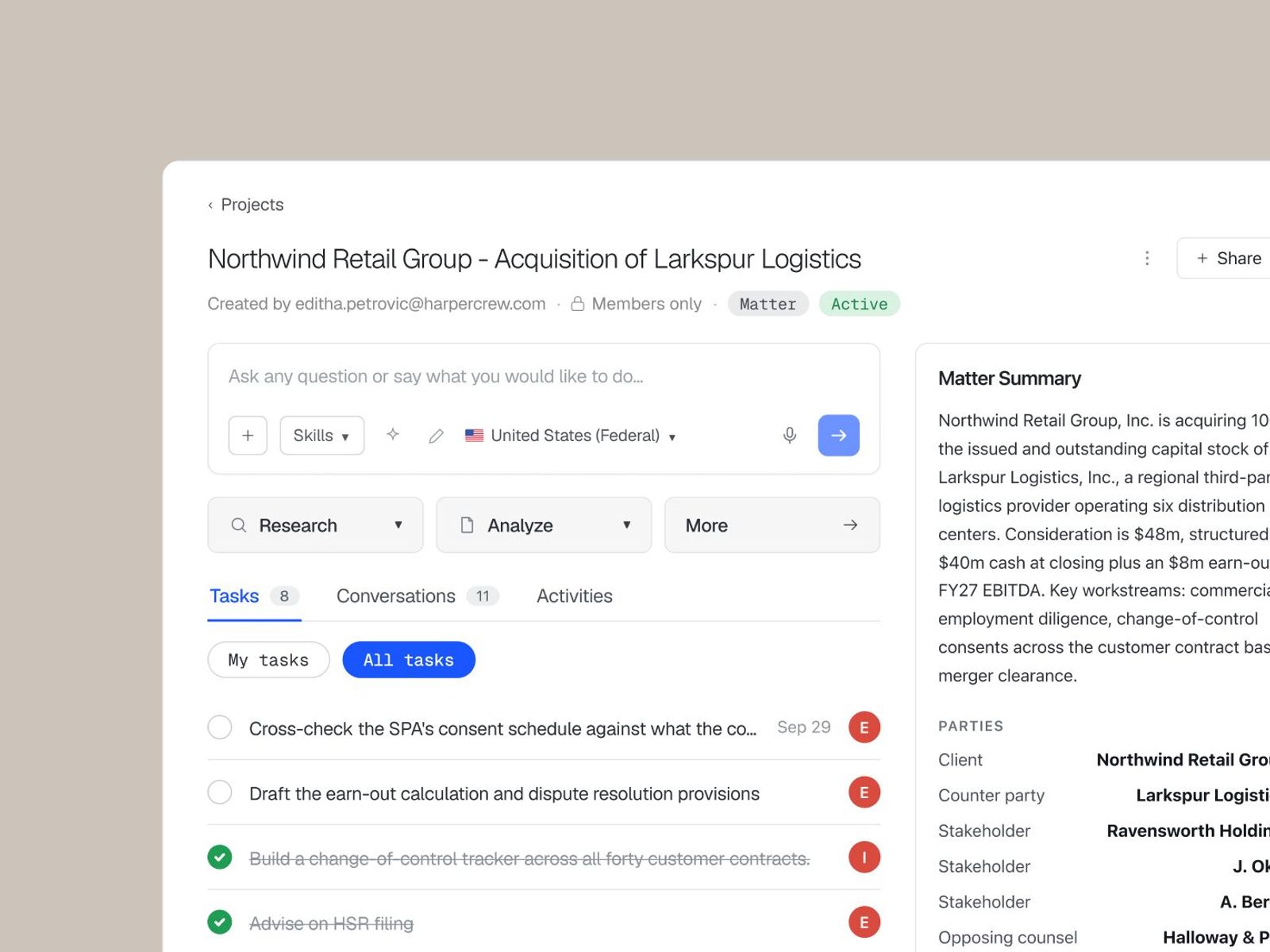
Projects: a collaborative workspace for your matter
With Projects, your team can collaborate in one Vincent workspace where every conversation, upload, and output for a matter or initiative lives together. Join a matter at any point and you can catch up on the work that’s been done without starting from zero.
You can set it up as a Matter project with a summary and key facts, or as a General project for work that isn’t tied to one matter. Invite colleagues, give each one a role, and every file uploaded to the Project is visible to all members in any Vincent workflow. Every conversation and Vincent-generated output appears in one view, and a chronological activity log shows who did what and when, so nothing gets lost between handoffs.
For a closer look at Projects, check out Introducing Collaboration in Vincent. Read the launch announcement to learn more.
Improve Prompt: Sharper questions in one click
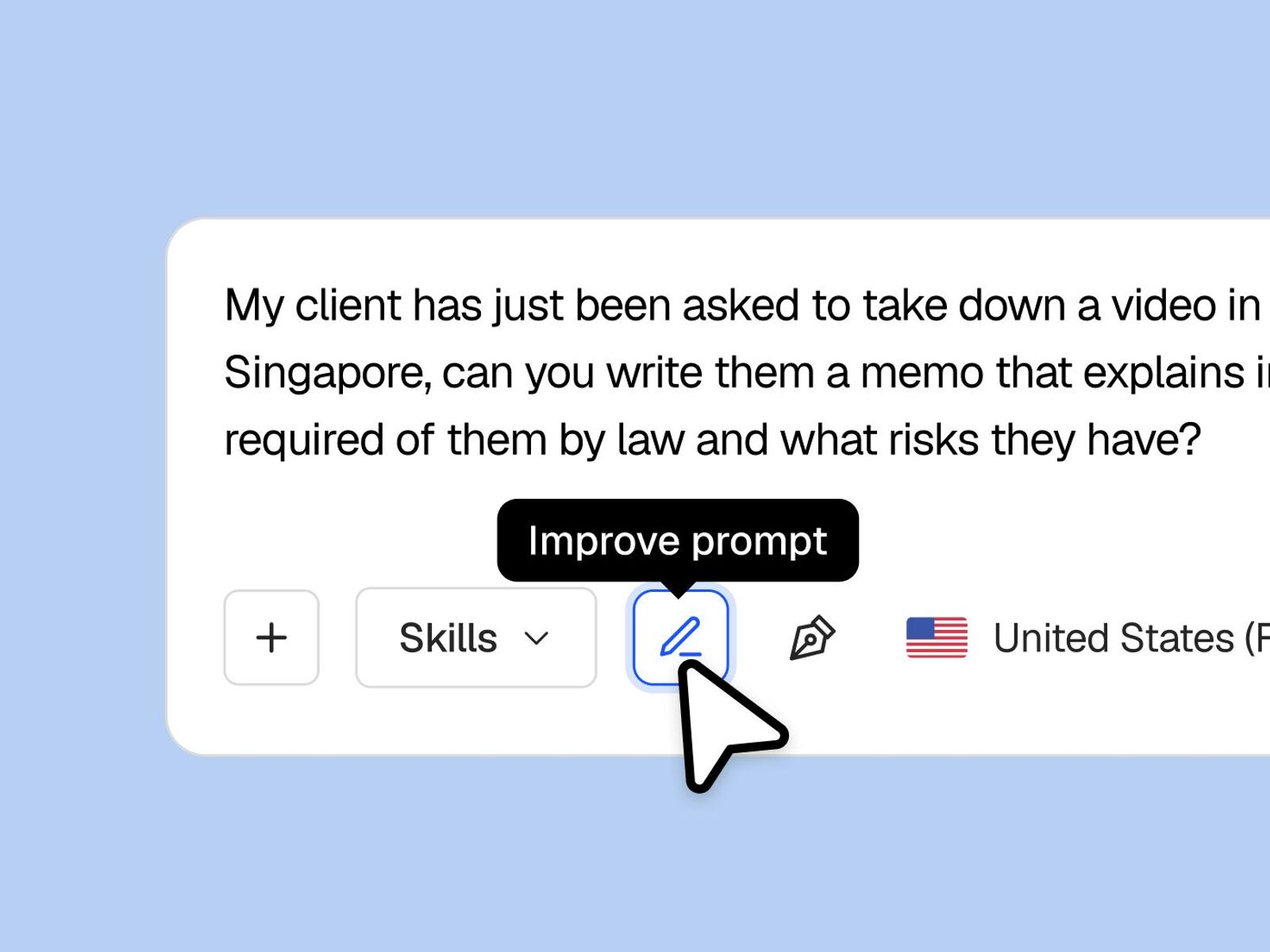
You don’t need to be a prompt expert to get a great result. Improve Prompt sharpens what you’re about to ask Vincent into a clearer, more specific request, so you can get a stronger response the first time.
Type the rough version of what you need, click Improve, and Vincent tightens the wording before you send it. A sharper prompt gets you a better first answer, with fewer rounds of rephrasing. Improve Prompt is available in Vincent and Clio for Word, with support for Tables coming.
Writing Styles: Your firm’s voice, built into every response
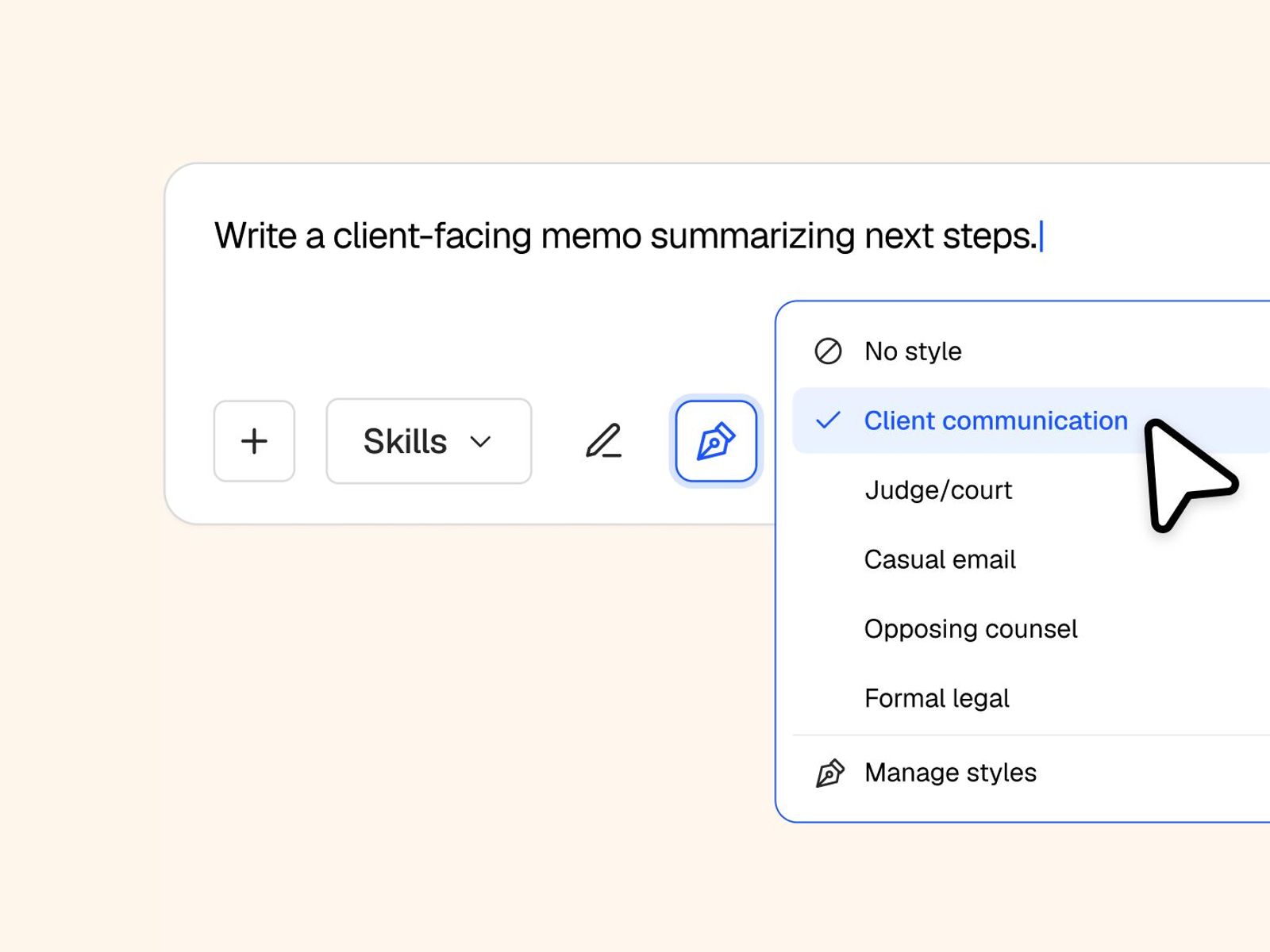
Every lawyer has a preferred tone and structure for each type of document they draft. Writing Styles lets you create and save reusable style guides, such as instruction sets covering tone, structure, terminology, and formatting, and apply them to Vincent’s responses and drafts whenever you need them.
Vincent learns the voice you want from the example text you add when you create a style. You can save styles for different audiences, such as a persuasive brief, a client letter, or your firm’s house style. You can also switch styles mid-conversation, and the change applies to every message after that.
With Writing Styles, your first draft arrives in the right tone and structure from the start.
That’s the October release report. See you next month.