

About This Template
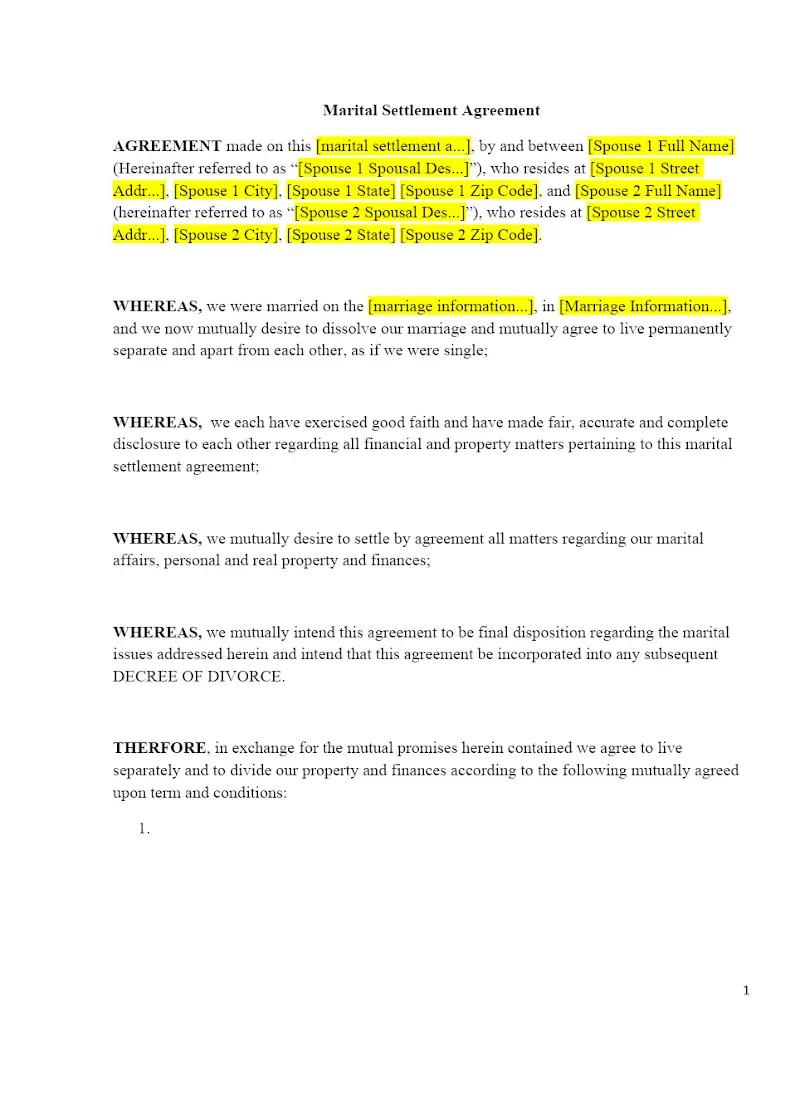
In Virginia, a Property Settlement Agreement (PSA) is the primary means of settling all financial and familial issues in a divorce. This template provides a comprehensive framework for drafting a Virginia PSA, covering the equitable distribution of marital property, spousal support, and any related debt. This crucial efficiency tool allows family law firms to quickly formalize the terms of a negotiated divorce, ensuring the agreement complies with Virginia Code requirements for subsequent incorporation into the final divorce decree.
Jurisdiction Notes
This template is specific to Virginia Code (Title 20) and its interpretation of marital agreements. Virginia is an equitable distribution state, meaning property is divided fairly, not necessarily equally. Attorneys must ensure the agreement conforms to the statutory requirements for a valid marital agreement and addresses the specific factors used by Virginia courts for determining spousal support and the standard for child custody/visitation. The agreement is typically drafted to survive the divorce decree unless otherwise specified.
What is this template?
This is a comprehensive, legally binding contract between two divorcing parties, specifically designed to meet the requirements of Virginia law. The Property Settlement Agreement template fully resolves all issues arising from the marriage, including the equitable distribution of marital property, allocation of marital debt, provisions for spousal support (alimony), and, where applicable, a detailed Parenting Plan for child custody and visitation. It is intended to be ratified and incorporated into the final Decree of Divorce.
How to Customize
With Clio Draft
If this template is available in your region, you can activate it in your Clio Draft account. It will then be pre-filled with information from your contacts and matters, helping you save time.
- Click Request Template, and complete the Request Information form.
- Open the activation email to activate the template in Clio Draft.
- In Clio Draft, go to Library and select the Court forms subtab.
- Select a category to view all the court forms associated with that category.
- Find the form that you need. You can use the search bar to search by form number or form title.
- Click the Actions dropdown and then select Create form template.
- At this stage, you can configure any fields on the template that will remain consistent across multiple matters and specific practice areas.
- Purple fields: These fields are highlighted in purple because they are connected to linked fields that will automatically insert information entered on the Populate page. If you fill in a purple field, the data in that field will always populate when you draft a document from this form template and will not be overwritten by text entered on the populate page.
- Blue fields: These fields are highlighted in blue because they are unique to a specific matter. You will enter this information after you generate the form template, on the Populate page.
For detailed instructions for drafting form templates and more information about Clio Draft, see Clio Draft: Form Templates and Clio Draft: Draft and Manage Documents.
This form couldn't be loaded. Ad blockers and strict privacy settings can prevent it — disable your blocker for this site, then reload.