

About This Template
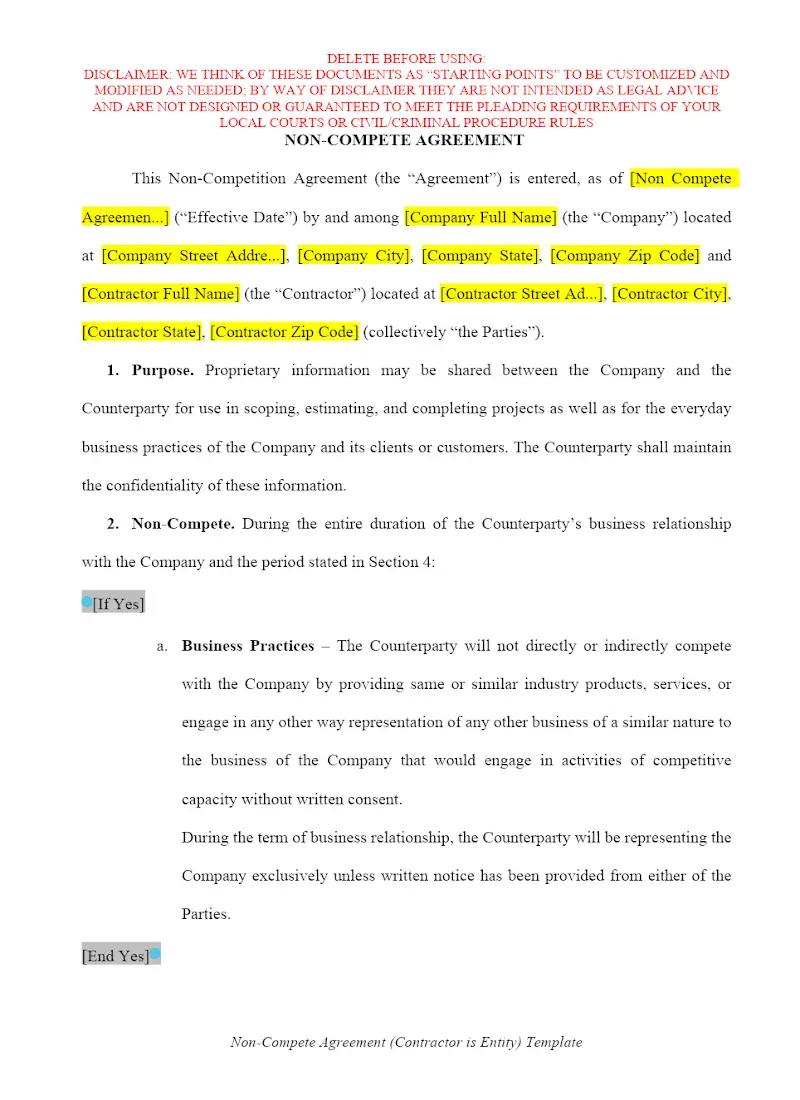
Protecting proprietary business interests and client relationships is a top priority for any firm advising commercial clients. This template provides a foundational Non-Compete Agreement to be used with an individual employee or contractor. It helps firms efficiently draft post-employment restrictions, securing the client's business advantages. Using this professional template can ensure clarity in restrictive covenants, which is essential for maximizing the agreement’s enforceability and protecting business value.
Jurisdiction Notes
Non-Compete Agreements are highly jurisdictional and subject to intense scrutiny by state courts. Many states (like California, North Dakota, and Oklahoma) severely restrict or void them entirely, while others (like Florida and Texas) are generally more permissive but require reasonableness in scope, duration, and geography. This general template must be substantially modified to comply with the specific case law and statutes of the state that governs the contract. Attorneys must advise clients on the high risk of unenforceability in many jurisdictions.
What is this template?
This is a contract designed to restrict an individual (typically an employee or contractor) from engaging in a competing business or activity for a specified period within a defined geographic area after their employment ends. The Non-Compete Agreement template includes clauses defining the restricted activities, the scope of the prohibition, and the duration and geographical limits. It serves as a general framework for attorneys advising business clients on protecting trade secrets and client goodwill.
How to Customize
With Clio Draft
If this template is available in your region, you can activate it in your Clio Draft account. It will then be pre-filled with information from your contacts and matters, helping you save time.
- Click Request Template, and complete the Request Information form.
- Open the activation email to activate the template in Clio Draft.
- In Clio Draft, go to Library and select the Court forms subtab.
- Select a category to view all the court forms associated with that category.
- Find the form that you need. You can use the search bar to search by form number or form title.
- Click the Actions dropdown and then select Create form template.
- At this stage, you can configure any fields on the template that will remain consistent across multiple matters and specific practice areas.
- Purple fields: These fields are highlighted in purple because they are connected to linked fields that will automatically insert information entered on the Populate page. If you fill in a purple field, the data in that field will always populate when you draft a document from this form template and will not be overwritten by text entered on the populate page.
- Blue fields: These fields are highlighted in blue because they are unique to a specific matter. You will enter this information after you generate the form template, on the Populate page.
For detailed instructions for drafting form templates and more information about Clio Draft, see Clio Draft: Form Templates and Clio Draft: Draft and Manage Documents.
This form couldn't be loaded. Ad blockers and strict privacy settings can prevent it — disable your blocker for this site, then reload.