

About This Template
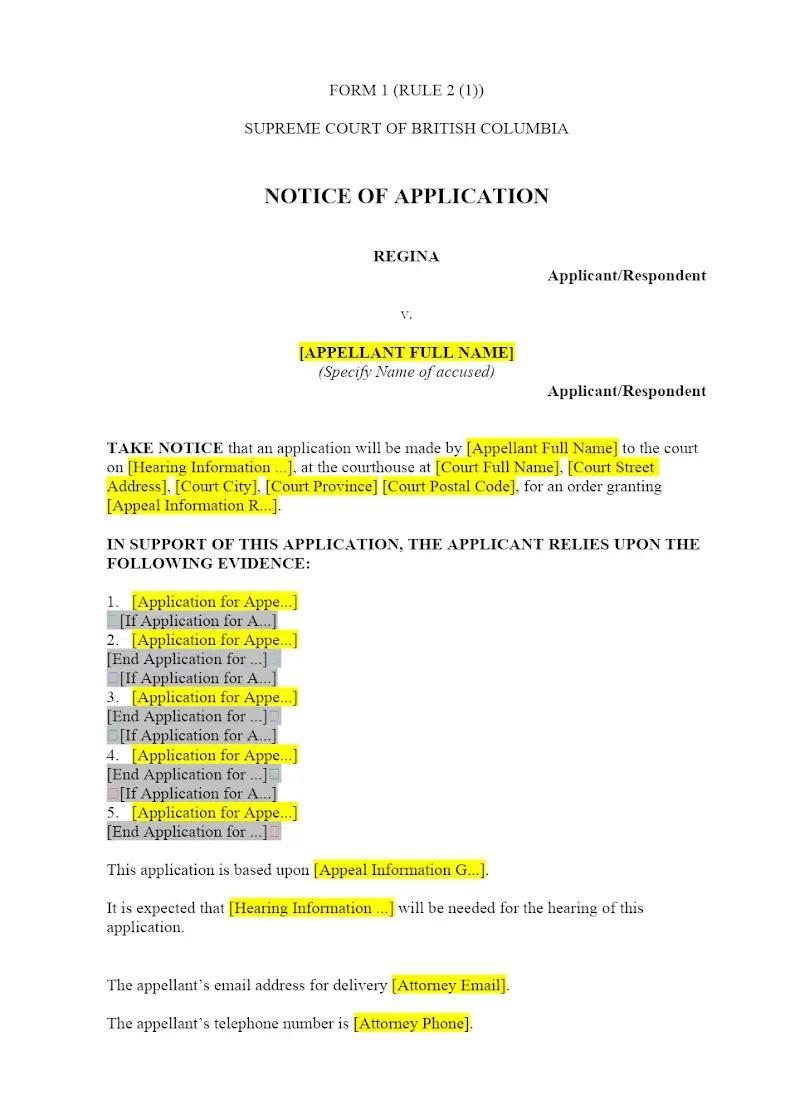
Initiating an appeal in British Columbia requires the filing of a formal application to the court outlining the specific orders sought. This British Columbia Notice of Application template is the required document for this procedural step in appellate practice. Using this template ensures the appeal is correctly commenced with the appropriate court, detailing the relief requested and adhering to B.C.'s court rules for appellate matters.
How to Customize
With Clio Draft
If this template is available in your region, you can activate it in your Clio Draft account. It will then be pre-filled with information from your contacts and matters, helping you save time.
- Click Request Template, and complete the Request Information form.
- Open the activation email to activate the template in Clio Draft.
- In Clio Draft, go to Library and select the Court forms subtab.
- Select a category to view all the court forms associated with that category.
- Find the form that you need. You can use the search bar to search by form number or form title.
- Click the Actions dropdown and then select Create form template.
- At this stage, you can configure any fields on the template that will remain consistent across multiple matters and specific practice areas.
- Purple fields: These fields are highlighted in purple because they are connected to linked fields that will automatically insert information entered on the Populate page. If you fill in a purple field, the data in that field will always populate when you draft a document from this form template and will not be overwritten by text entered on the populate page.
- Blue fields: These fields are highlighted in blue because they are unique to a specific matter. You will enter this information after you generate the form template, on the Populate page.
For detailed instructions for drafting form templates and more information about Clio Draft, see Clio Draft: Form Templates and Clio Draft: Draft and Manage Documents.
This form couldn't be loaded. Ad blockers and strict privacy settings can prevent it — disable your blocker for this site, then reload.