

About This Template
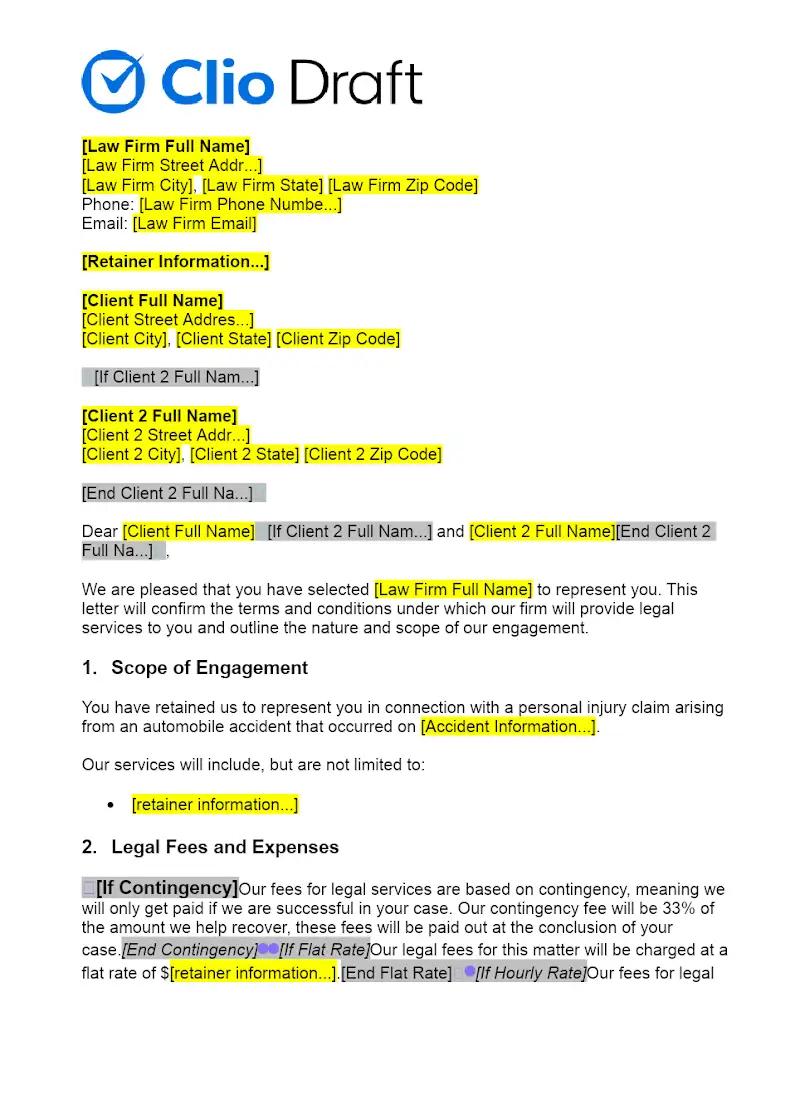
The financial relationship between a personal injury firm and its client is often based on a contingency fee, and as such, must be meticulously documented and compliant. This template provides a robust Representation Agreement designed for Personal Injury matters. It clearly outlines the contingency fee percentage, itemizes chargeable expenses, and defines the crucial stages of representation, from investigation to litigation. Implementing this template can ensure full transparency with the client and mandatory compliance with ethical rules governing contingency fee contracts, which is vital for firm security.
Jurisdiction Notes
Contingency fee agreements are highly regulated and subject to specific state rules (e.g., fee caps, mandatory language, required disclosure statements). This general template must be customized to meet the specific ethical and statutory requirements of the jurisdiction where the personal injury case will be filed and the firm is licensed. Attorneys must verify the allowable percentage and mandatory disclosures, as non-compliance can render the fee agreement unenforceable.
What is this template?
This is a formal, specialized contract between a personal injury law firm and a client, setting out the terms of representation for an injury claim. The Representation Agreement is structured around a contingency fee, stating the percentage the firm will earn from the final recovery (settlement or judgment). It details how case costs (e.g., filing fees, expert witness fees) will be handled, the scope of the firm's representation, and the conditions under which the contract can be terminated.
How to Customize
With Clio Draft
If this template is available in your region, you can activate it in your Clio Draft account. It will then be pre-filled with information from your contacts and matters, helping you save time.
- Click Request Template, and complete the Request Information form.
- Open the activation email to activate the template in Clio Draft.
- In Clio Draft, go to Library and select the Court forms subtab.
- Select a category to view all the court forms associated with that category.
- Find the form that you need. You can use the search bar to search by form number or form title.
- Click the Actions dropdown and then select Create form template.
- At this stage, you can configure any fields on the template that will remain consistent across multiple matters and specific practice areas.
- Purple fields: These fields are highlighted in purple because they are connected to linked fields that will automatically insert information entered on the Populate page. If you fill in a purple field, the data in that field will always populate when you draft a document from this form template and will not be overwritten by text entered on the populate page.
- Blue fields: These fields are highlighted in blue because they are unique to a specific matter. You will enter this information after you generate the form template, on the Populate page.
For detailed instructions for drafting form templates and more information about Clio Draft, see Clio Draft: Form Templates and Clio Draft: Draft and Manage Documents.
This form couldn't be loaded. Ad blockers and strict privacy settings can prevent it — disable your blocker for this site, then reload.