

About This Template
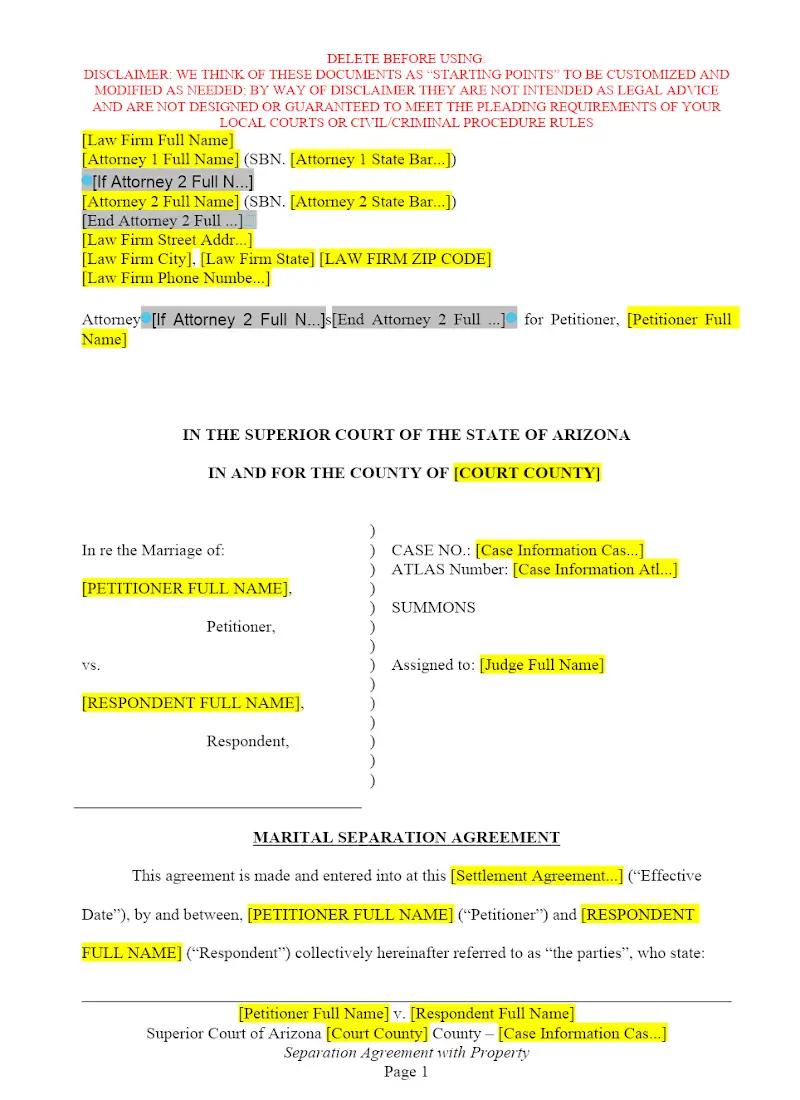
Navigating the financial and logistical complexities of marital separation can be a significant pain point for both clients and family law firms. This template is a crucial tool for lawyers seeking to streamline the often-contentious process of drafting a comprehensive Arizona Separation Agreement. It helps avoid protracted litigation by clearly documenting the division of community property, managing spousal support (alimony) expectations, and outlining debt allocation. Leveraging this pre-drafted legal framework allows your firm to focus on client advocacy and efficient resolution, which can significantly improve case management efficiency.
Jurisdiction Notes
This template is specifically tailored to the nuances of Arizona family law. Arizona is a community property state, meaning assets acquired during the marriage are generally deemed owned equally by both spouses. Crucially, attorneys must verify that all clauses comply with the Arizona Revised Statutes (A.R.S.) regarding property division and spousal maintenance. Execution requirements must also be followed rigorously. Use this template as a strong foundation, but always verify its suitability against the latest A.R.S. and relevant case law.
Consult local Arizona counsel if you're practicing across state lines.
What is this template?
This is a comprehensive legal instrument designed to formalize the terms of a marital separation in Arizona, specifically when the parties possess community property. The template includes clauses covering: property division (real and personal), asset valuation, allocation of marital debt, potential provisions for spousal maintenance (alimony), and any ancillary financial matters. It is structured to comply with Arizona's designation as a community property state and provides the necessary foundational language for an attorney to customize the agreement for a client prior to filing for a Decree of Dissolution.
How to Customize
With Clio Draft
If this template is available in your region, you can activate it in your Clio Draft account. It will then be pre-filled with information from your contacts and matters, helping you save time.
- Click Request Template, and complete the Request Information form.
- Open the activation email to activate the template in Clio Draft.
- In Clio Draft, go to Library and select the Court forms subtab.
- Select a category to view all the court forms associated with that category.
- Find the form that you need. You can use the search bar to search by form number or form title.
- Click the Actions dropdown and then select Create form template.
- At this stage, you can configure any fields on the template that will remain consistent across multiple matters and specific practice areas.
- Purple fields: These fields are highlighted in purple because they are connected to linked fields that will automatically insert information entered on the Populate page. If you fill in a purple field, the data in that field will always populate when you draft a document from this form template and will not be overwritten by text entered on the populate page.
- Blue fields: These fields are highlighted in blue because they are unique to a specific matter. You will enter this information after you generate the form template, on the Populate page.
For detailed instructions for drafting form templates and more information about Clio Draft, see Clio Draft: Form Templates and Clio Draft: Draft and Manage Documents.
This form couldn't be loaded. Ad blockers and strict privacy settings can prevent it — disable your blocker for this site, then reload.