

About This Template
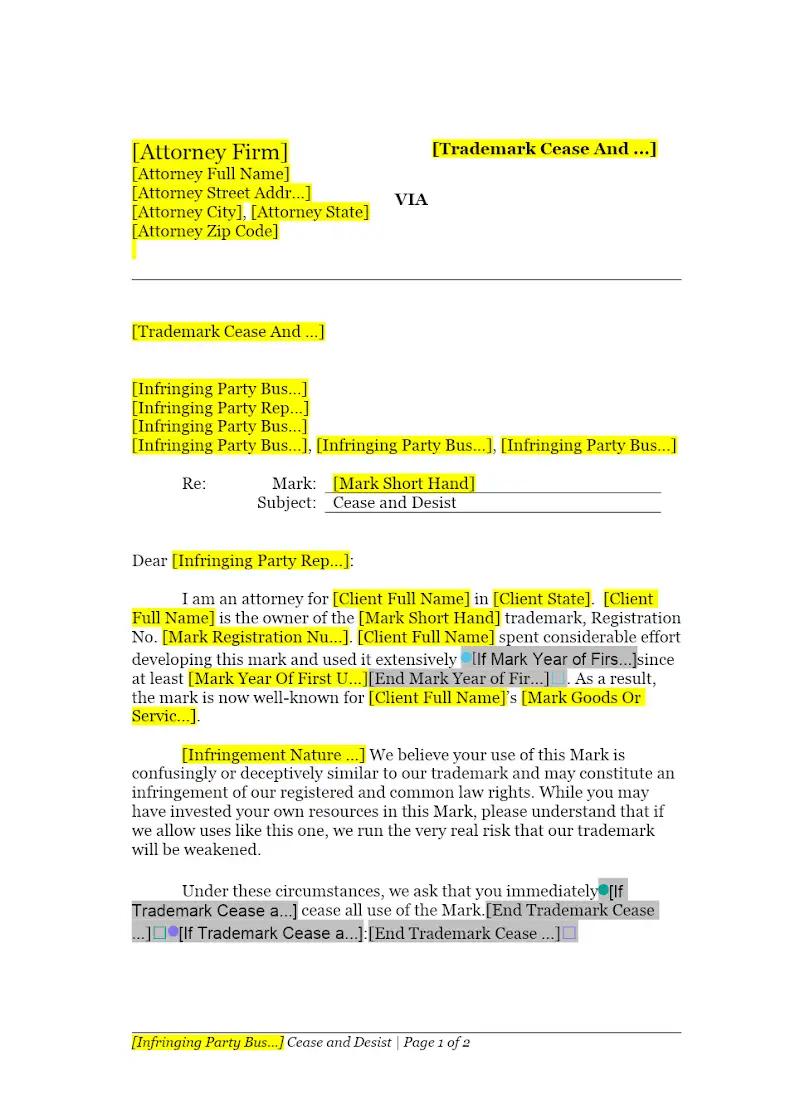
Prompt, professional action is key to protecting a client's trademark rights. This template offers a "friendly" version of a Trademark Cease and Desist Letter, designed to initiate contact and resolve an infringement matter without immediately escalating to litigation. It provides a structured, professional framework to assert the client's rights, document prior use, and demand cessation of the infringing activity. This tool enhances firm efficiency in the initial stages of intellectual property enforcement.
Jurisdiction Notes
While this letter is a general instrument of communication, the underlying legal assertions are governed by federal trademark law (The Lanham Act, 15 U.S.C. § 1051 et seq.) and common law trademark rights. Attorneys must ensure the client has a legally protectable mark (either registered or common law) and that the assertion of infringement is legally sound in the relevant jurisdiction. The template is generally suitable across the US, but requires a professional assessment of the merits of the underlying infringement claim.
What is this template?
This is an attorney communication sent to an alleged infringer of a client's trademark, demanding that they immediately stop the infringing activity (cease) and agree not to resume it (desist). The "Friendly" template version is intentionally moderated in tone, prioritizing a negotiated resolution over an immediate threat of legal action. It formally identifies the client's trademark, explains how the recipient's mark is causing confusion, and requests specific action by a certain deadline.
How to Customize
With Clio Draft
If this template is available in your region, you can activate it in your Clio Draft account. It will then be pre-filled with information from your contacts and matters, helping you save time.
- Click Request Template, and complete the Request Information form.
- Open the activation email to activate the template in Clio Draft.
- In Clio Draft, go to Library and select the Court forms subtab.
- Select a category to view all the court forms associated with that category.
- Find the form that you need. You can use the search bar to search by form number or form title.
- Click the Actions dropdown and then select Create form template.
- At this stage, you can configure any fields on the template that will remain consistent across multiple matters and specific practice areas.
- Purple fields: These fields are highlighted in purple because they are connected to linked fields that will automatically insert information entered on the Populate page. If you fill in a purple field, the data in that field will always populate when you draft a document from this form template and will not be overwritten by text entered on the populate page.
- Blue fields: These fields are highlighted in blue because they are unique to a specific matter. You will enter this information after you generate the form template, on the Populate page.
For detailed instructions for drafting form templates and more information about Clio Draft, see Clio Draft: Form Templates and Clio Draft: Draft and Manage Documents.
This form couldn't be loaded. Ad blockers and strict privacy settings can prevent it — disable your blocker for this site, then reload.