

Matter context, already there
It works from the documents, communications, notes, and deadlines already in Clio, so every task starts with the matter in view.
Clio Work already knows the matter. No connector, integration, re-uploading, or re-explaining required.
It works from the documents, communications, notes, and deadlines already in Clio, so every task starts with the matter in view.
Answers draw on 1 billion+ global legal documents and 1 billion+ US court filings, every one cited and linked to its source.
It reads and works with pleadings, depositions, contracts, redlines, and other legal documents, adapting to the context and needs of each matter.
Clio Work reads across the matter already in Clio, turning scattered documents, communications, and deadlines into a clear view of what happened and what needs attention.
Clio Work pairs your question with the facts, issues, and jurisdiction of the matter, then ties every answer to law you can open and check yourself.
legal professionals trust clio
global legal documents
US court filings
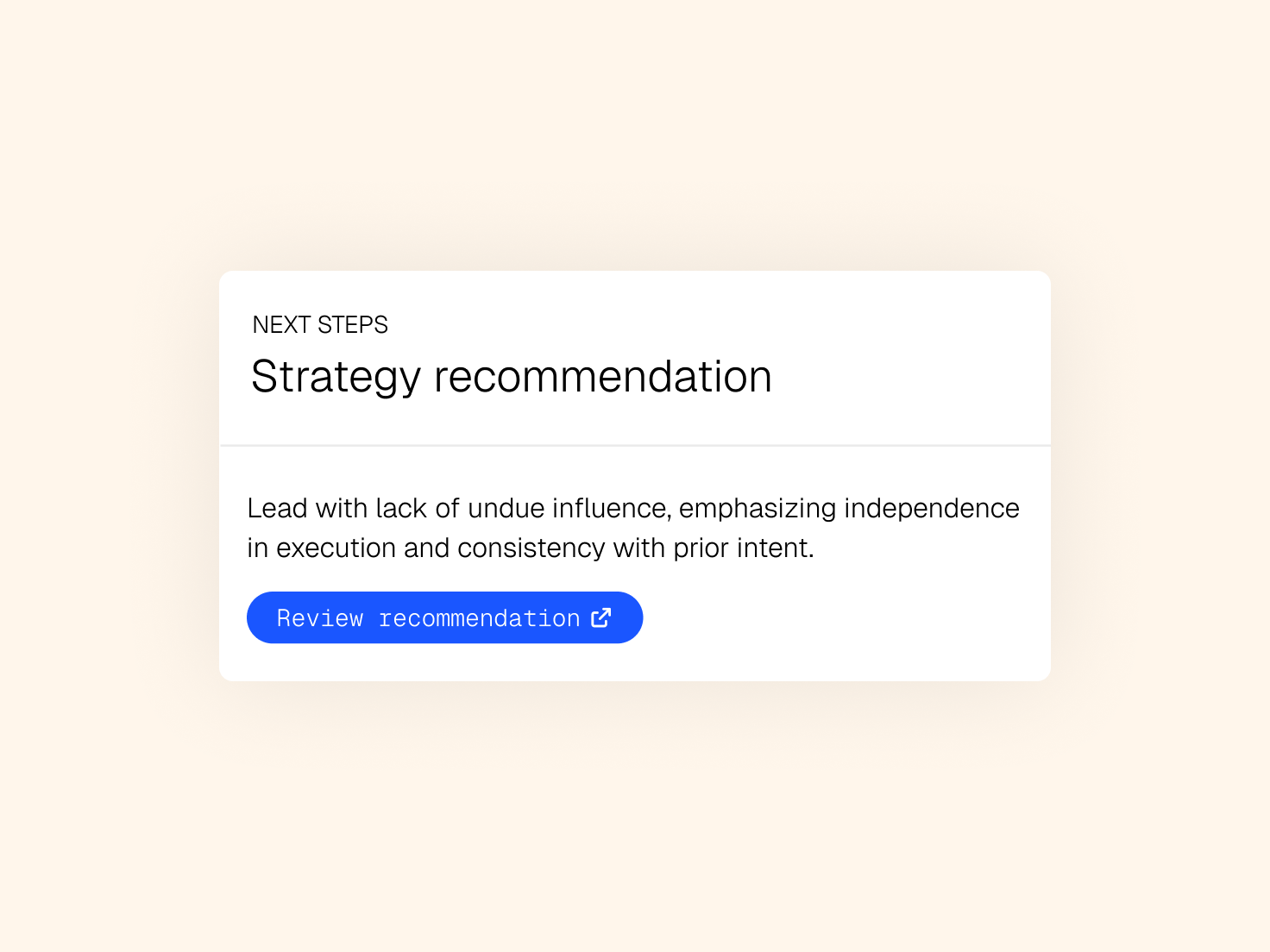
Bring the facts and the law together to challenge your position, compare approaches, and see where it's weak before you commit.
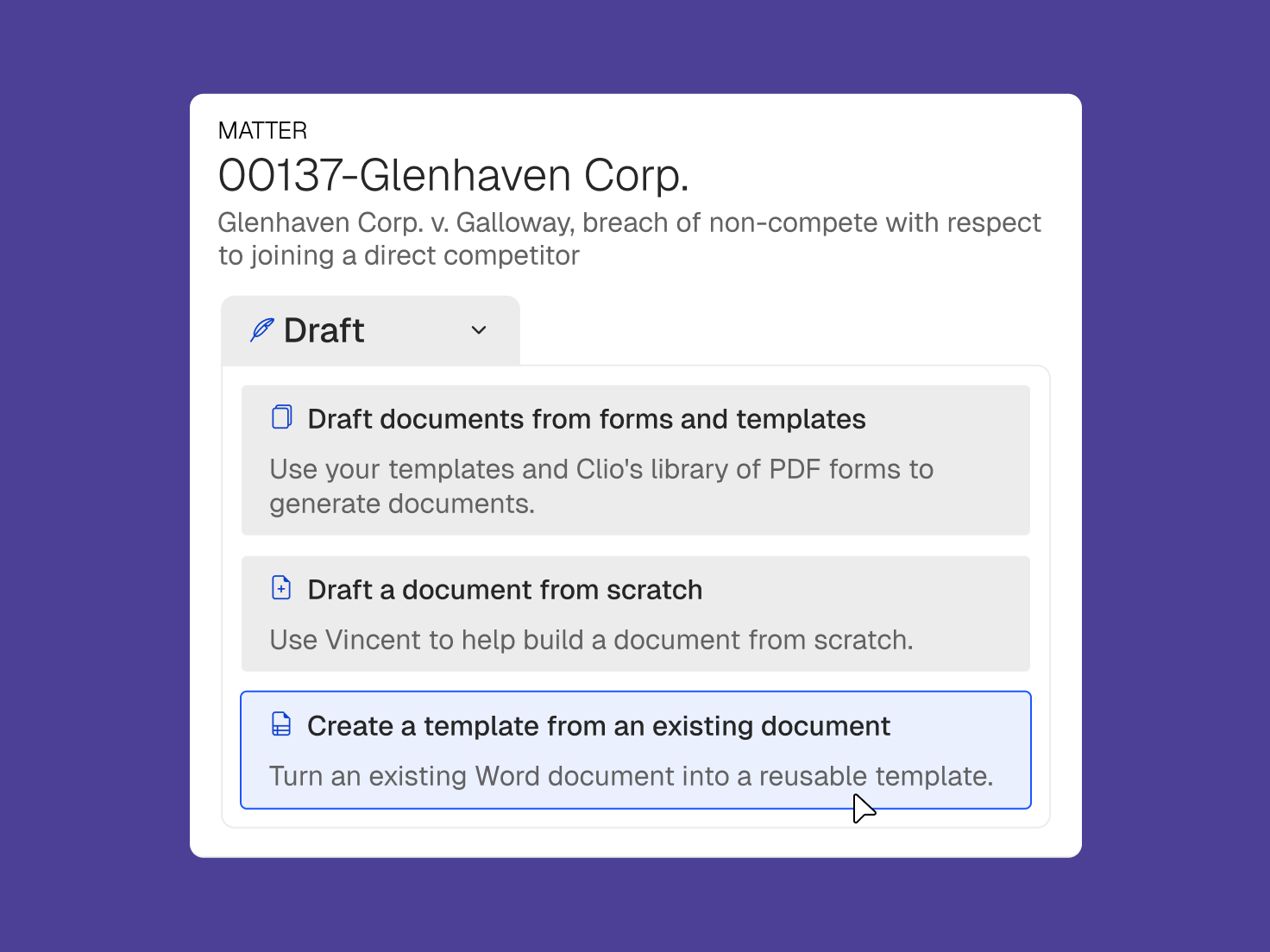
Complete court forms, automate frequently used documents, or generate bespoke, complex drafts from scratch using matter context and legal authority.
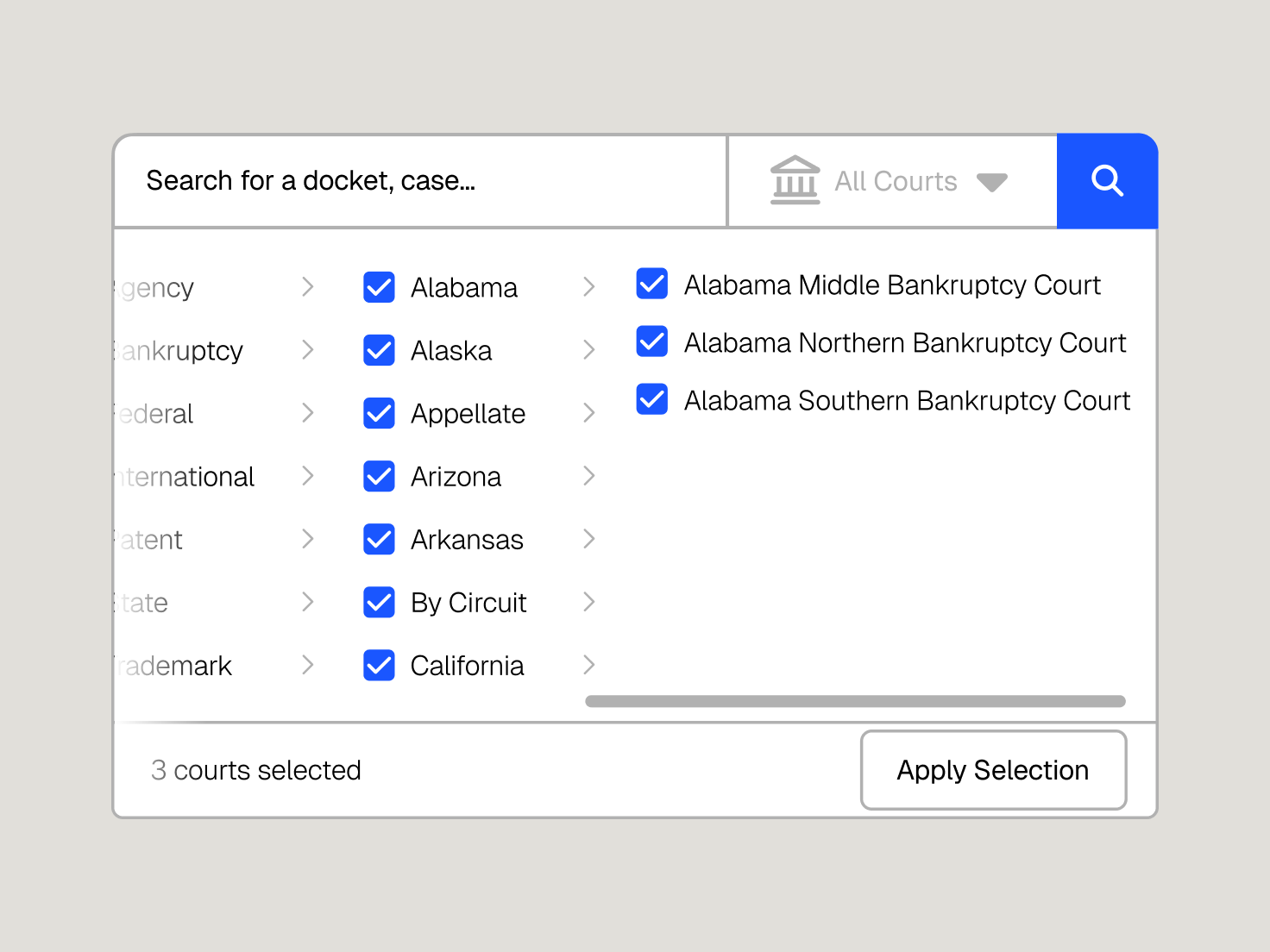
Clio Work monitors the courts tied to your matters and brings new activity into the work, so you can act before the other side does.
If I weren’t allowed to use this anymore, I might leave the practice of law. It’s actually made the practice of law fun again. My revenue has increased several thousand dollars per month since using Clio Work.
Partner, Lorona | Mead PLC

Your files are never used to train public AI models.

Clio Work inherits your Clio Manage permissions, so each person sees only the matters they should.

SOC 2 Type II certified, and compliant with GDPR and CCPA. Clio Work supports your HIPAA obligations, with zero data retention agreements.
Clio Work is matter-aware legal AI for research, analysis, strategy, and drafting. It brings authorized matter context in Clio together with authoritative law, so legal professionals can work from a fuller picture of the matter.
Many AI tools only know what you type into a prompt or upload for a particular task. Clio Work can work with authorized matter information already in Clio, including documents, communications, notes, deadlines, and tasks, and connect that context to authoritative legal sources.
No. When the relevant information is already available in Clio and you have permission to access it, Clio Work can use that matter context without requiring you to repeatedly upload the same files or recreate the background in every prompt.
Yes. Supported legal research and AI outputs connect to the underlying authority so you can inspect and verify the sources behind the work.
Yes. Clio Work supports legal work across practice areas, from matter analysis, research, and strategy to contract review, due diligence, and drafting. It adapts to the documents, context, and needs of each matter.
Yes. Supported Clio capabilities are available in Microsoft Word, so you can continue drafting and editing in the environment you already use.
Customer information is not used to train third-party AI models. Access to matter information also follows the permissions and controls that apply in Clio.