
Recover time that never got recorded
Clio flags work with no time against it, so the timekeeper can log it before bills reach you.
Clio flags work with no time against it, so the timekeeper can log it before bills reach you.
Turn rushed or forgotten time entries into professional writeups.
Route rate changes, write-downs, and guideline questions through a defined review path with a clear owner.
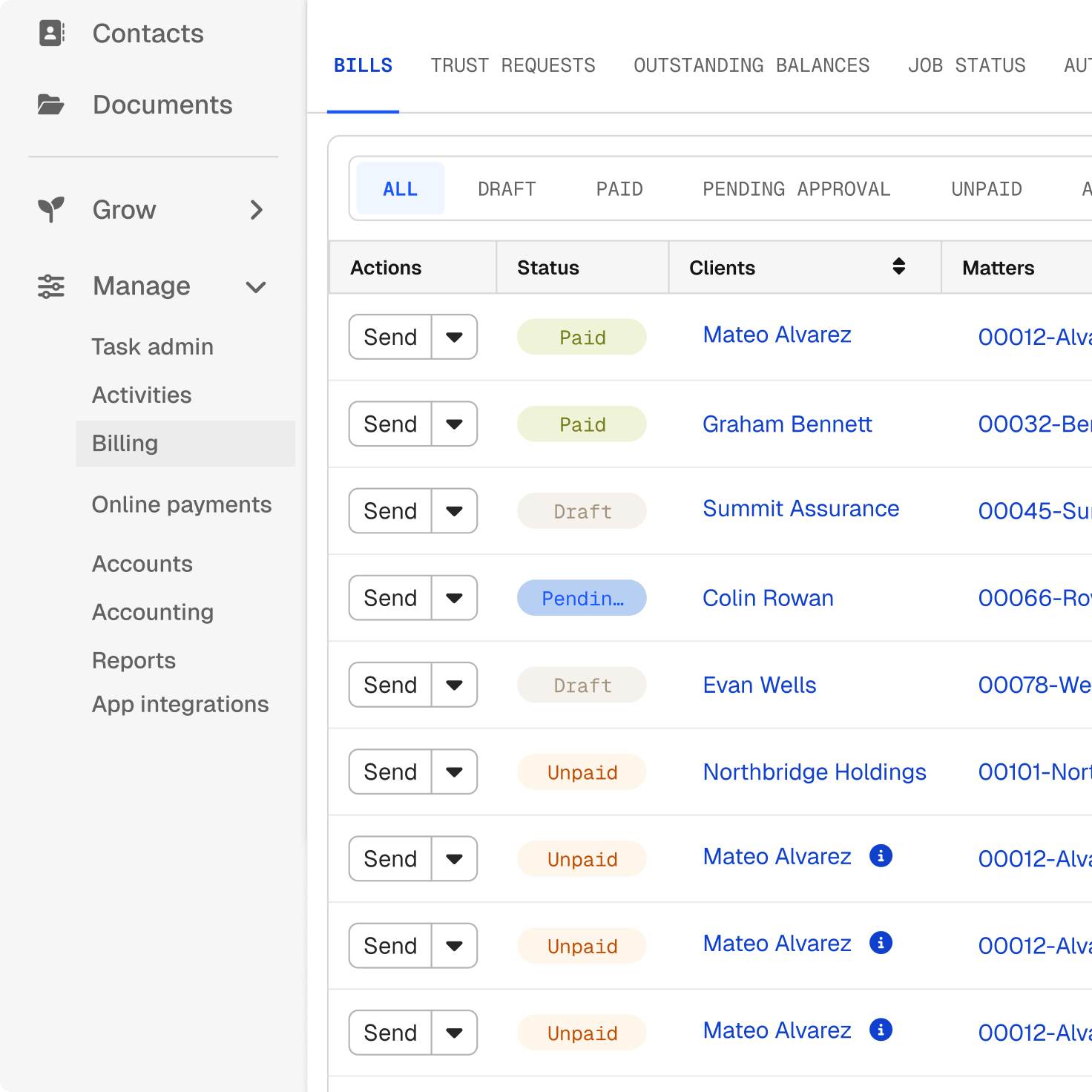
Send by email, client portal, or LEDES file, and see what’s paid, outstanding, and overdue.
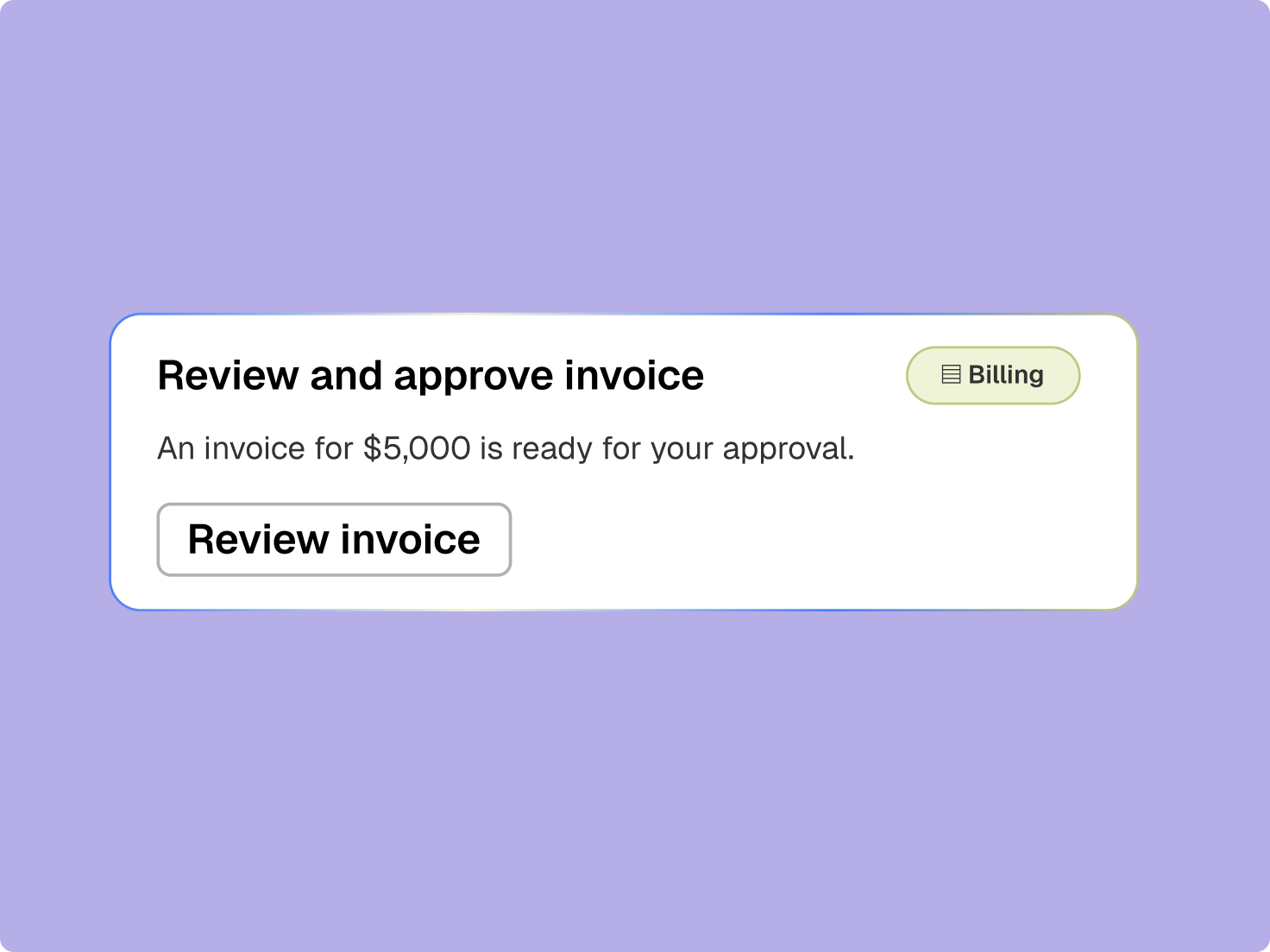
Gaps in the billing record get harder to fix once the team moves on. Because time, expenses, and matter activity stay connected, Clio can prepare a draft bill and surface incomplete entries.

Personalize Clio’s legal time and billing software to the needs of your firm and clients.
Every bill needs an owner, a reviewer, a status, and a next action. A draft goes to the approver you name and can’t be sent, downloaded as a final invoice, or posted to receivables until it’s approved. Edits and review history stay with the bill.
Once an invoice goes out, the record should follow it through payment. As legal accounts receivable software, Clio keeps payment status, payment plans, and balances connected, an aging report groups what’s unpaid at 30, 60, and 90 days, and reminders go out on the schedule you set.
A finished cycle shows where friction remains: late time entries, slow reviews, and invoices that took longer to pay. Reports surface those patterns so you can fix them before the next cycle, and trust accounting stays reconciled along the way.
legal professionals trust Clio
countries
rating from 13,000+ reviews
I really enjoy that accounting is a part of Clio Manage. This allows for more productivity and fewer manual entries.
Attorney and Firm Owner, Matlach Law Firm
Legal billing manager software helps firms capture time and expenses, apply rates and fee arrangements, prepare and review bills, send invoices, collect payments, and report on billing and collections. Clio connects that financial workflow to the matter activity and client requirements behind it, so billing teams can prepare more complete bills and keep the cycle moving without rebuilding the record. See Clio in action.
Yes. Clio’s legal AI can draw on connected matter activity, time, expenses, and client terms to prepare draft time entries, and it can turn a rushed entry into a narrative that reads professionally in third person past tense. Anything it reworded is highlighted on the draft bill, and your original entry is never changed, so the internal record stays exact. See Clio in action.
No. A draft goes to the approver you name, and until it is approved it cannot be sent to the client, downloaded as a final invoice, or posted to receivables. Permissions can separate who drafts a bill, who approves it, and who sends it, so the same person need not do all three. Get a demo.
Yes. Hourly, flat fee, and contingency work run alongside each other because billing attaches to the matter, and a matter template can set the arrangement when the file opens. UTBMS task codes and LEDES exports are included on every plan. See Clio in action.
Clio exports LEDES files in the standard formats, which your team uploads to the client’s portal. There is no direct connection to the portals themselves, so the submission step stays with your team. See Clio in action.
Yes. Clients can pay by card or eCheck from the invoice, and a payment plan can debit a card or account on a schedule toward an outstanding balance or a trust deposit. Automated reminders go out from the date of the oldest unpaid bill on the cadence you set. See Clio in action.
Yes. An aging report groups unpaid balances at 1 to 30 days, 31 to 60, 61 to 90, and over 90, so you can see where collections effort should go rather than working through invoices one at a time. See Clio in action.
Because matter activity, time, expenses, client terms, approvals, invoices, and payments are connected, Clio can prepare more complete billing work, surface what needs attention, and send defined steps for review. Nothing is written to the matter until you approve it, and a ninety-day log records every AI action with the user and the timestamp. Get a demo.