“The ability to trigger a task list after each change in matter stage allows us to tailor the case journey and avoid assigning irrelevant tasks.”
Alyssa Enzor Baxley, Baxley Maniscalco
-
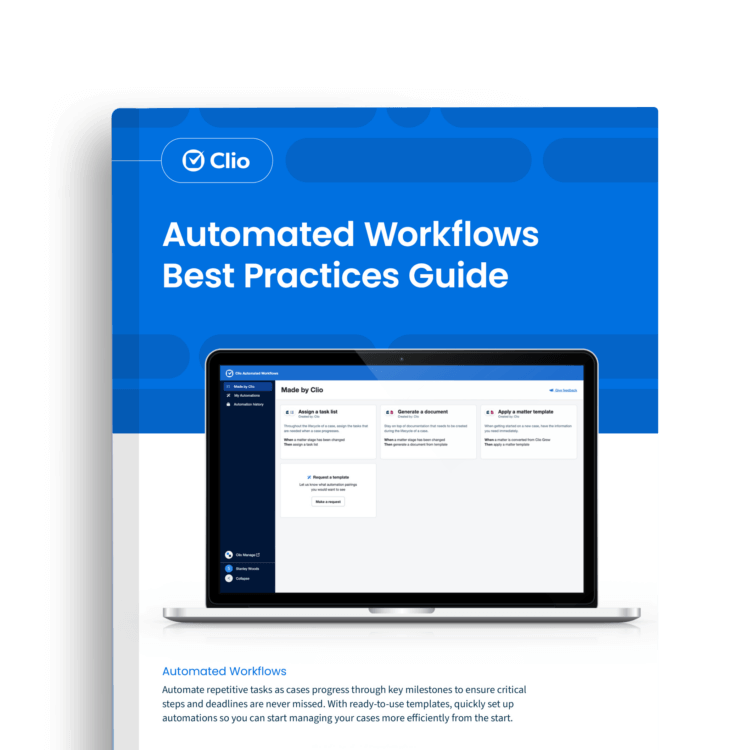

Automate next steps as your matters progress through case milestones like applying matter templates, assigning tasks, or generating documents, ensuring cases progress smoothly and saving you time.
In this free guide, you’ll learn:
- How to use templates to jumpstart your automation
- Best practices to manage cases more efficiently
- How Alyssa uses automated workflows to assign the right tasks at the right time
Get the Guide
Explore more guides
Get best practices to help your firm run as efficiently as possible.