Send to Case
Get a Clio product walkthrough. Request a demo.

Key benefits for your firm
-


Files upload directly to Clio — never to us
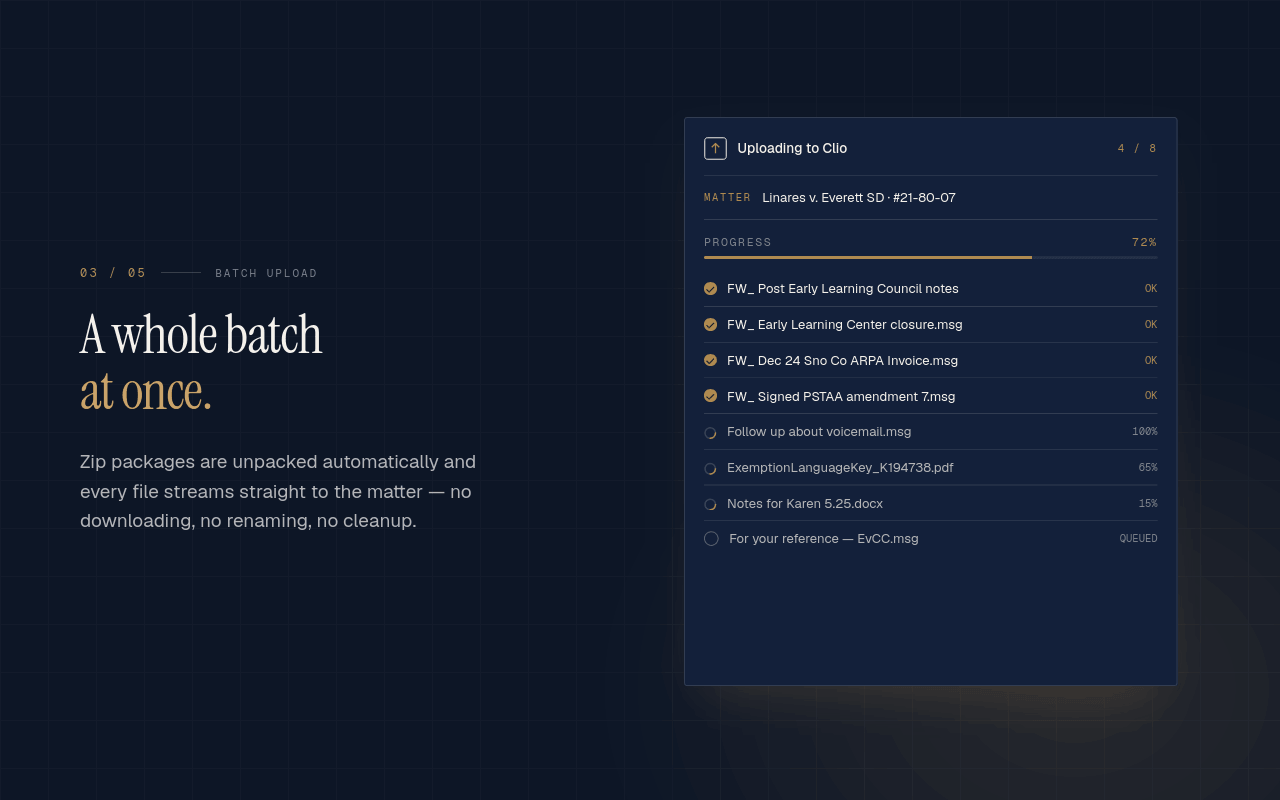
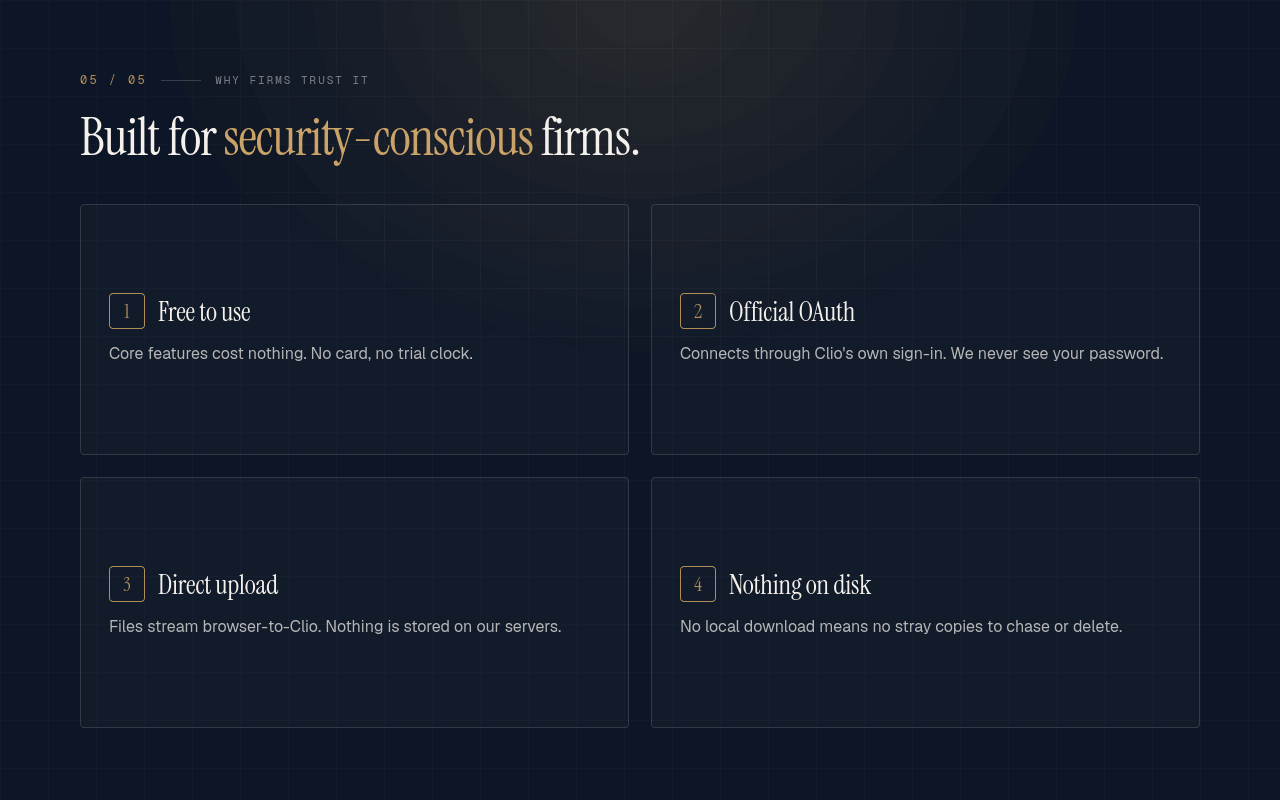
Files upload directly from your browser to Clio's storage over HTTPS, using upload URLs from Clio's API — our servers never touch them. Your Clio OAuth tokens stay in your browser's local extension storage on your device; we don't store them on our infrastructure. -

Stay in your workflow
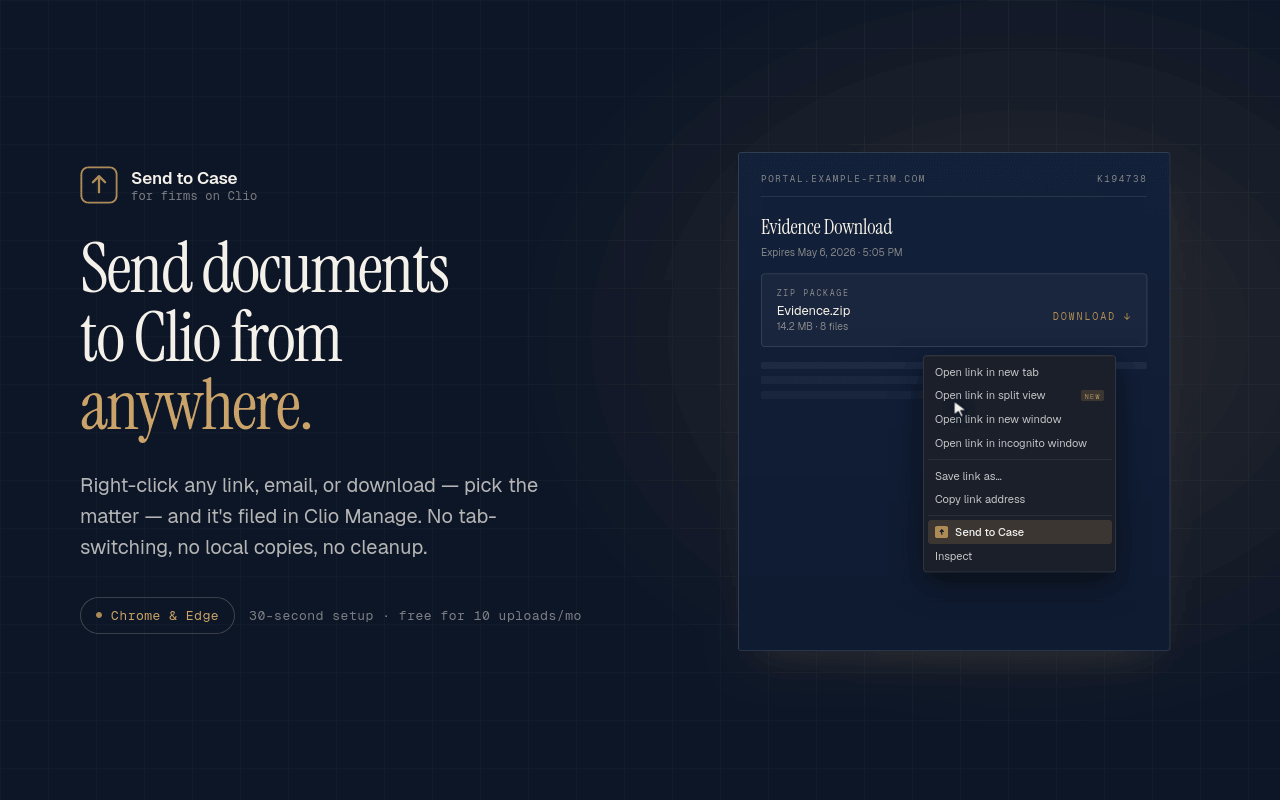
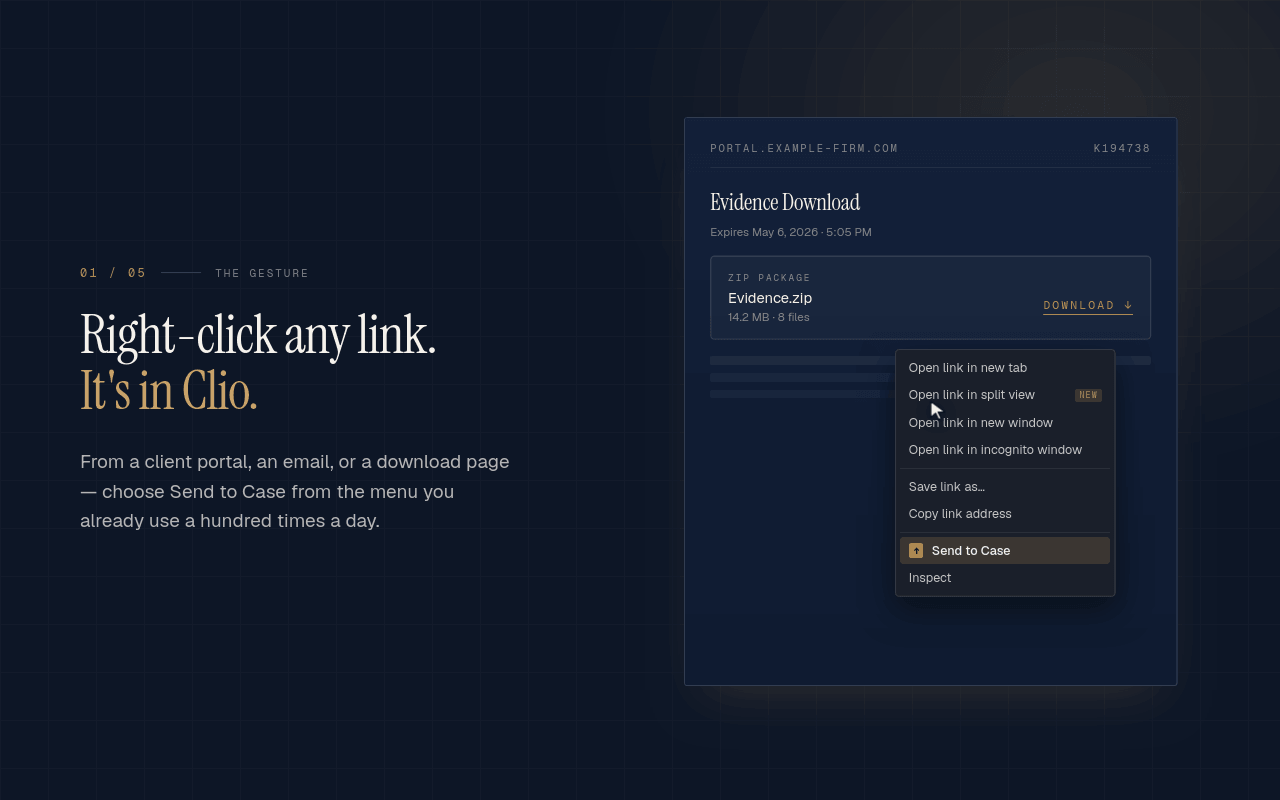
Right-click any file on the web — SharePoint, OneDrive, a prosecutor's portal, an email attachment — and send it straight to your Clio matter. No saving to your desktop, no re-uploading, no temporary copies left behind on shared or borrowed machines. -

Built for high-volume, privileged work
Send to Case uses Clio OAuth with PKCE and inherits the signed-in user's permissions, including matter-level restrictions. Tokens can be revoked anytime from Clio's Connected Apps settings. Built for firms that need to know exactly where their files go and who can see them.
How Send to Case works with Clio
-
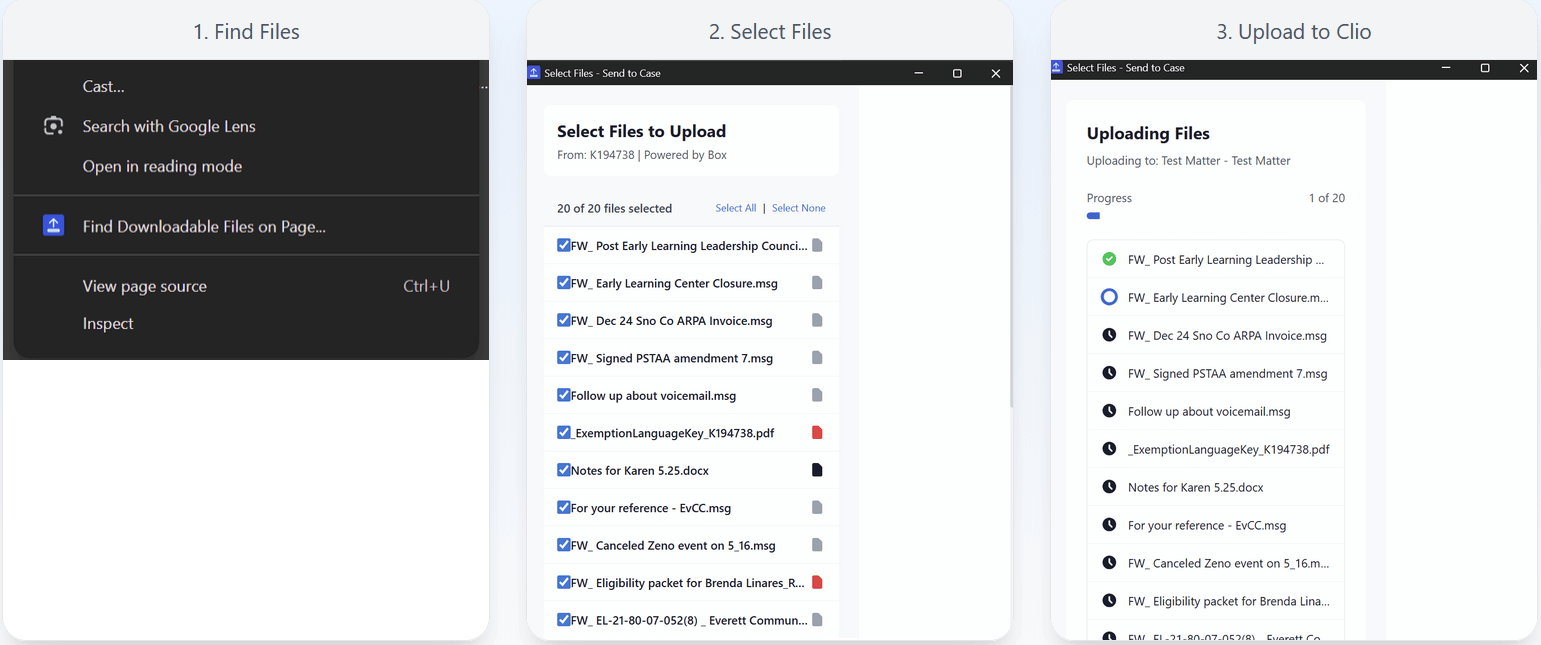
How your files get to Clio
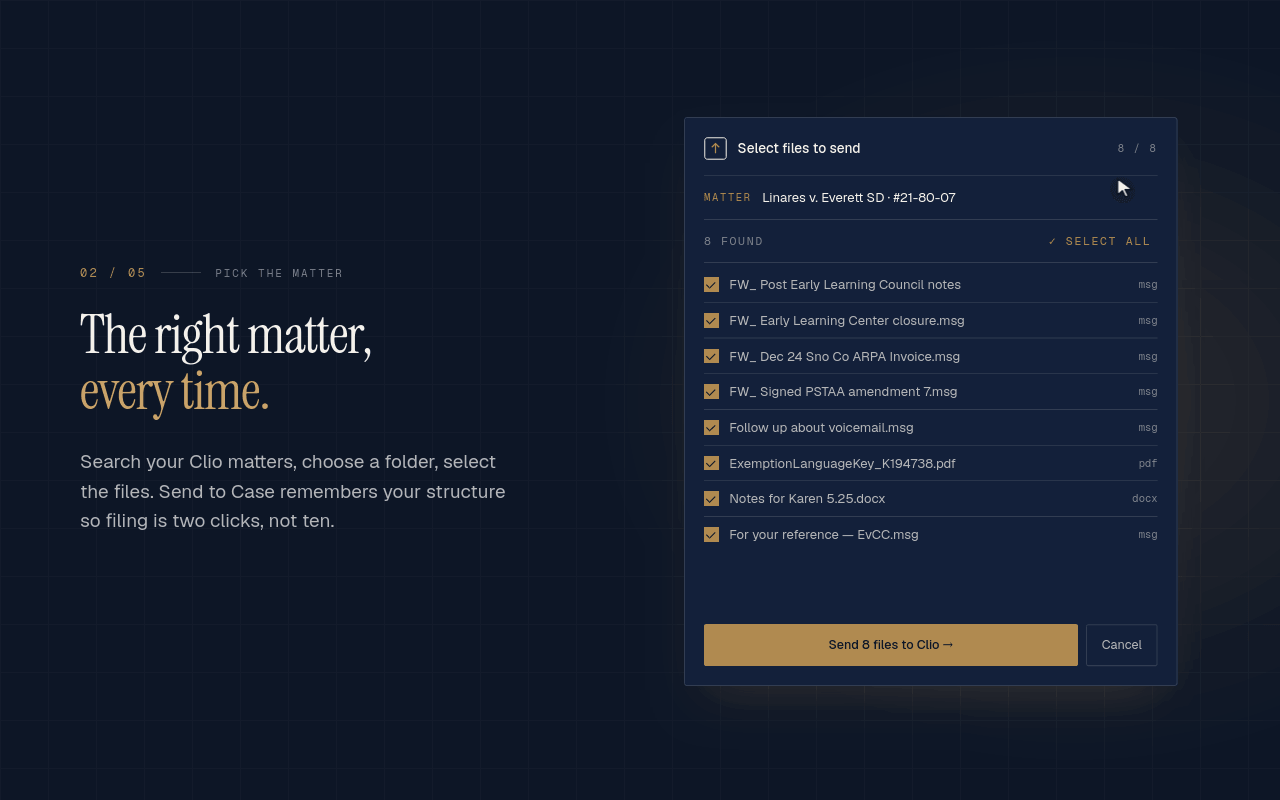
Direct browser-to-Clio transfer. Send to Case requests a Clio upload URL on your behalf, then uploads the file from your browser straight to Clio’s document storage. The file does not pass through Send to Case servers, and matter contents are not stored or logged on our end.
Rename files before they hit your matter. Send to Case now suggests a smart filename when you capture from Gmail (sender + subject + date) or any web page (page title) — one click to accept, or type your own. -
Security & architecture
Read our full Security & Architecture page (https://sendtocase.com/security) for IT managers and security reviewers: what data we receive, where your OAuth token lives, what the token can do, and how to revoke it.

Browse by category
Helpful resources
-
Getting set up
If you need detailed instructions on connecting Send to Case to Clio, you may visit this site.
-
Security and privacy policy
We are committed to protecting your privacy.
View Send to Case’s privacy policy, terms of service and security policy. -
Additional support
Contact Send to Case’s support at [email protected].