Back
iXware Scan to Matter
Scan documents to Clio easily with our intuitive app.
Get a Clio product walkthrough. Request a demo.

Try Our Cloud Scanning Apps – Free Demo License Learn More
Key benefits for your firm
-


Simplify Document Workflows increasing efficiency and security
Quickly scan, digitize, and send documents directly to Clio in seconds—no manual uploads or extra steps. With iXware Scan to Matter, paper document flows will become more intuitive and secure. -

Save Time with Intuitive, Billable Scanning
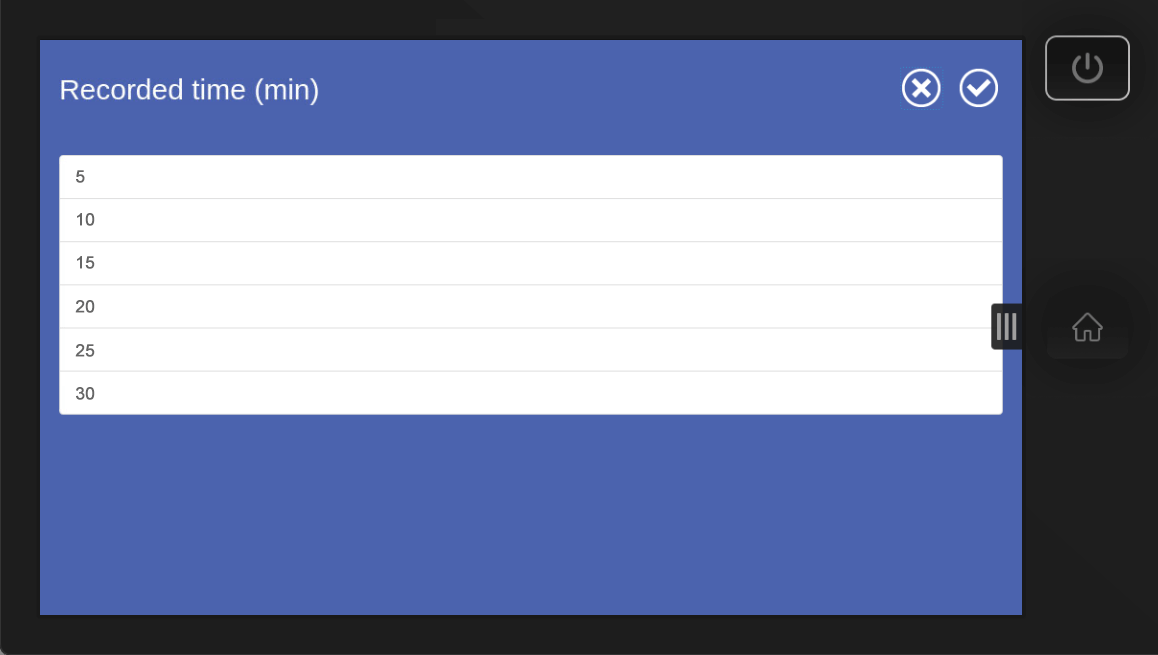
Scan documents in seconds with an intuitive, one-click process that also captures time for accurate billing. -

Seamless integrate your MFP with Clio
Scan to Matter is fast, secure and intuitive, helping you keep documents organized by matter without breaking your workflow. Available for different MFP brands like Xerox, HP, Lexmark, and more.
How iXware Scan to Matter works with Clio
-
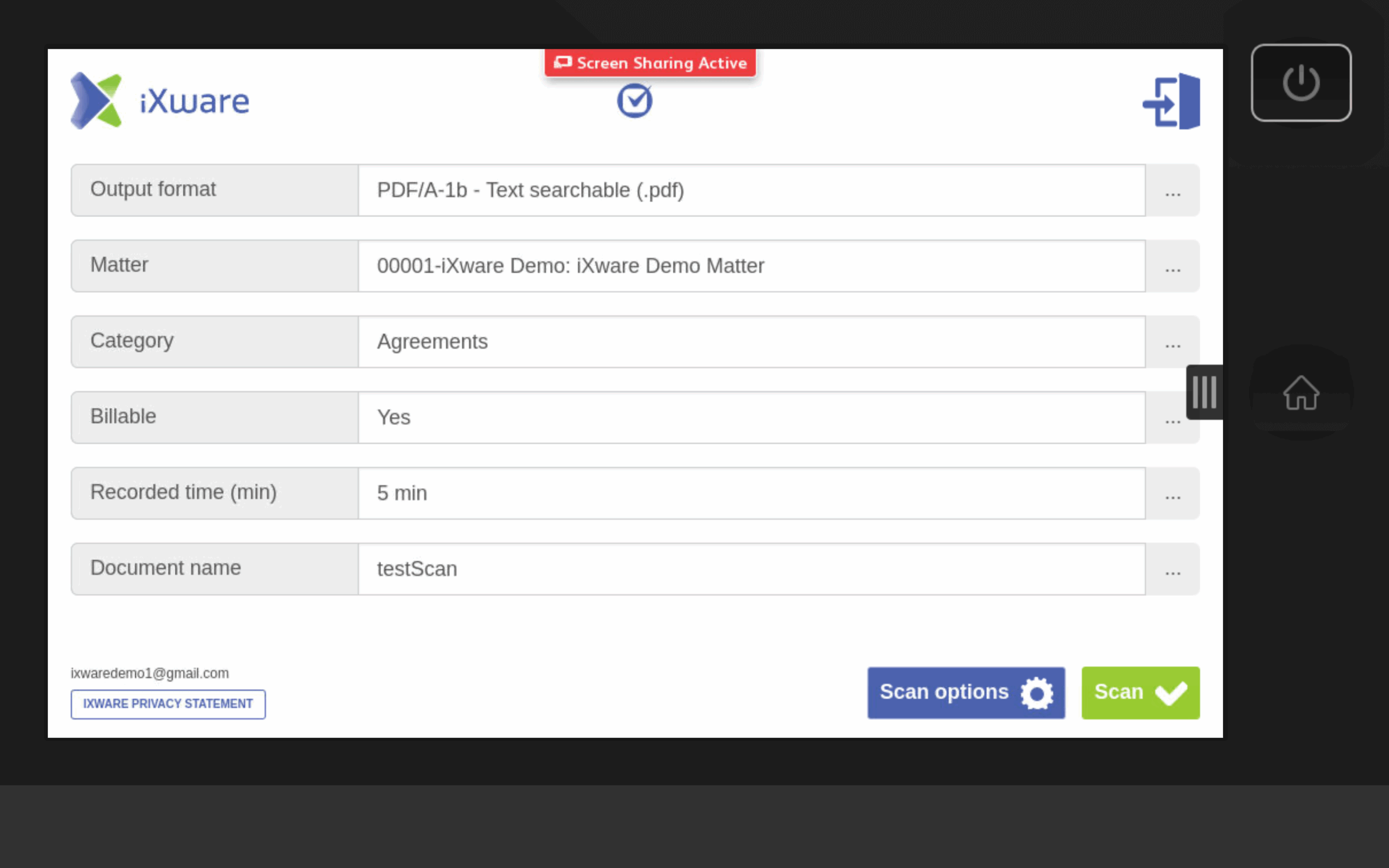
Integrates with Clio Manage for intuitive, billable and secure document scanning
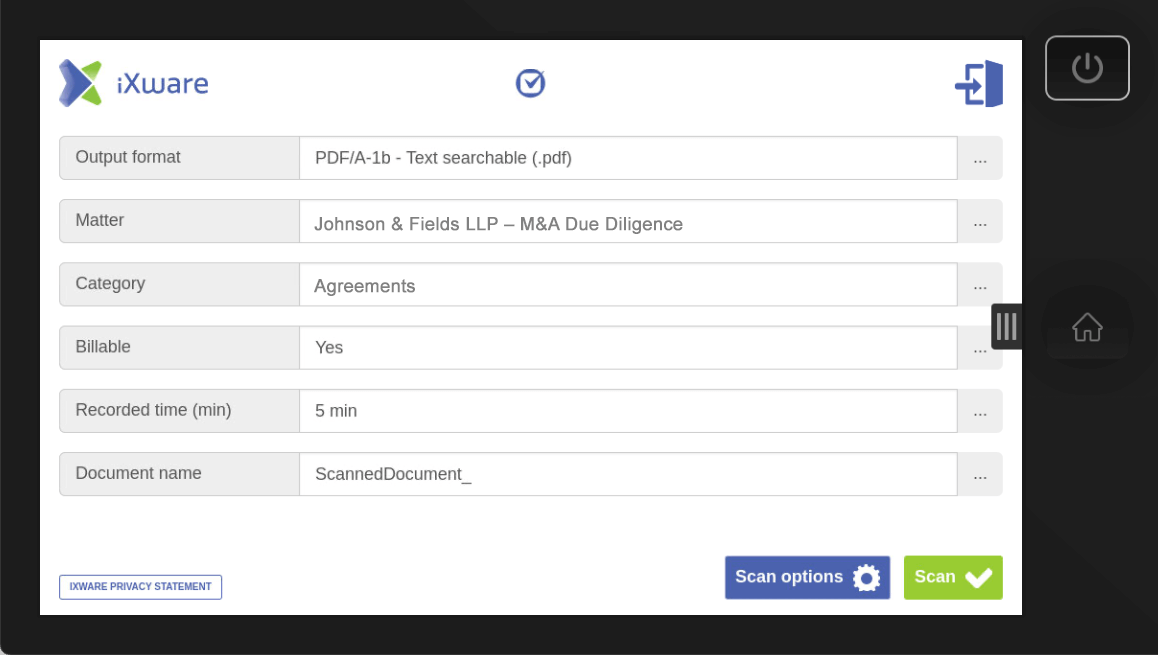
Our app connects directly to Clio Manage, allowing you to scan physical documents straight into the correct matter—quickly, securely, and intuitively.
- Automatically logs billable time spent scanning
- Documents are uploaded directly to Clio’s Documents section
- Supports OCR, file compression, matter-specific routing, and more.
No more emailing files or dragging and dropping—just scan and you’re done.
Ready to improve your workflow with iXware Scan to Matter and Clio? Get Started
Media gallery

Browse by category
Helpful resources
-
Getting Setup
If you need detailed instructions on connecting iXware Scan to Matter to Clio, you may visit this site.
-
Security and Privacy Policy
We are committed to protecting your privacy.
View iXware’s privacy policy, and terms of service -
Additional Support
Contact iXware’s support at [email protected]
Or call –
- US: +1 800 200 5521
- EU: +31 10 4455100
Additionally, submit a support request via iXware’s support site.