About This Template
For firms specializing in estate planning, a client's wishes regarding end-of-life care must be documented clearly and in full compliance with local laws. This Alaska Advance Health Care Directive template is a professional tool for securing and formalizing your client's health care instructions and appointing an agent. This template is critical for minimizing the emotional and legal burden on a client's family by leaving no ambiguity regarding medical decisions. Leveraging this state-specific form allows your firm to demonstrate comprehensive client care while ensuring that the directive is legally enforceable under Alaska statutes.
AVAILABLE FOR DOWNLOAD IN:
Clio Draft
Microsoft Word

Customize in Clio Draft
Autofill client data
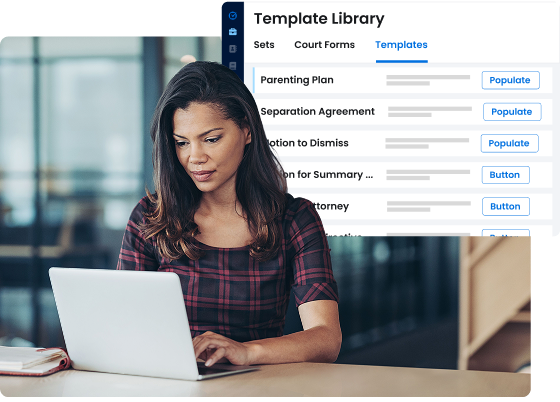
Populate the fields of any legal document template with client and matter details from your Clio account. Reduce manual entry and cut errors.
Clause library
Build a reusable clause library and insert the right language every time. Keep templates current without hunting through old files.
E-signature
Send documents for secure e-signature, track status, and file the signed copy back to the matter automatically.
How to Customize
With Clio Draft

If this template is available in your region, you can activate it in your Clio Draft account. It will then be pre-filled with information from your contacts and matters, helping you save time.
- Click Request Template, and complete the Request Information form.
- Open the activation email to activate the template in Clio Draft.
- In Clio Draft, go to Library and select the Court forms subtab.
-
Select a category to view all the court forms associated with that
category.
- Find the form that you need. You can use the search bar to search by form number or form title.
- Optional: To preview the form, click the Actions dropdown and then select Preview.
- Click the Actions dropdown and then select Create form template.
-
At this stage, you can configure any fields on the template that will
remain consistent across multiple matters and specific practice areas.
- Purple fields: These fields are highlighted in purple because they are connected to linked fields that will automatically insert information entered on the Populate page. If you fill in a purple field, the data in that field will always populate when you draft a document from this form template and will not be overwritten by text entered on the populate page.
- Blue fields: These fields are highlighted in blue because they are unique to a specific matter. You will enter this information after you generate the form template, on the Populate page.
For detailed instructions for drafting form templates and more information about Clio Draft, see Clio Draft: Form Templates and Clio Draft: Draft and Manage Documents.
Without Clio Draft

You can download this template as a Microsoft Word document. You can also learn more about how Clio Draft can automate your document workflows and request a demo.
- Click Request Template.
- Open the email from Clio and download the Microsoft Word template.
- Set up Word document templates. This allows you to edit relevant merge fields in the document.