Lexidesk
Get a Clio product walkthrough. Request a demo.

Key benefits for your firm
-


Capture more leads, 24/7
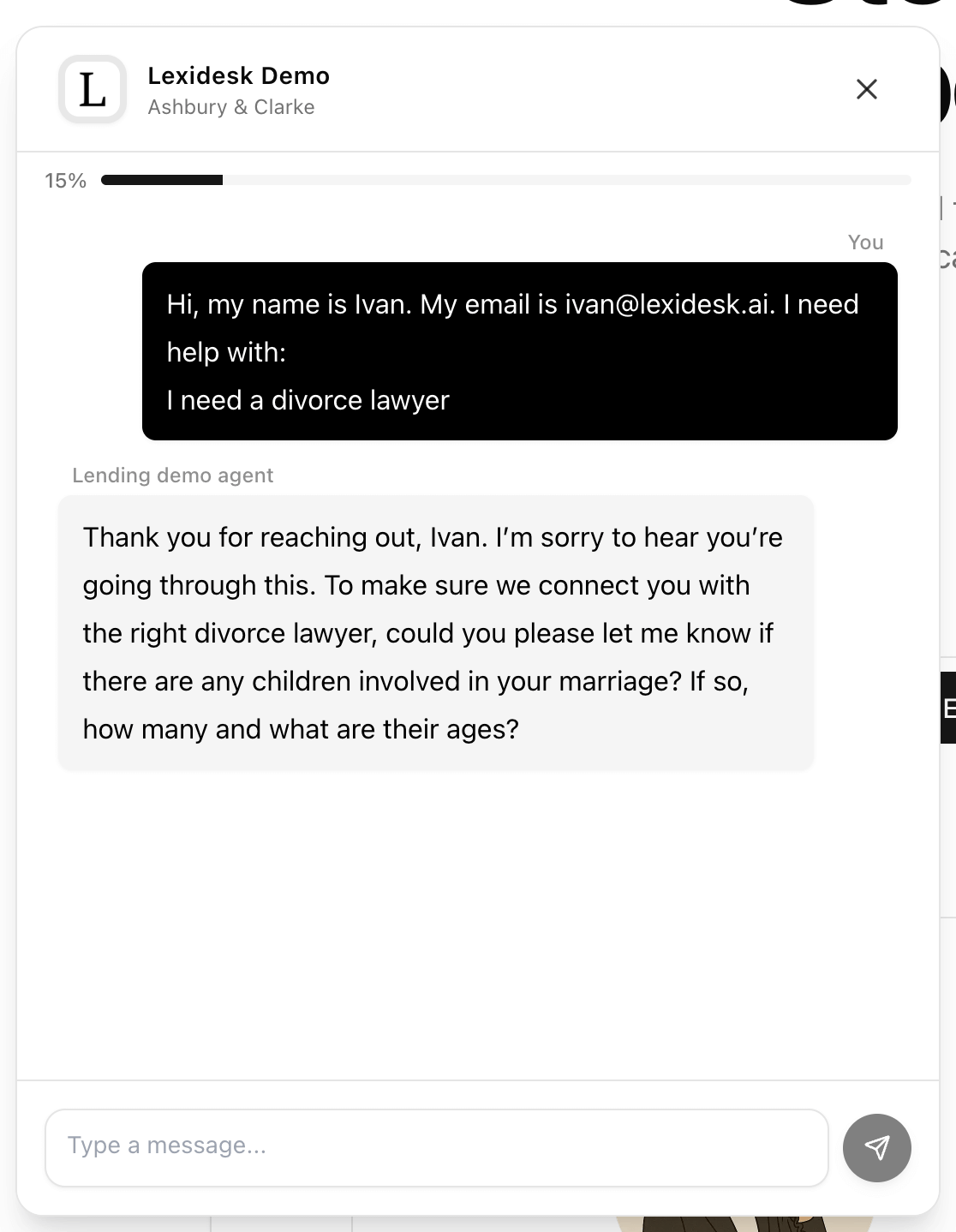
Never miss a new client call or website lead, even after hours. Lexidesk captures and qualifies inquiries (e.g., personal injury, family, immigration) so high-intent leads never slip away. -

Save 40% of your intake team’s time
Lexidesk handles calls (including transfers to the right people), chat, scheduling, and follow-ups, so your team can focus on the highest-value leads and do their best work. -

Remove human error and convert more cases
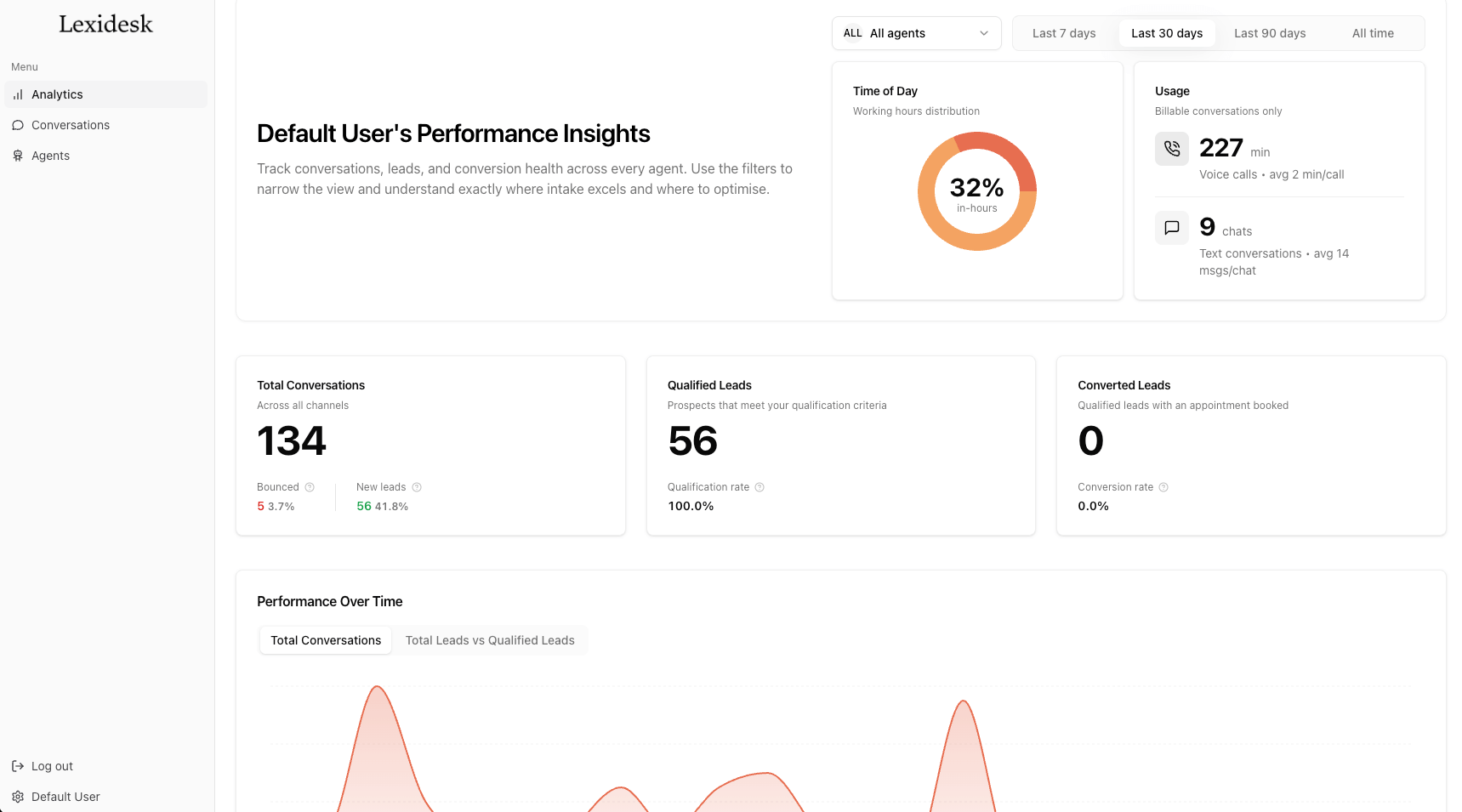
Lexidesk asks every key question consistently and captures complete, structured intake details. It automatically updates your CRM with rich case summaries and lead scoring and follows up with every lead with high degree of personalisation. Which results in more consults booked.
How Lexidesk works with Clio
-

Clio Grow: Automatically capture and qualify new leads inside lead inbox
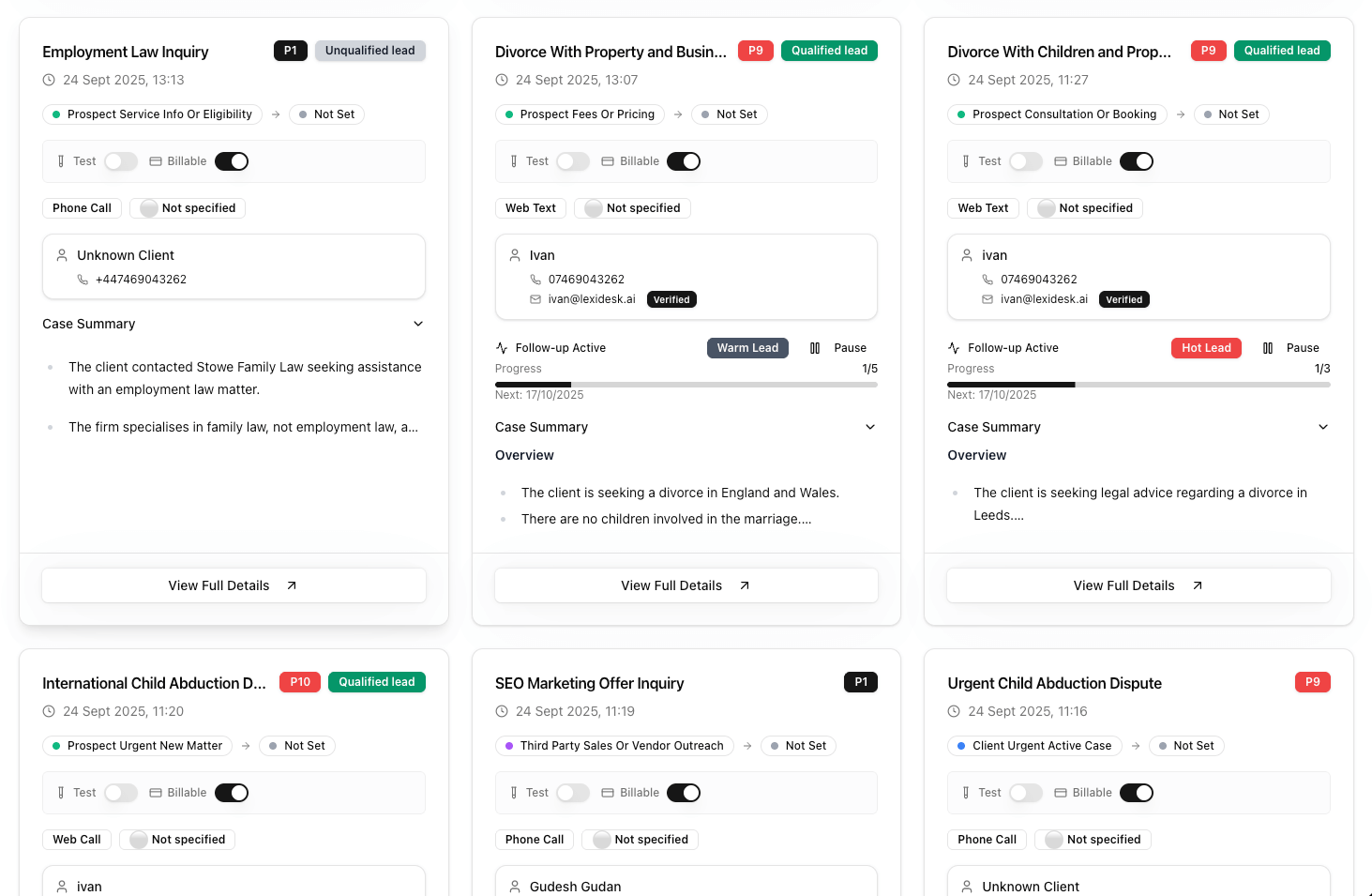
When a prospective client calls or chats, Lexidesk collects structured intake details, qualifies the matter against your criteria, and creates/updates the lead in Clio Grow so your pipeline stays complete and actionable. Your team gets a clean summary instead of raw notes, helping you follow up faster and convert more consultations.
- Create/update Clio Grow leads with intake conversation summary
- Attach call/chat transcripts and recordings
- Record to tell you if the lead is qualified and their score from 1 to 10
Clio Manage: Create or update contacts with conversation summaries
Lexidesk automatically creates or updates Contacts in Clio Manage from inbound calls and web chat. Each record includes the caller’s details plus a clean conversation summary, so your team has the full context without manual note-taking.
- Create/update Contacts from calls and chat
- Save a structured summary and transcript to the contact record
Media gallery



Helpful resources
-
Getting set up
Inside your lexidesk portal go into Agents -> Configure -> Integrations choose Clio Grow or Manage and follow prompts on the screen.
-
Security and Privacy Policy
See Lexidesk’s Terms of Service and Privacy Policy
-
Additional support
For additional support in using the Lexidesk and Clio integration, please reach out to [email protected]