
Contents: How to Start a Law Firm

Creating a proper law office setup is one task that often gets overlooked when starting your own firm.
That’s not a big surprise. After all, so much effort goes into the launch of a solo law firm. Lawyers tend to be laser-focused on aspects like hiring staff, finding clients, and boosting revenue. But it isn’t long before they realize that their dining table or the couch may not be the best place to work.
It’s important to think about your law office setup early on. You’ll be spending most of your time there, so you’ll want to make sure it’s a comfortable space—whether that means working from home or renting a shared office. You’ll also need to understand your equipment needs and how you’ll design the space.
To help you get started, we’ve rounded up our top tips for elevating your law office setup.
Learn how to set up a firm you can run from anywhere: Clio’s free Guide to Starting a Law Firm covers your workspace and every other phase of launching a modern practice. Download the free guide today!
Select your ideal work environment
You need the right space to be your best each day.
Since everyone is different, you’ll want to understand your ideal work environment. It’s wise to think through what you need to work most efficiently—before investing in any new furniture or technology.
For instance, do you prefer working in relative silence or with ambient noise in your environment? Do you enjoy being around others or in the comfort of your own home? Do you need dedicated workspaces or prefer switching up your environment?
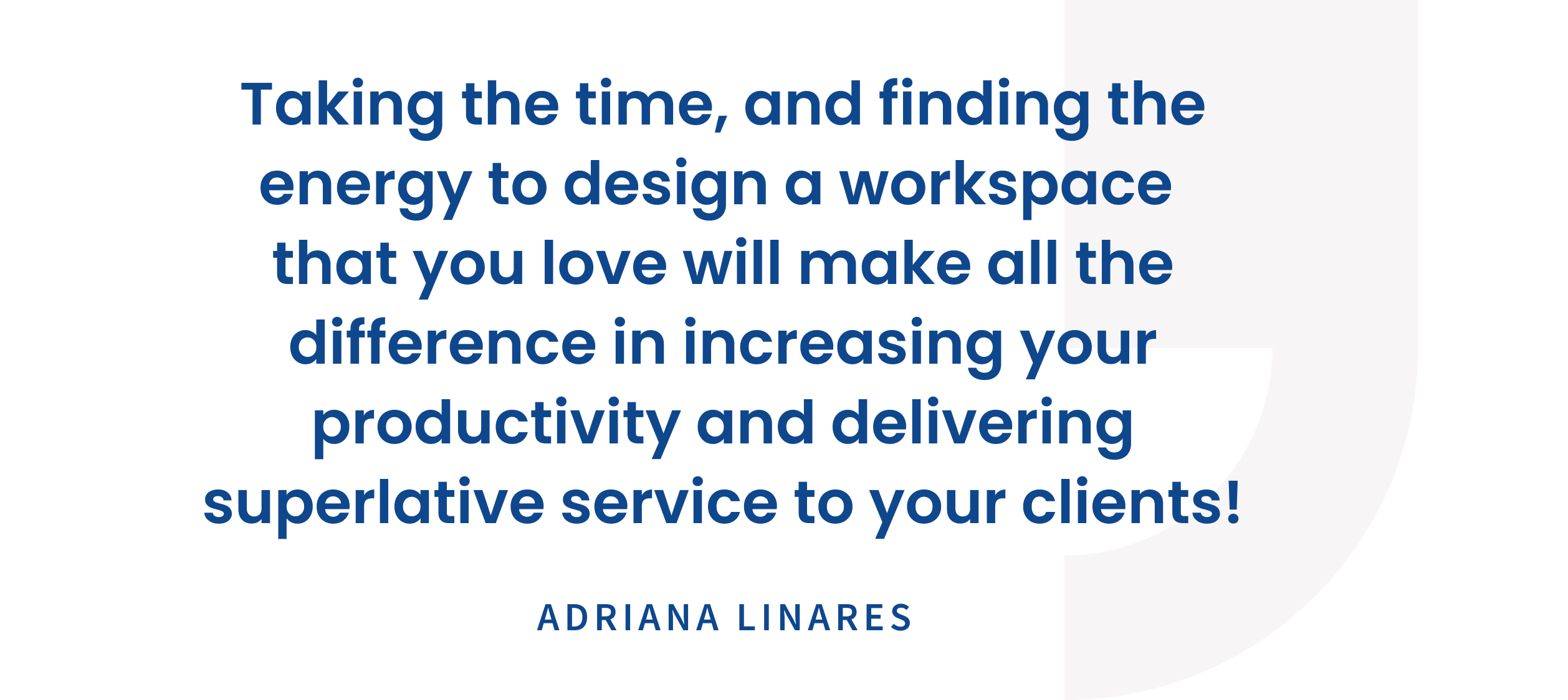
These questions will help you understand the location (home, office, shared office) and conditions (noise level, temperature, sunlight) that will allow you to do your best work. Says successful lawyer, Adriana Linares:
Keep in mind that you will handle confidential client information. That’s why it’s important to be mindful of who else is around you. If you work in a shared office, be sure to:
- Lock your computer any time you step away from your space
- Sit with your back to a wall so others can’t see your screen
Set up your workspace
Once you’ve thought about your preferred environment, it’s time to get started on creating your dream law office setup.
If you’ve chosen a home office, this may be as simple as getting one or two pieces of office furniture. On the other hand, if you’ve decided on a private office or shared workspace, you’ll have to consider how you’ll transport the items you need.
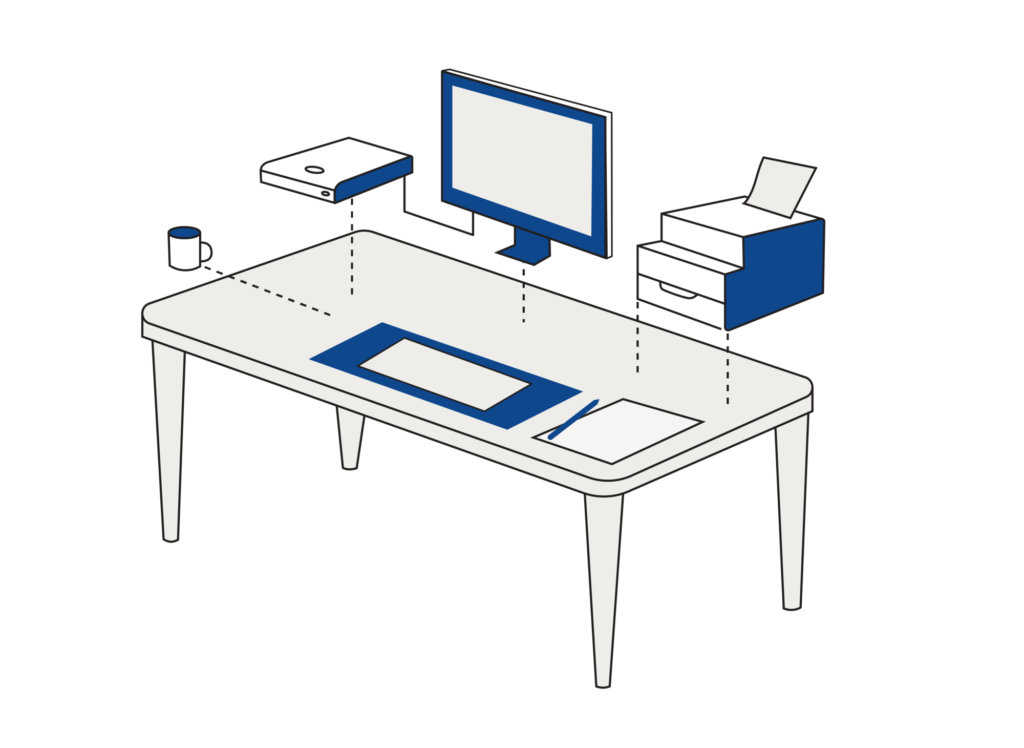
Everyone is different, and some may require more specific tools and equipment. That said, you can use the list below as a starting point.
Computer
Whether you use a laptop or a desktop computer, make sure you have a powerful machine. This will ensure that you can:
- Work on cases uninterrupted
- Store electronic documents and legal case files
- Easily take video calls
In addition to this, you’ll need a strong internet connection. Because nothing saps productivity like having to wait for a webpage to load.
How to Start a Law Firm Checklist
Everything you need to start a law firm—in one checklist
Get the Checklist
Printer
Make sure you have a reliable printer in your workspace so you can print documents when needed. With remote work becoming increasingly common, we recommend going paperless and printing sparingly for more flexibility. That way, all you need is a simple printer for occasional printing.
Scanner
In a law office, it’s important to be able to share relevant documents and data digitally.
This means you need to be able to scan and upload documents to your firm’s practice management system when needed. Consider getting a portable scanner if you’ve chosen a shared workspace or home office. They take up less room and are easier to move around.
There are also many apps that will allow you to scan documents using your phone. For example, Dropbox has a document scanning feature.
Headset
If you’re going to be taking client calls or other meetings through a conferencing tool, such as Zoom, you’ll want to ensure that you have a good quality headset.
Want to take that a step further? Consider a wireless headset or earbuds that can pair with your computer and phone to take calls on the go.
Office Supplies
No matter which work environment you’ve chosen, you will need office supplies. This includes:
- Highlighters
- Sticky notes
- Staplers
- Pens
- Legal pads
Make a comprehensive list of the office supplies you’ll need, and be sure to fully stock your space before you launch your law firm.
Personalized Items
Adding a touch of personality to your workspace can go a long way in bringing joy, especially during stressful moments and long days.
This can include personal items like art, posters, family photos. These small touches will help create a law office design that feels more like home, which can be comforting to you and your clients.
Build your resource library
Once you’ve settled in and taken care of your client-side needs, it’s time to build your resource library.
Starting your own law firm means that you’ll have to put effort into learning the ins and outs of being a business owner, in addition to practicing law and handling client matters.
The best way to improve your business management skills is to read books written by other lawyers who have gone through the same process. While it can be difficult to juggle the client and business sides of a solo law firm, make sure that you still carve out time (even if it’s just 15 minutes a day) to further your knowledge.
There’s a lot that goes into running a successful law firm, but there are also many different kinds of books on business, law, and the business of law designed to help you.
Final thoughts
When starting a law firm, you don’t need the latest hardware or the most luxurious furniture. Your solo law firm workspace may not even be complete the first time you set it up. As time goes by, your preferences might evolve—along with the tools and equipment that you need.
Keep an open mind for potential changes, redecorating, or even complete shifts in your environment if you decide that you want to try new things in your law office design.
Along with your setup, be sure to consider what legal technologies can help you work smarter—wherever that may be. Legal cloud-based solutions, for instance, offer the flexibility to practice the law from virtually anywhere, whether that’s in a coffee shop or at home.
Assessing new technology can be an extensive undertaking. We outlined the types of legal software, their benefits for law firms, and how to choose a legal technology provider that best meets the needs of your firm. We’ve also included an easy-to-use checklist to help you along your journey.
Your workspace should match your stage, not stretch your budget. Clio’s Guide to Starting a Law Firm gives you the complete roadmap, from planning to your first clients. Download your free copy today!
Law Office Setup FAQs
How do you set up a law office?
Setting up a law office starts with choosing where you’ll work, whether a home office, a coworking space, or a shared office, then equipping it for focused legal work. You’ll want a reliable computer and internet connection, a way to scan and print when needed, and a quiet, private spot for confidential calls. Keep it simple to start, since your setup will naturally evolve as your preferences and needs change.
Can you run a law firm from home?
Yes, and many solo practitioners do. A home office keeps overhead low and gives you flexibility, which makes it a practical choice in your first year while revenue is still building. The keys are a dedicated workspace where client files aren’t visible to family or visitors, a quiet spot for confidential calls, and a reliable internet connection. With cloud-based tools, you can manage matters, documents, and billing from home as easily as from an office.
Home office, coworking, or shared office: how do you choose?
Start by understanding how you work best. Do you focus better in silence or with some ambient noise, alone or around other people, in one dedicated spot or by switching things up? A home office is the most flexible and affordable, coworking spaces offer professionalism and meeting rooms without a long lease, and a shared office can split costs and build referral relationships. Match the environment to your work style and budget, and avoid long-term commitments early.
What equipment do you need to set up a law office?
At a minimum, you’ll want a reliable computer and a strong internet connection so you can work on cases, store files, and take video calls without interruption. Add a simple printer for occasional printing, a scanner (a portable one or even a phone scanning app), and a good headset for client calls and video meetings. Round it out with basic office supplies. You don’t need the latest hardware to do great work.
Can a law office go paperless?
Yes, and going mostly paperless is a smart move for a modern firm. With remote work common, you only need a simple printer for occasional jobs and a scanner, portable or even a phone app, to digitize documents and upload them to your practice management system. Storing files in the cloud lets you access case documents from the courthouse, a client’s office, or home. Print sparingly, and keep your important records organized digitally.
How do you keep client information confidential in a shared workspace?
Confidentiality follows you wherever you work, so a few habits matter in shared or public spaces. Lock your computer any time you step away, and position your screen so others can’t read it, ideally with your back to a wall. Take client calls somewhere private rather than in earshot of others, and avoid reviewing sensitive files on public Wi-Fi without a secure connection. These small precautions protect both your clients and your professional obligations.
Where should you meet clients if you work from home?
You don’t need a permanent office to meet clients professionally. Many home-based lawyers use coworking spaces or shared offices that offer meeting rooms you can book as needed, which keeps overhead low while giving you a polished setting for consultations. Video conferencing handles many meetings entirely, especially initial consultations. Choose based on your practice area and how often you meet clients in person, and avoid committing to space you won’t regularly use.
Do you need an expensive setup to start a law firm?
No. You don’t need the latest hardware or luxurious furniture to practice law well. A reliable computer, a solid internet connection, and a few essentials are enough to get started, and cloud-based tools let you work effectively from almost anywhere. Your workspace doesn’t have to be complete on day one, either. Start with what you need, then refine and add as your preferences and budget evolve. Spending more upfront rarely makes you a better lawyer.
Be the first to see where legal is headed
Sign up now to get the Legal Trends Report in your inbox the moment it drops, and you’ll be automatically entered to win a one-hour strategy session.
Join the waitlist